Css Knowledge Pills
16 pills about Css.

CSS Anchor Positioning
Position popovers relative to any element using CSS anchor positioning — no JavaScript positioning library needed.
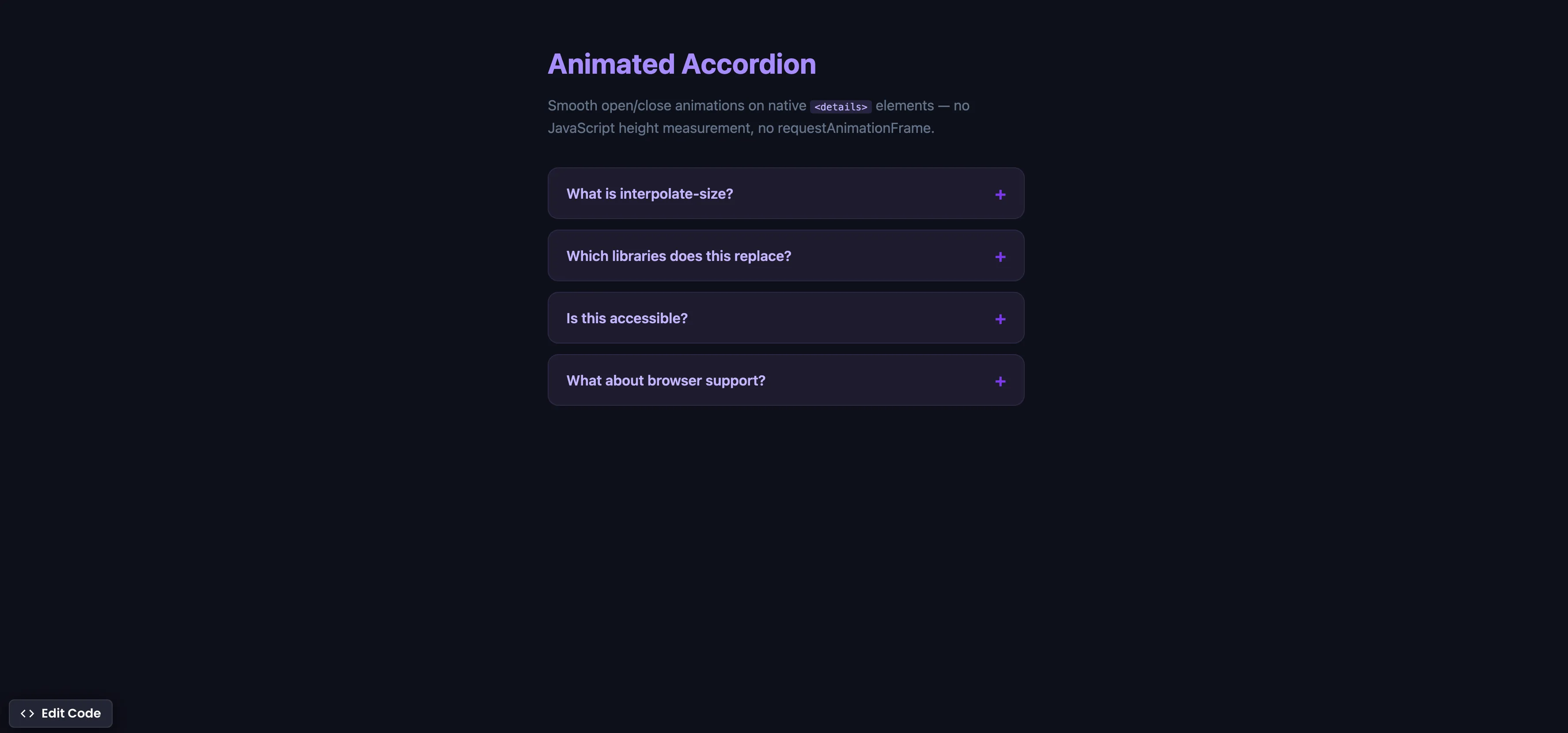
CSS Animated Accordion
Smooth open/close animations on native details elements using interpolate-size — no JavaScript height measurement.
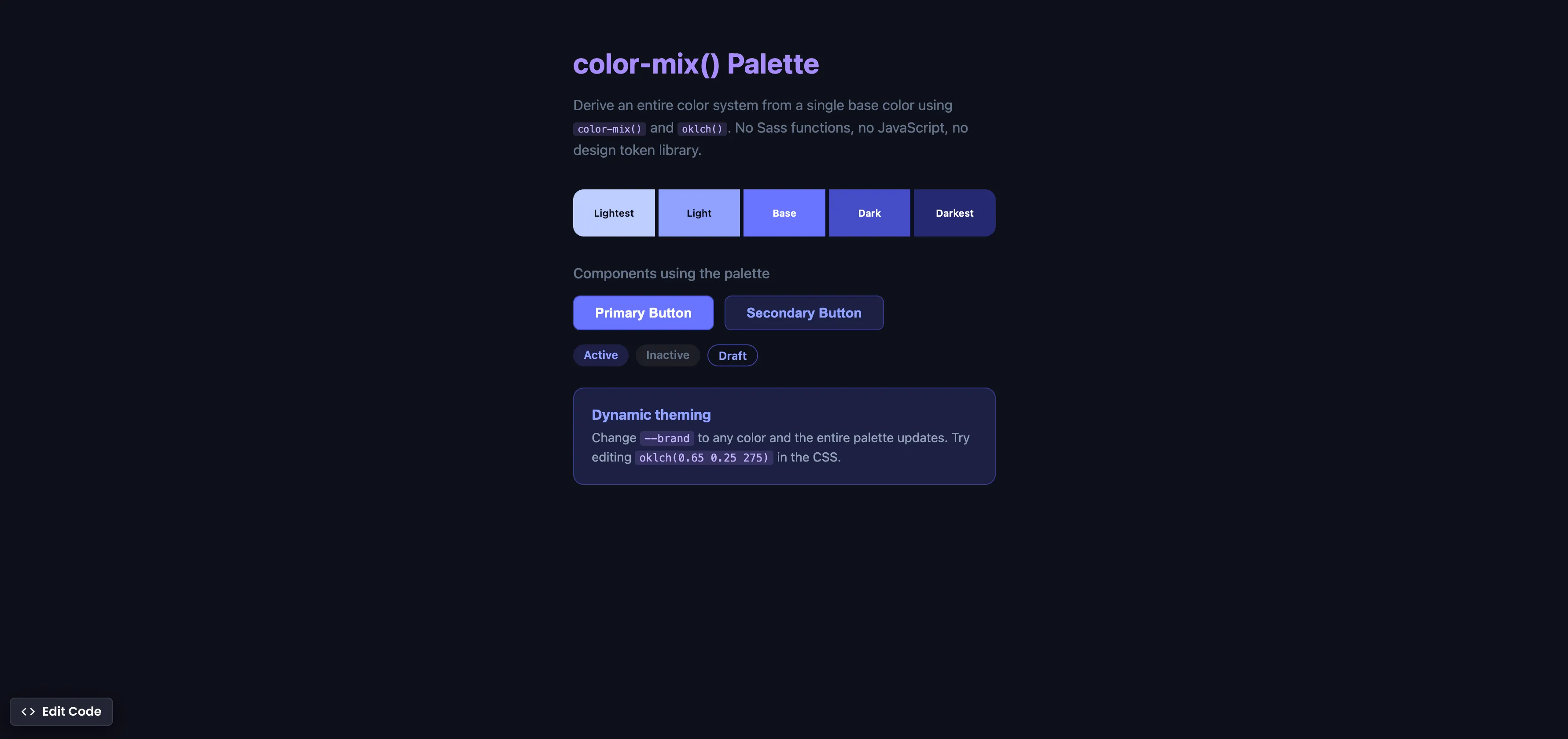
CSS color-mix() Palette
Derive an entire color system from one base color using color-mix() and oklch() — no Sass functions, no JavaScript.
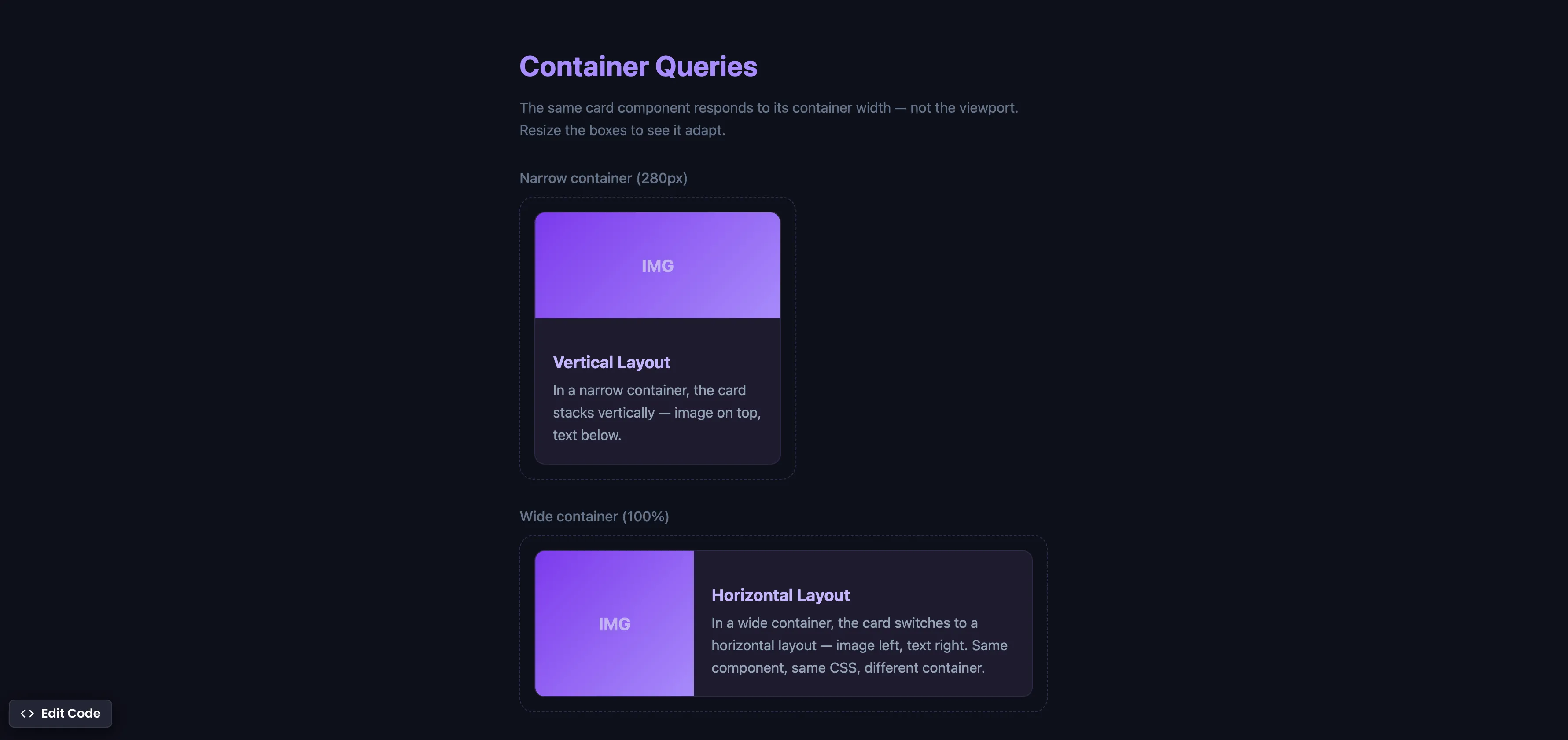
CSS Container Queries
Make components respond to their container width instead of the viewport — true component-level responsive design.
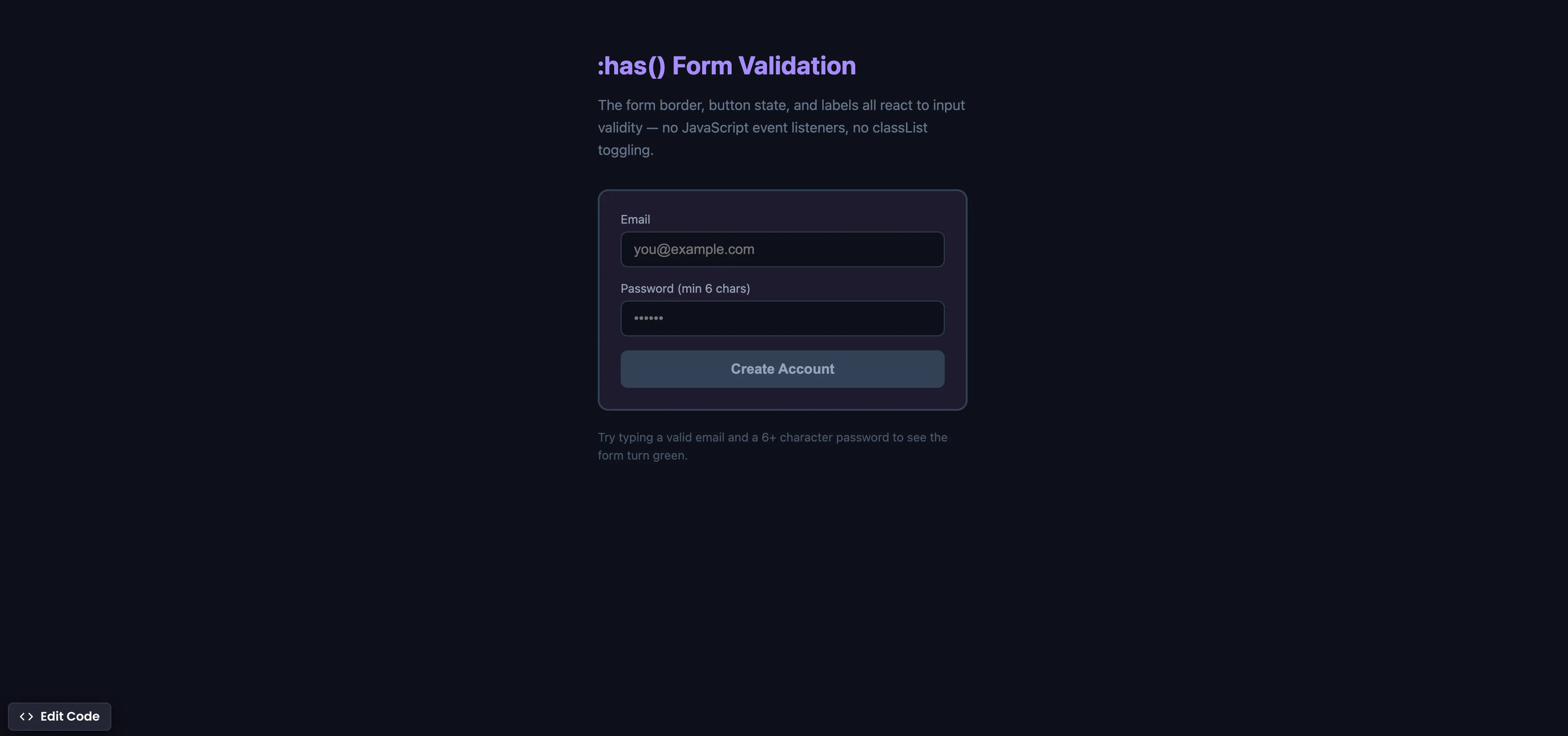
CSS :has() Form Validation
Style forms based on input validity using the :has() parent selector — no JavaScript event listeners needed.
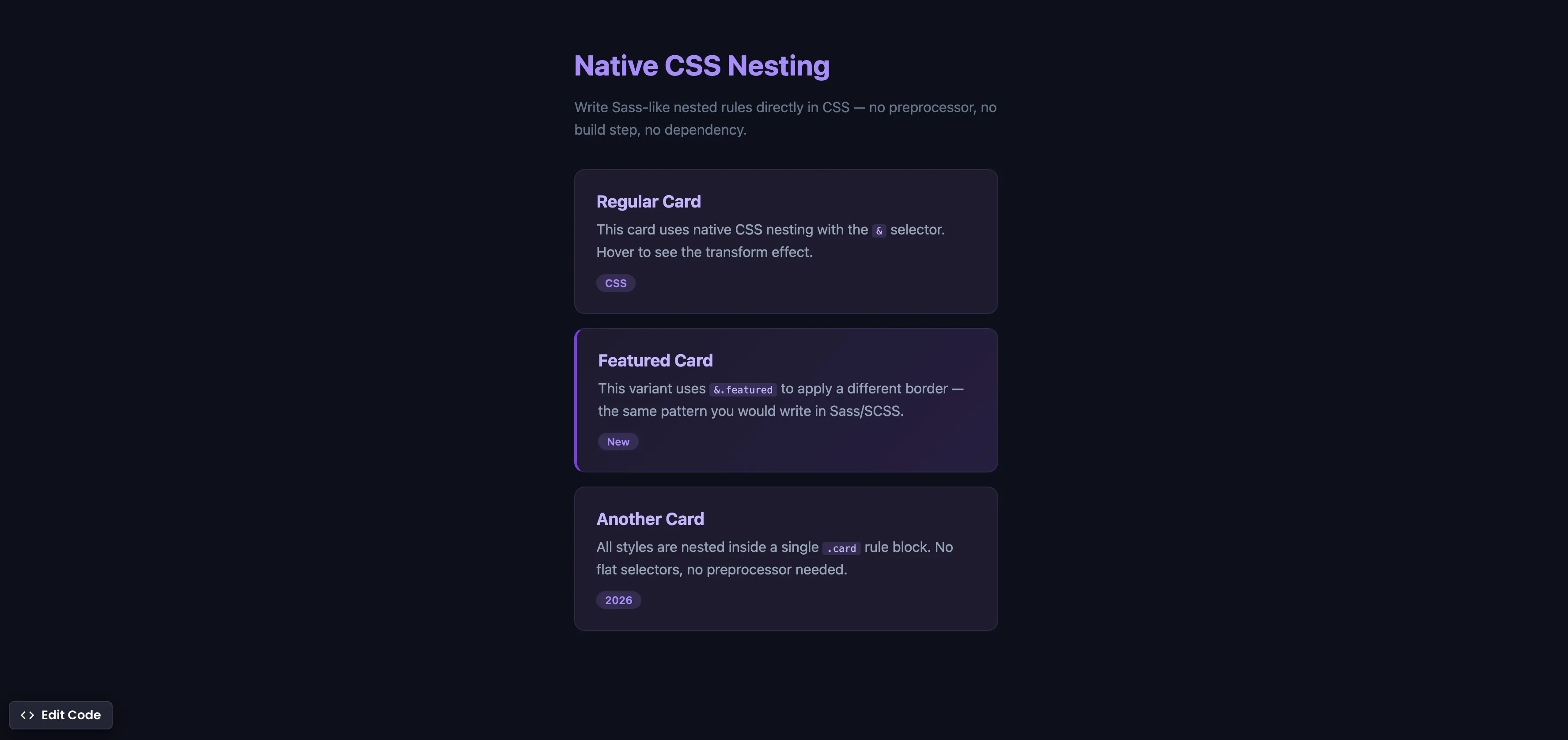
Native CSS Nesting
Write Sass-like nested rules directly in CSS — no preprocessor, no build step, no extra dependency.
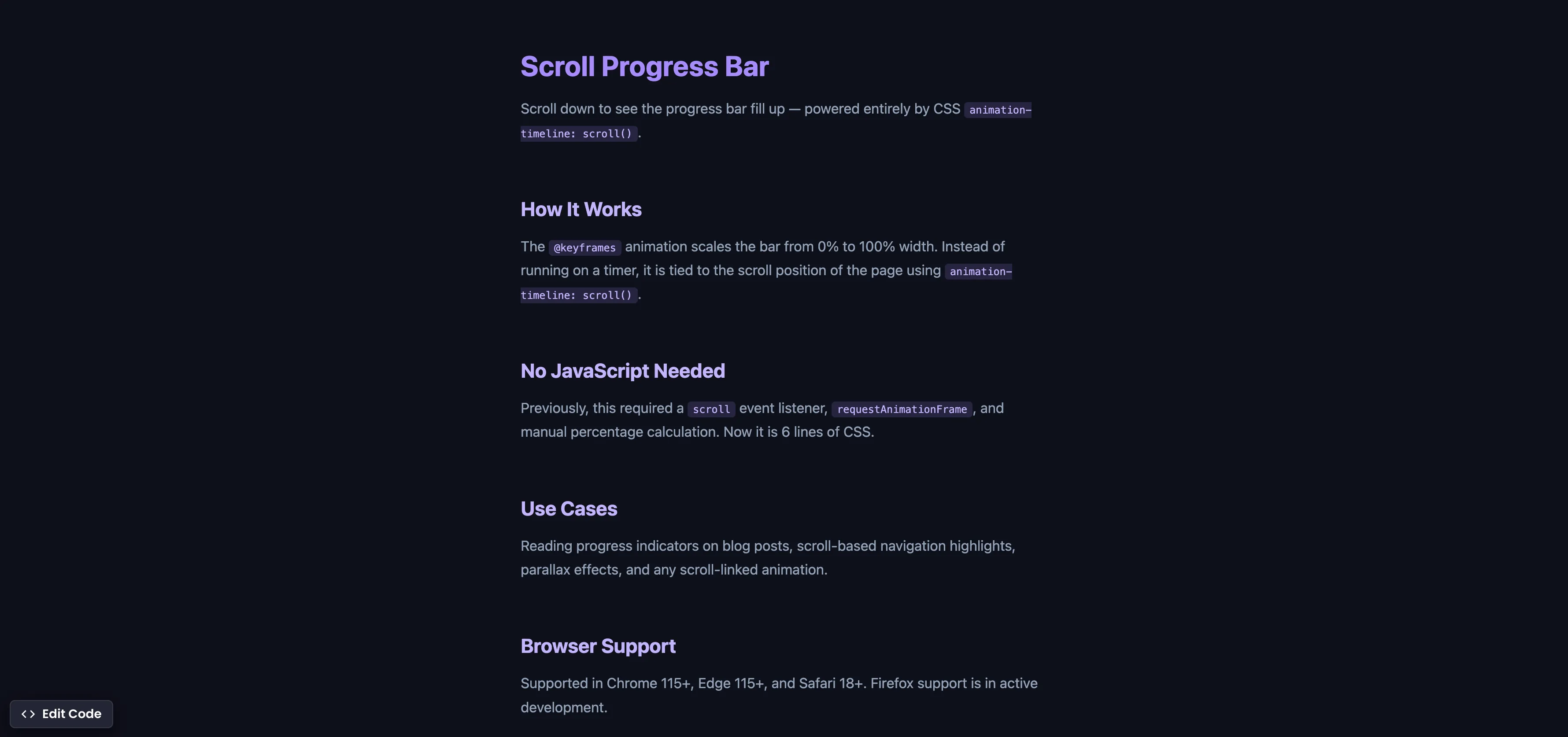
CSS Scroll Progress Bar
Build a reading progress bar that fills as you scroll — entirely with CSS, no JavaScript.
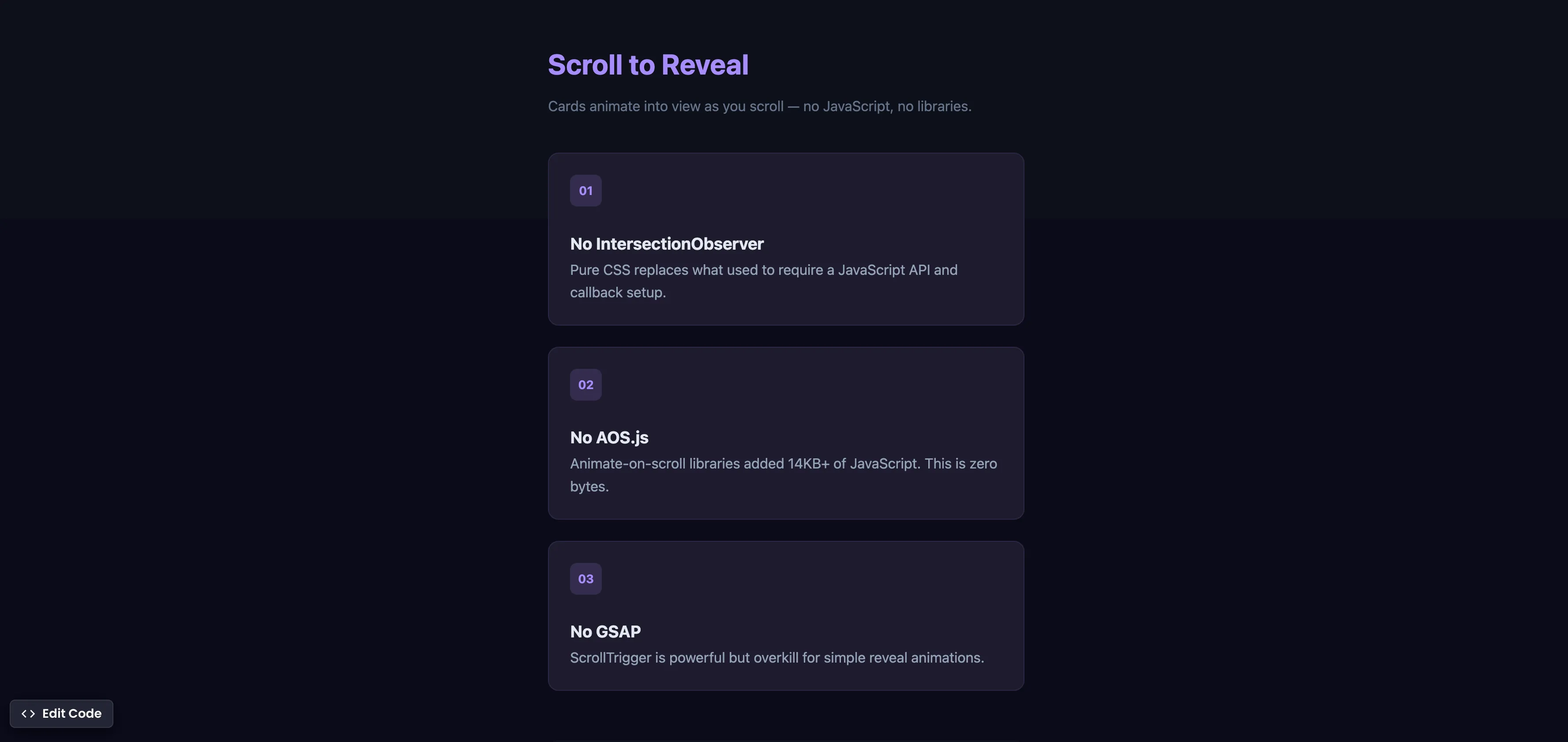
CSS Scroll Reveal Animations
Animate elements into view as they enter the viewport — no JavaScript, no libraries, just CSS.

CSS @starting-style
Animate elements into view from display none using @starting-style — no JavaScript timing hacks, no setTimeout workarounds.
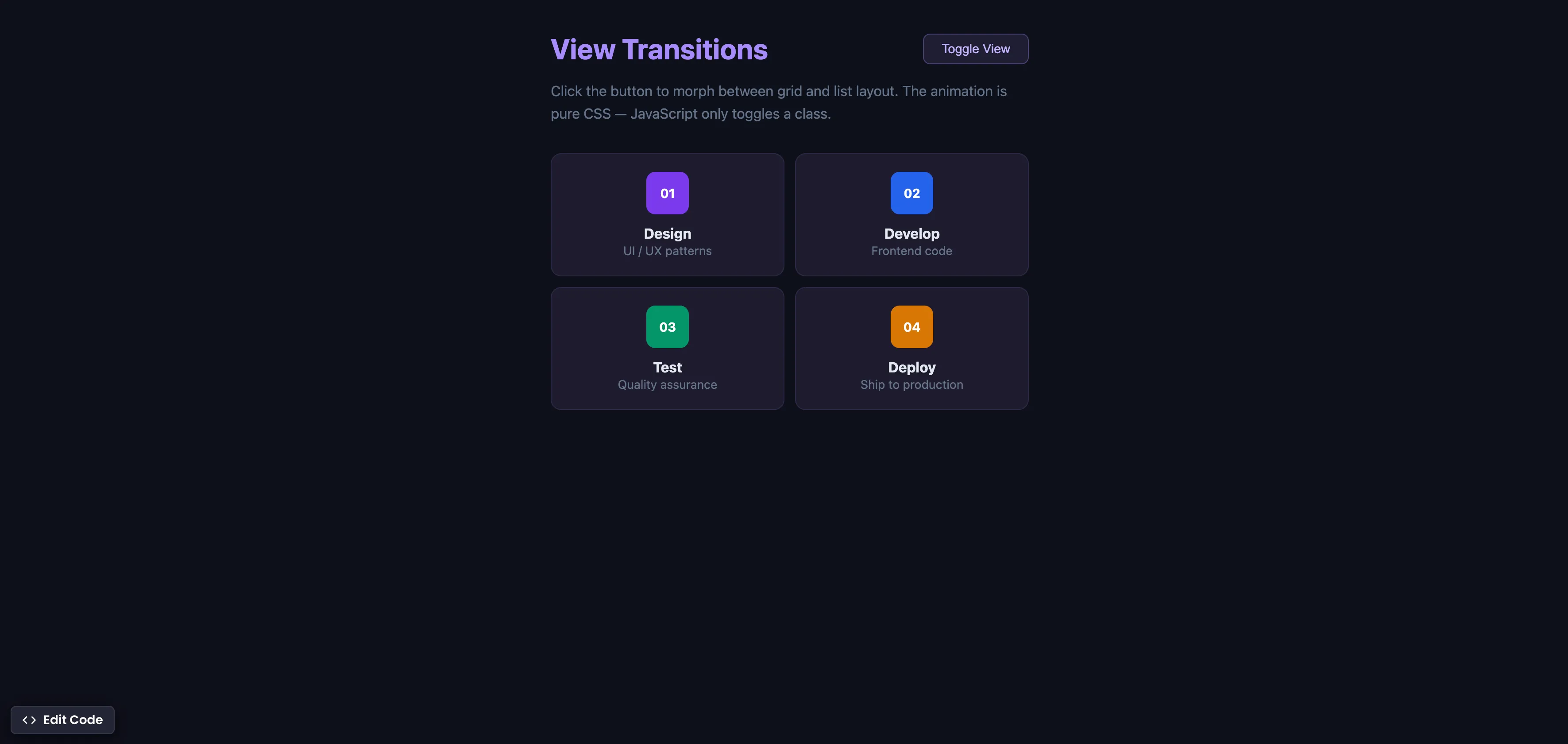
CSS View Transitions
Morph between UI states with smooth animations using the View Transitions API — CSS handles the animation, JavaScript just toggles a class.

Place HTML Elements Absolutely with CSS
Use a combination of position relative and absolute to place text on the image card.

CSS Relative Units
Do you only use pixels or % in CSS? Open yourself to more possibilities and best practices.

Adjust box sizing in CSS
Adjust box-sizing property to include padding and border to actual width or height. Simplifies overhead of the box model.

Reset & normalize for CSS
Avoid CSS reset and normalize your styles through different browsers.

Flexbox equal height cards
Make all cards equal height with flexbox. Especially helpful when content is dynamic.

Outline HTML elements
Outline all your HTML elements with a single line of CSS.