css Beginner
Adjust box sizing in CSS

Interactive editor — edit code and see live results
Open in Editor
Border-box property
*, *:before, *:after {
  box-sizing: border-box;
}
Summary
- Add the above code to your main CSS file to take effect.
- Select all selector targets all HTML elements, including all pseudo-elements.
- Then, the box-sizing property is overridden to
border-boxinstead of defaultcontent-box.
Try this in our interactive code editor
Practice hands-on with our built-in code sandbox.
Open Code Editor
Adrian Bigaj 

Creator of BigDevSoon
Full-stack developer and educator passionate about helping developers build real-world skills through hands-on projects. Creator of BigDevSoon, a vibe coding platform with 21 projects, 100 coding challenges, 40+ practice problems, and Merlin AI.
Related Pills

css Beginner
CSS Animated Accordion
Smooth open/close animations on native details elements using interpolate-size — no JavaScript height measurement.
css Beginner
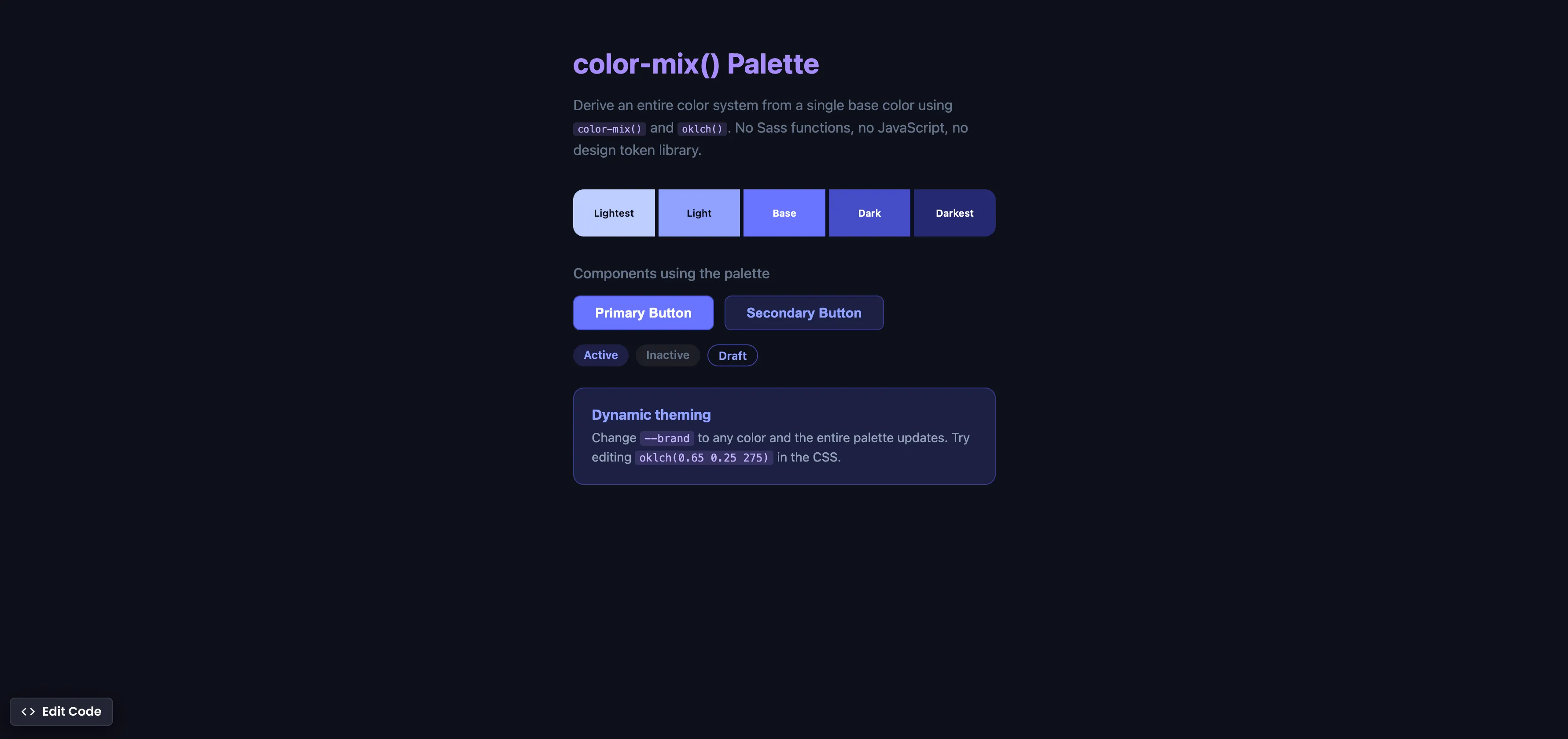
CSS color-mix() Palette
Derive an entire color system from one base color using color-mix() and oklch() — no Sass functions, no JavaScript.
css Beginner
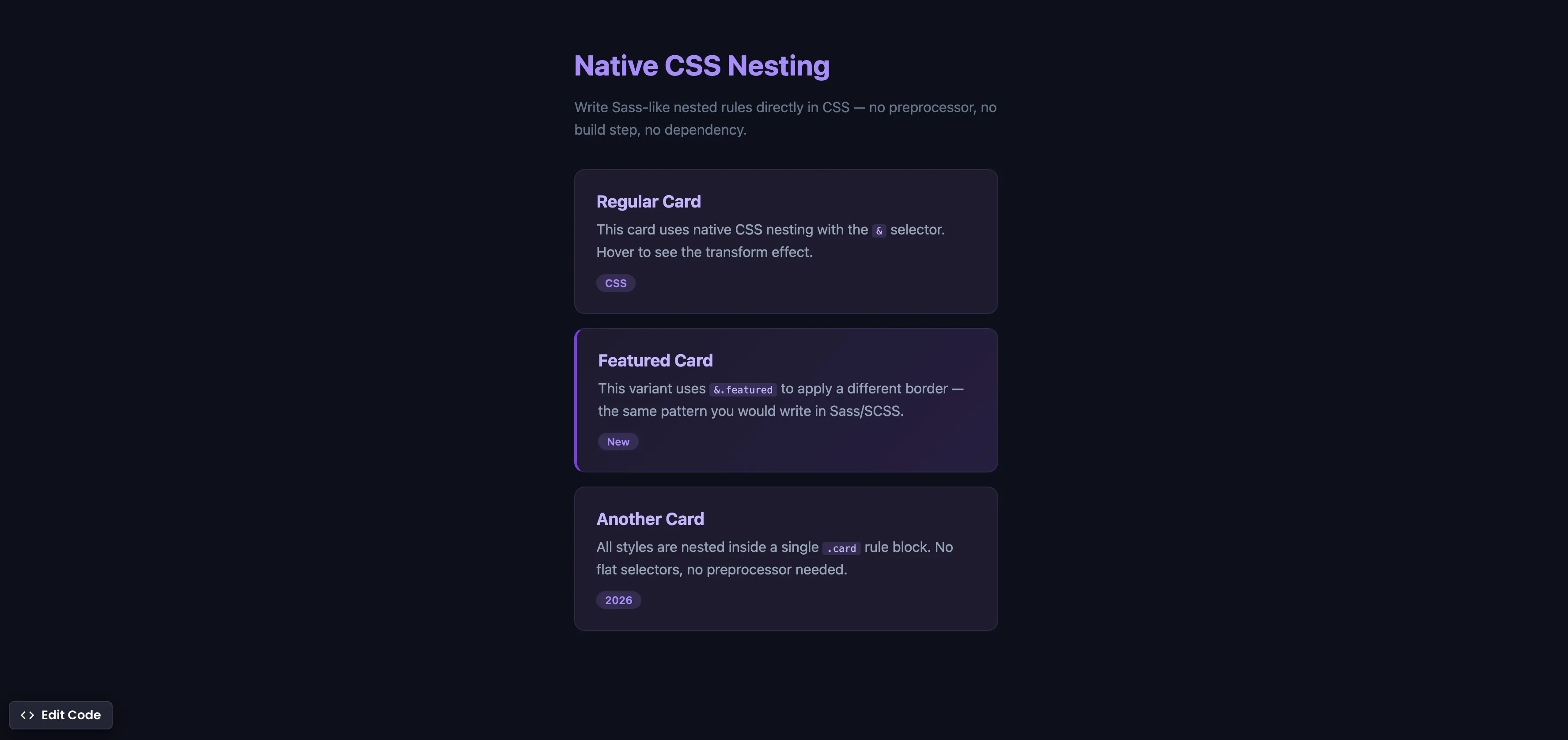
Native CSS Nesting
Write Sass-like nested rules directly in CSS — no preprocessor, no build step, no extra dependency.