CSS Anchor Positioning
How It Works
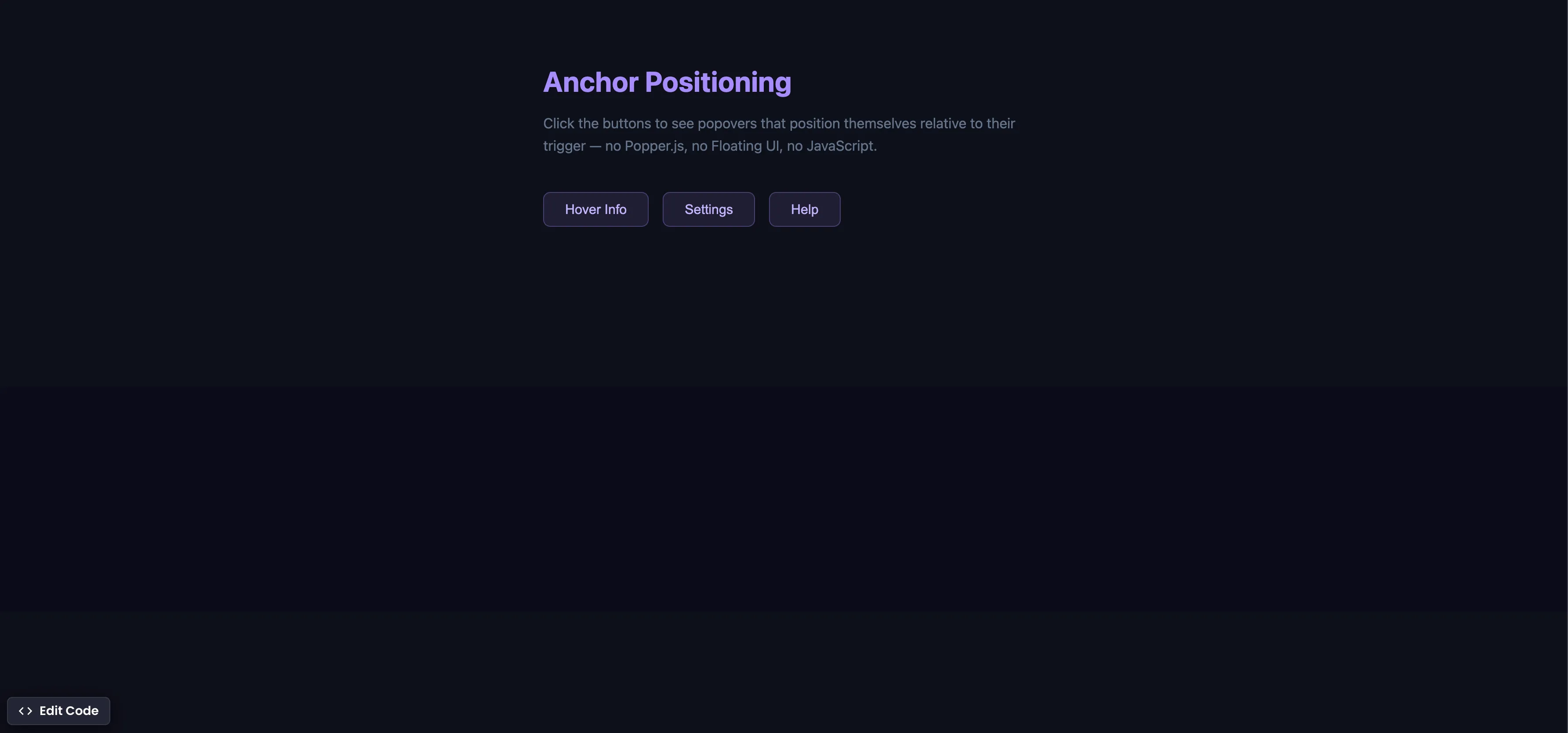
Each trigger button gets a unique anchor-name, and each popover references it with position-anchor:
/* Register each trigger as an anchor */
.trigger-1 { anchor-name: --btn1; }
.trigger-2 { anchor-name: --btn2; }
.trigger-3 { anchor-name: --btn3; }

/* Position each popover relative to its trigger */
.popover-1 {
  position-anchor: --btn1;
  top: anchor(bottom);
  left: anchor(left);
  margin-top: 8px;
}
The popover animates in with @starting-style and out with a :not(:popover-open) transition:
.popover {
  opacity: 1;
  transform: translateY(0);
  transition: opacity 0.25s ease, transform 0.25s ease,
    display 0.25s allow-discrete, overlay 0.25s allow-discrete;
}

.popover:not(:popover-open) {
  opacity: 0;
  transform: translateY(-8px);
}

@starting-style {
  .popover:popover-open {
    opacity: 0;
    transform: translateY(-8px);
  }
}
Summary
anchor-nameon the trigger registers it as an anchor point. Each trigger gets a unique name (--btn1,--btn2, etc.).position-anchoron the popover tells it which anchor to attach to.anchor()functions (top: anchor(bottom),left: anchor(left)) place the popover precisely — nogetBoundingClientRect()needed.- Combined with
@starting-style, the popover animates in smoothly fromdisplay: noneand out via:not(:popover-open). - This replaces Popper.js, Floating UI, and 200+ lines of JavaScript positioning logic with a few lines of CSS.
- Supported in Chrome 125+ (May 2024), Edge 125+, and Safari 18+ (Sep 2024). Firefox support is behind a flag.
Try this in our interactive code editor
Practice hands-on with our built-in code sandbox.
Open Code Editor
Creator of BigDevSoon
Full-stack developer and educator passionate about helping developers build real-world skills through hands-on projects. Creator of BigDevSoon, a vibe coding platform with 21 projects, 100 coding challenges, 40+ practice problems, and Merlin AI.


Related Pills
CSS Container Queries
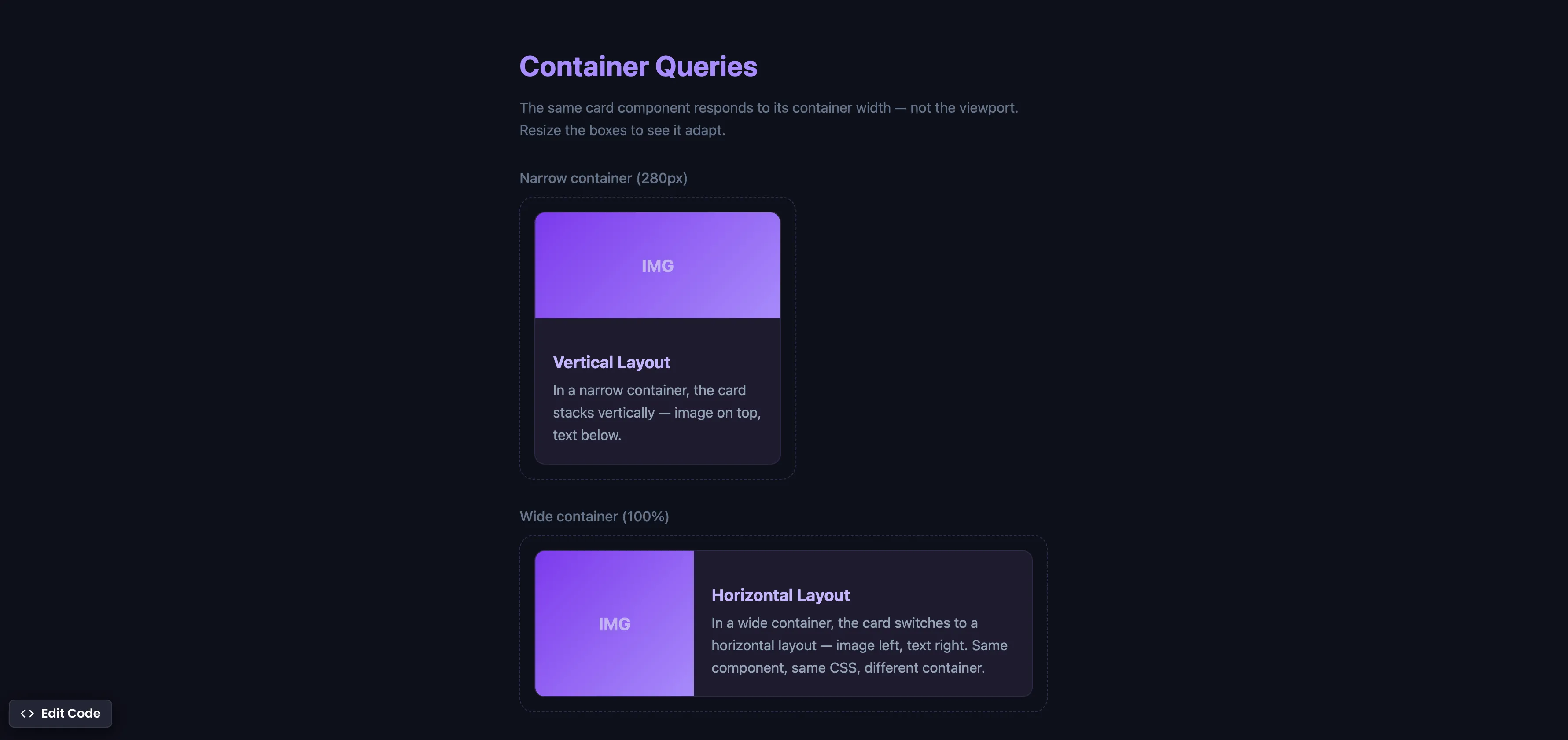
Make components respond to their container width instead of the viewport — true component-level responsive design.
CSS :has() Form Validation
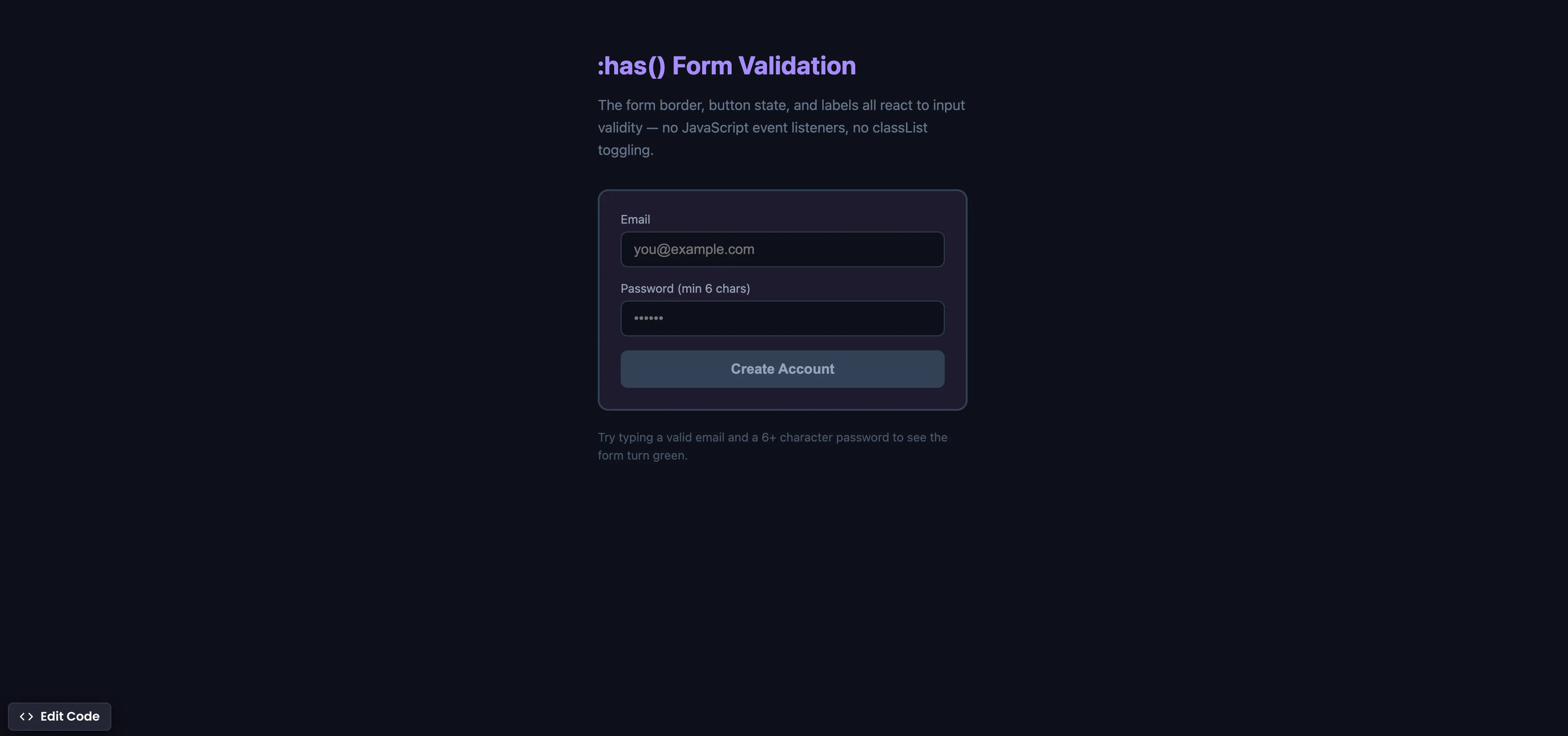
Style forms based on input validity using the :has() parent selector — no JavaScript event listeners needed.
CSS Scroll Reveal Animations
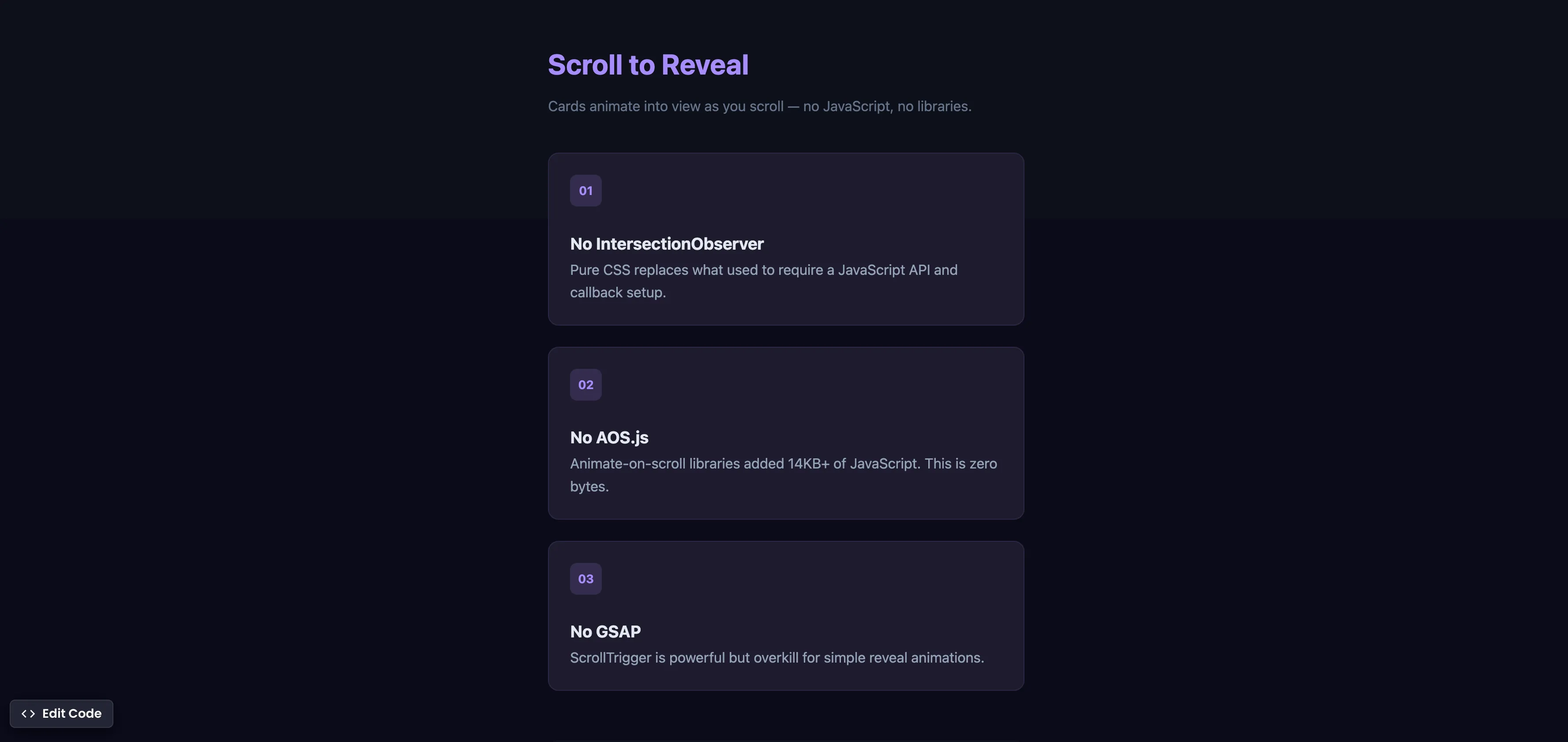
Animate elements into view as they enter the viewport — no JavaScript, no libraries, just CSS.