css Intermediate
CSS :has() Form Validation
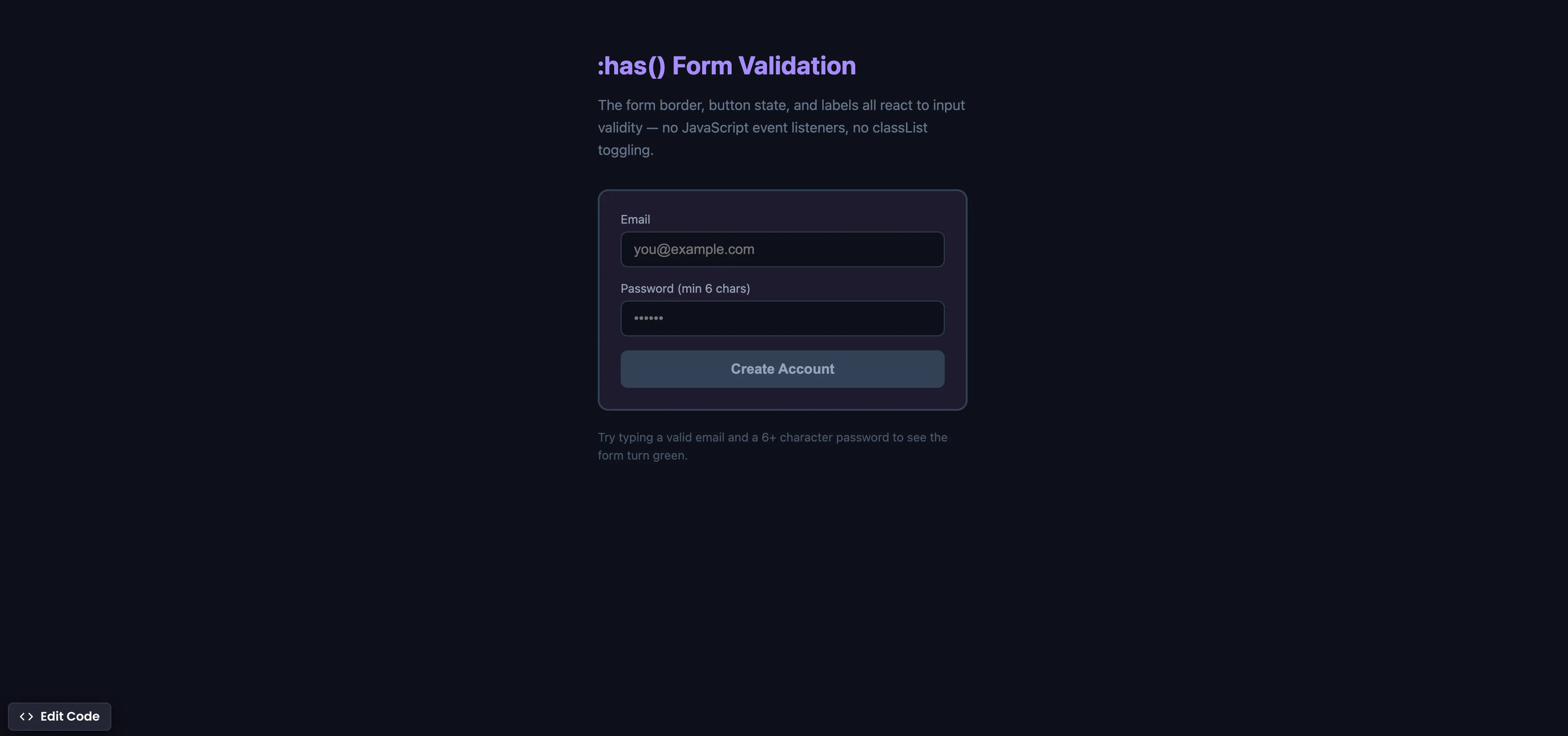
Interactive editor — edit code and see live results
Open in Editor
How It Works
/* Green border when all inputs are valid */
.form:has(input:valid:not(:placeholder-shown)):not(:has(input:invalid:not(:placeholder-shown))) {
  border-color: #22c55e;
}

/* Red border when any touched input is invalid */
.form:has(input:invalid:not(:placeholder-shown)) {
  border-color: #ef4444;
}

/* Disable submit button when form is invalid */
.form:has(input:invalid:not(:placeholder-shown)) .submit {
  opacity: 0.5;
  pointer-events: none;
}
Summary
:has()is the “parent selector” CSS never had — it lets you style a parent element based on the state of its children.:not(:placeholder-shown)ensures styles only apply after the user has interacted with the input, avoiding premature red borders on empty fields.- The form border, label colors, and submit button state all react to input validity in real time — with zero JavaScript event listeners.
- This replaces the common pattern of attaching
inputevent listeners, checkingvaliditystates, and toggling CSS classes withclassList. - Supported in Chrome 105+ (Aug 2022), Safari 15.4+ (Mar 2022), Firefox 121+ (Dec 2023), and Edge 105+. Fully cross-browser.
Try this in our interactive code editor
Practice hands-on with our built-in code sandbox.
Open Code Editor
Adrian Bigaj 

Creator of BigDevSoon
Full-stack developer and educator passionate about helping developers build real-world skills through hands-on projects. Creator of BigDevSoon, a vibe coding platform with 21 projects, 100 coding challenges, 40+ practice problems, and Merlin AI.
Related Pills

css Intermediate
CSS Anchor Positioning
Position popovers relative to any element using CSS anchor positioning — no JavaScript positioning library needed.
css Intermediate
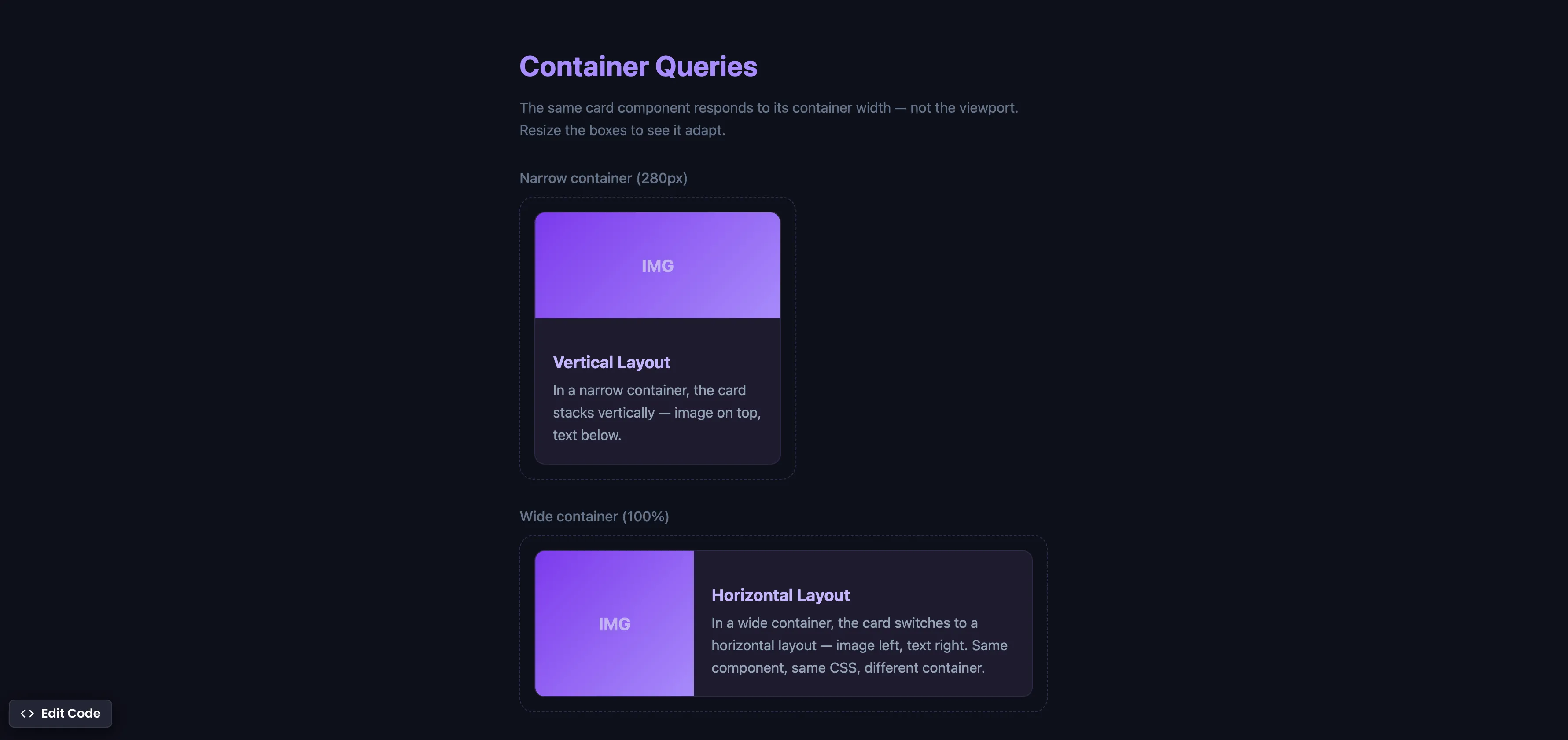
CSS Container Queries
Make components respond to their container width instead of the viewport — true component-level responsive design.
css Intermediate
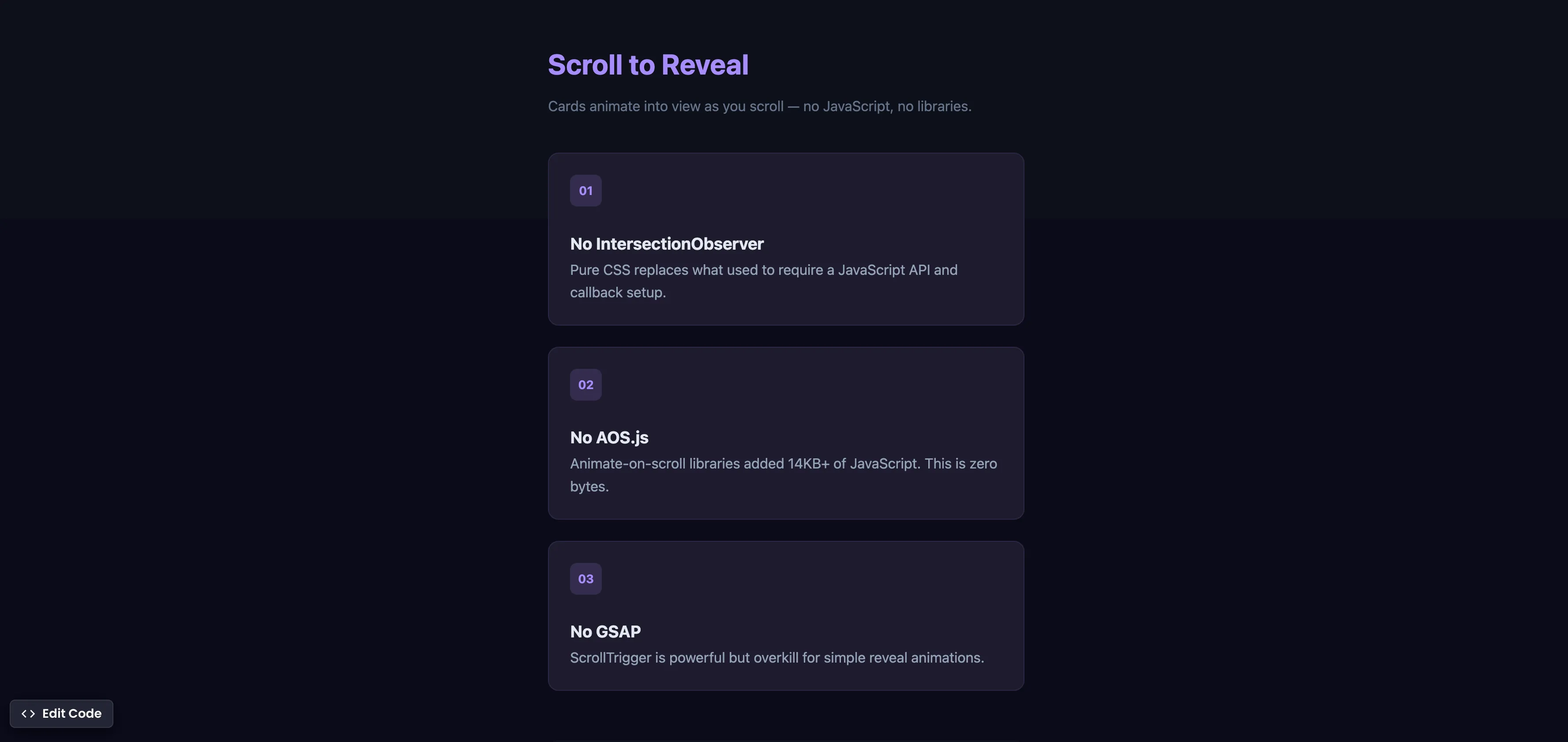
CSS Scroll Reveal Animations
Animate elements into view as they enter the viewport — no JavaScript, no libraries, just CSS.