Reset & normalize for CSS

Introduction
Every browser applies its own default styles to HTML elements. This means your site can look different in Chrome, Firefox, Safari, and Edge. There are two main strategies to deal with this: a CSS reset strips all default styles, while normalize.css preserves useful defaults and fixes common inconsistencies. The recommended modern approach is to use normalize.css.
Normalize installation
npm install normalize.cssimport "normalize.css";Summary
- CSS reset removes all default browser styles, giving you a blank slate. While this ensures consistency, it forces you to restyle every element from scratch, which can be tedious.
- normalize.css takes a different approach by preserving useful default styles while fixing known inconsistencies across browsers. It is less aggressive and more practical for most projects.
- normalize.css is a small, well-maintained library that is widely used in production. It is the recommended approach over a full CSS reset.
- After installing via npm, simply import it at the top of your entry file to apply the normalizations globally across your application.
Try this in our interactive code editor
Practice hands-on with our built-in code sandbox.
Open Code Editor
Creator of BigDevSoon
Full-stack developer and educator passionate about helping developers build real-world skills through hands-on projects. Creator of BigDevSoon, a vibe coding platform with 21 projects, 100 coding challenges, 40+ practice problems, and Merlin AI.


Related Pills

Adjust box sizing in CSS
Adjust box-sizing property to include padding and border to actual width or height. Simplifies overhead of the box model.
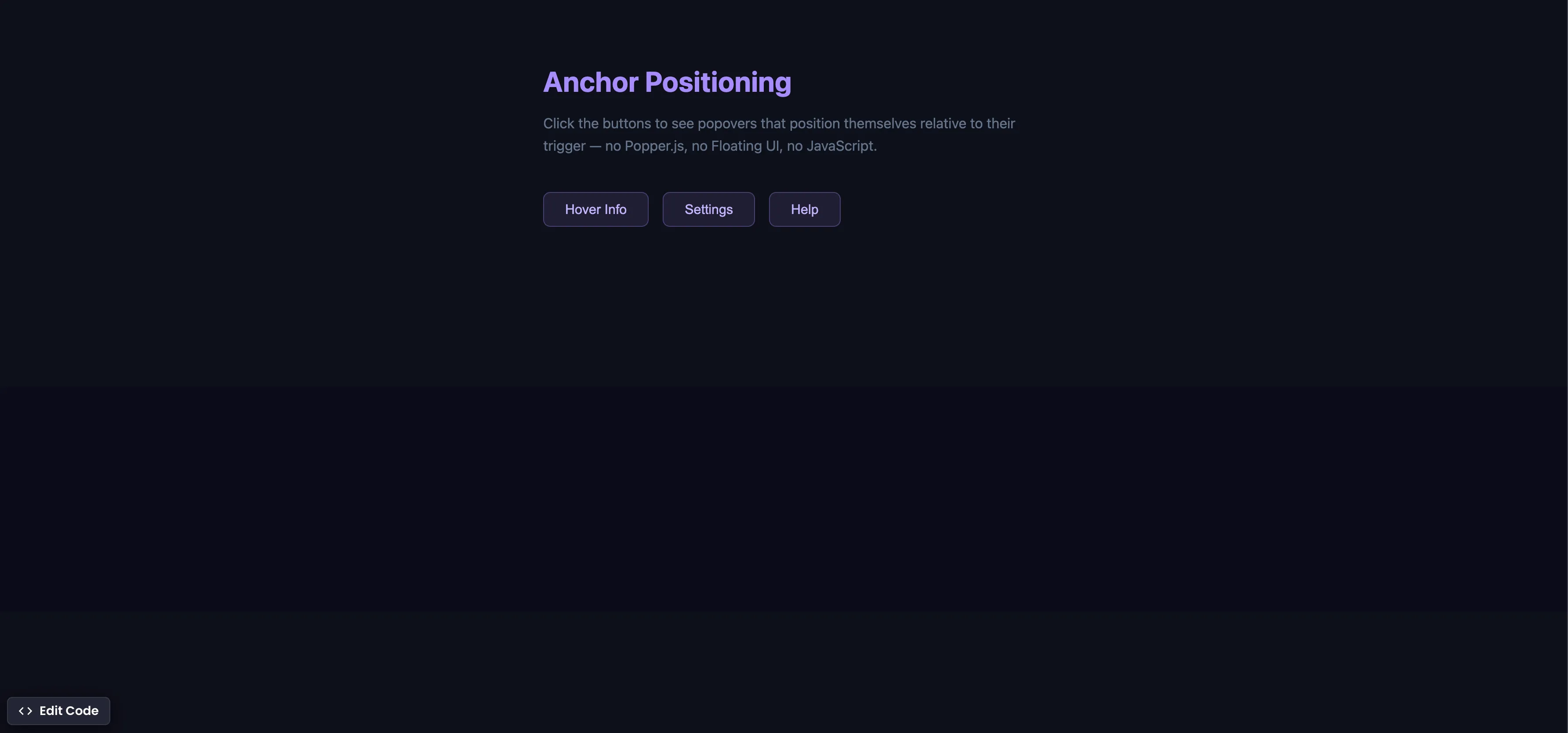
CSS Anchor Positioning
Position popovers relative to any element using CSS anchor positioning — no JavaScript positioning library needed.
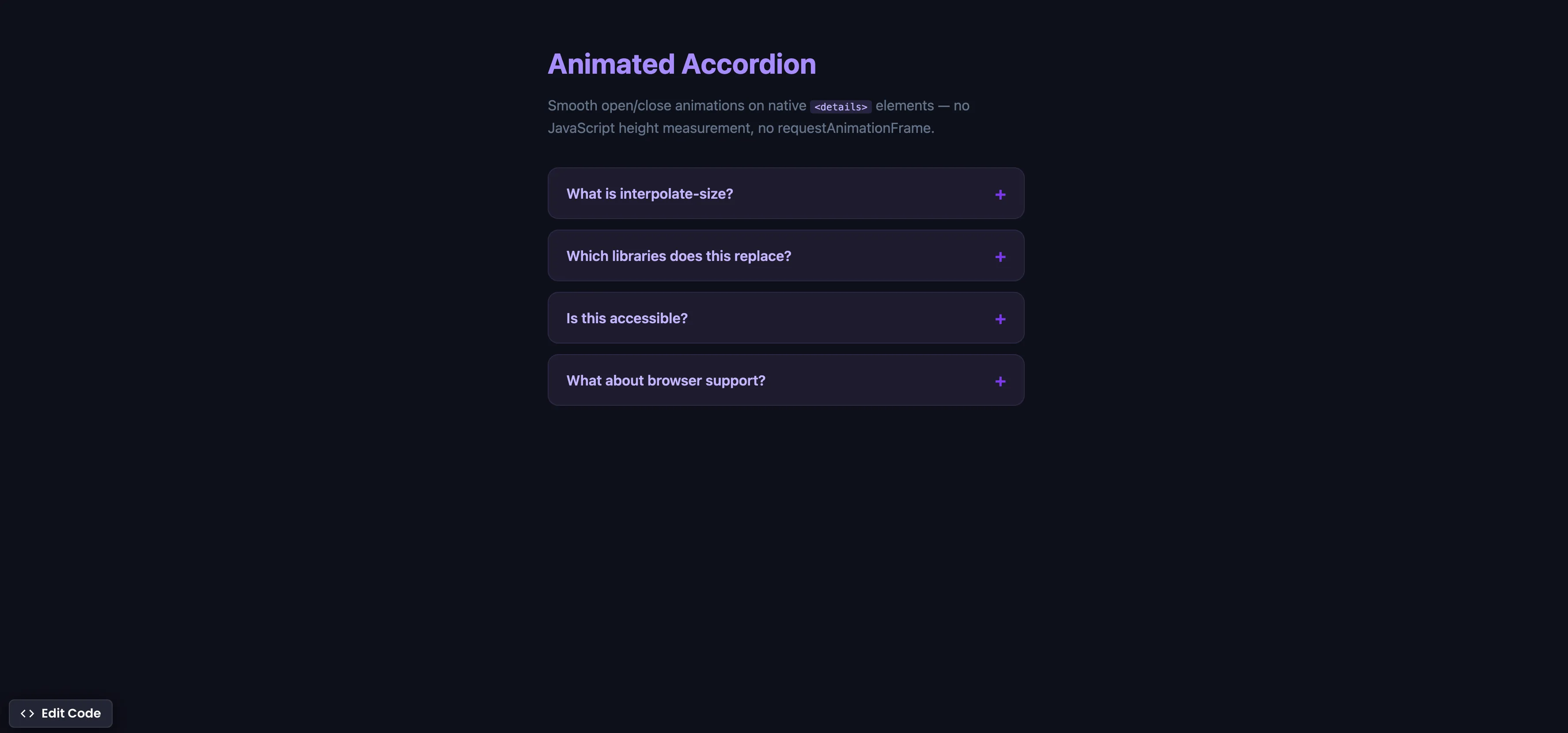
CSS Animated Accordion
Smooth open/close animations on native details elements using interpolate-size — no JavaScript height measurement.