css Beginner
CSS Scroll Progress Bar
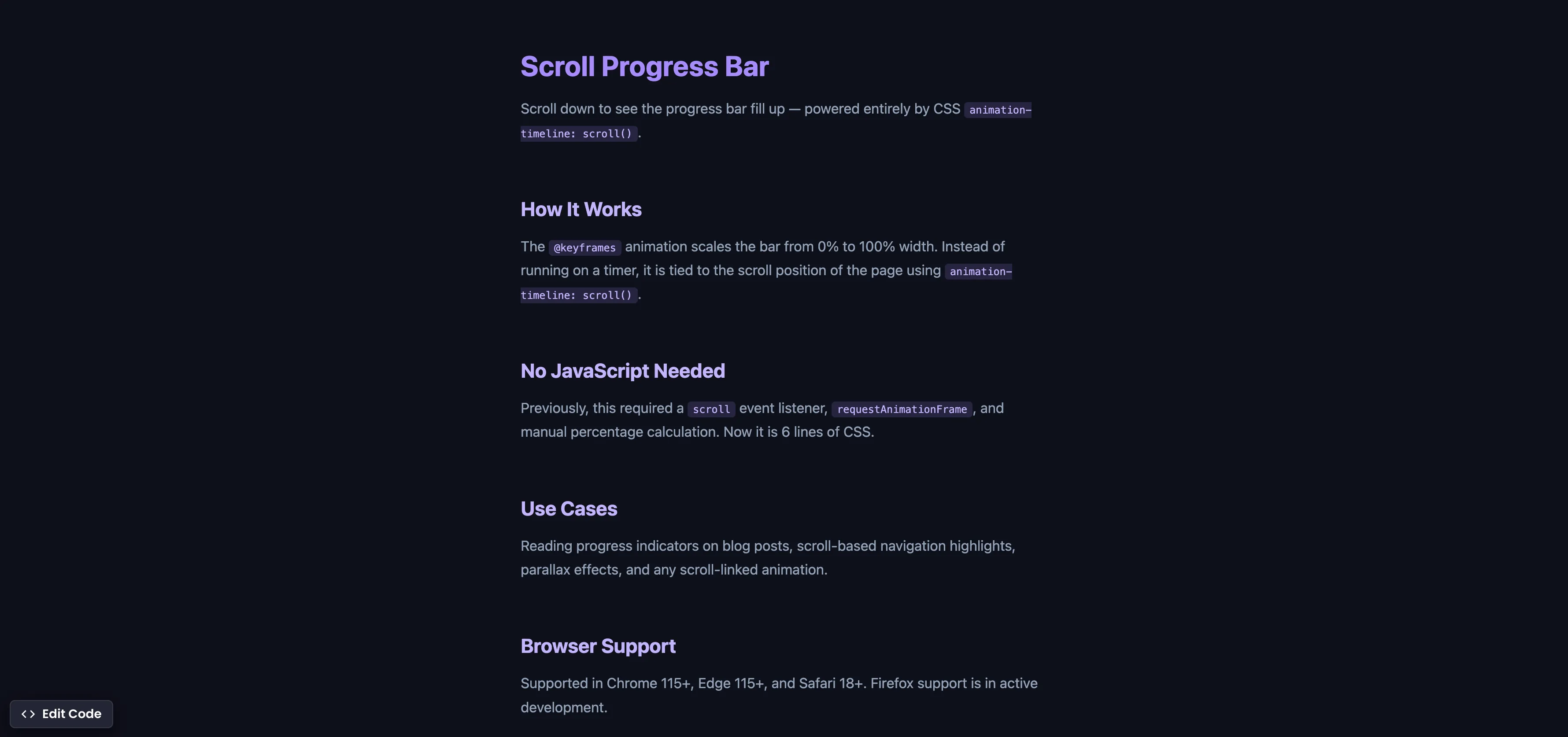
Interactive editor — edit code and see live results
Open in Editor
How It Works
.progress-bar {
  position: fixed;
  top: 0;
  left: 0;
  right: 0;
  height: 4px;
  background: linear-gradient(90deg, #9F7AEA, #ED8936);
  transform-origin: left;
  animation: grow-bar linear;
  animation-timeline: scroll();
}

@keyframes grow-bar {
  from { transform: scaleX(0); }
  to { transform: scaleX(1); }
}
Summary
animation-timeline: scroll()ties the animation progress to the scroll position of the page instead of a time-based duration.- The
@keyframesanimation scales the bar fromscaleX(0)toscaleX(1), visually filling from left to right. transform-origin: leftensures the bar grows from the left edge rather than expanding from the center.- This replaces what previously required a
scrollevent listener,requestAnimationFrame, and manual percentage calculation — all in ~6 lines of CSS. - Supported in Chrome 115+ (Jul 2023), Edge 115+, and Safari 18+ (Sep 2024). Firefox: behind flag.
Try this in our interactive code editor
Practice hands-on with our built-in code sandbox.
Open Code Editor
Adrian Bigaj 

Creator of BigDevSoon
Full-stack developer and educator passionate about helping developers build real-world skills through hands-on projects. Creator of BigDevSoon, a vibe coding platform with 21 projects, 100 coding challenges, 40+ practice problems, and Merlin AI.
Related Pills

css Beginner
Adjust box sizing in CSS
Adjust box-sizing property to include padding and border to actual width or height. Simplifies overhead of the box model.

css Beginner
Outline HTML elements
Outline all your HTML elements with a single line of CSS.
css Beginner
Place HTML Elements Absolutely with CSS
Use a combination of position relative and absolute to place text on the image card.