css Beginner
CSS Animated Accordion
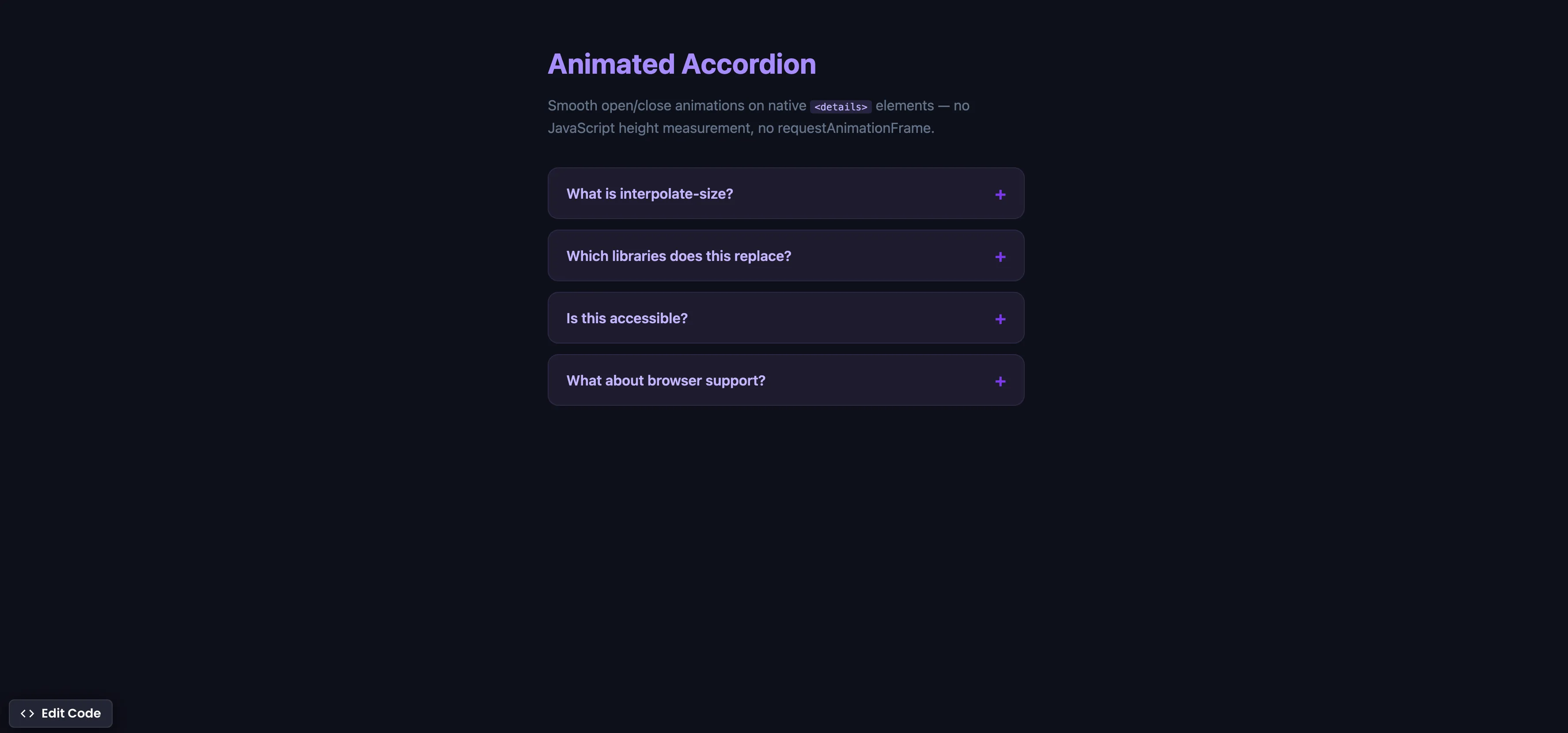
Interactive editor — edit code and see live results
Open in Editor
How It Works
body {
  interpolate-size: allow-keywords;
}

.content {
  height: 0;
  overflow: hidden;
  opacity: 0;
  transition: height 0.4s ease, opacity 0.4s ease;
}

details[open] .content {
  height: auto;
  opacity: 1;
}
Summary
interpolate-size: allow-keywordstells the browser it’s OK to animate betweenheight: 0andheight: auto. Previously, CSS could not transition toauto— you had to measure content height with JavaScript.- The
<details>and<summary>elements provide built-in accordion behavior — no JavaScript toggle logic needed. - This replaces Headless UI Disclosure, Radix Accordion, React Collapse, and any custom JavaScript that uses
scrollHeight+requestAnimationFrame. - The accordion is natively accessible — screen readers announce expandable sections, keyboard users can toggle with Enter/Space, and the open/closed state is communicated automatically.
- Supported in Chrome 129+ (Sep 2024) and Edge 129+. Safari and Firefox do not support
interpolate-sizeyet. In unsupported browsers, the accordion still works — it just opens instantly without animation (progressive enhancement).
Try this in our interactive code editor
Practice hands-on with our built-in code sandbox.
Open Code Editor
Adrian Bigaj 

Creator of BigDevSoon
Full-stack developer and educator passionate about helping developers build real-world skills through hands-on projects. Creator of BigDevSoon, a vibe coding platform with 21 projects, 100 coding challenges, 40+ practice problems, and Merlin AI.
Related Pills

css Beginner
Adjust box sizing in CSS
Adjust box-sizing property to include padding and border to actual width or height. Simplifies overhead of the box model.

css Beginner
Outline HTML elements
Outline all your HTML elements with a single line of CSS.

css Beginner
Place HTML Elements Absolutely with CSS
Use a combination of position relative and absolute to place text on the image card.