junior
Card 2 of 6
User Contact Section
User story
As a user, I want to easily find and connect with the website owner through their contact information.
Acceptance criteria
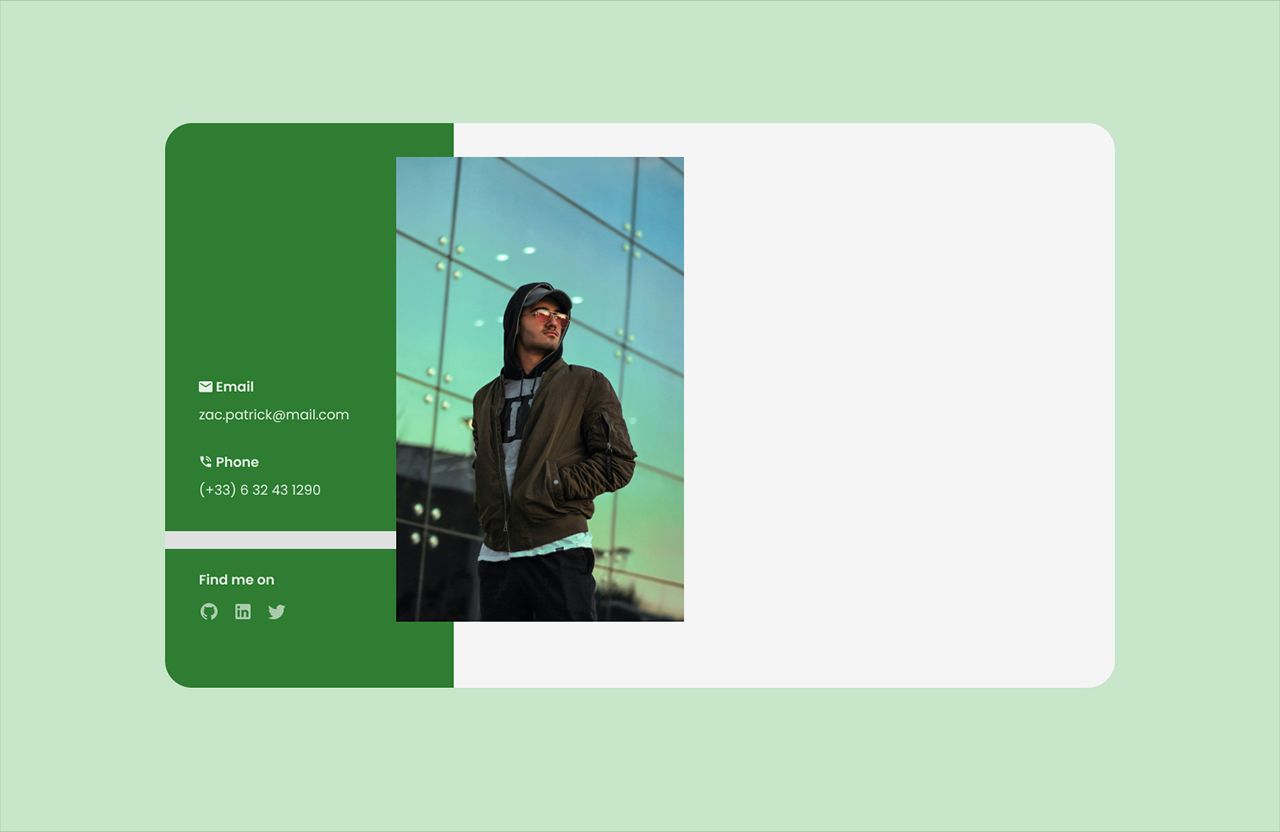
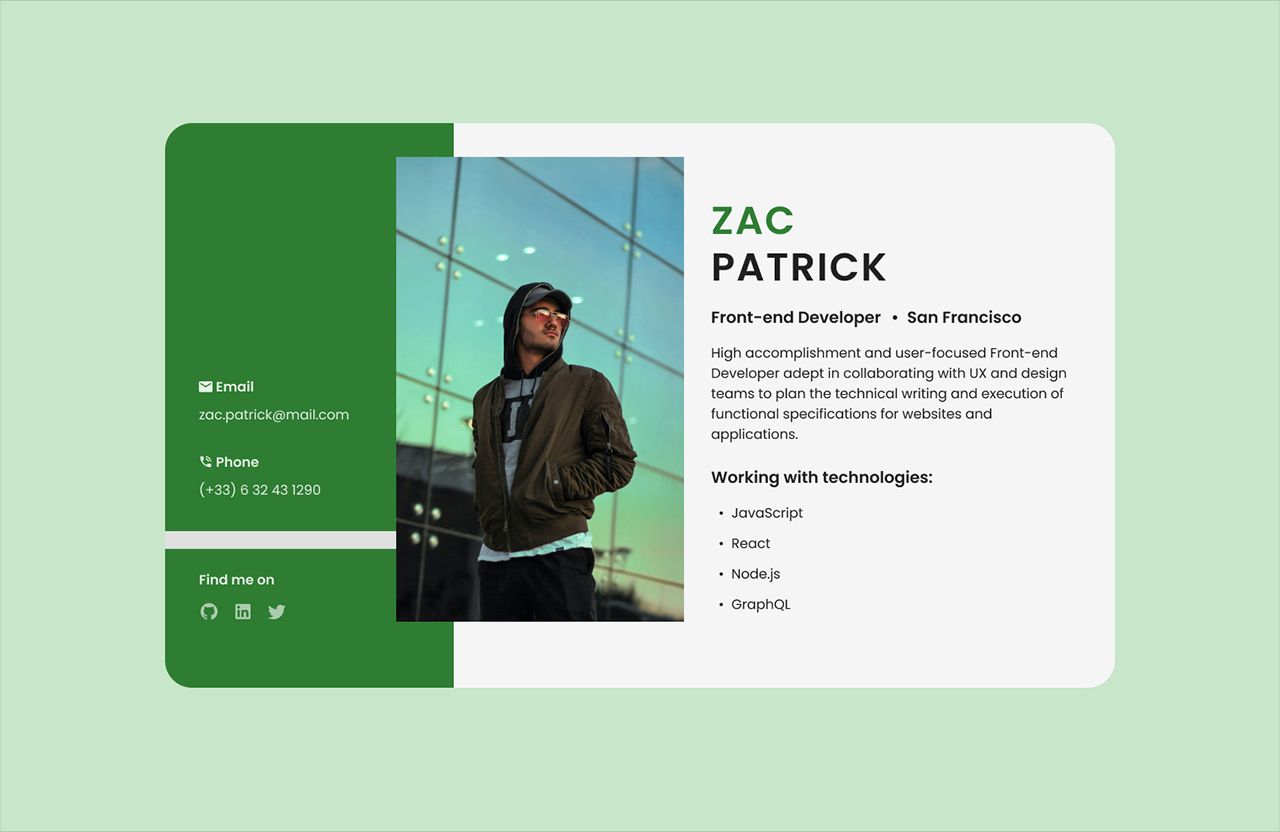
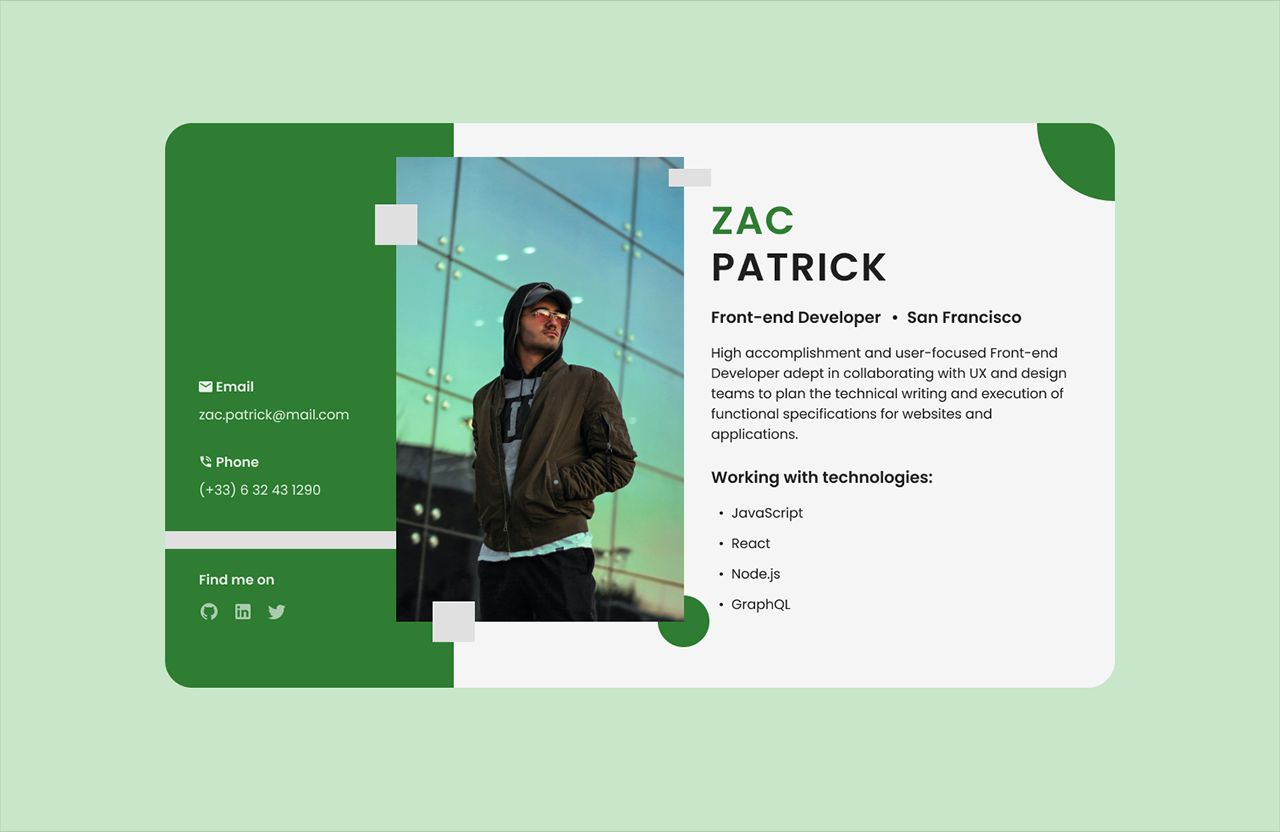
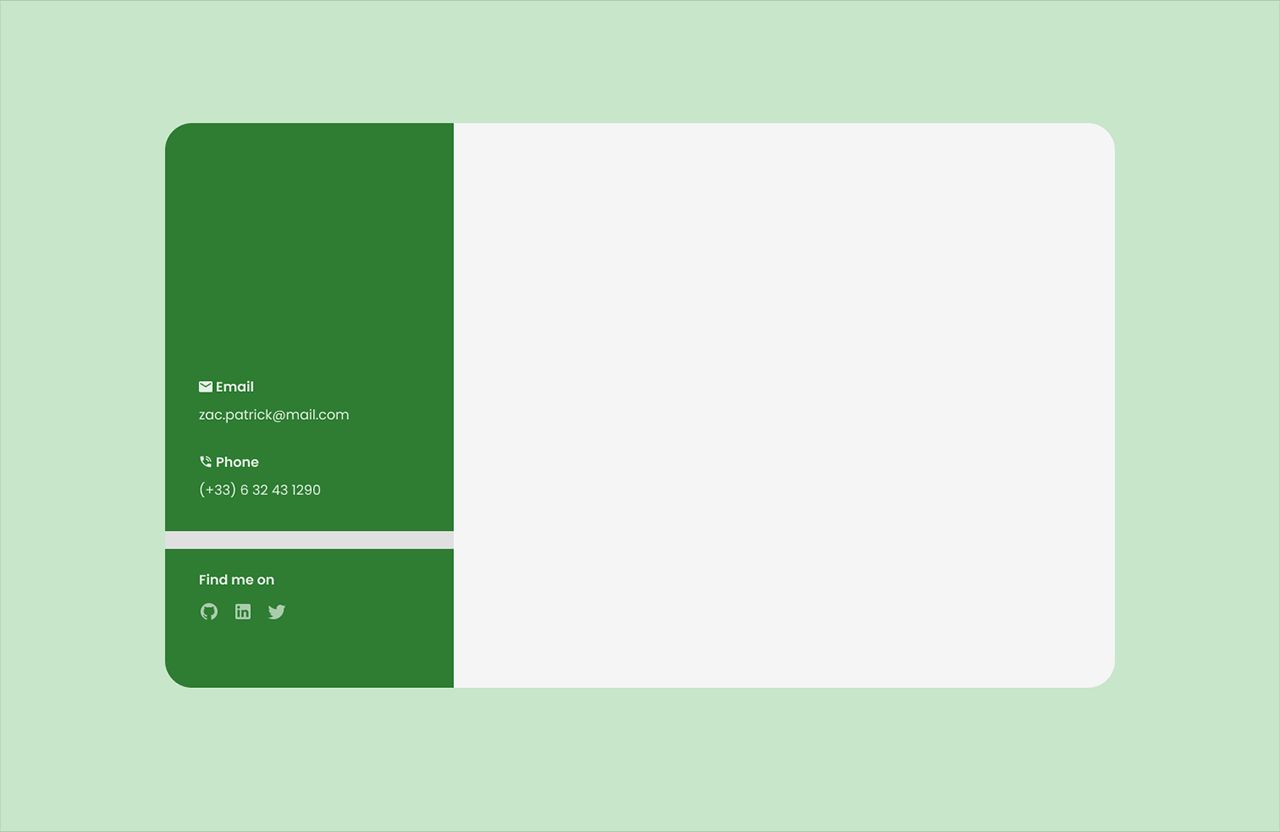
- The contact section is located on the left side of the card.
- The contact section includes email, phone, and social icons.
- Social media icons are hoverable and clickable, opening in a new tab.
Build this task card
Start your 7-day free trial to build this card in our code editor with Figma designs and live preview.
Start 7-Day Free Trial to Build This Card