senior
Card 7 of 10
Message Sending
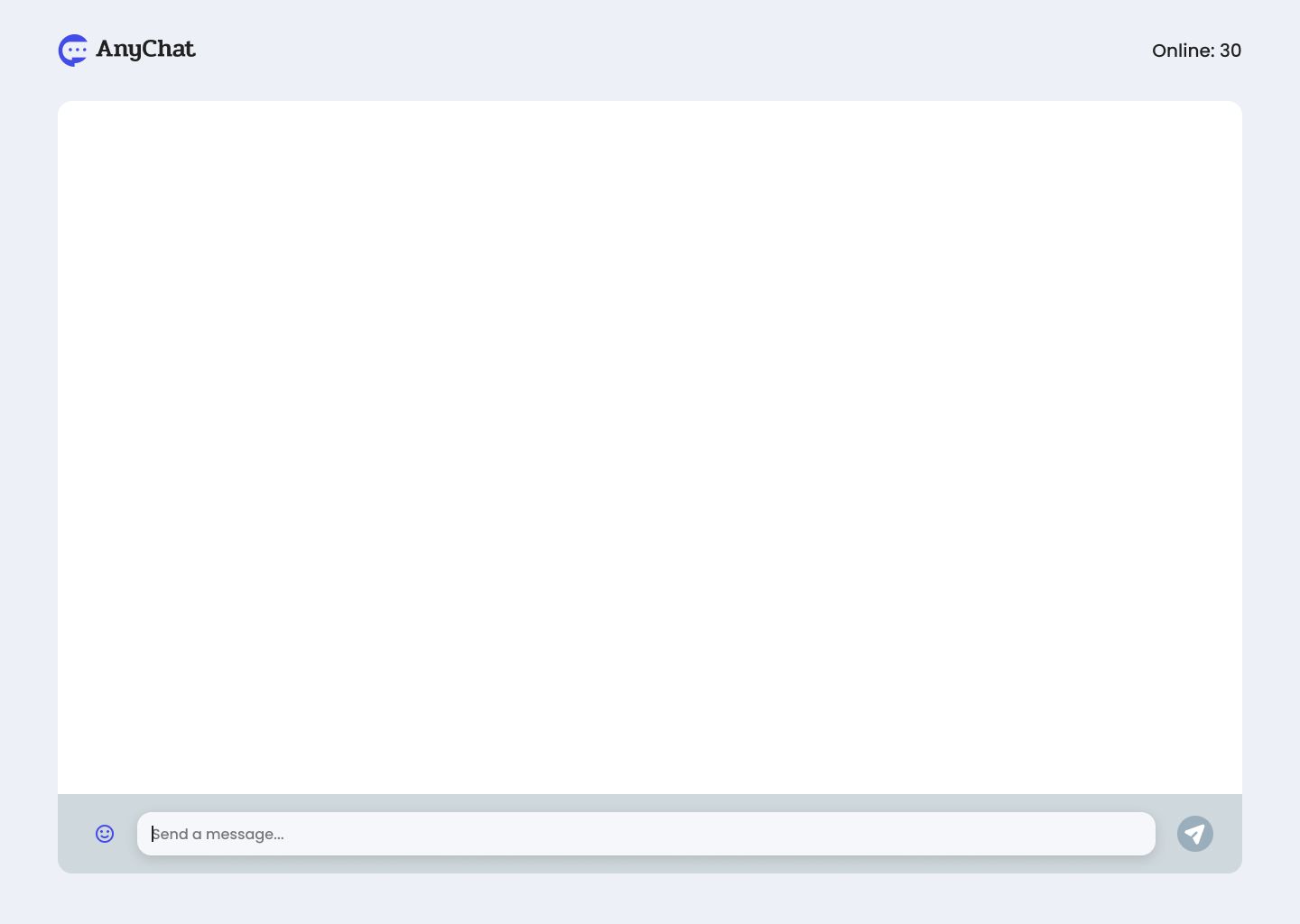
User story
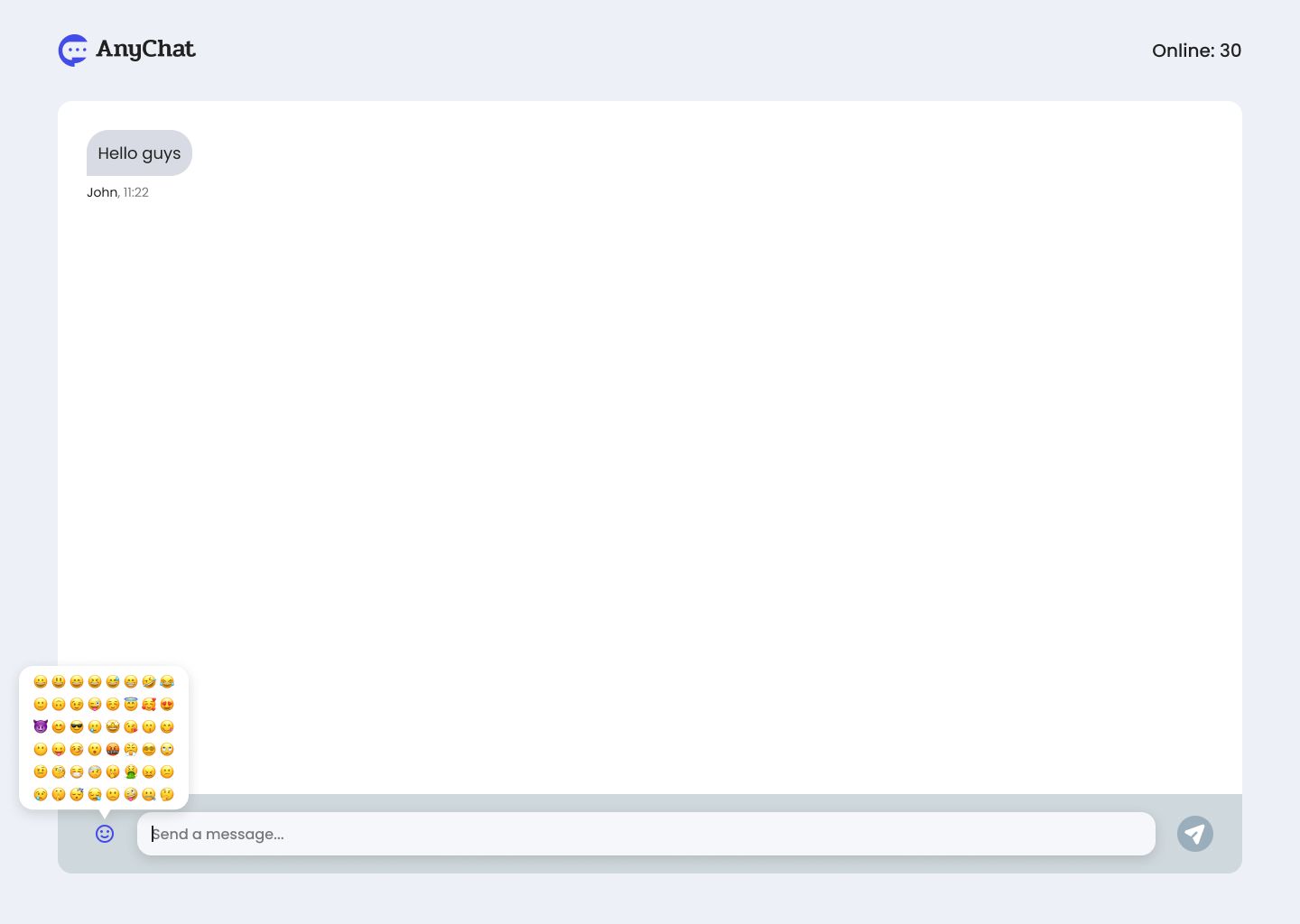
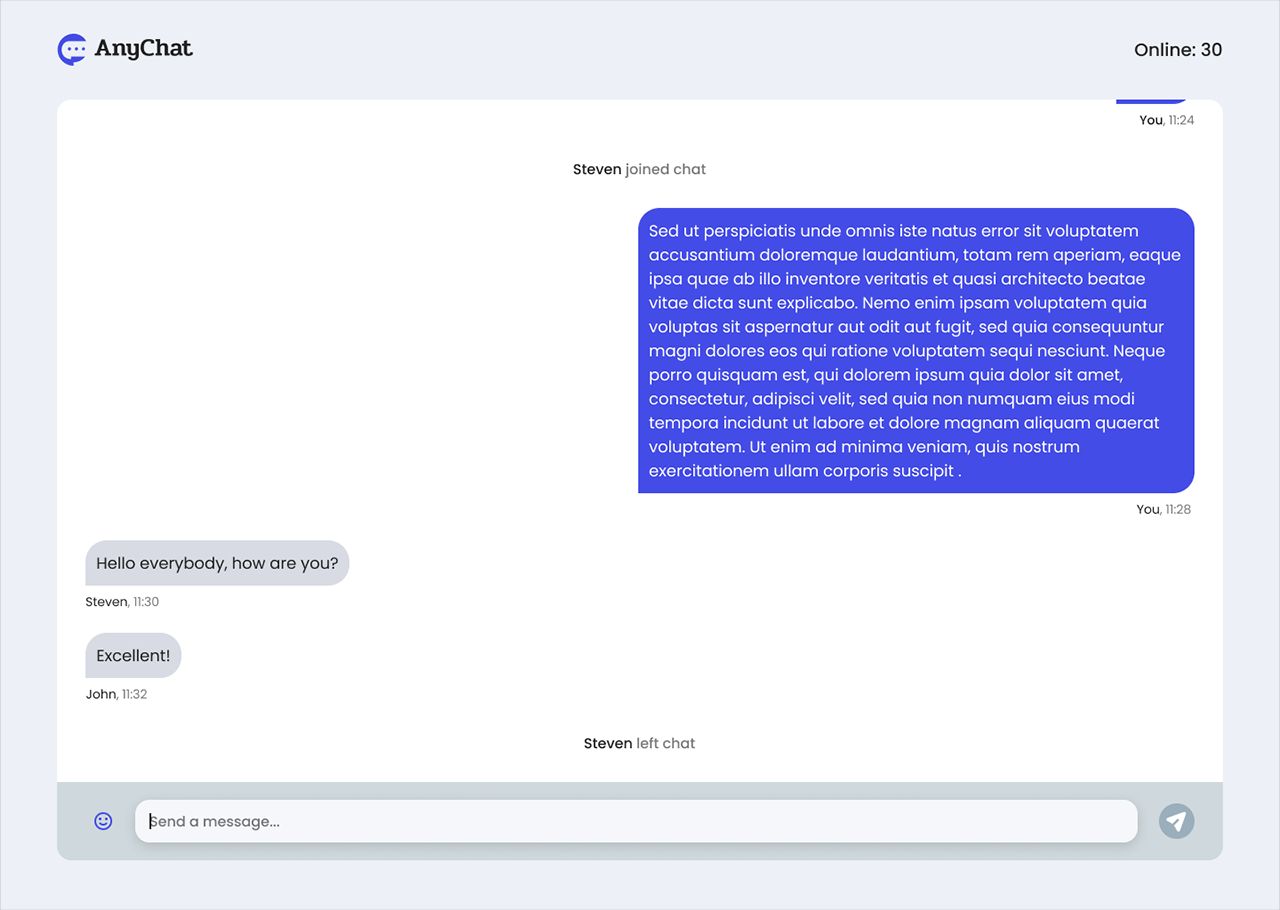
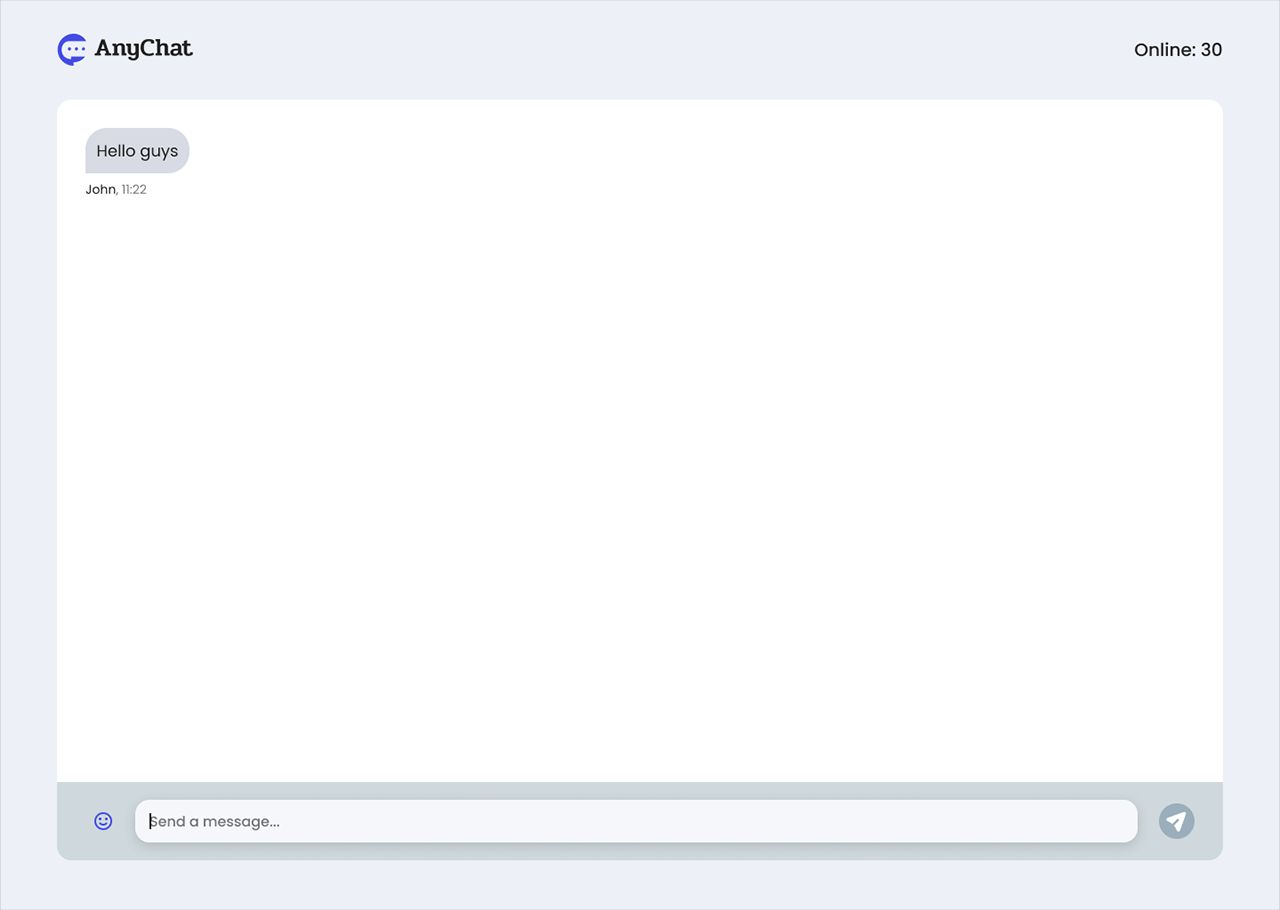
As a user, I want to be able to send messages in the chat by enabling the send icon when I enter at least one character in the text input field. The message length should be limited to a maximum of 1000 characters. After sending a message, I expect to see its content, the nickname (displayed as "You" for myself or the user's nickname for others), and the date in the format "hh:mm". The messages should be stored on the Node.js server and rendered in the chat window from top (oldest) to bottom (newest).
Acceptance criteria
- The send icon is disabled when the text input field is empty.
- When at least one character is entered in the text input field, the send icon becomes enabled.
- Messages are limited to a maximum of 1000 characters.
- After sending a message, its content, the nickname (displayed as "You" for the sender or the user's nickname for others), the date in "hh:mm" format, and the position of the message is displayed in the chat window.
- My messages are displayed on the right while other user messages are displayed on the left.
- Messages are stored on the Node.js server.
- Messages are rendered in the chat window from the top (oldest) to bottom (newest), respecting the message position and display format.
Build this task card
Start your 7-day free trial to build this card in our code editor with Figma designs and live preview.
Start 7-Day Free Trial to Build This Card