CSS View Transitions
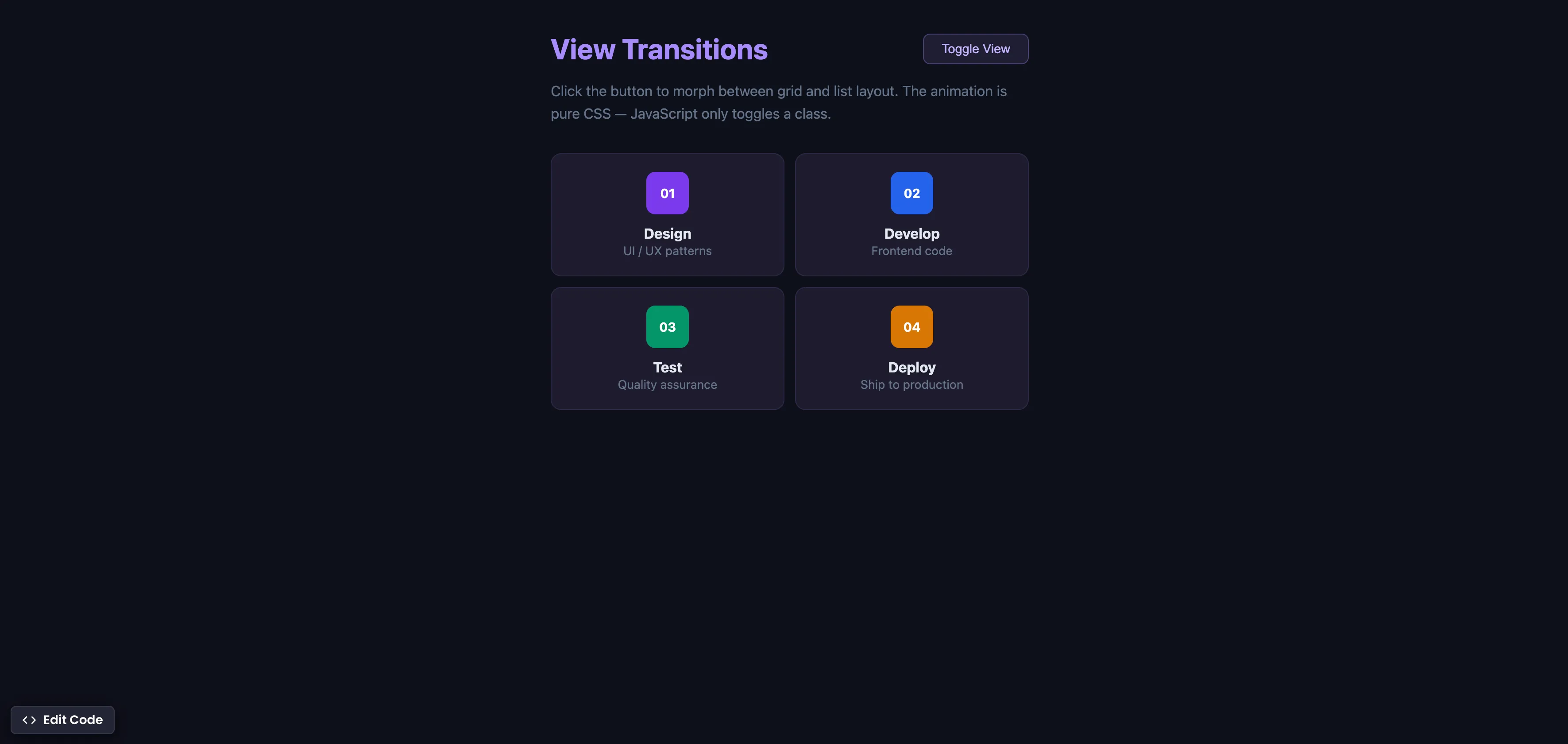
How It Works
Each item gets a unique view-transition-name via CSS class so the browser can track it across layout changes:
.item-1 { view-transition-name: item-1; }
.item-2 { view-transition-name: item-2; }
.item-3 { view-transition-name: item-3; }
.item-4 { view-transition-name: item-4; }

::view-transition-group(*) {
  animation-duration: 0.35s;
}
JavaScript only toggles the layout class — the animation is handled by the browser:
const toggle = document.getElementById('toggle');
const container = document.getElementById('container');

toggle.addEventListener('click', () => {
  if (document.startViewTransition) {
    document.startViewTransition(() => {
      container.classList.toggle('grid-view');
      container.classList.toggle('list-view');
    });
  } else {
    container.classList.toggle('grid-view');
    container.classList.toggle('list-view');
  }
});
Summary
document.startViewTransition()captures a “before” snapshot, runs your DOM changes, then captures an “after” snapshot and animates between them. The fallback (elsebranch) still toggles the class for browsers without support.view-transition-nameon each item gives the browser a unique identifier to track that element across layout changes — grid to list or vice versa.::view-transition-group(*)controls the animation duration. The morphing itself — position, size, opacity — is handled automatically by the browser.- This replaces FLIP animations, React Transition Group, Framer Motion, and any custom JavaScript that calculates positions and animates elements between states.
- JavaScript is minimal — it only triggers the transition. All animation logic is CSS.
- Supported in Chrome 111+ (Mar 2023), Edge 111+, Safari 18+ (Sep 2024), and Firefox 144+ (Oct 2025). Cross-browser since late 2025.
Try this in our interactive code editor
Practice hands-on with our built-in code sandbox.
Open Code Editor
Creator of BigDevSoon
Full-stack developer and educator passionate about helping developers build real-world skills through hands-on projects. Creator of BigDevSoon, a vibe coding platform with 21 projects, 100 coding challenges, 40+ practice problems, and Merlin AI.


Related Pills
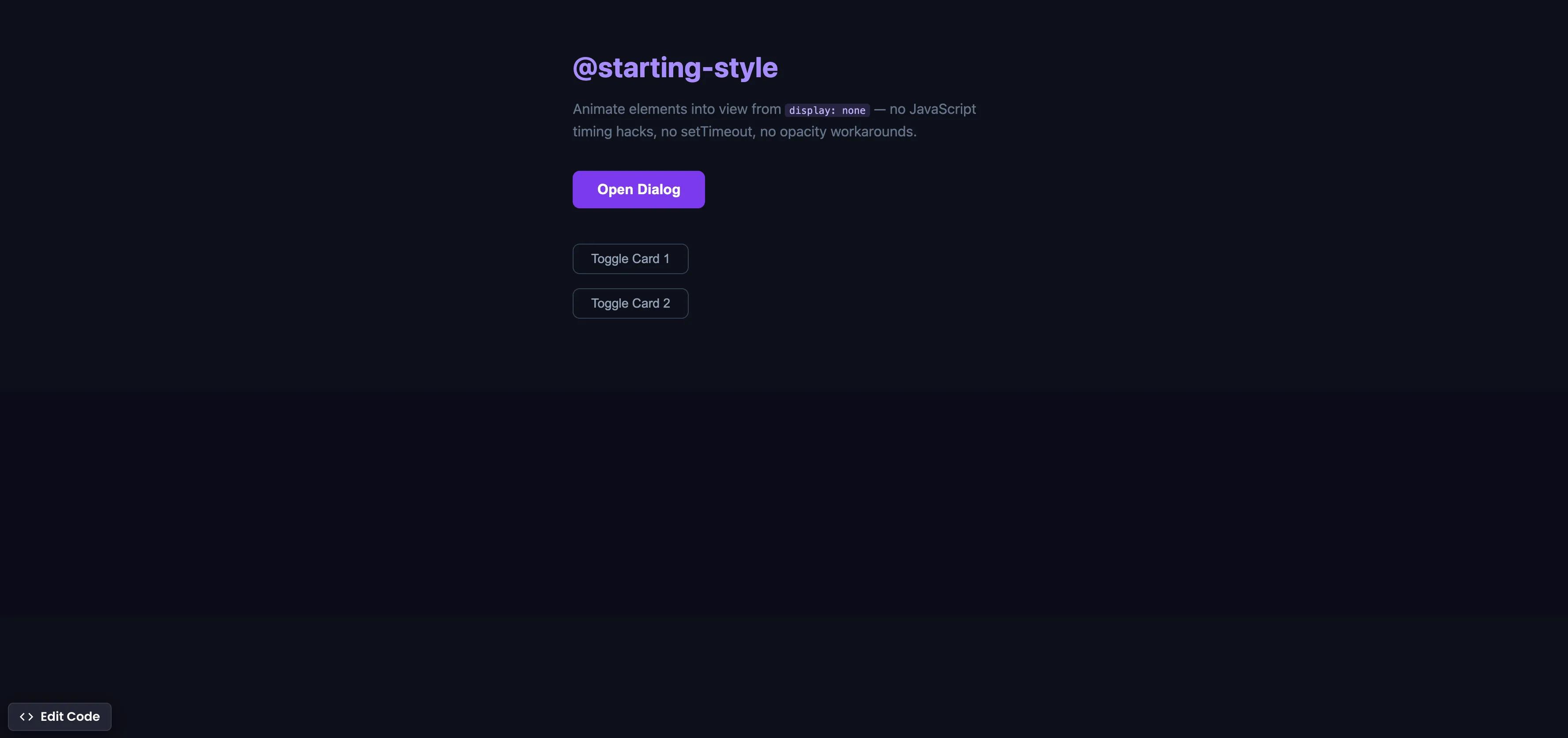
CSS @starting-style
Animate elements into view from display none using @starting-style — no JavaScript timing hacks, no setTimeout workarounds.

JavaScript multiple condition checks
Checking multiple values in JavaScript often leads to redundant, boilerplate code - let's use .includes method to fix that.

Convert JavaScript data structures
Converting data structures is a day-to-day job as a Developer.