CSS @starting-style
How It Works
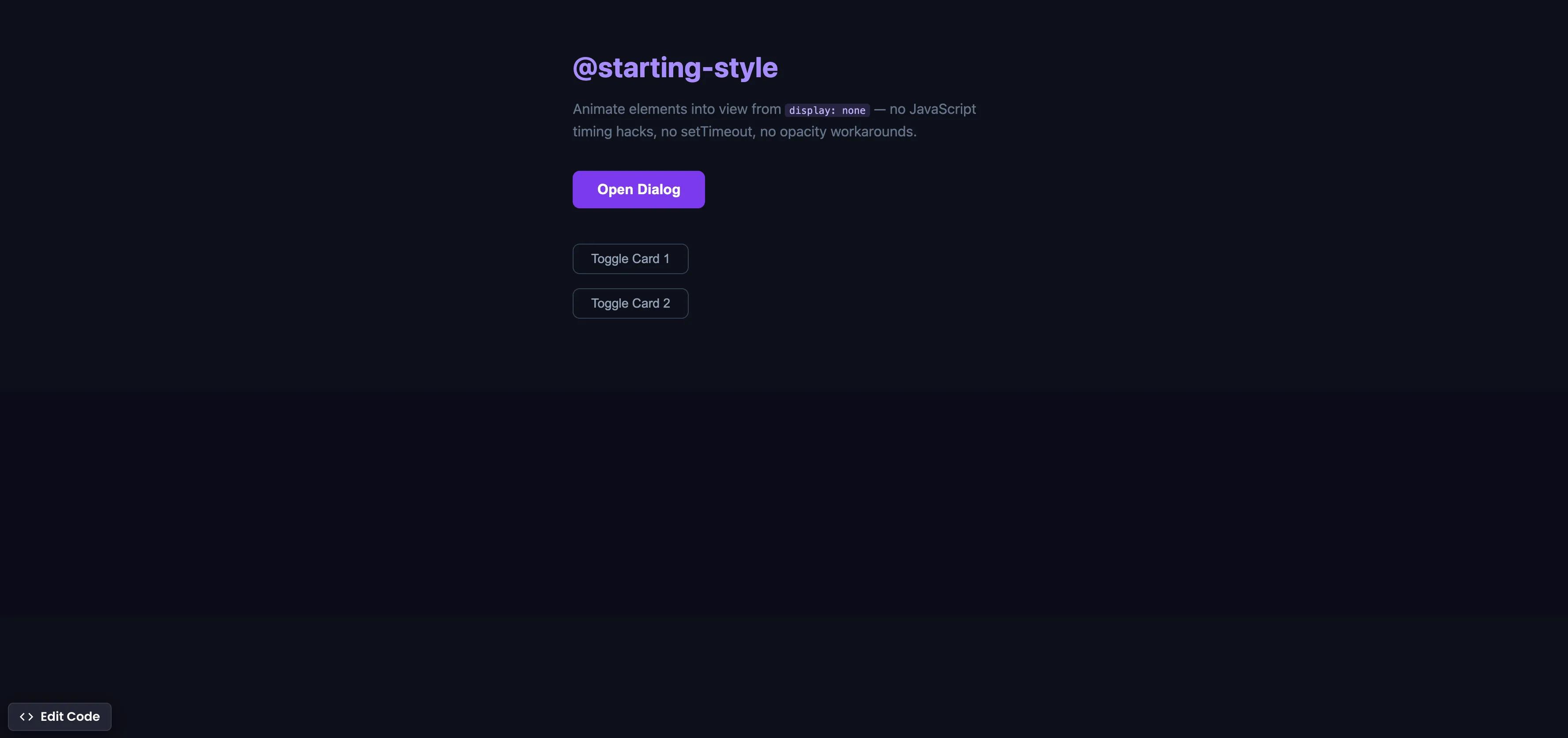
The demo shows two patterns: a <dialog> with entry/exit animations, and toggle cards that animate from display: none to visible.
Dialog — entry, exit, and backdrop:
.dialog {
  opacity: 1;
  transform: scale(1) translateY(0);
  transition: opacity 0.3s ease, transform 0.3s ease,
    display 0.3s allow-discrete, overlay 0.3s allow-discrete;
}

.dialog:not([open]) {
  opacity: 0;
  transform: scale(0.9) translateY(10px);
}

@starting-style {
  .dialog[open] {
    opacity: 0;
    transform: scale(0.9) translateY(10px);
  }
}
Toggle cards (display: none → block):
.reveal-card {
  display: none;
  opacity: 0;
  transform: translateY(10px);
  transition: opacity 0.3s ease, transform 0.3s ease,
    display 0.3s allow-discrete;
}

.reveal-card.visible {
  display: block;
  opacity: 1;
  transform: translateY(0);
}

@starting-style {
  .reveal-card.visible {
    opacity: 0;
    transform: translateY(10px);
  }
}
JavaScript — just wiring up buttons:
openBtn.addEventListener('click', () => dialog.showModal());
closeBtn.addEventListener('click', () => dialog.close());
dialog.addEventListener('click', (e) => {
  if (e.target === dialog) dialog.close();
});

document.querySelectorAll('.reveal-btn').forEach((btn) => {
  btn.addEventListener('click', () => {
    btn.nextElementSibling.classList.toggle('visible');
  });
});
Summary
@starting-styledefines the initial styles when an element first renders or transitions fromdisplay: none. The browser uses these as the “from” state.display 0.3s allow-discretekeeps the element visible during exit transitions instead of jumping straight todisplay: none..dialog:not([open])defines the exit state — the dialog fades and scales out before hiding. The backdrop gets the same treatment.- The same pattern works for toggle cards:
display: none→display: blockwith@starting-stylefor entry animation. - Replaces the
setTimeout(0)or doublerequestAnimationFramehack — set display, wait a frame, add animation class. - Works with dialogs, popovers, dropdown menus, toast notifications — any element toggling between hidden and visible.
- Supported in Chrome 117+ (Sep 2023), Safari 17.5+ (May 2024), Firefox 129+ (Aug 2024), and Edge 117+. Fully cross-browser.
Try this in our interactive code editor
Practice hands-on with our built-in code sandbox.
Open Code Editor
Creator of BigDevSoon
Full-stack developer and educator passionate about helping developers build real-world skills through hands-on projects. Creator of BigDevSoon, a vibe coding platform with 21 projects, 100 coding challenges, 40+ practice problems, and Merlin AI.


Related Pills
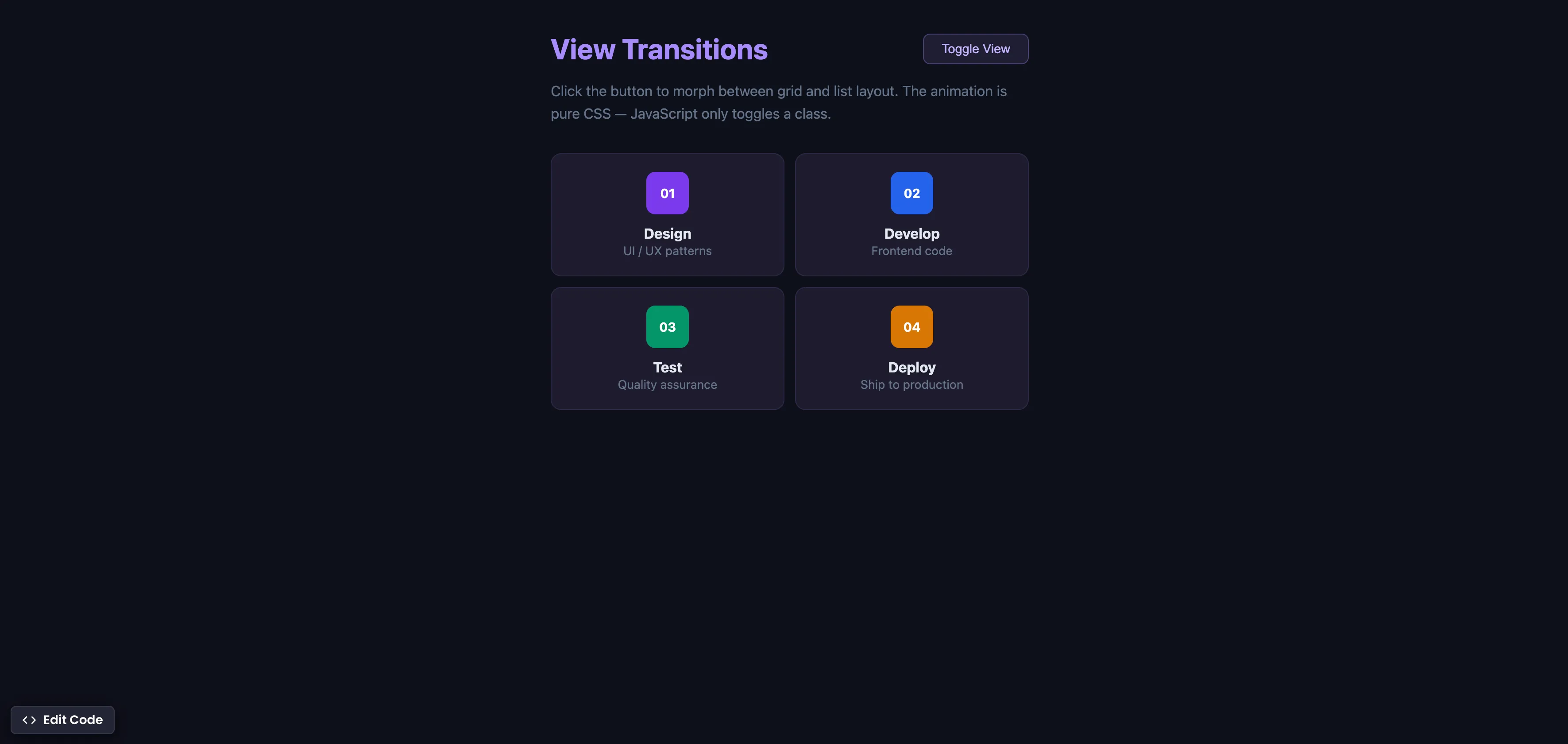
CSS View Transitions
Morph between UI states with smooth animations using the View Transitions API — CSS handles the animation, JavaScript just toggles a class.

JavaScript multiple condition checks
Checking multiple values in JavaScript often leads to redundant, boilerplate code - let's use .includes method to fix that.

Convert JavaScript data structures
Converting data structures is a day-to-day job as a Developer.