js Intermediate
JavaScript multiple condition checks

Interactive editor — edit code and see live results
Open in Editor
Handle multiple conditions with ease
// It's common to check against multiple enums, strings,
// especially when the data comes from the server
// with all of them at once
const TAGS = {
  html: 'HTML',
  css: 'CSS',
  js: 'JS',
  react: 'REACT',
  vue: 'VUE',
  angular: 'ANGULAR'
}

// For purposes of the example we set static tag,
// would be dynamic in real scenario
const currentTag = TAGS.react;

// You can end up with if else statements
if (currentTag === TAGS.react) {
 console.log('Current tag is a framework tag');
} else if (currentTag === TAGS.vue) {
 console.log('Current tag is a framework tag');
} else if (currentTag === TAGS.angular) {
 console.log('Current tag is a framework tag');
} else {
 console.log('Current tag is NOT a framework tag');
}

// You can end up with switch statements
switch (currentTag) {
 case TAGS.react:
 case TAGS.vue:
 case TAGS.angular:
  console.log('Current tag is a framework tag');
  break;
 default:
  console.log('Current tag is NOT a framework tag');
  break;
}

// You can end up with many conditions at once
if (currentTag === TAGS.react || currentTag === TAGS.vue || currentTag === TAGS.angular) {
  console.log('Current tag is a framework tag');
}

// Instead, let's leverage .includes method with custom function,
// to achieve the same result
const checkForFrameworkTag = (tag) => {
 const frameworkTags = [TAGS.react, TAGS.vue, TAGS.angular];

 return frameworkTags.includes(tag);
}

const isFrameworkTag = checkForFrameworkTag(currentTag);

if (isFrameworkTag) {
 console.log('Current tag is a framework tag - shorter, cleaner, semantic!');
}
Summary
- Avoid multiple if conditions, switch statements, as it’s a redundant code you don’t need, and most of the time you can solve it with built-in methods.
- .includes
Arraymethod is useful to minimize additional, boilerplate code when doing multiple condition checks.
Try this in our interactive code editor
Practice hands-on with our built-in code sandbox.
Open Code Editor
Adrian Bigaj 

Creator of BigDevSoon
Full-stack developer and educator passionate about helping developers build real-world skills through hands-on projects. Creator of BigDevSoon, a vibe coding platform with 21 projects, 100 coding challenges, 40+ practice problems, and Merlin AI.
Related Pills

js Intermediate
Convert JavaScript data structures
Converting data structures is a day-to-day job as a Developer.

js Intermediate
ECMAScript new features
Null coalescing operator, optional chaining, and Array.flat method are all amazing.
css js Intermediate
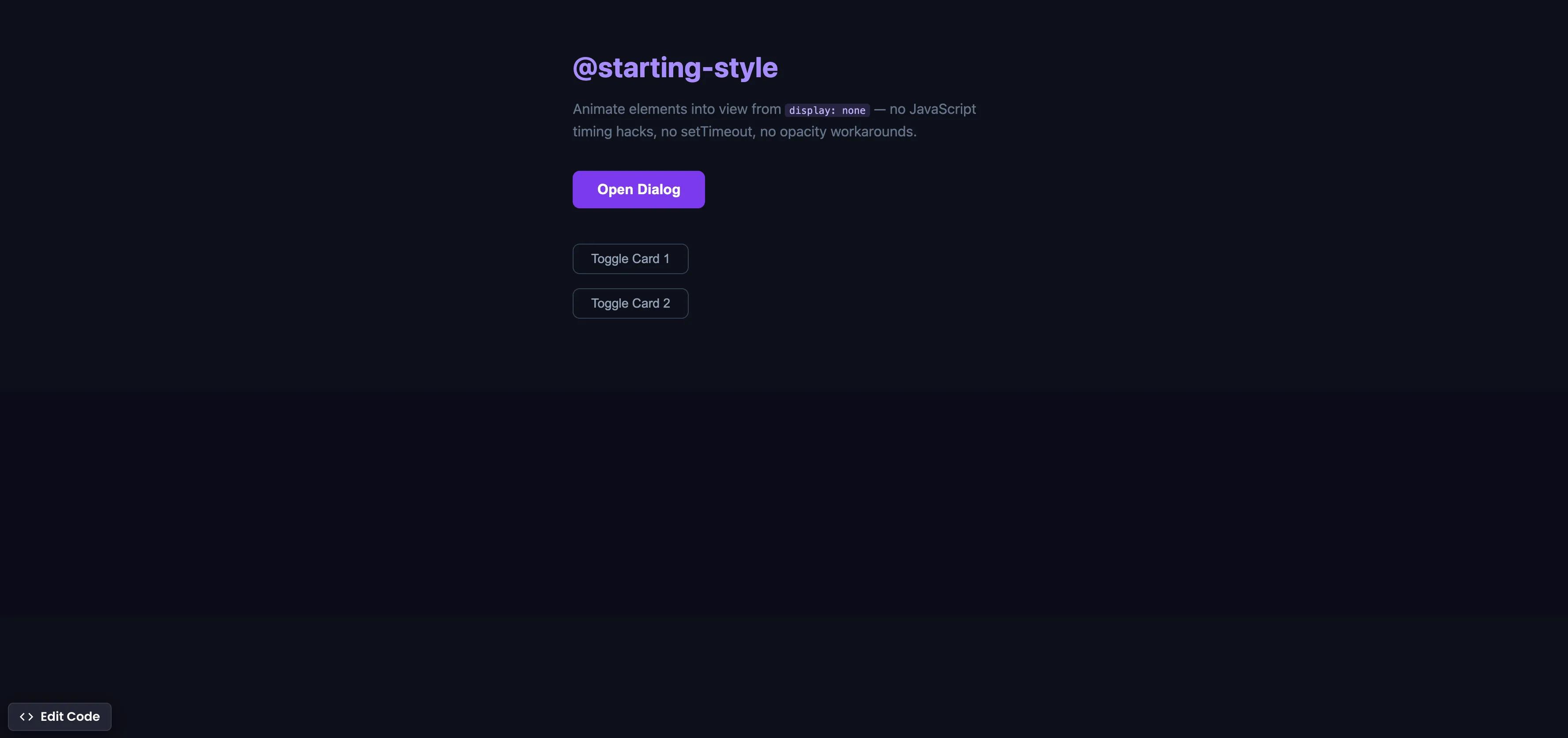
CSS @starting-style
Animate elements into view from display none using @starting-style — no JavaScript timing hacks, no setTimeout workarounds.