Day 39 Intermediate
Challenge 39 of 100
QR Code Scanner
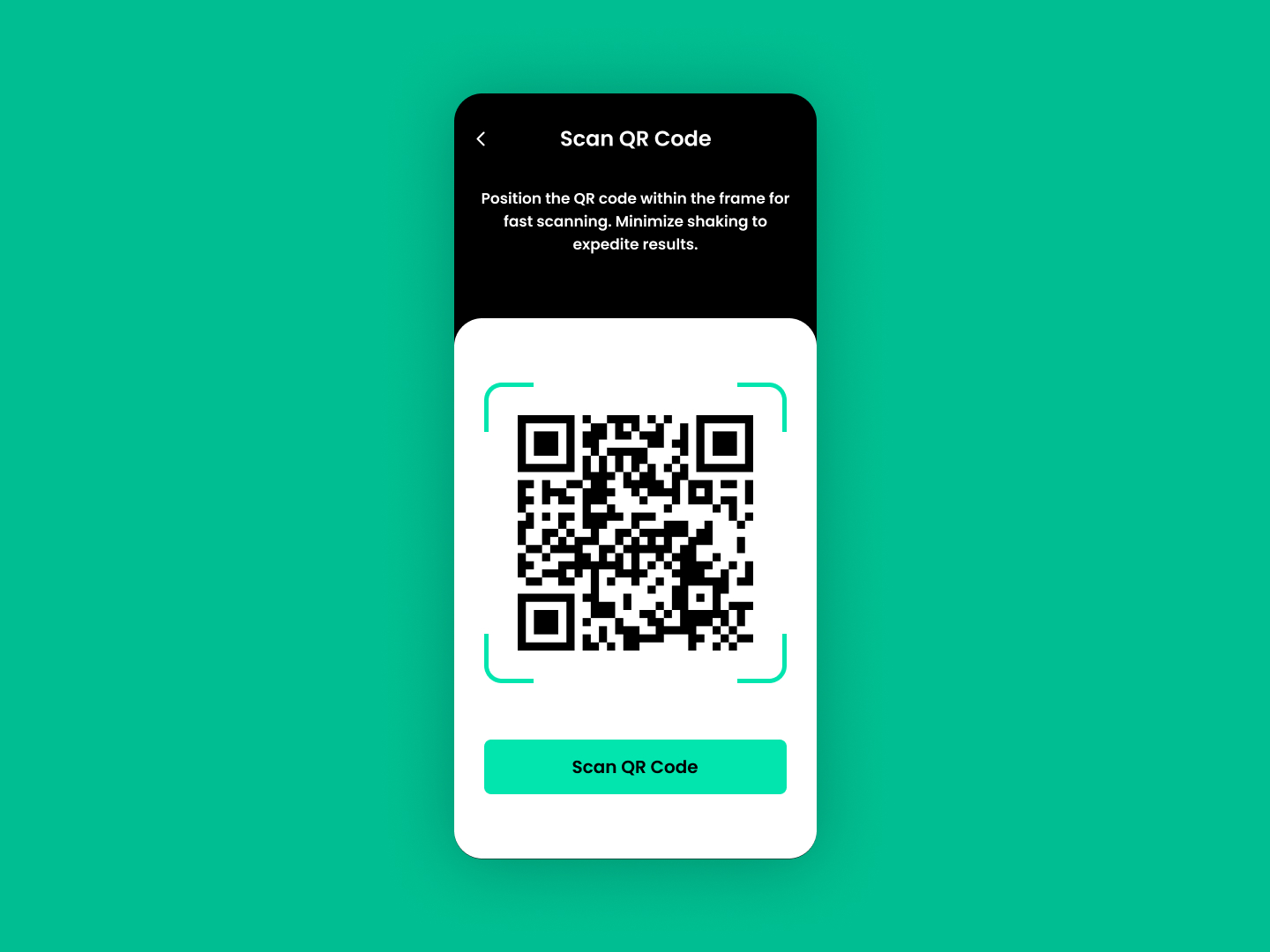
As a user, I want an efficient and user-friendly QR code scanning interface that quickly reads and processes codes with minimal effort, enhancing my experience with instant results.
Acceptance Criteria
- ✓ The interface should display a clear and centered frame where the QR code must be placed, ensuring easy alignment.
- ✓ Provide textual instructions just above or below the frame, guiding users to position the QR code within the frame for fast and accurate scanning.
- ✓ Incorporate visual feedback, such as a highlighted border or a change in color, when the QR code is correctly positioned and scanning begins.
- ✓ The "Scan QR Code" button must be prominent and accessible, allowing users to initiate the scan if automatic detection is not enabled.
- ✓ Ensure the app minimizes shaking and speeds up the scanning process to expedite results, enhancing usability.
- ✓ The design should be responsive, ensuring usability on various devices and screen sizes while maintaining the functionality and aesthetic of the scanning interface.
100 Days of Code Progress Day 39 / 100
Take this challenge
Start your 7-day free trial to solve this challenge in our built-in code editor with live preview.
Start 7-Day Free Trial to Solve This Challenge