Day 33 Beginner
Challenge 33 of 100
Brand Visualizer
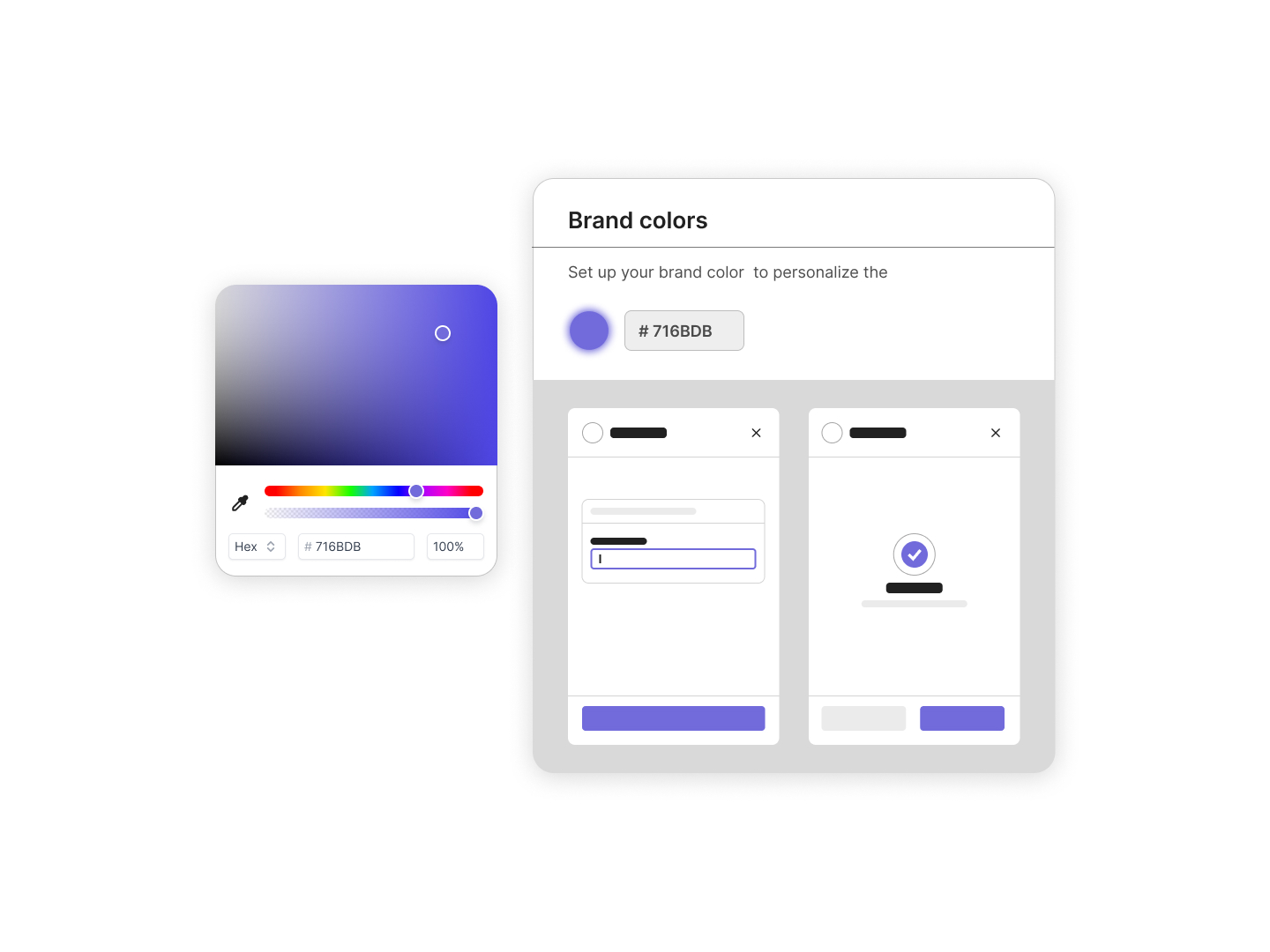
As a user of a digital platform, I want the ability to customize the appearance of my interface by setting my brand colors, ensuring that the application feels more personalized and aligned with my visual identity.
Acceptance Criteria
- ✓ The interface must feature an easy-to-use color picker tool that allows users to select a color either by adjusting the color spectrum slider or entering a specific HEX code.
- ✓ It should display a live preview of the color changes on a mock interface, allowing users to immediately see how their choices affect the look of their application.
- ✓ The color selection tool should provide a default setting that can be reverted to at any time.
- ✓ Users should be able to save their color choice with a simple "Save" button, which confirms the changes and applies them to the user's interface.
- ✓ The color picker interface must include input fields for precise adjustments, including HEX values and opacity levels.
- ✓ The tool should also provide a few pre-set color options as examples or starting points for users who may need assistance in choosing a suitable palette.
- ✓ The design must be responsive, ensuring that the color customization tool is functional and visually appealing across different devices and screen sizes.
100 Days of Code Progress Day 33 / 100
Take this challenge
Start your 7-day free trial to solve this challenge in our built-in code editor with live preview.
Start 7-Day Free Trial to Solve This Challenge