100 Frontend Coding Challenges with Figma Designs
One challenge a day. From simple profile cards to complex dashboards. Build strong coding habits.
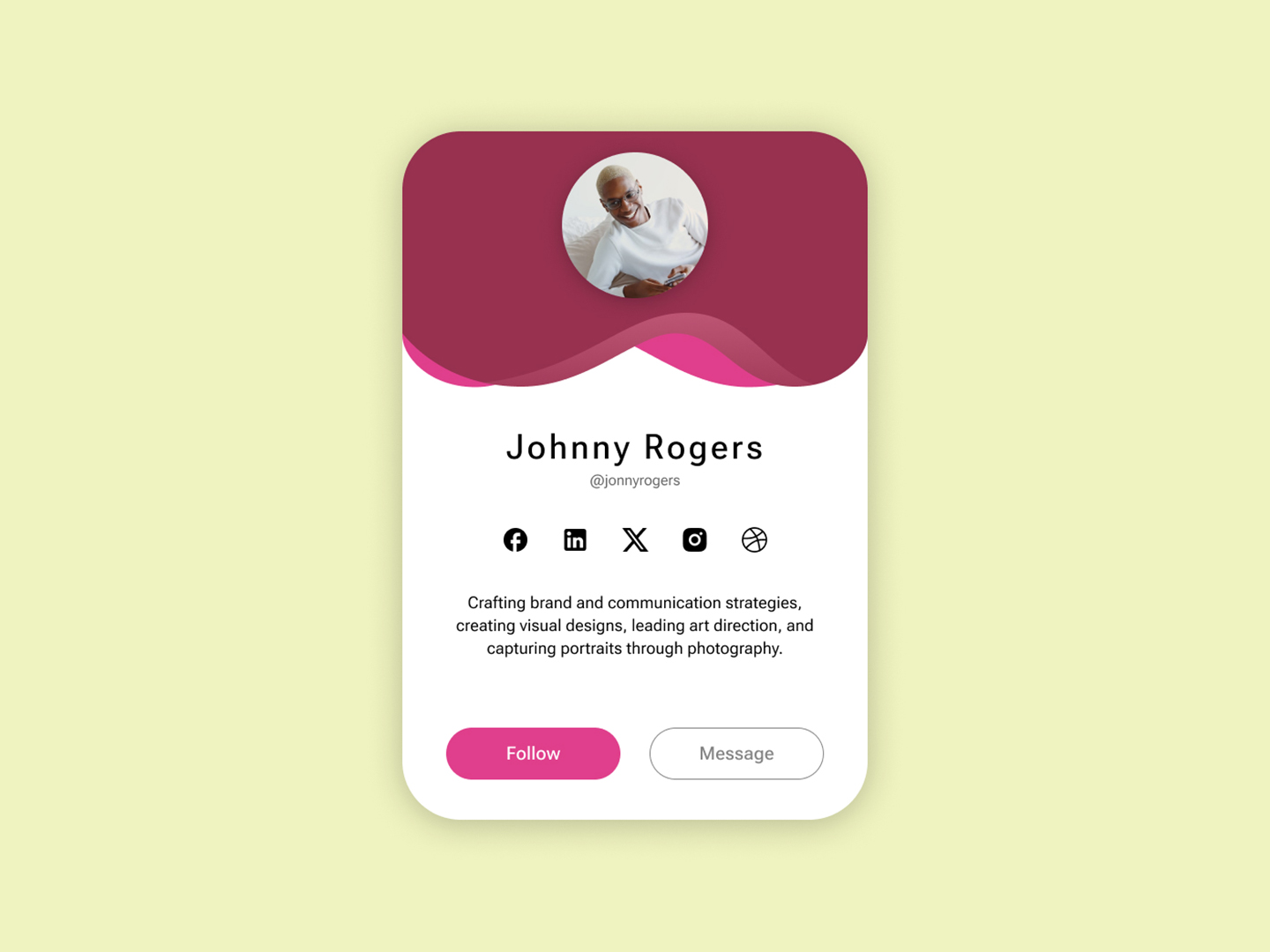 Day 1
Day 1 Profile Card
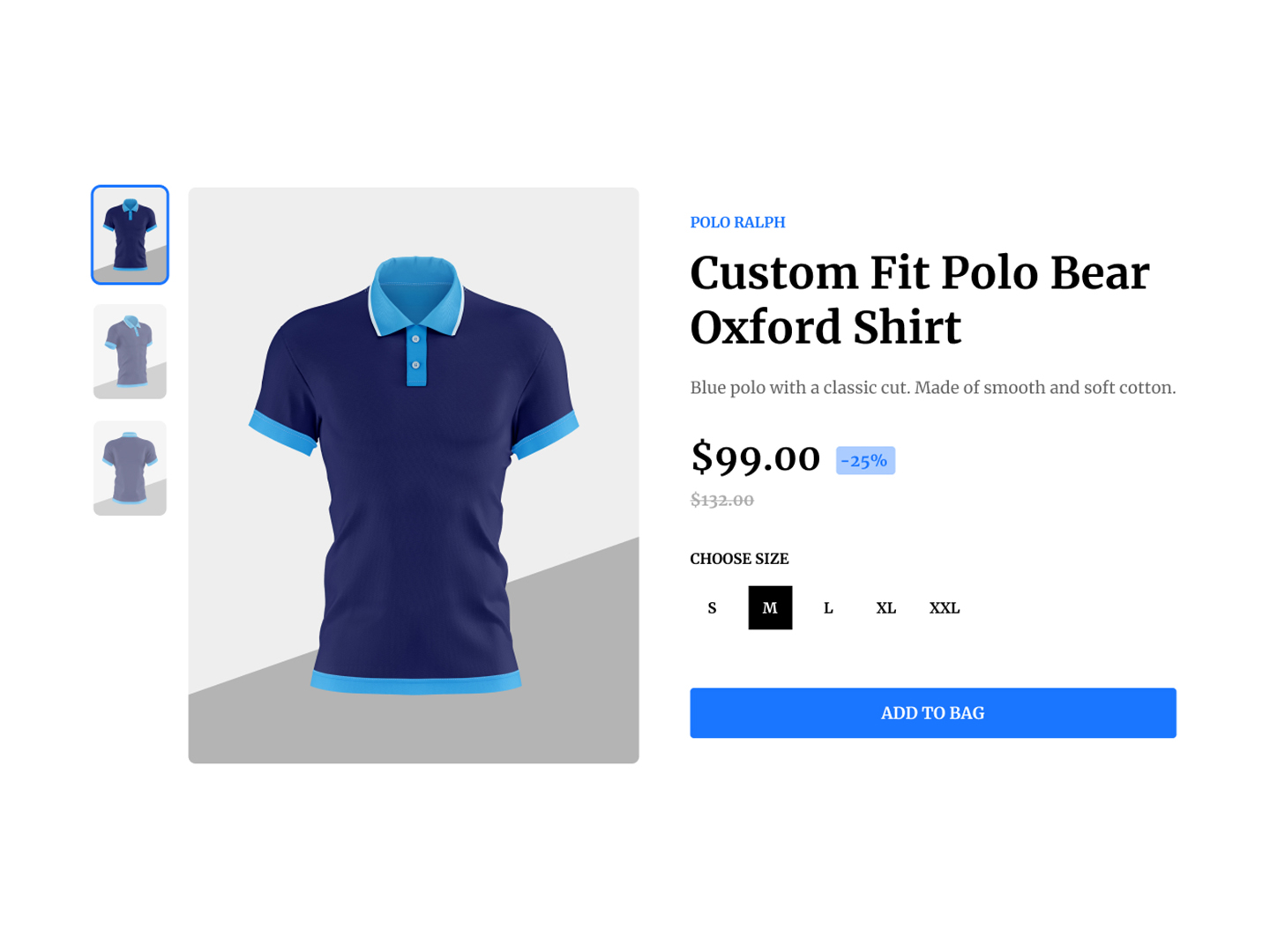 Day 2
Day 2 Add To Bag
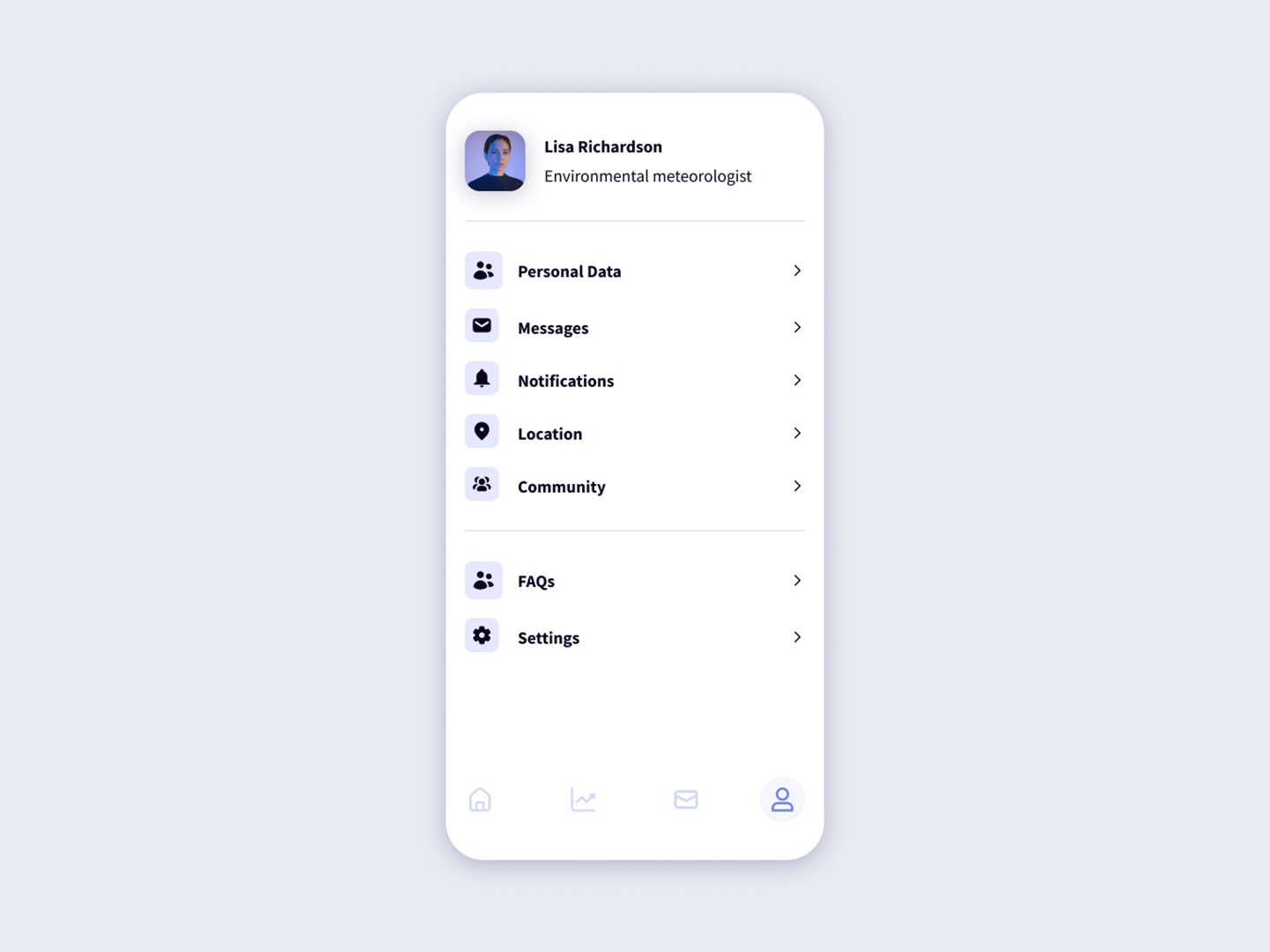 Day 3
Day 3 Mobile Navigation
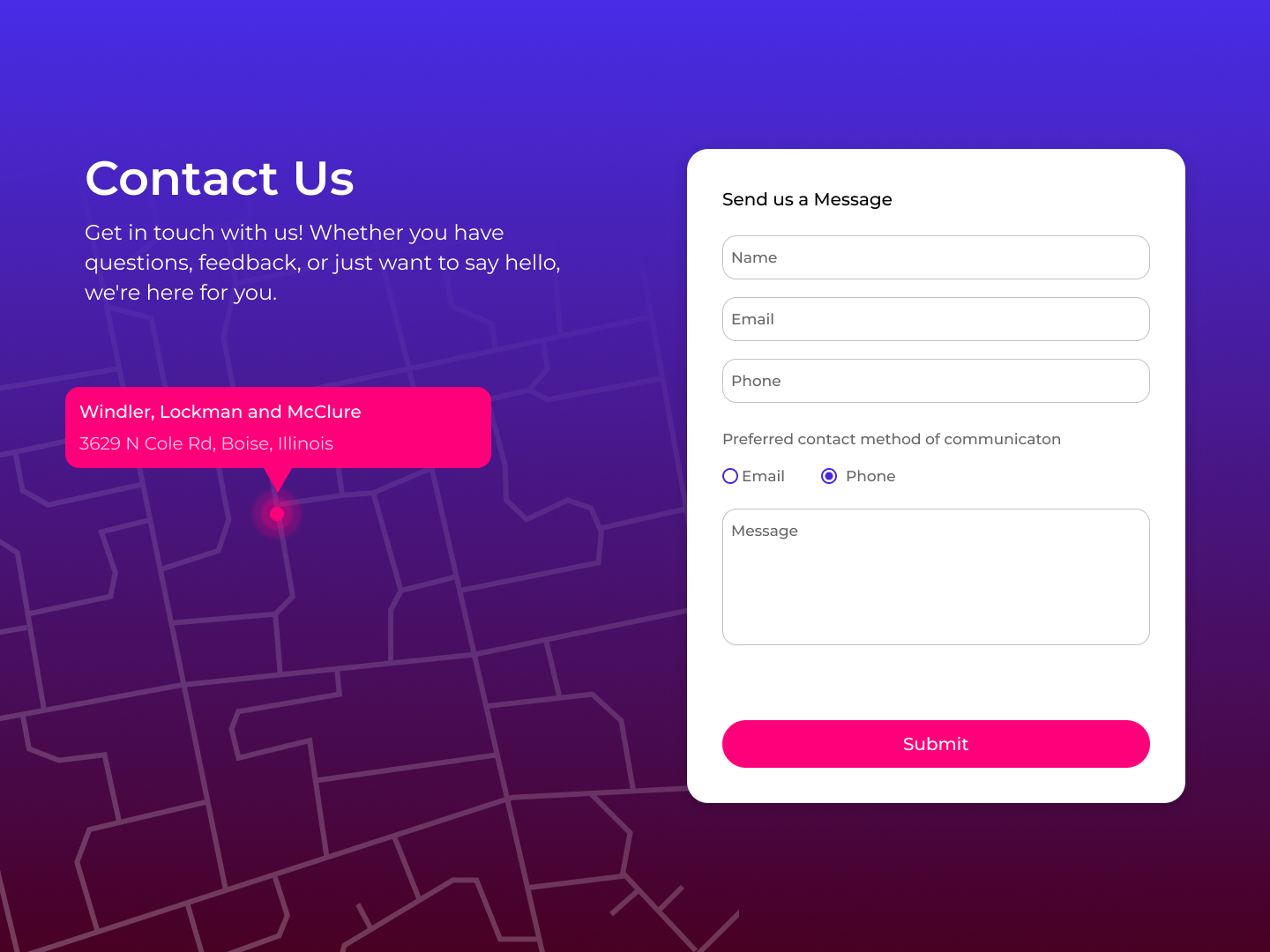 Day 4
Day 4 Contact Us
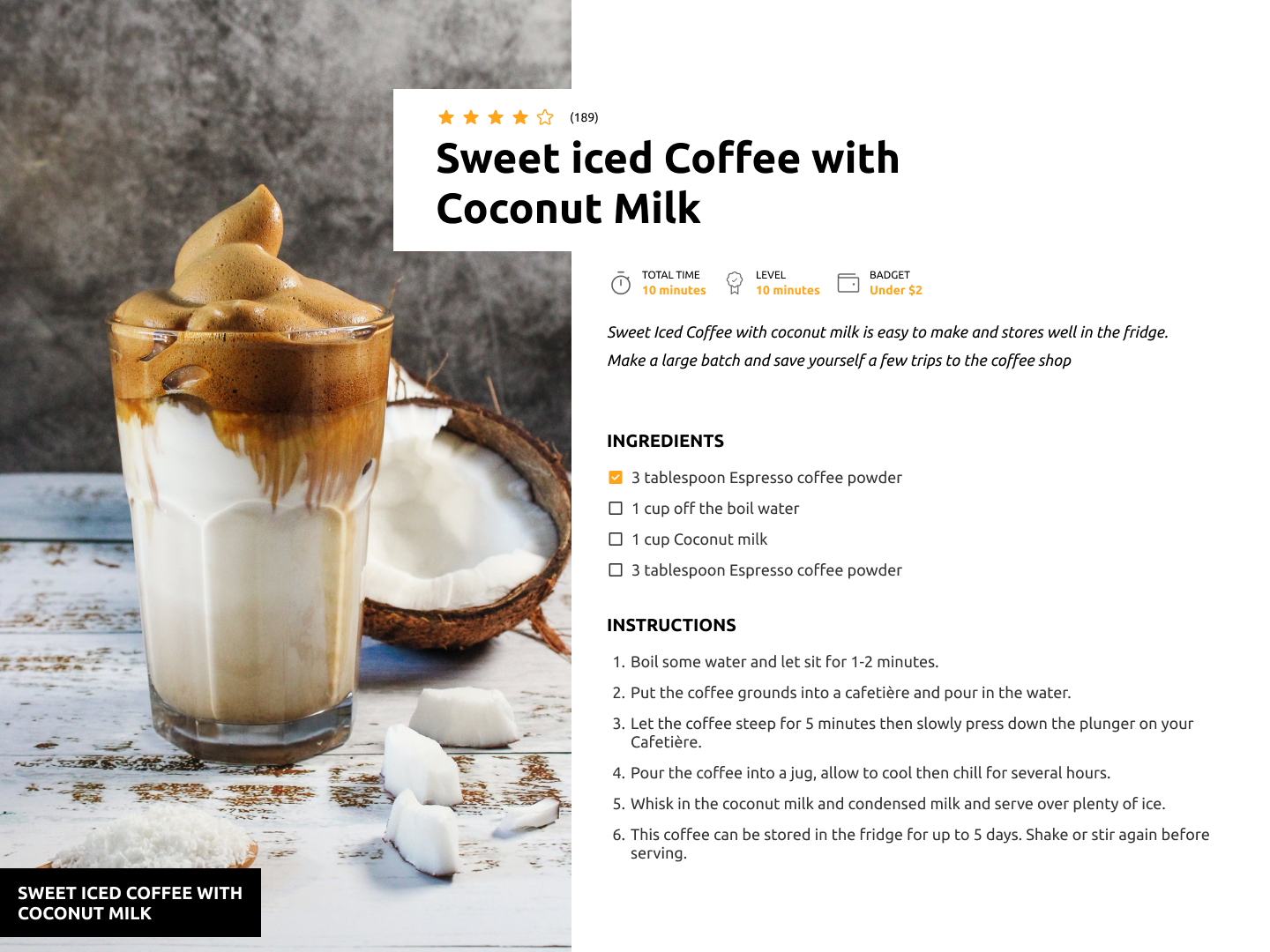 Day 5
Day 5 Recipe
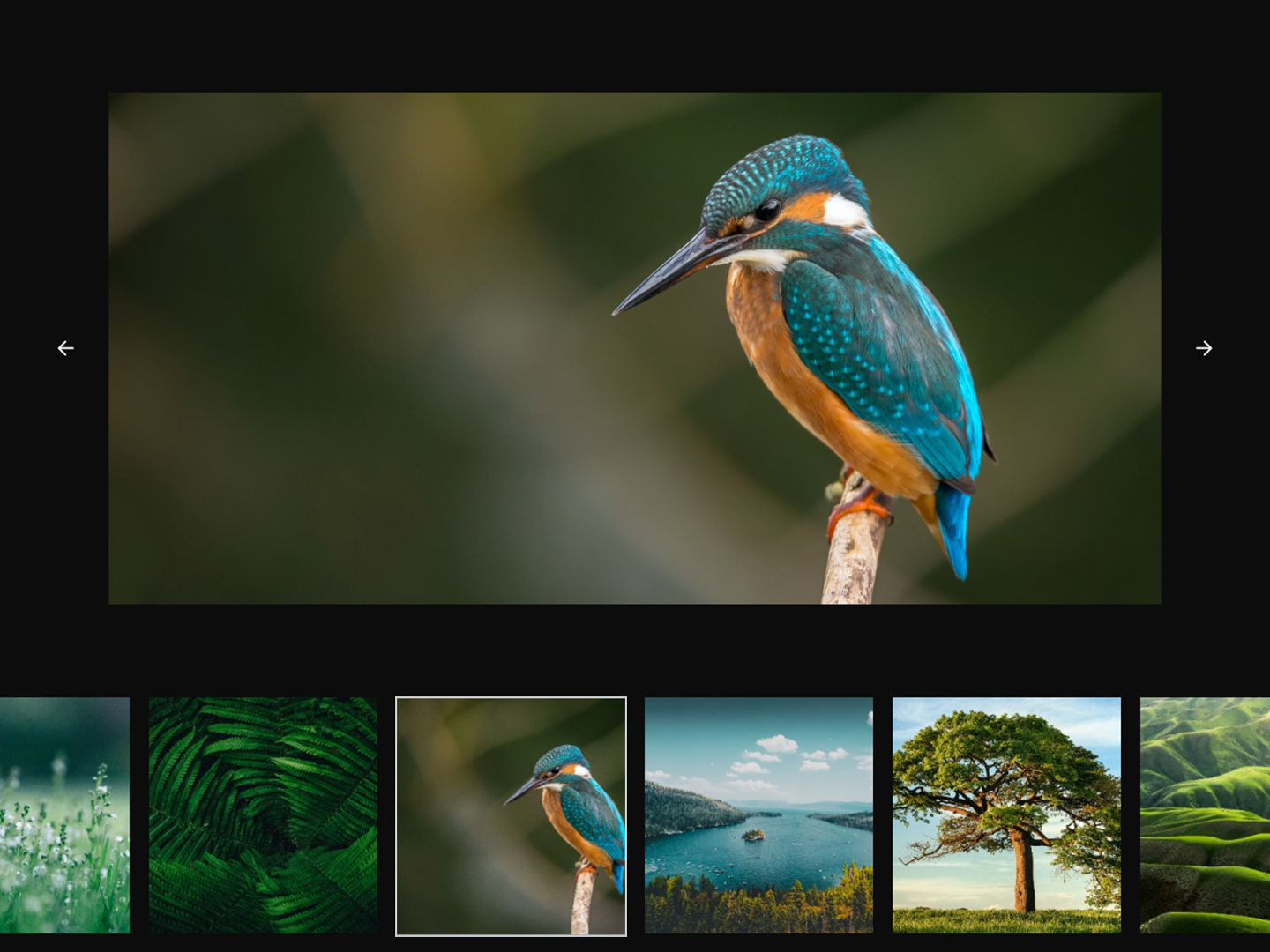 Day 6
Day 6 Image Carousel
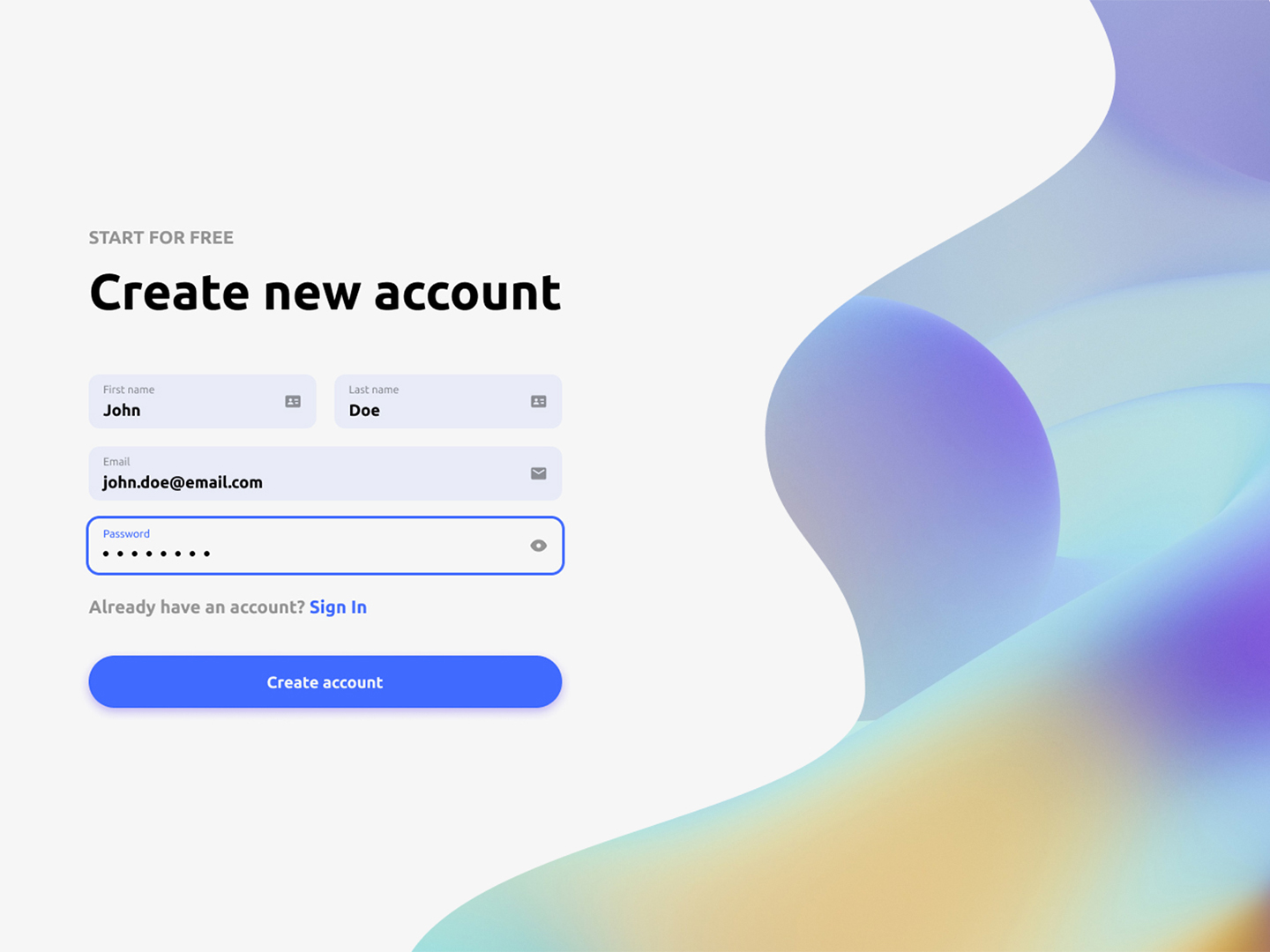 Day 7
Day 7 Create Account
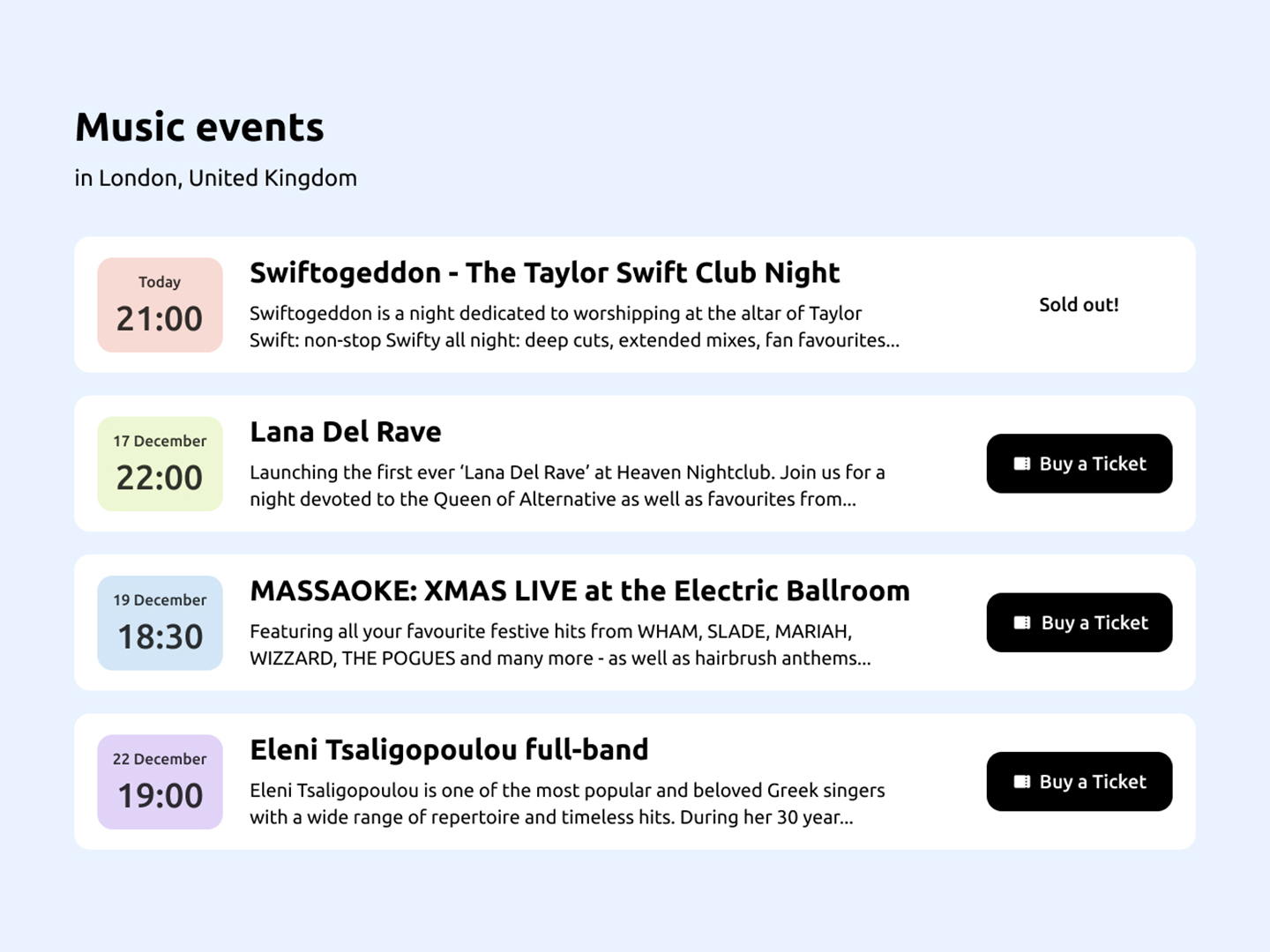 Day 8
Day 8 Music Events
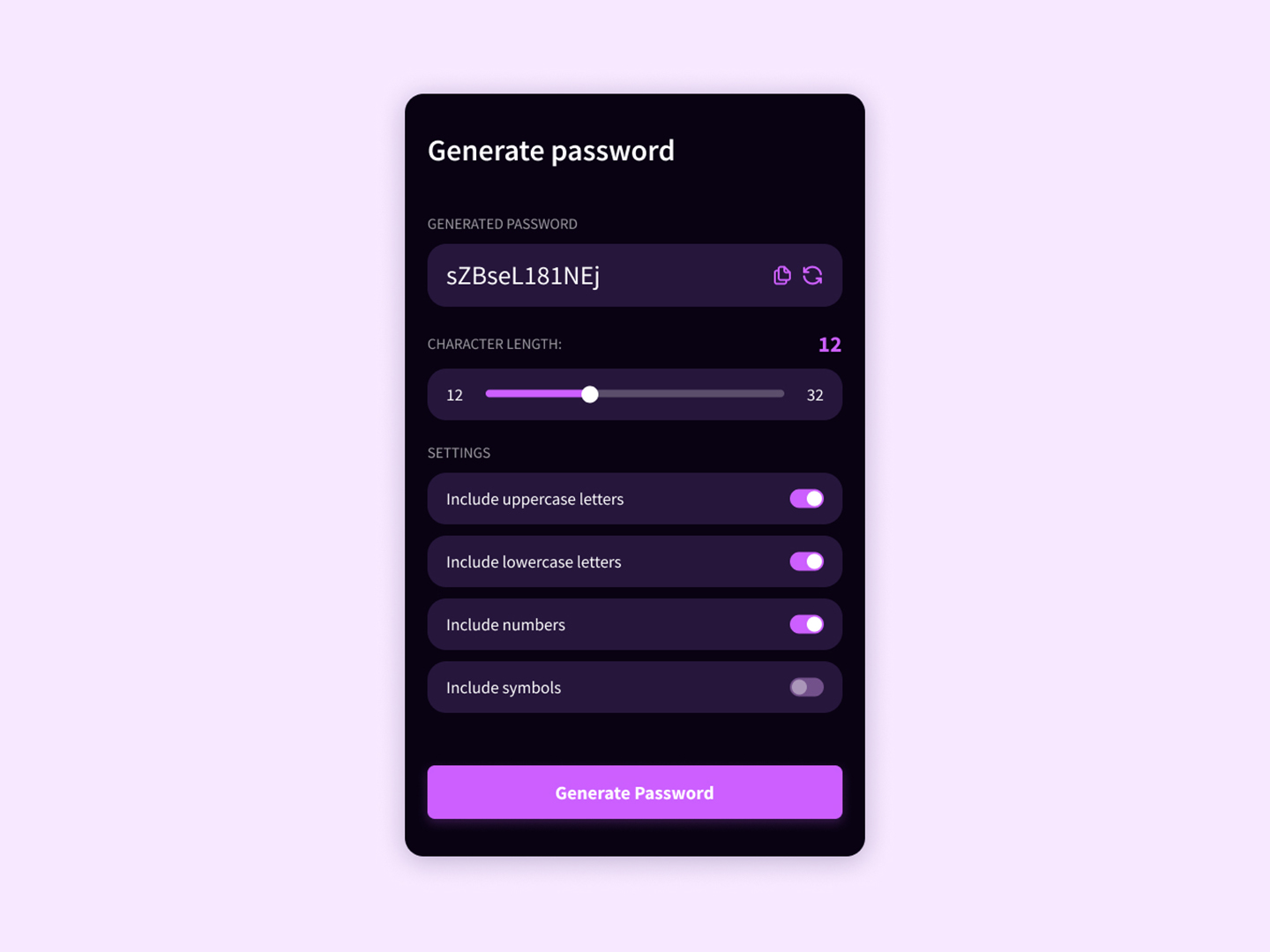 Day 9
Day 9 Password Generator
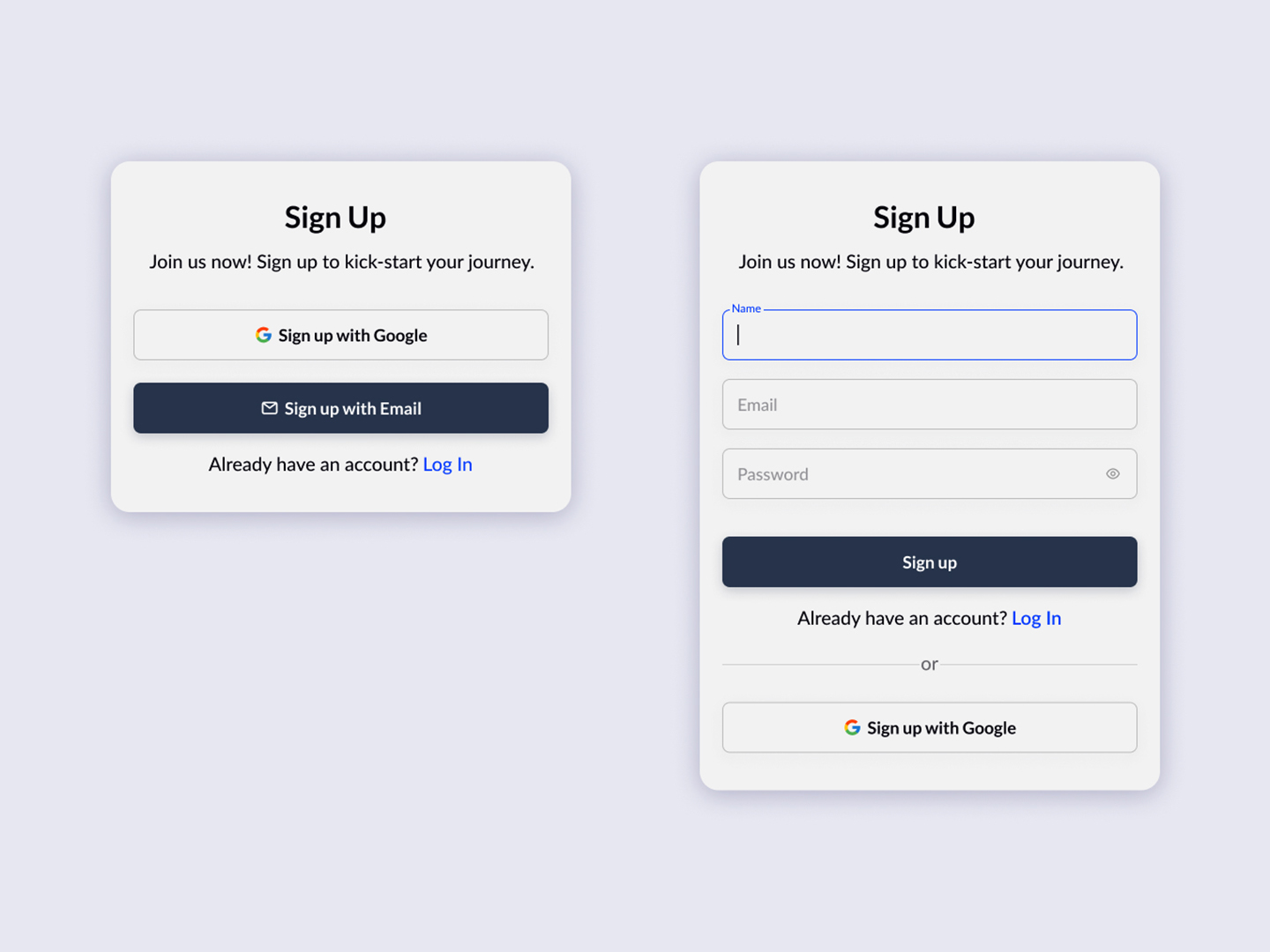 Day 10
 Sign Up Page
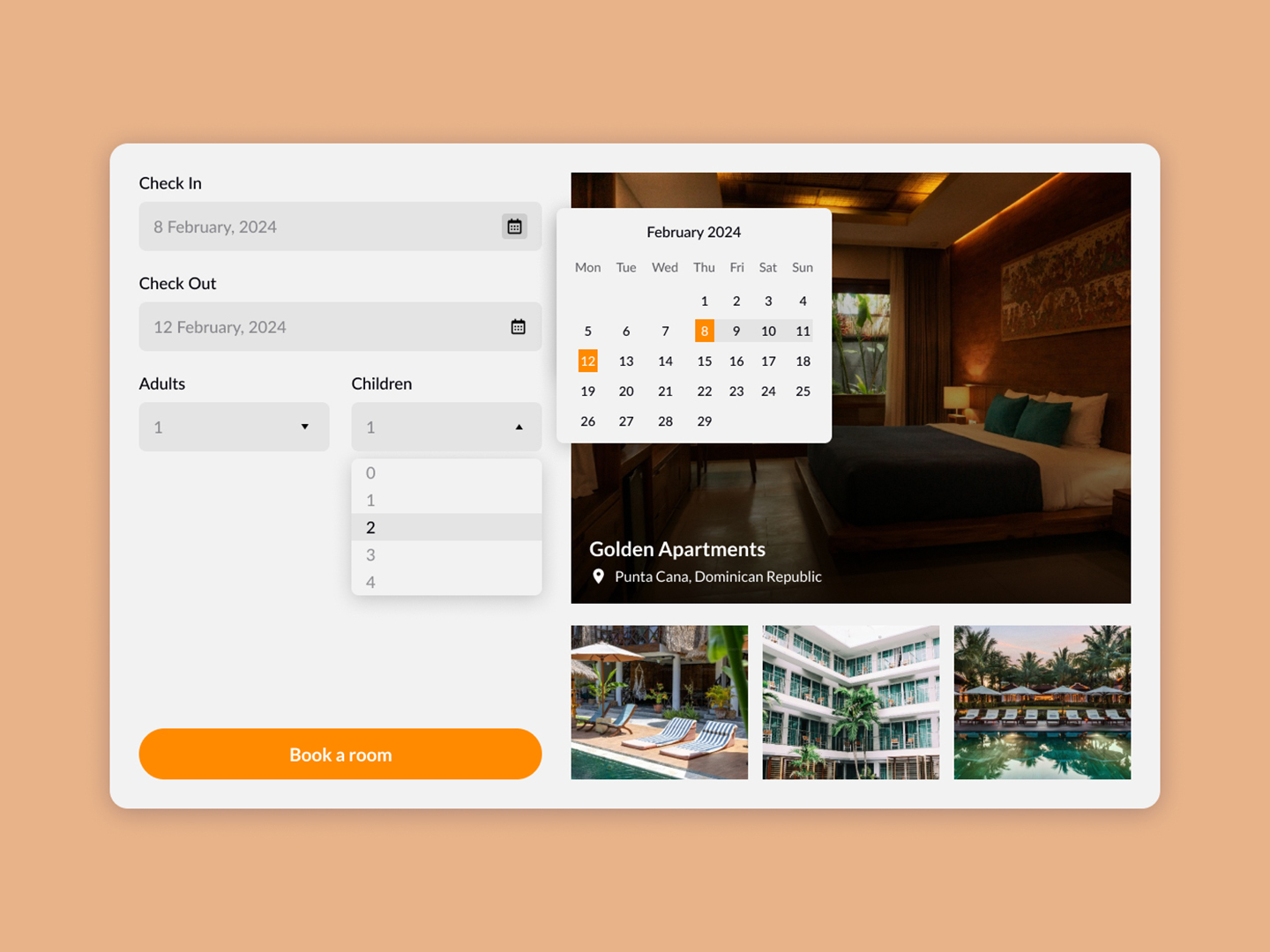 Day 11
 Hotel Booking
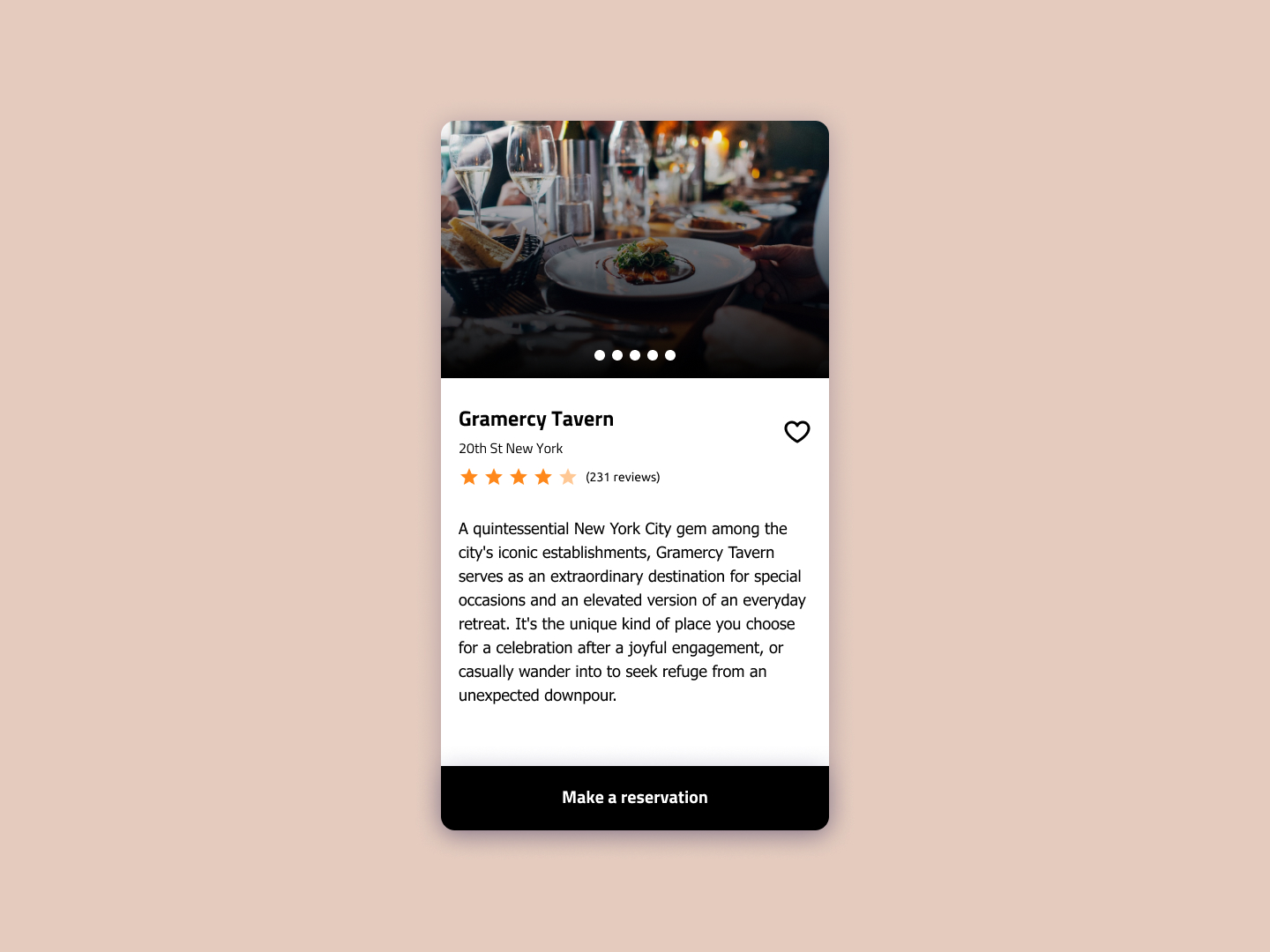 Day 12
 Restaurant Reservation
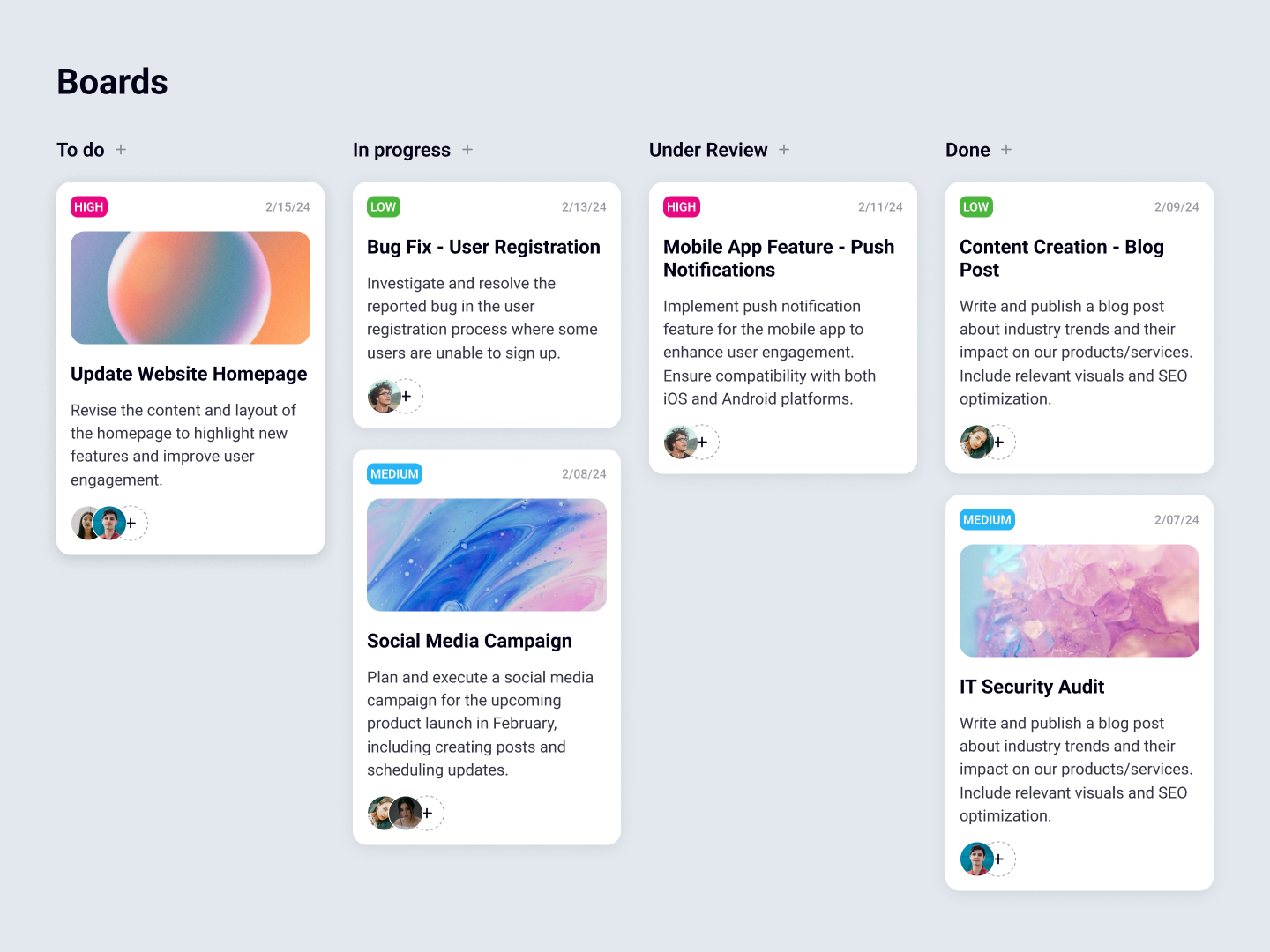 Day 13
 Task Board
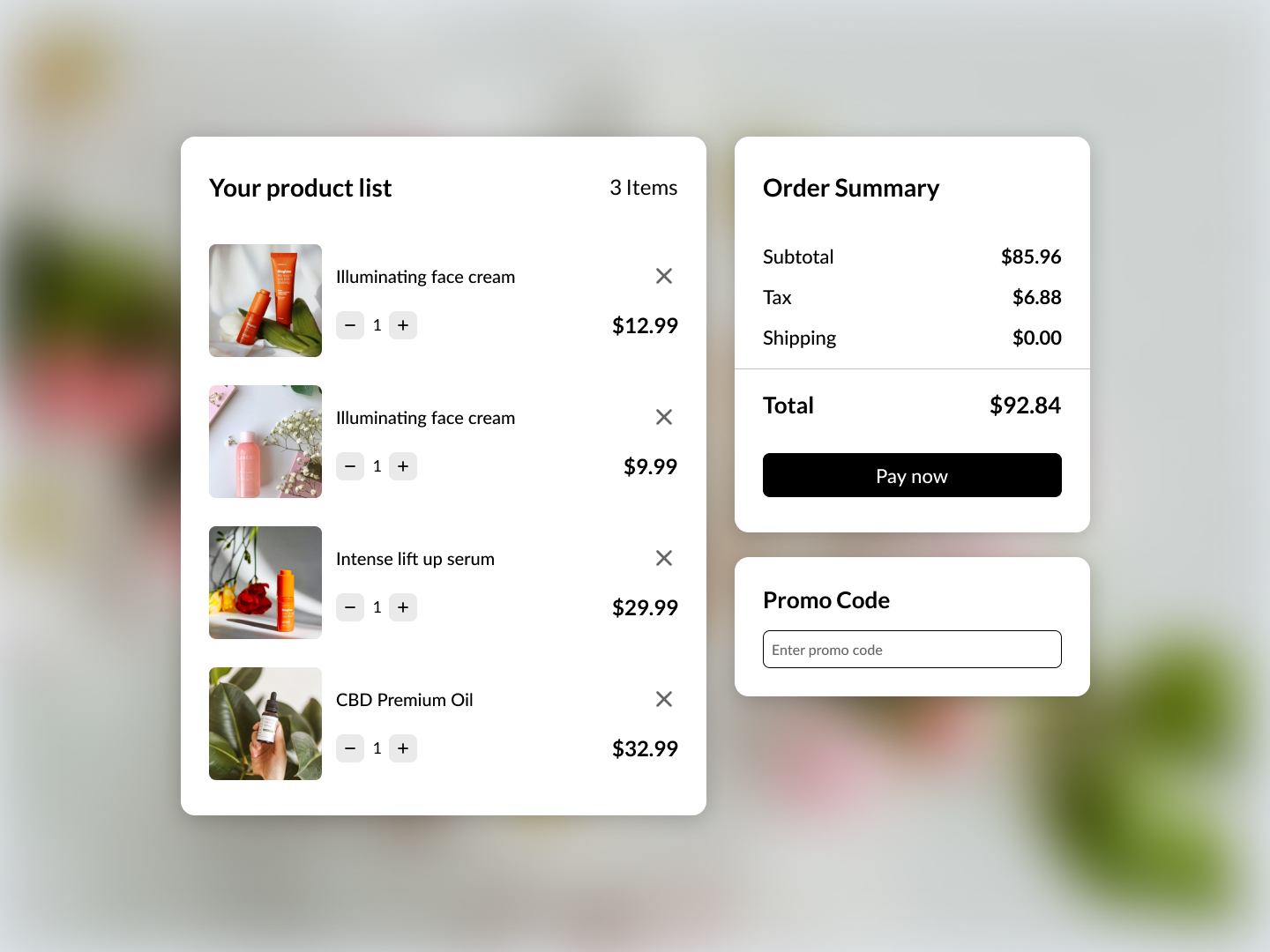 Day 14
 Shopping List
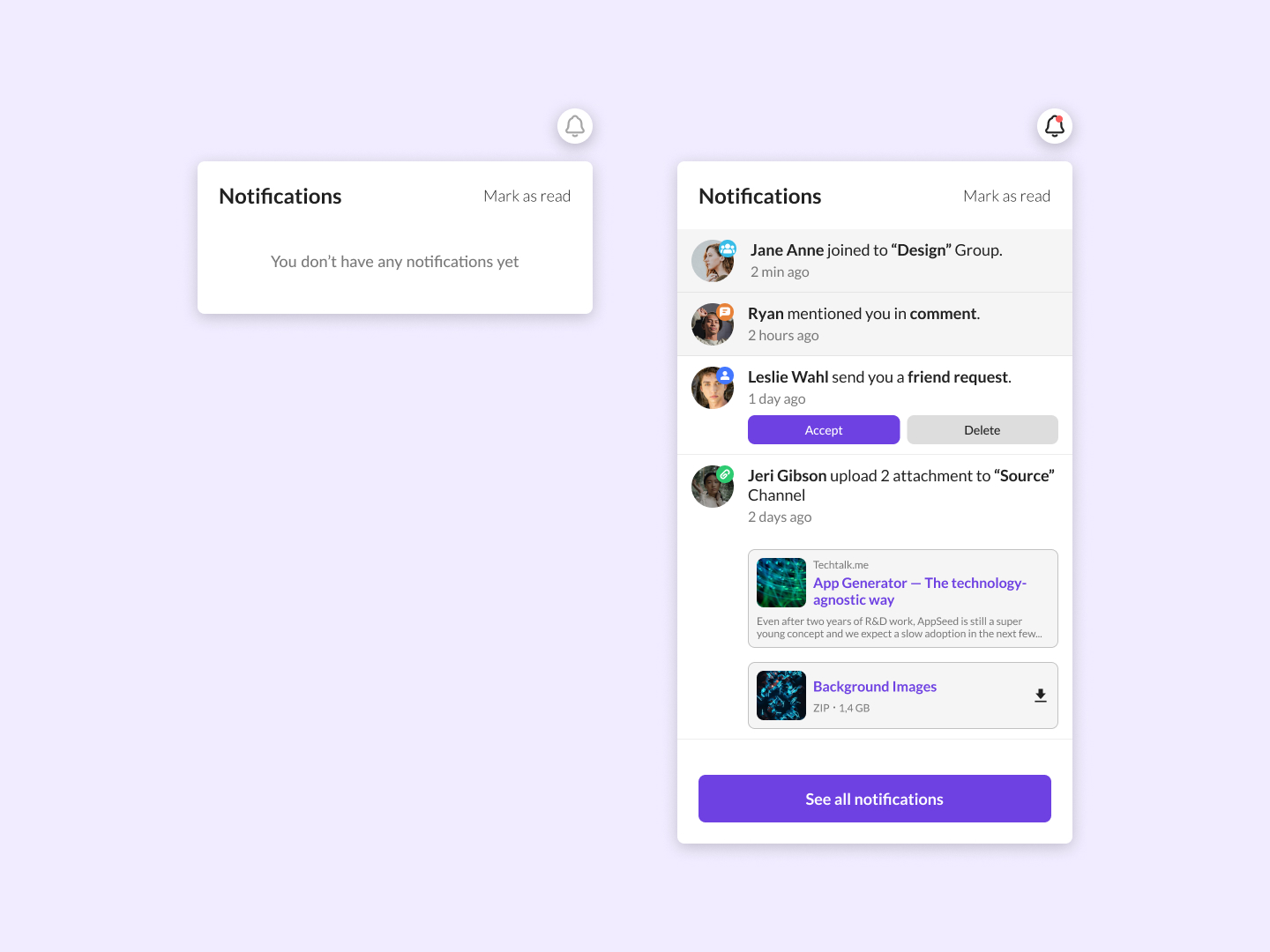 Day 15
 Notifications
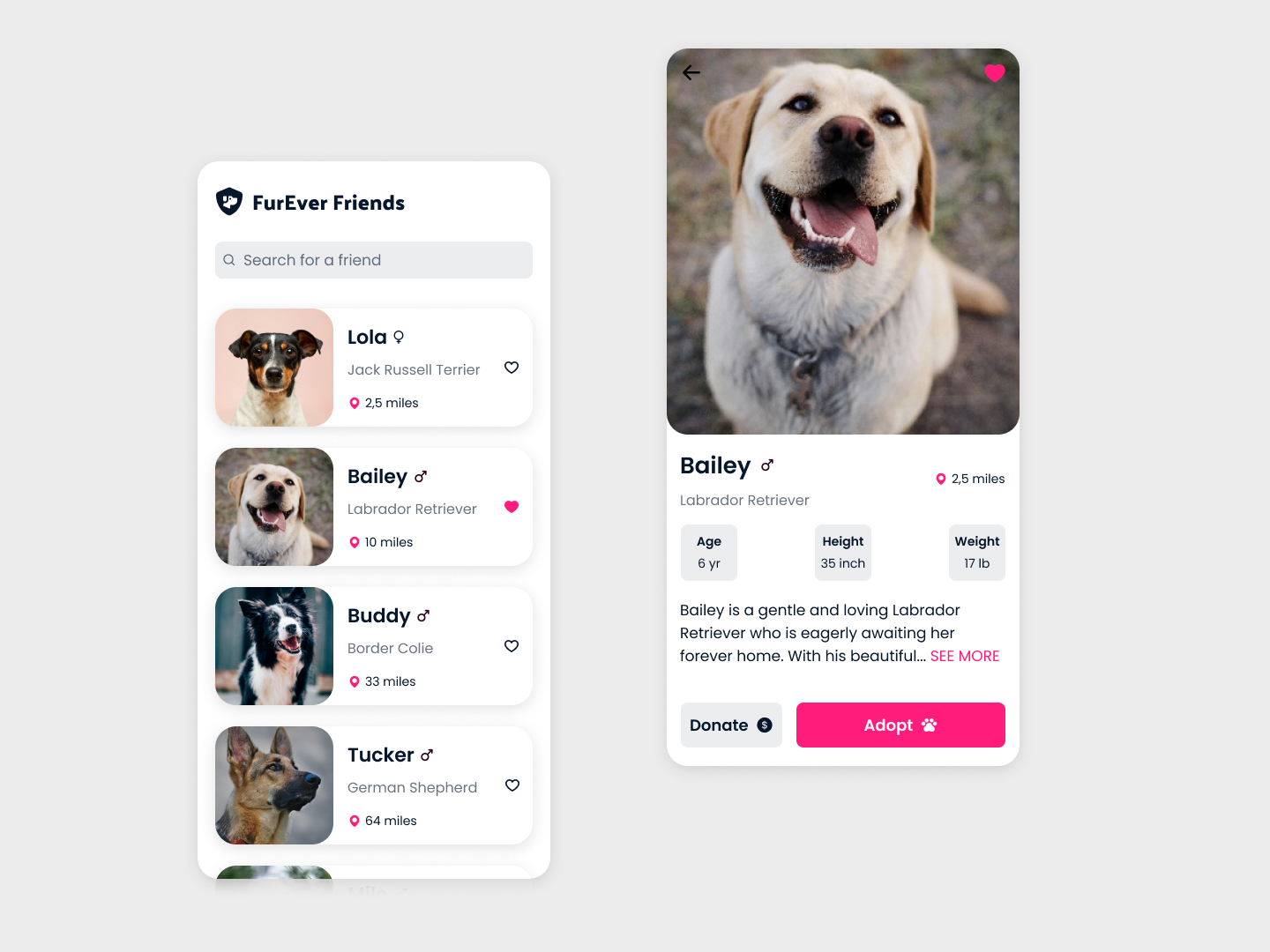 Day 16
 Fur Friends
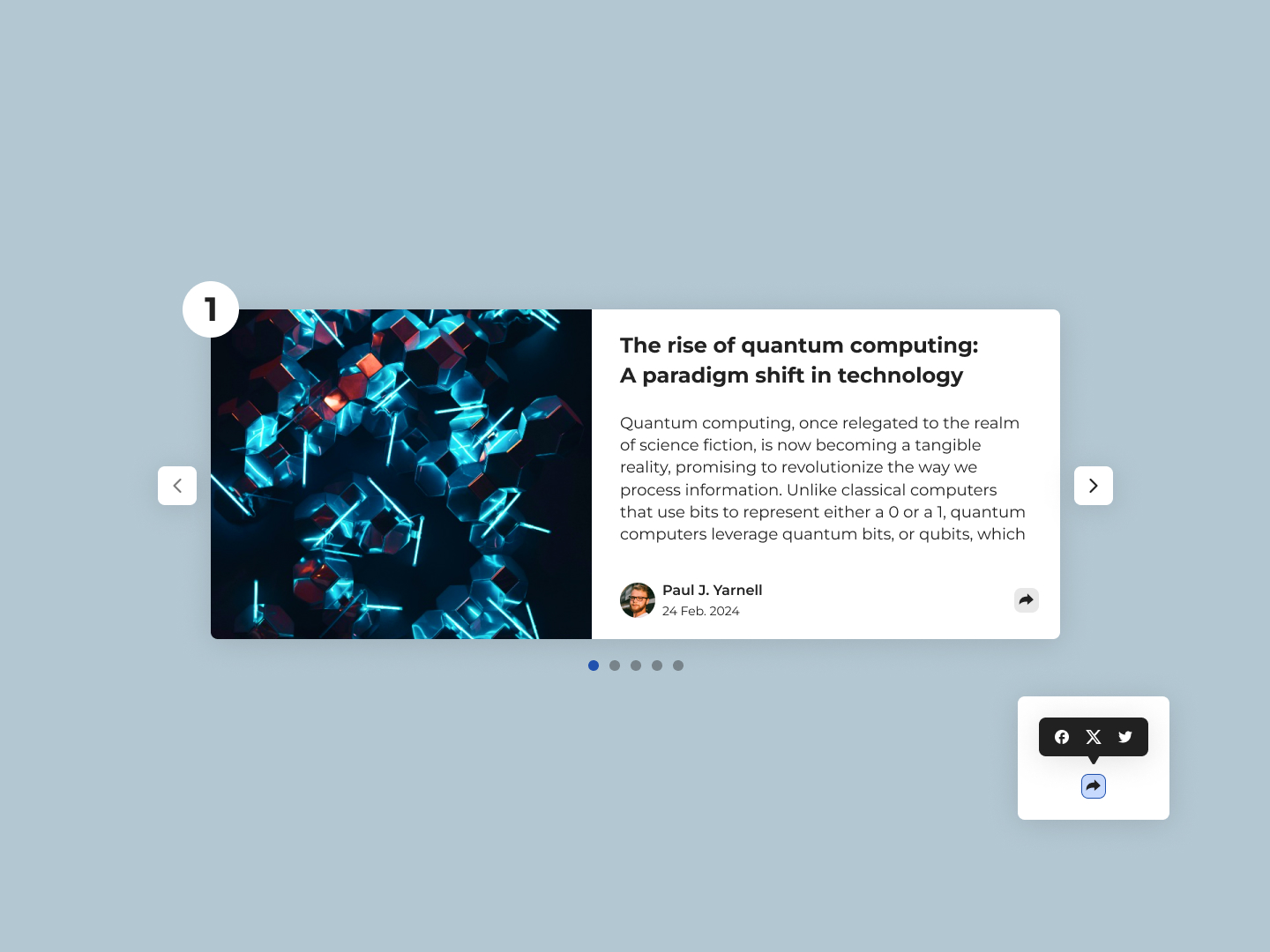 Day 17
 Article Slider
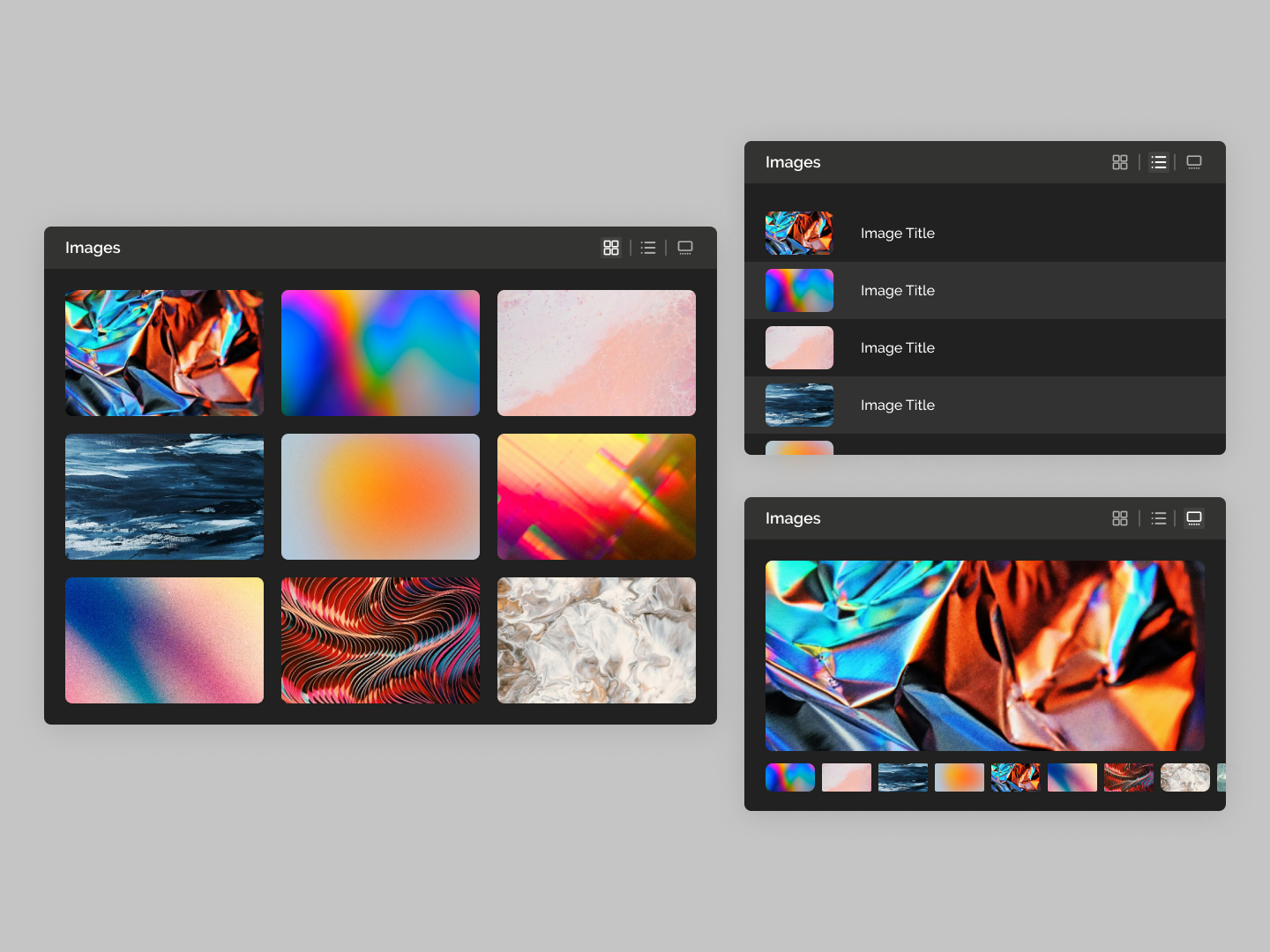 Day 18
 Images Preview
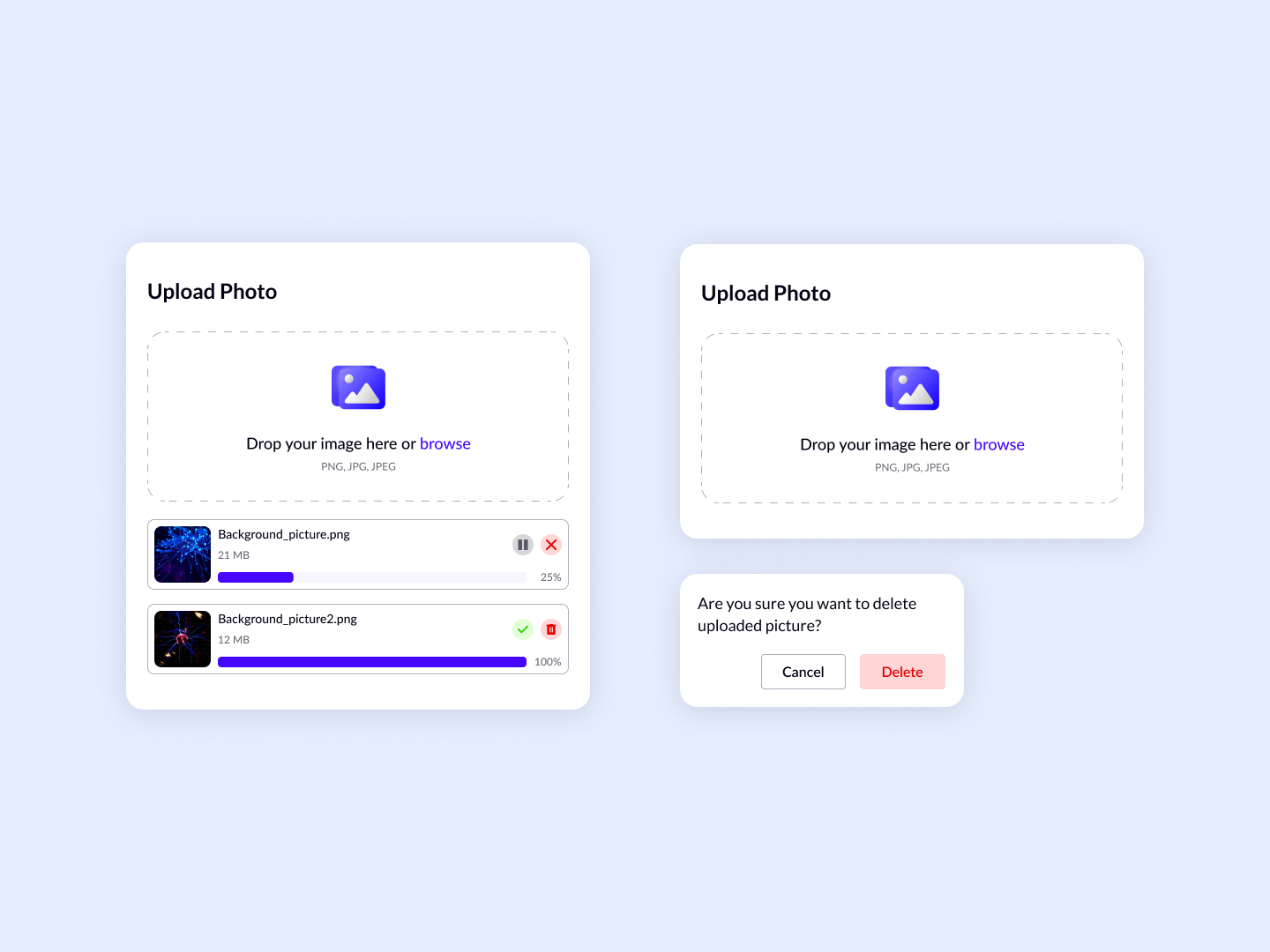 Day 19
 Upload Images
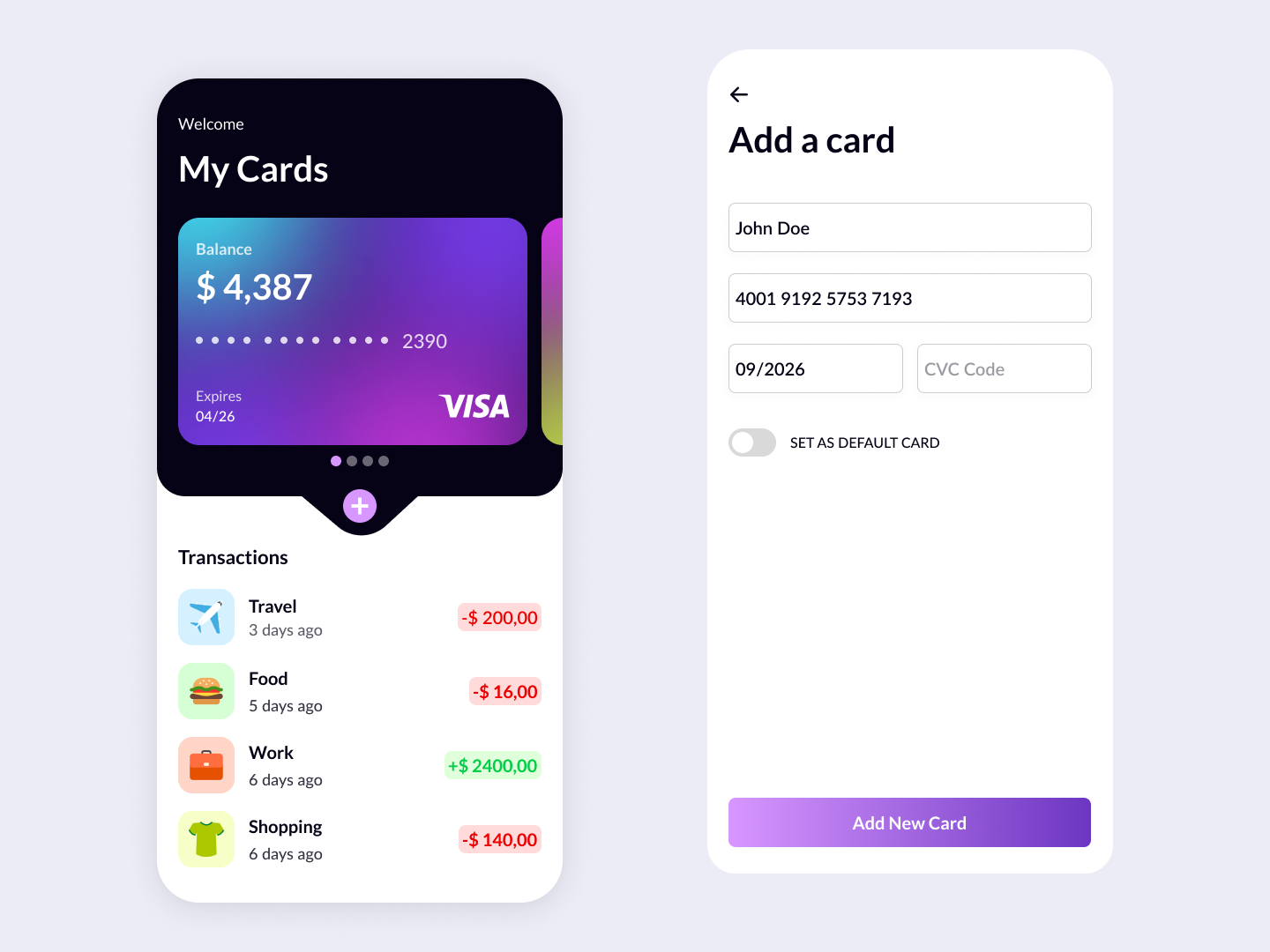 Day 20
 Card Wallet
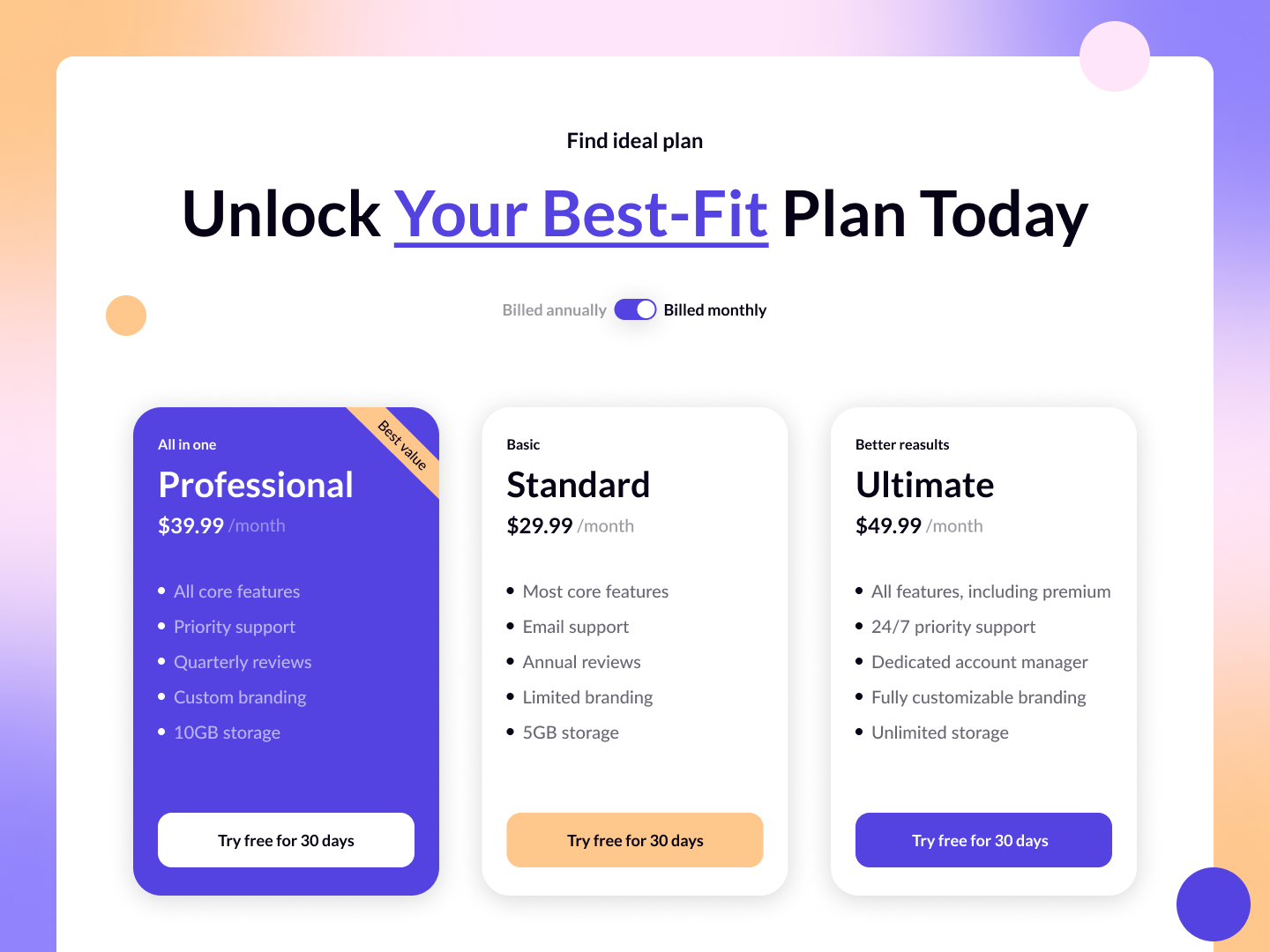 Day 21
 Pricing Plans
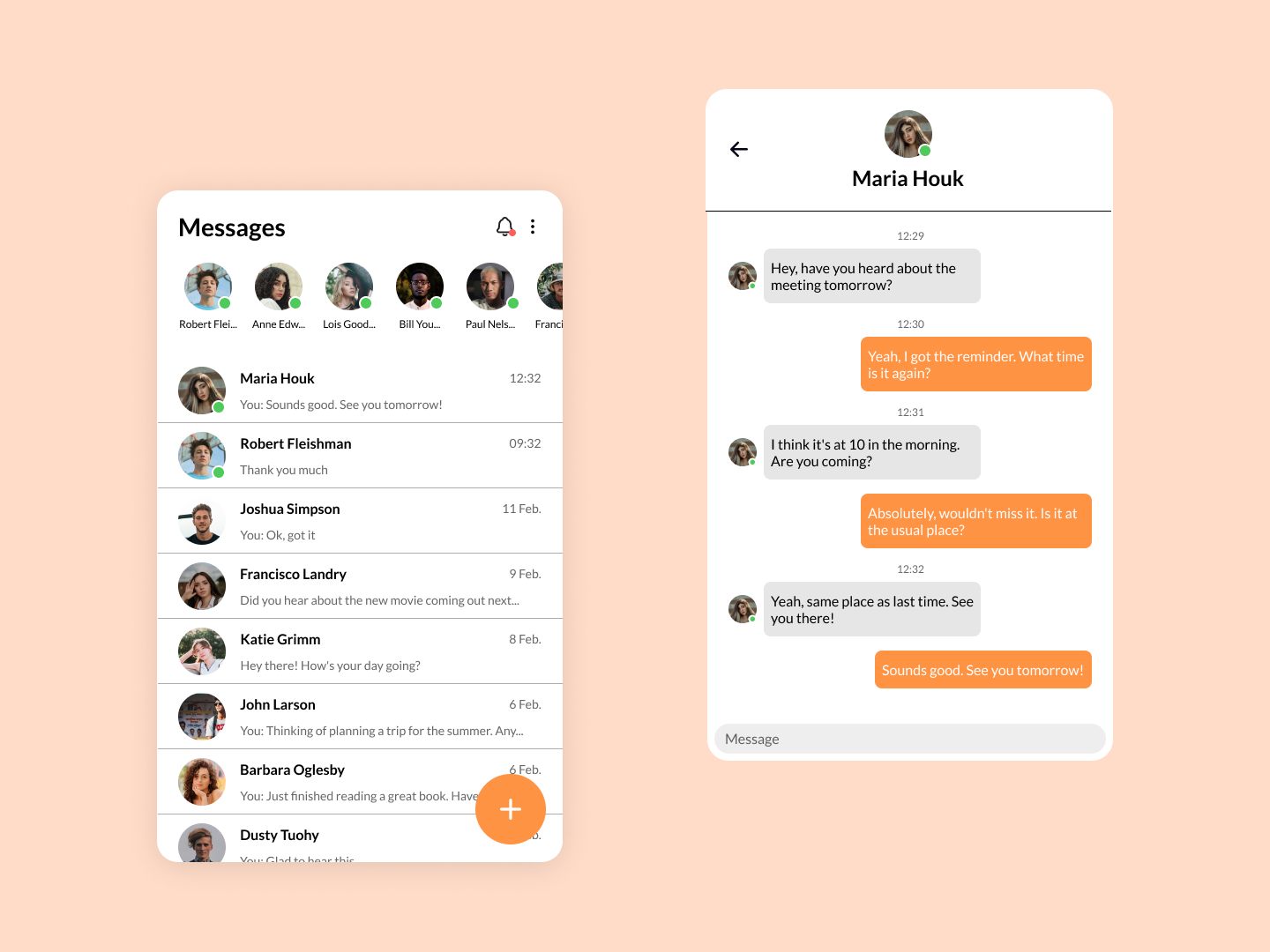 Day 22
 Messages
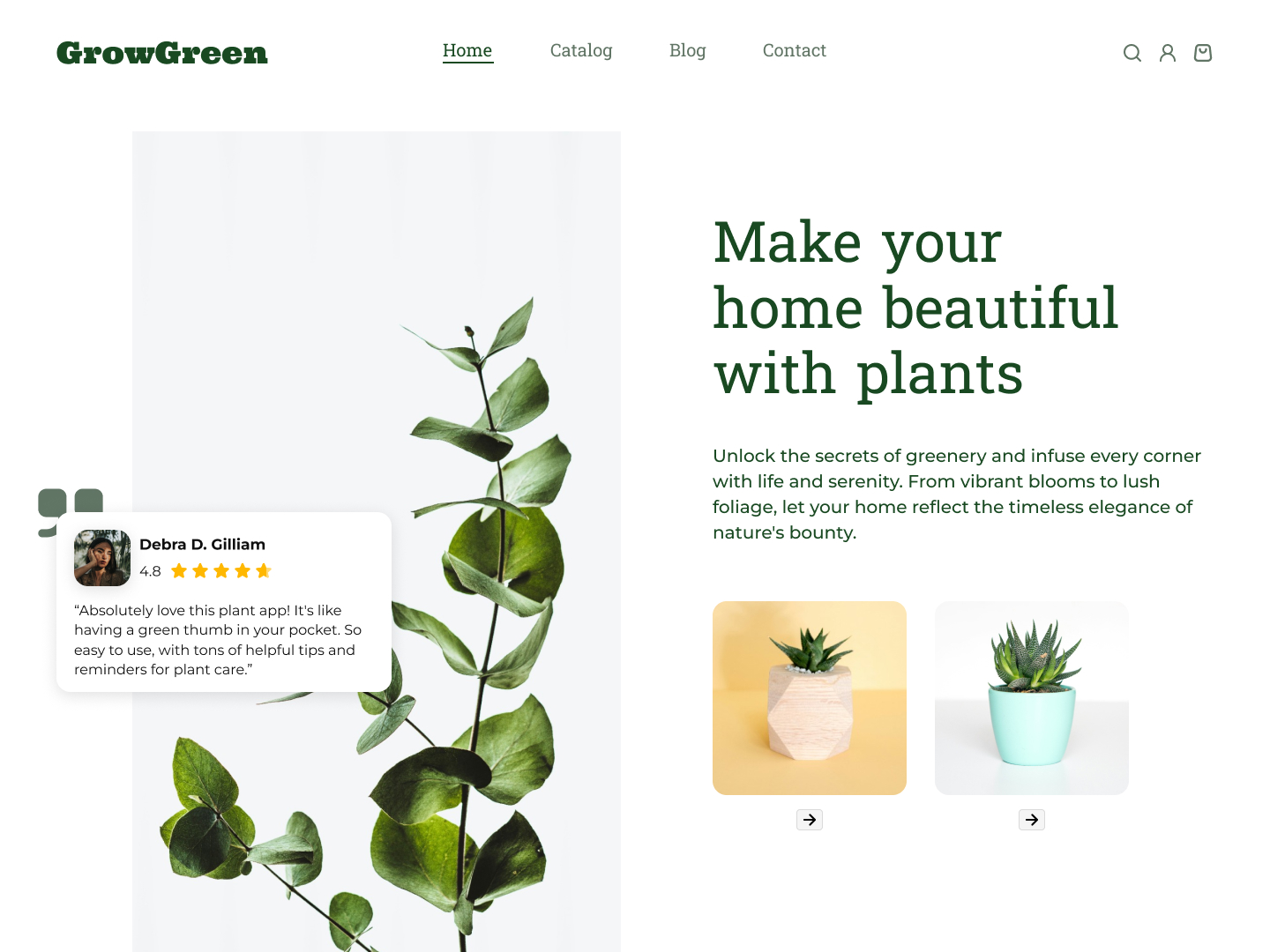 Day 23
 Home Page
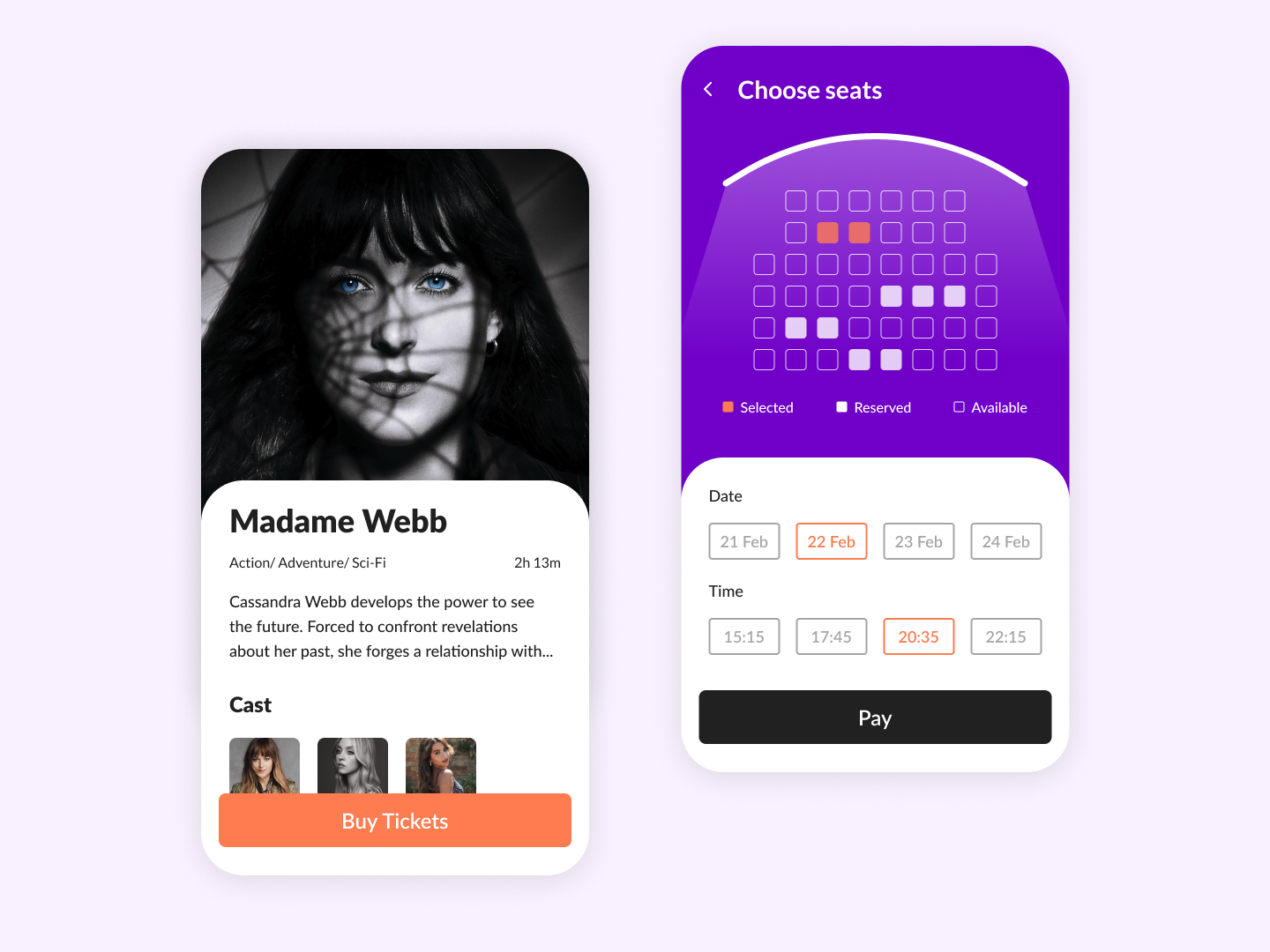 Day 24
 Movie Ticket
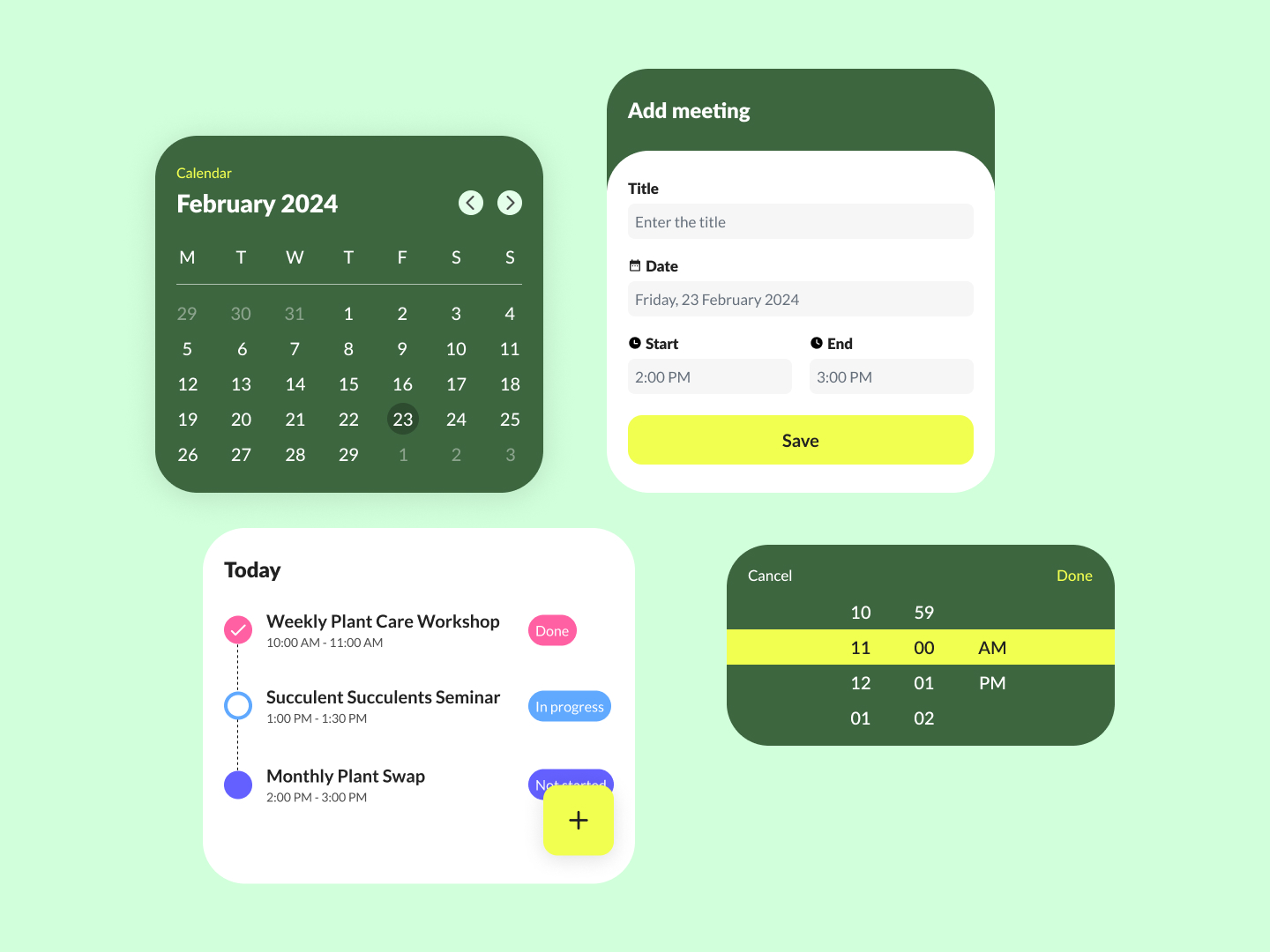 Day 25
 Meeting Schedule
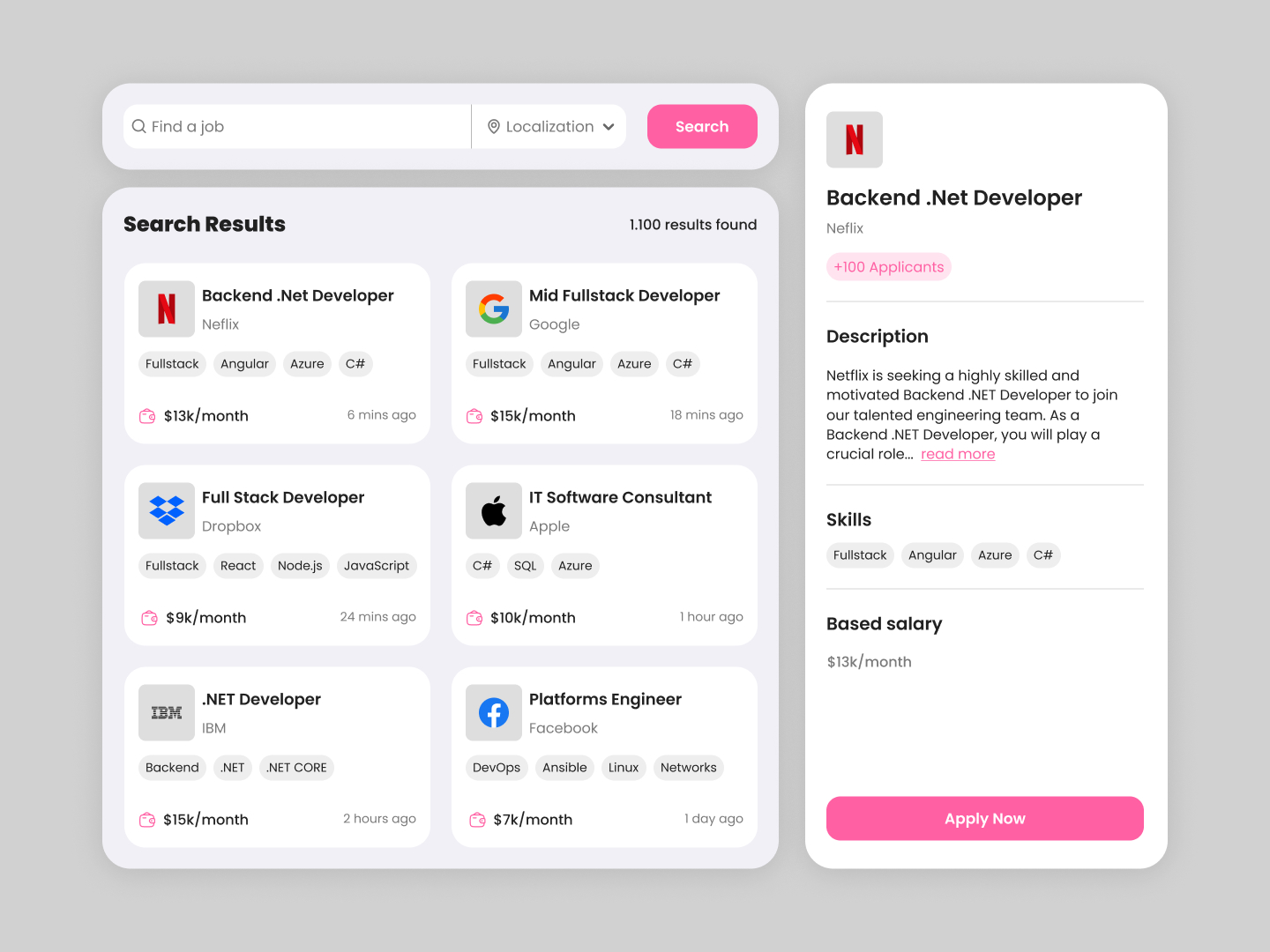 Day 26
 Job Board
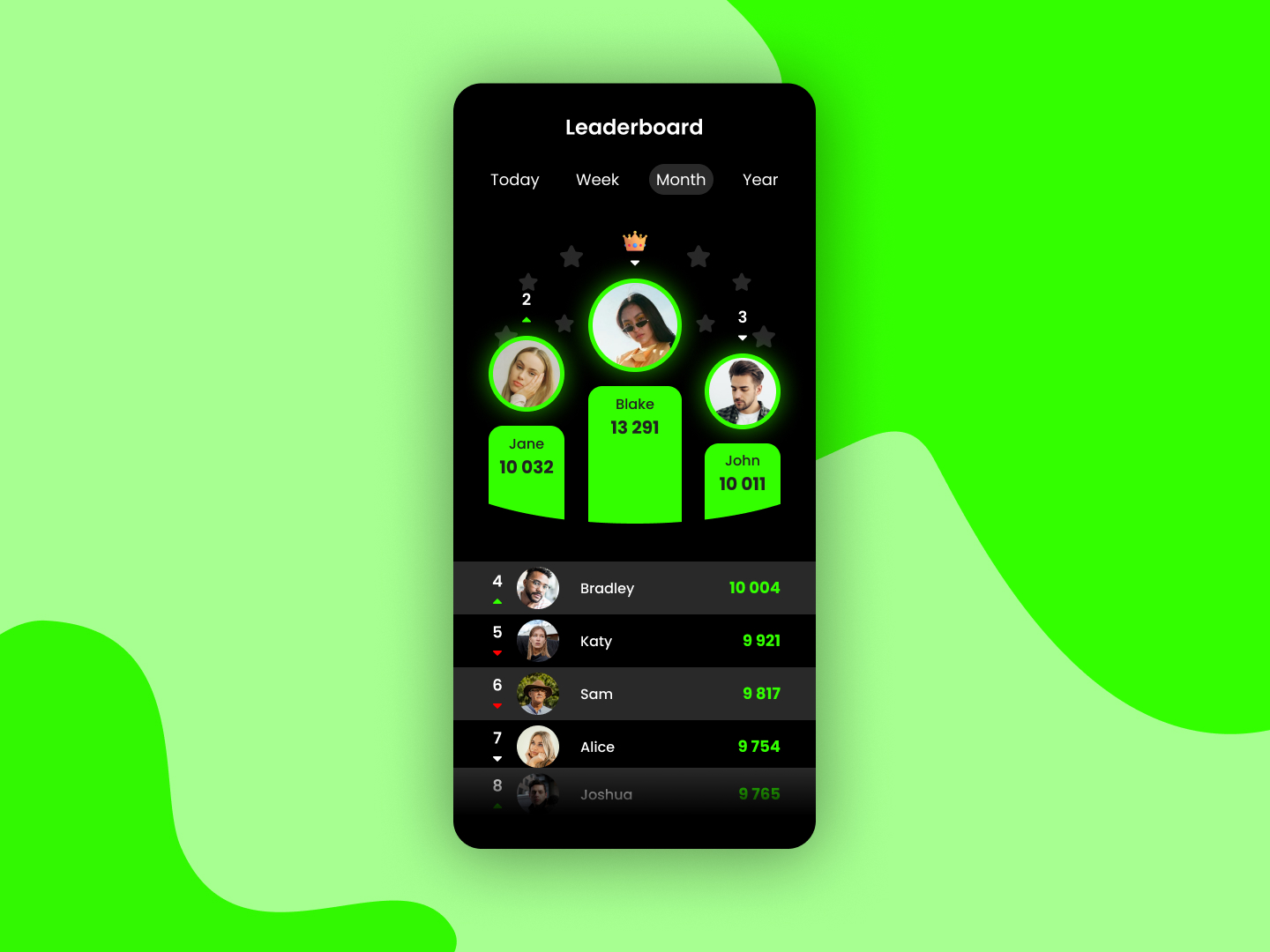 Day 27
 Leaderboards
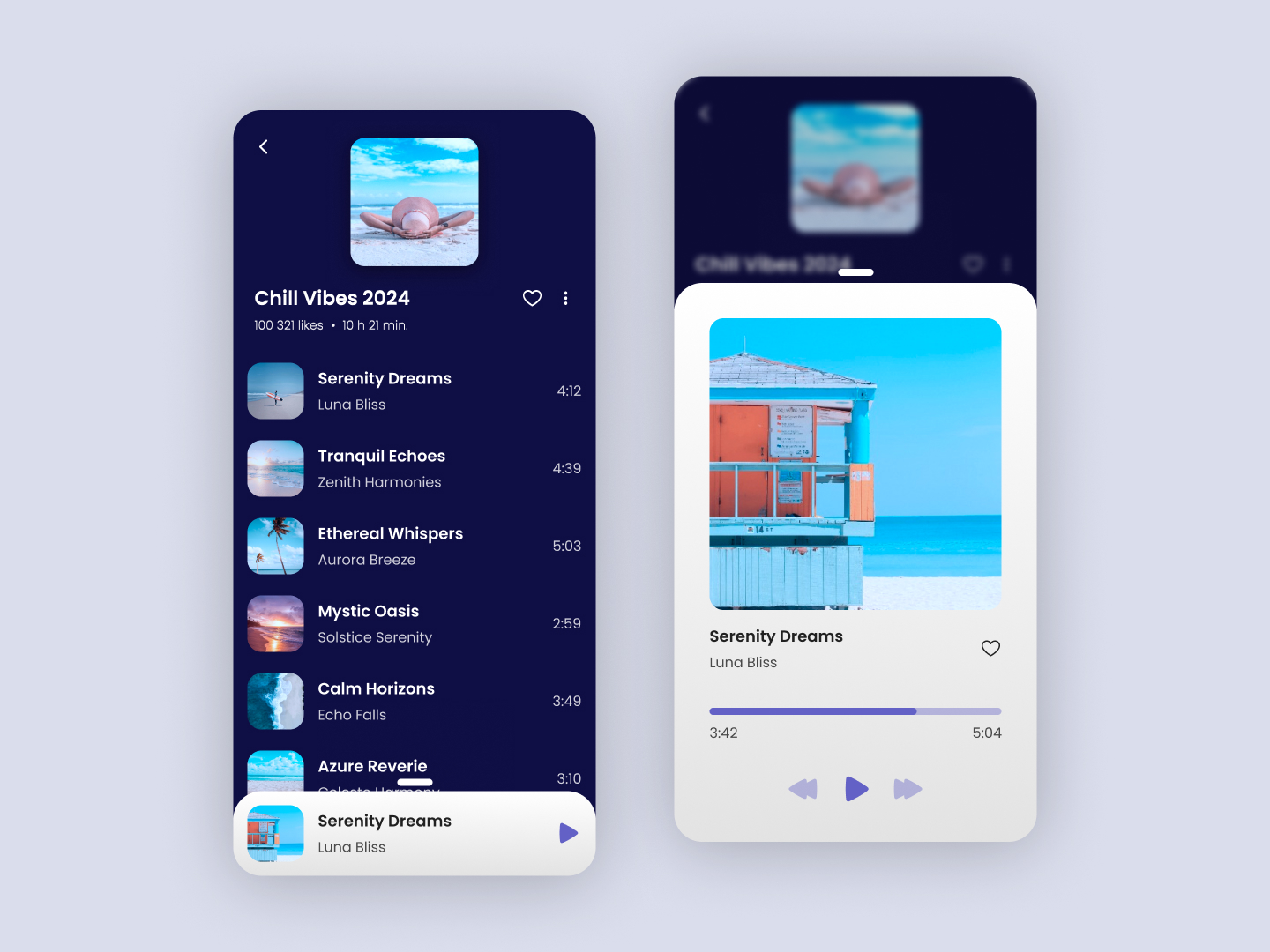 Day 28
 Playlist
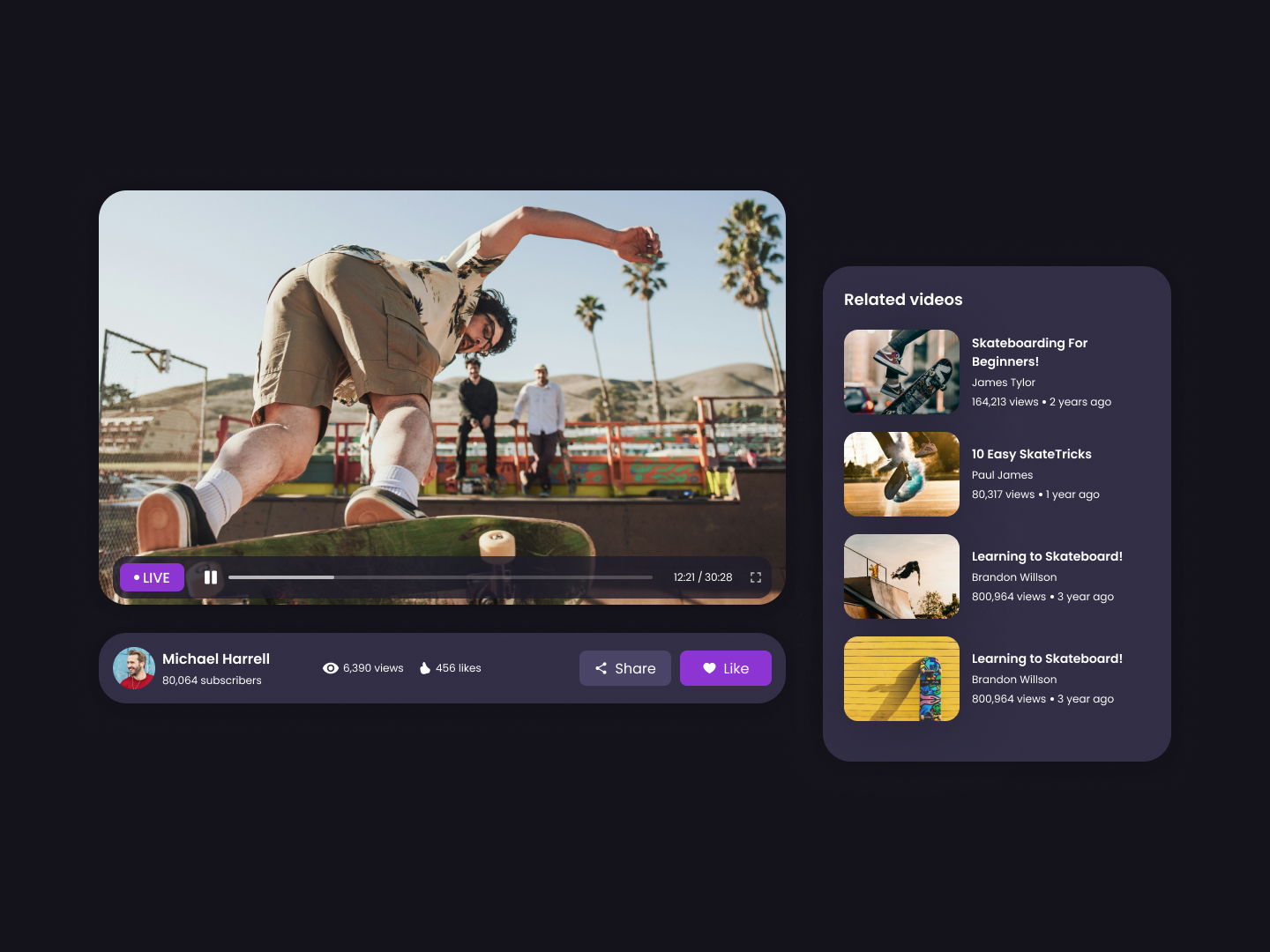 Day 29
 Video Player
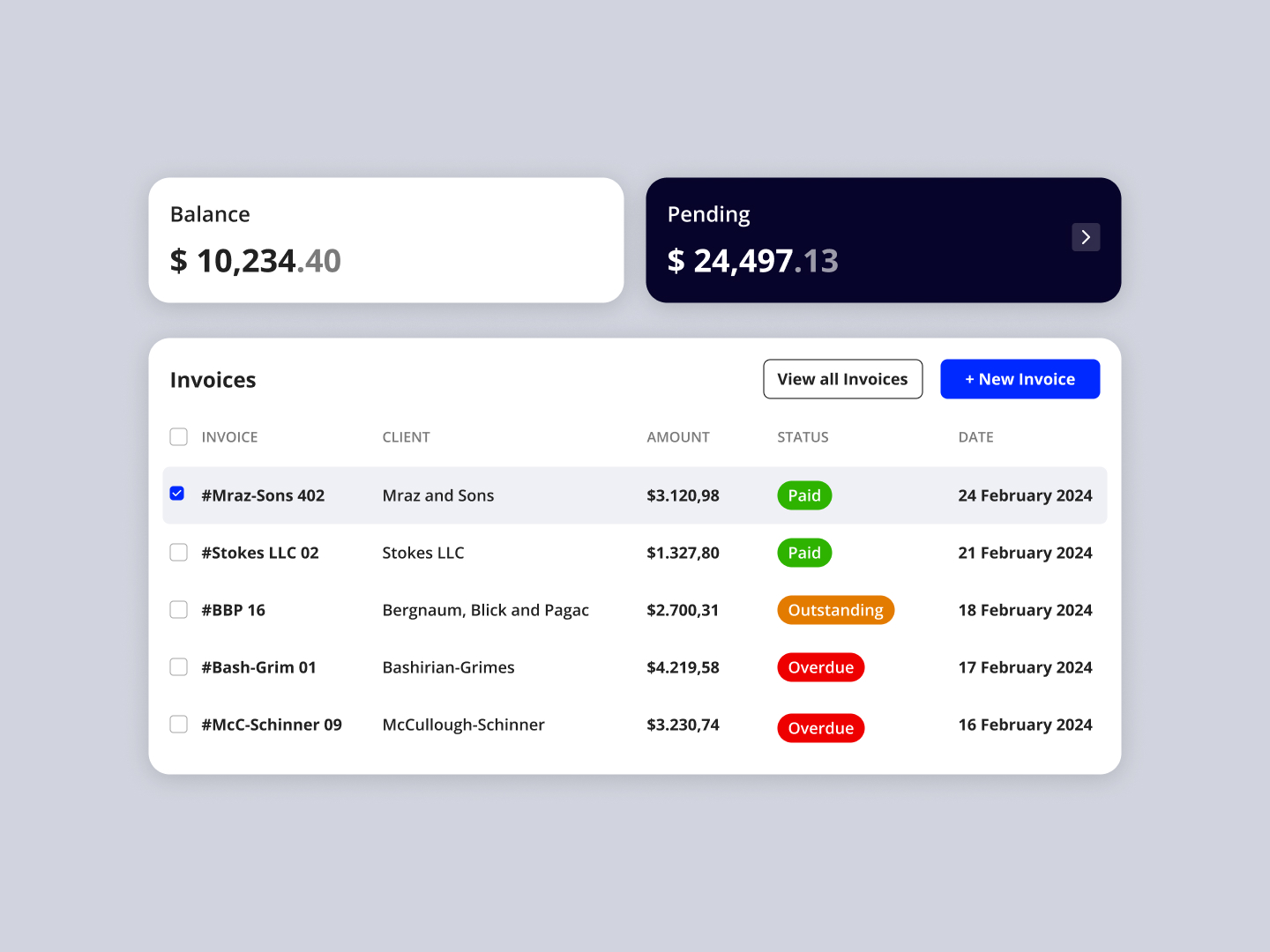 Day 30
 Invoices
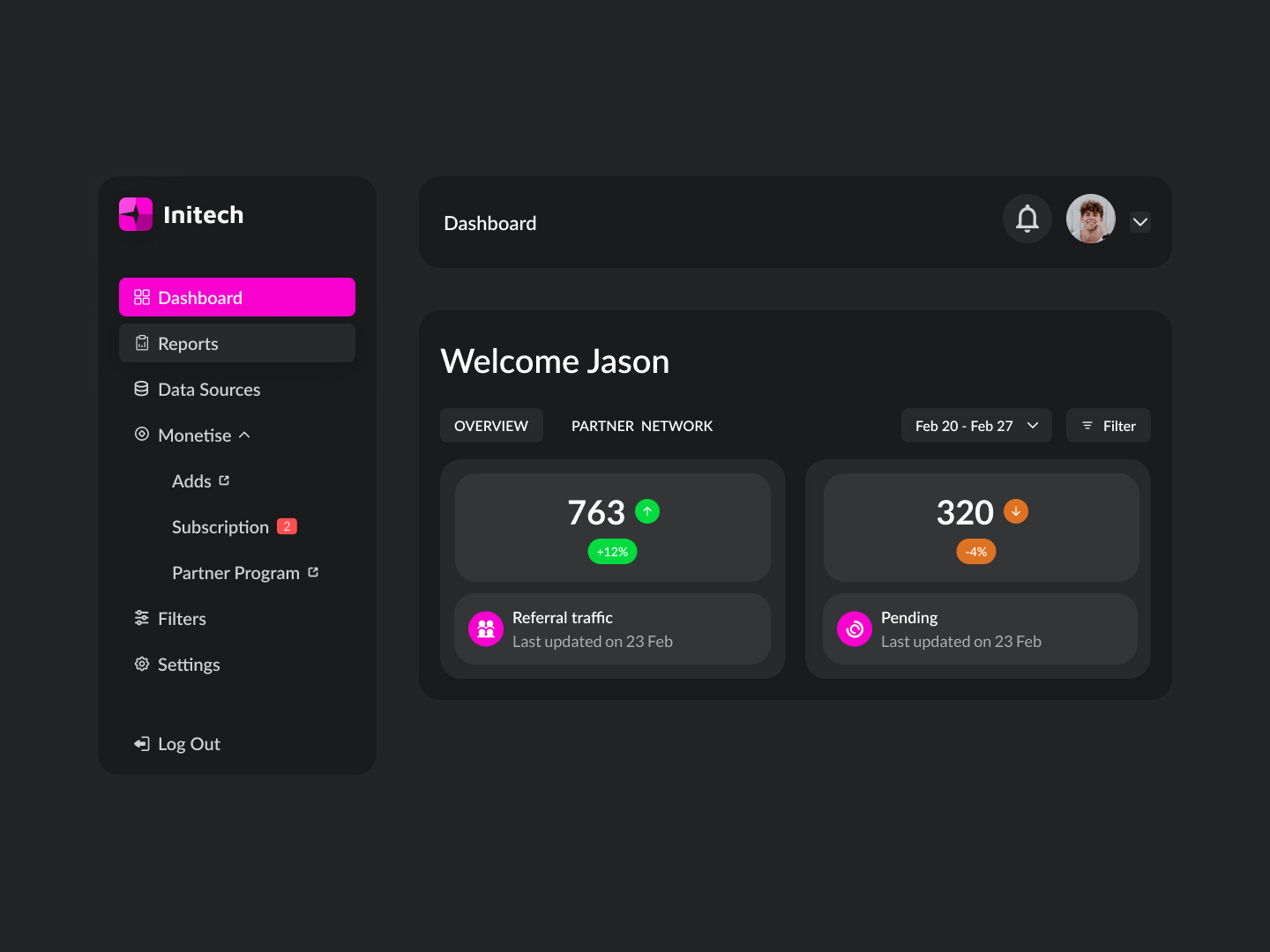 Day 31
 Dashboard
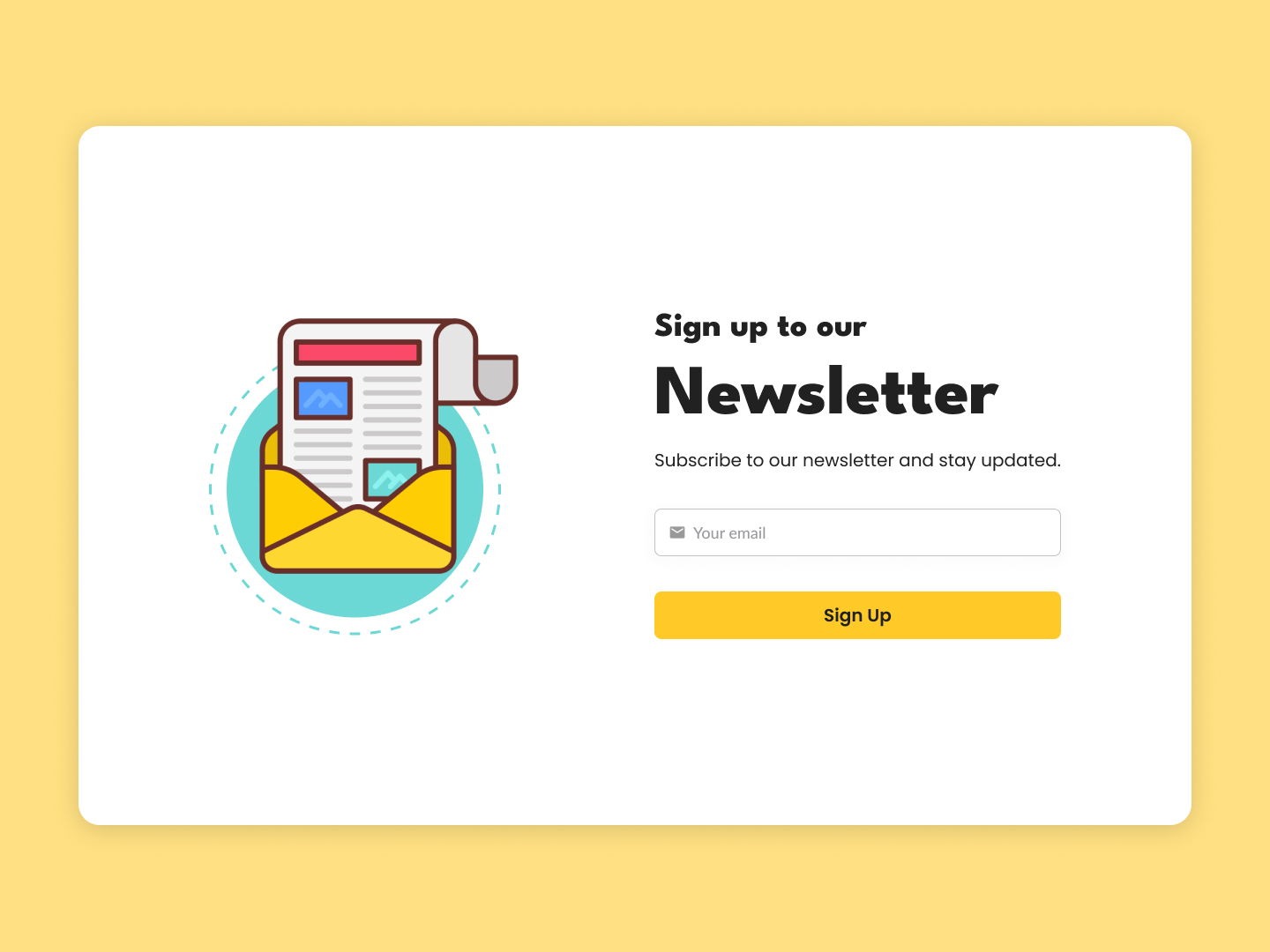 Day 32
 Newsletter
 Day 33
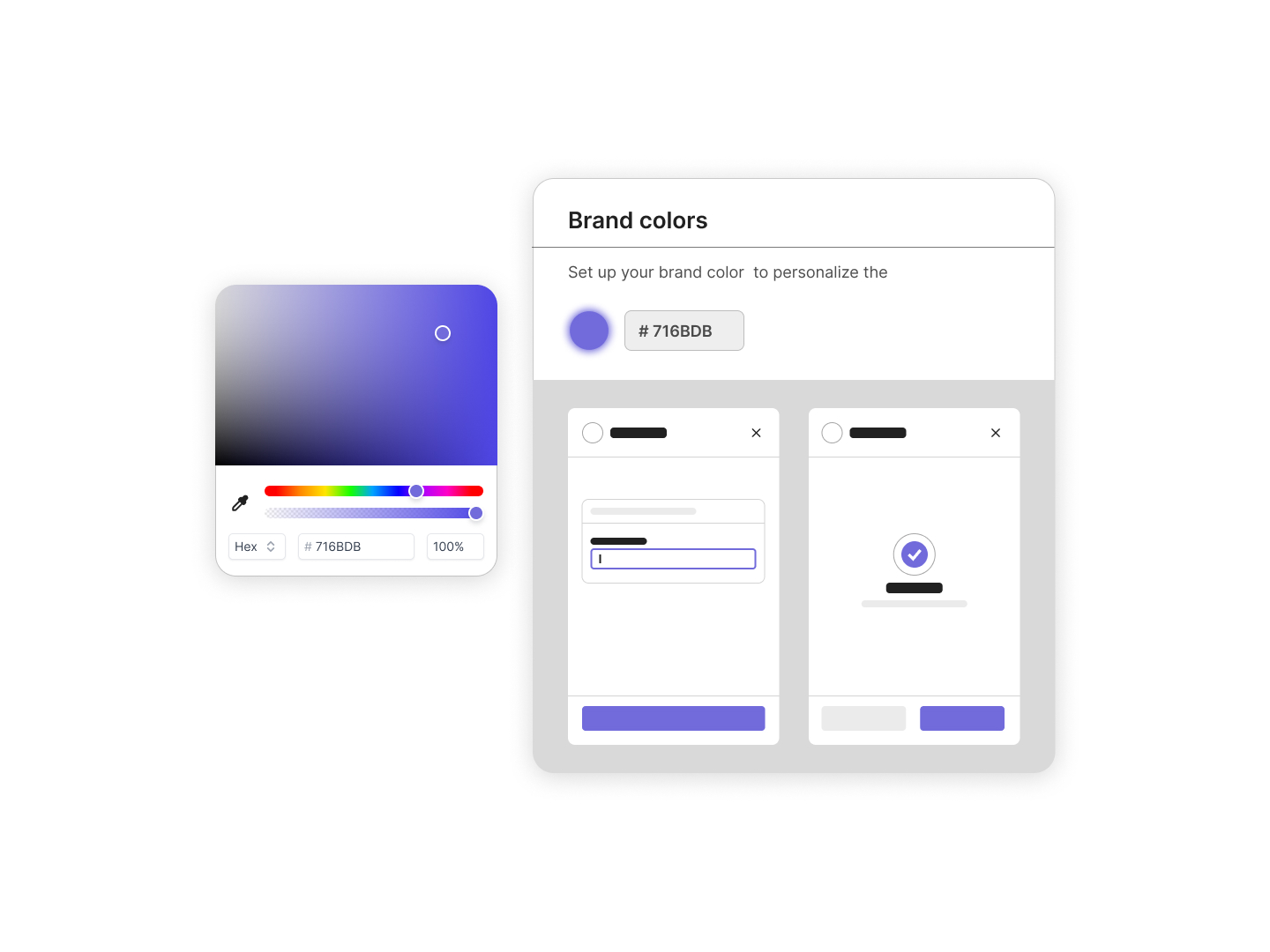
 Brand Visualizer
 Day 34
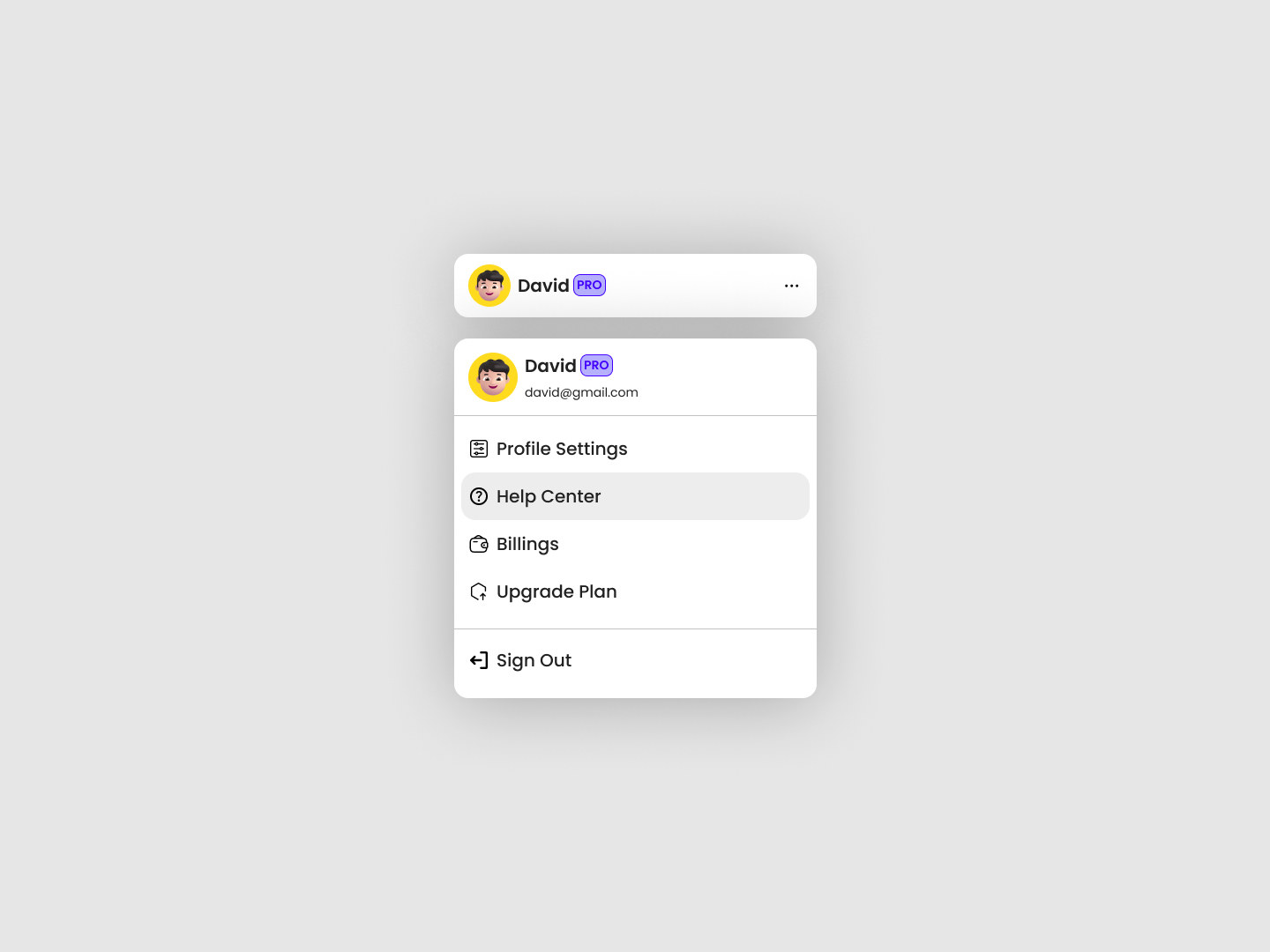
 User Profile
 Day 35
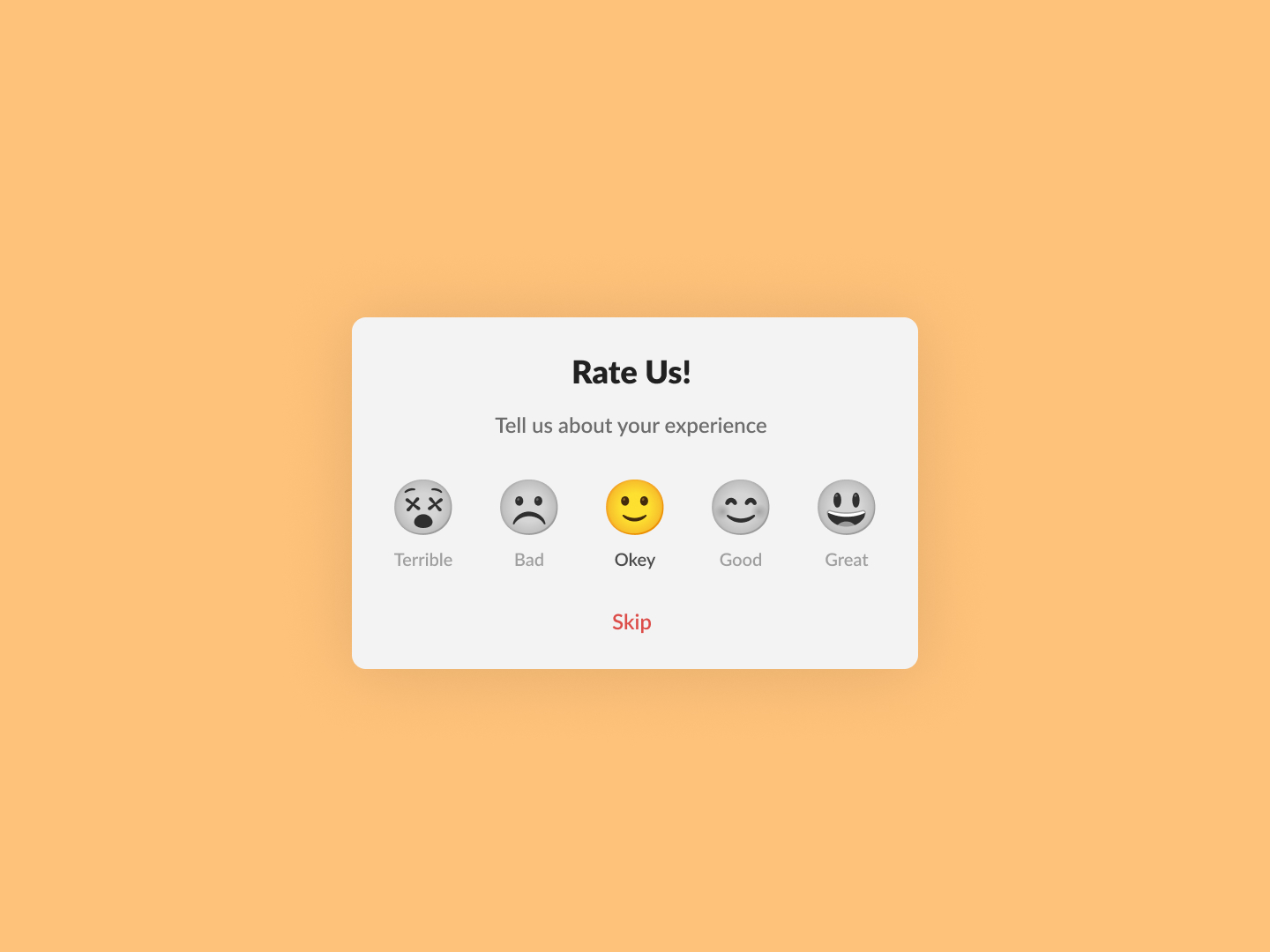
 Rate Us
 Day 36
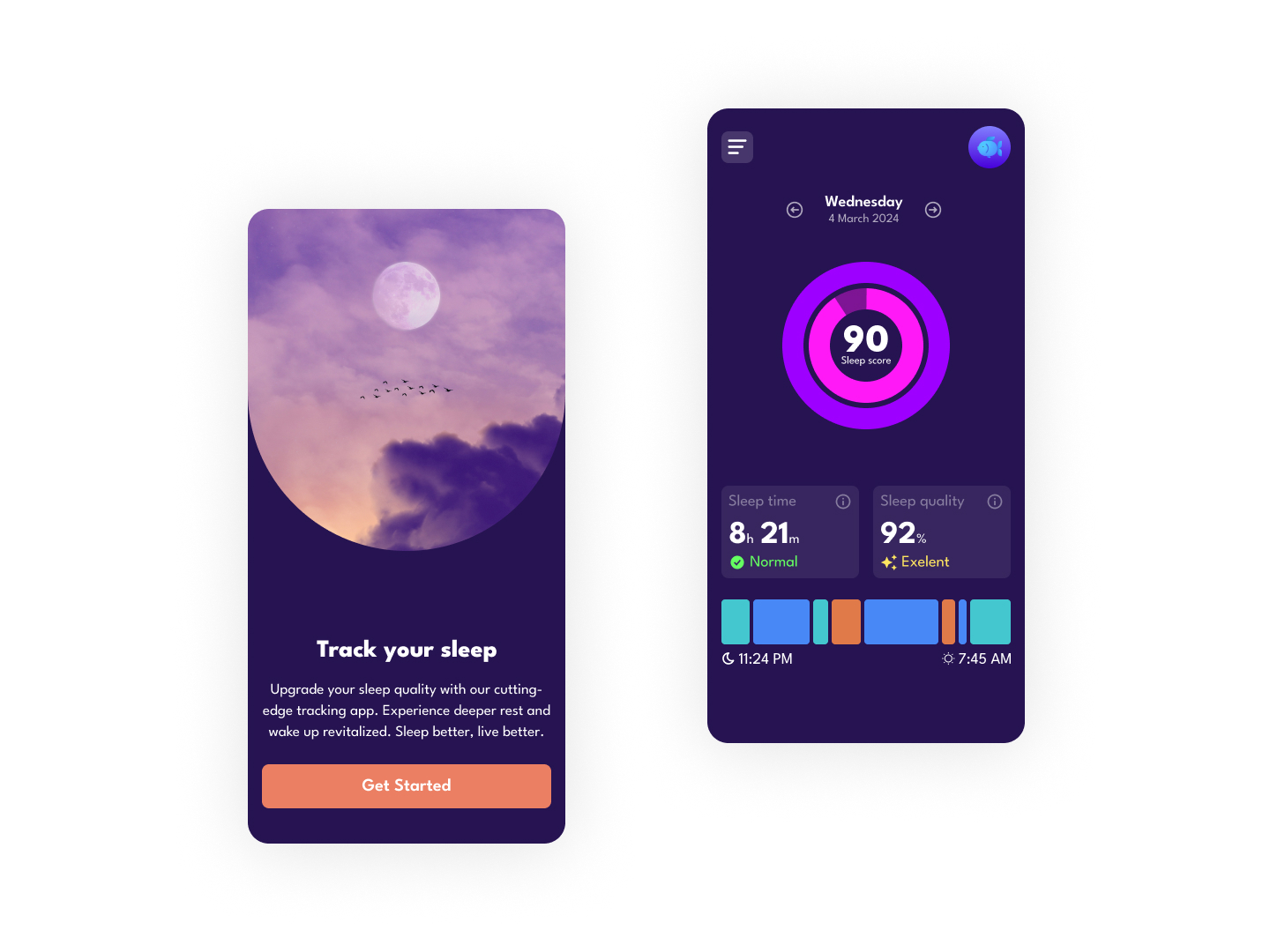
 Sleep App
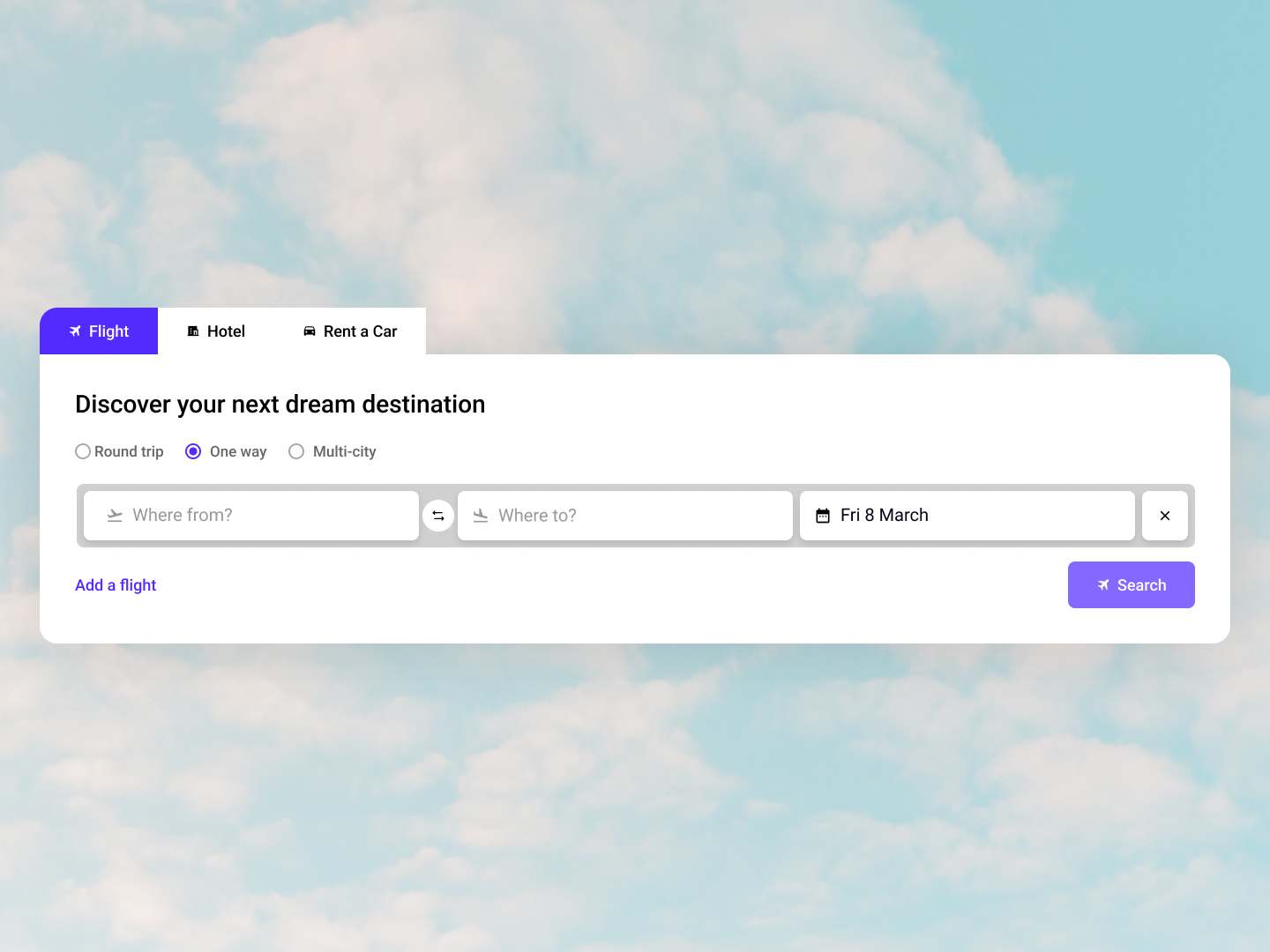 Day 37
 Explore Flights
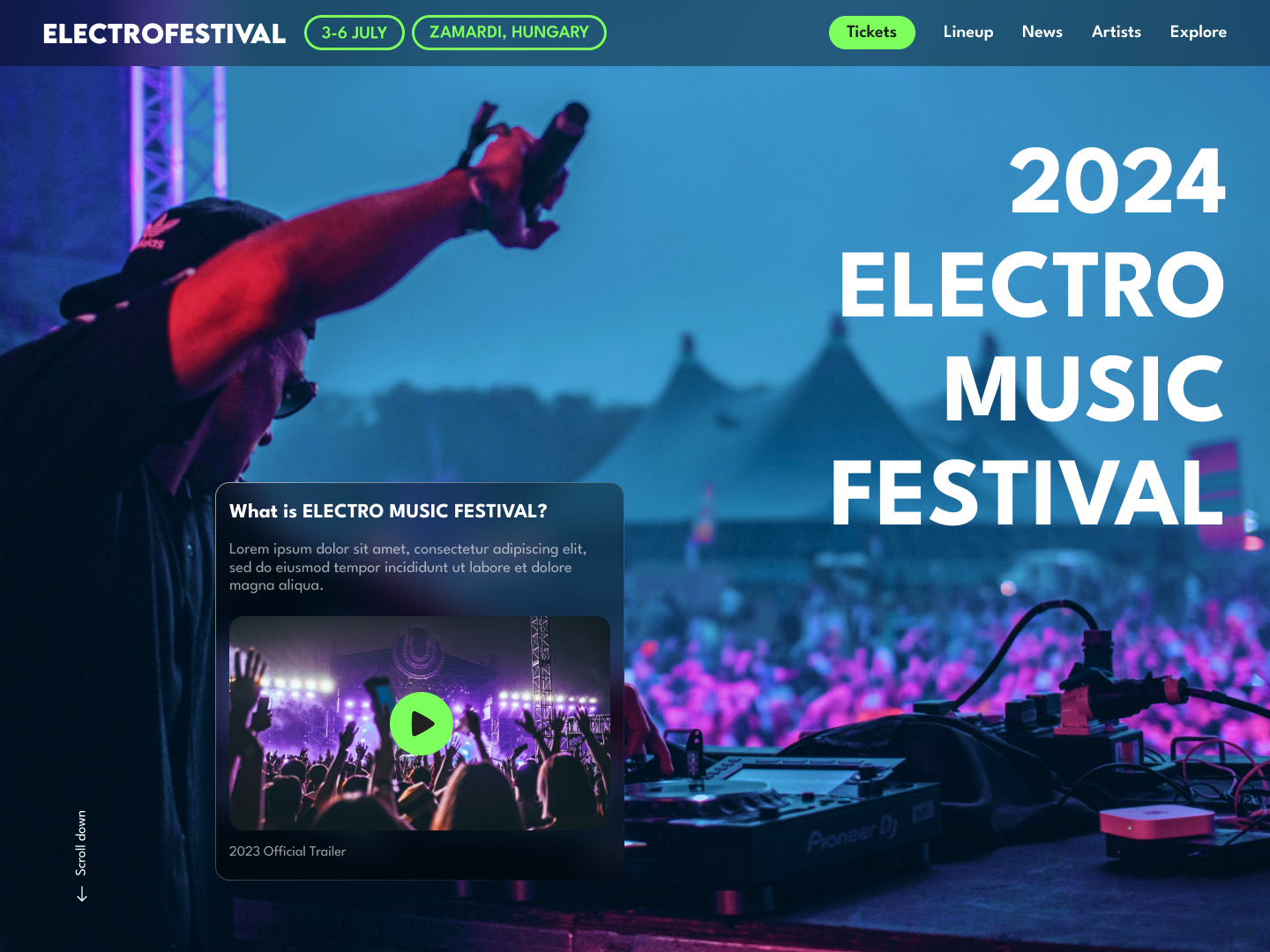 Day 38
 Music Festival
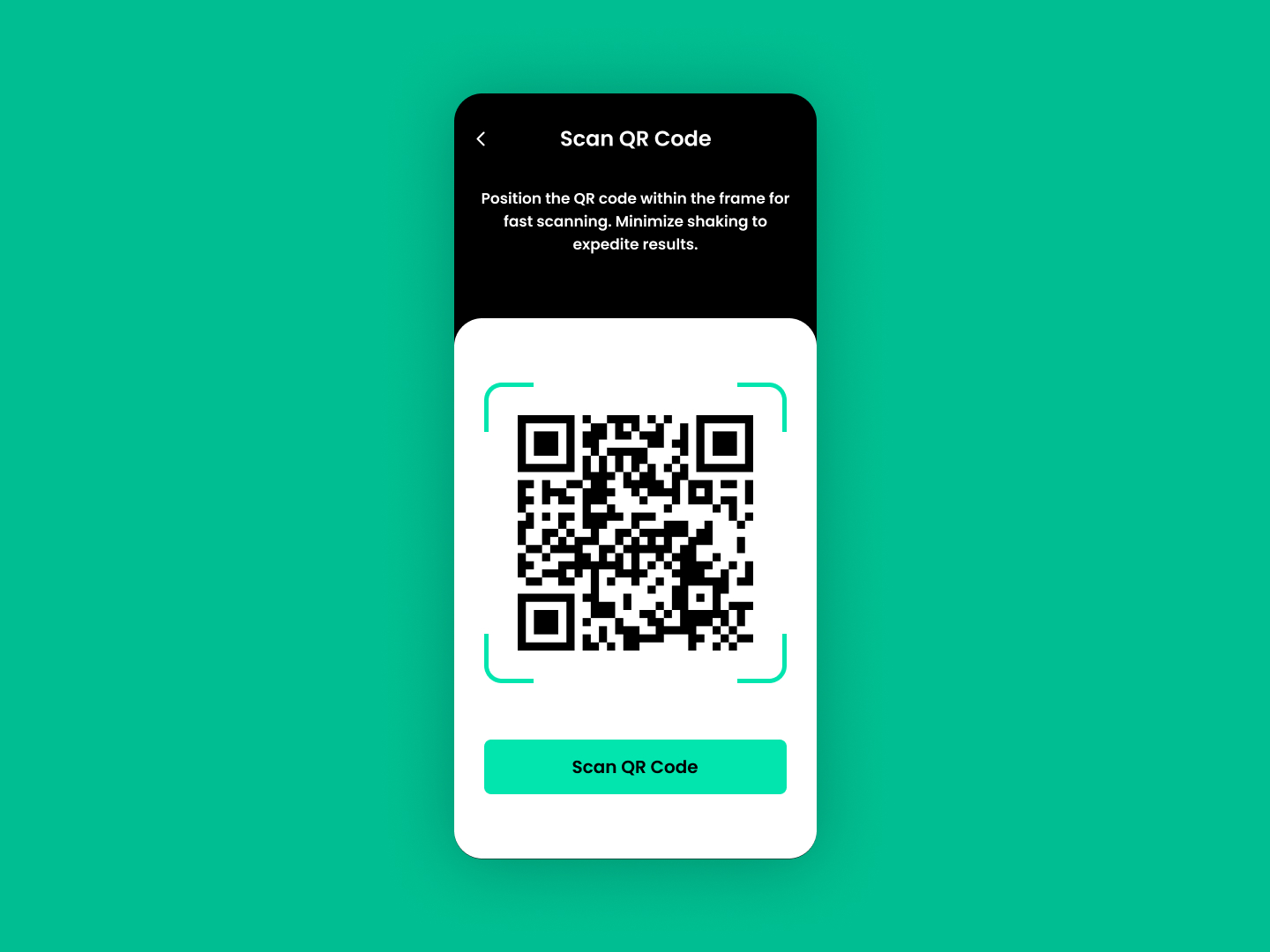 Day 39
 QR Code Scanner
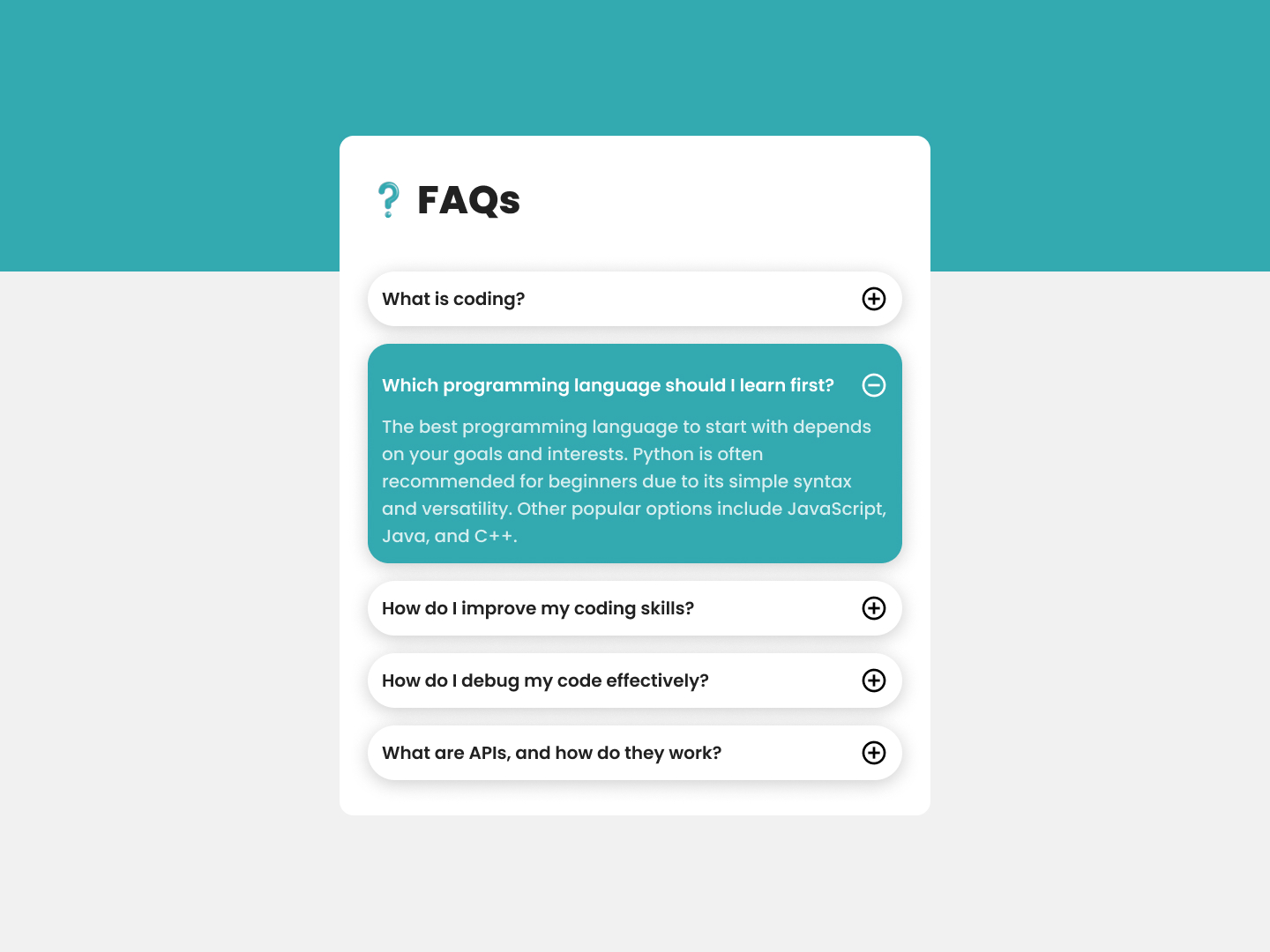 Day 40
 FAQ
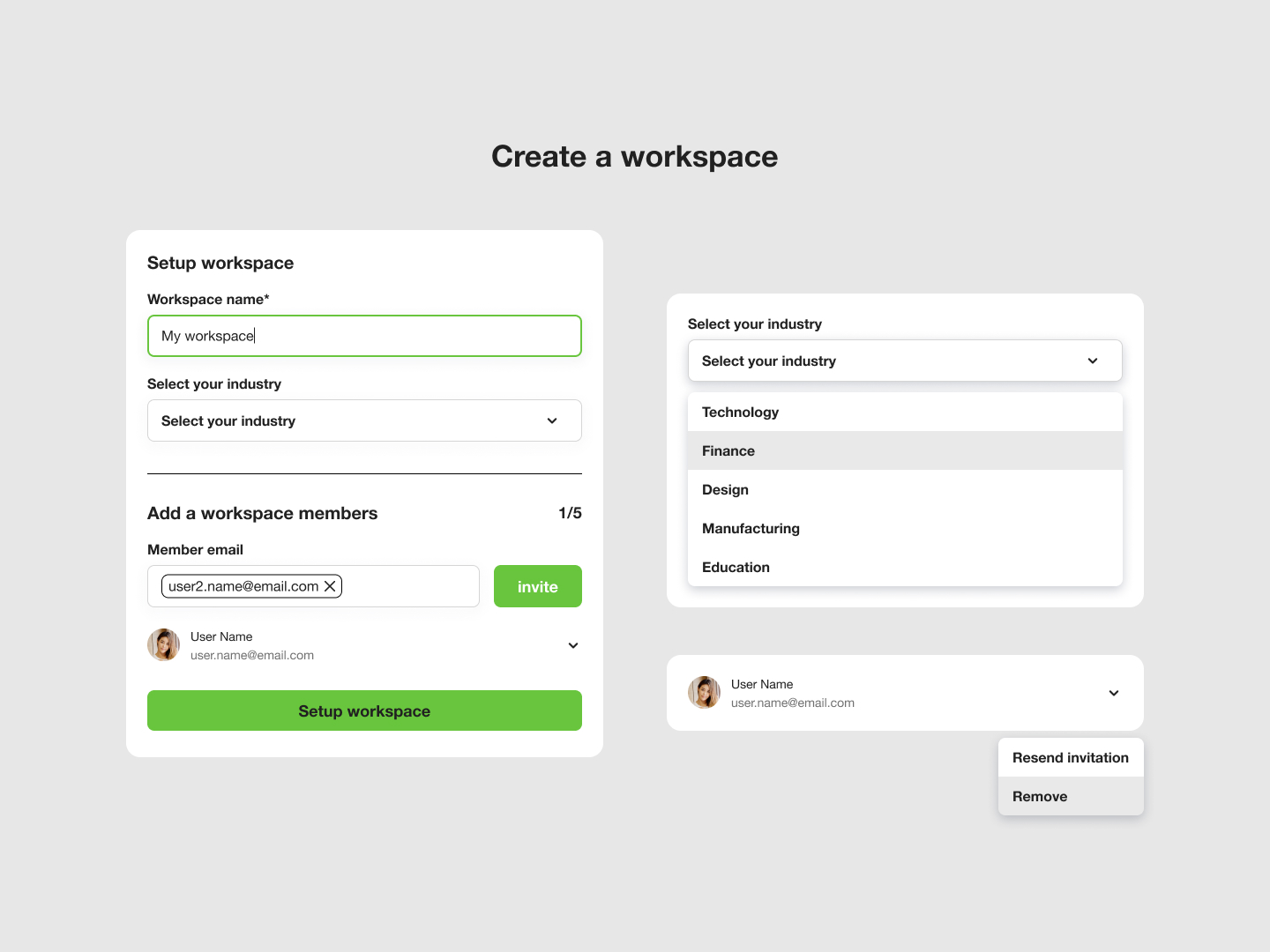 Day 41
 Create Workspace
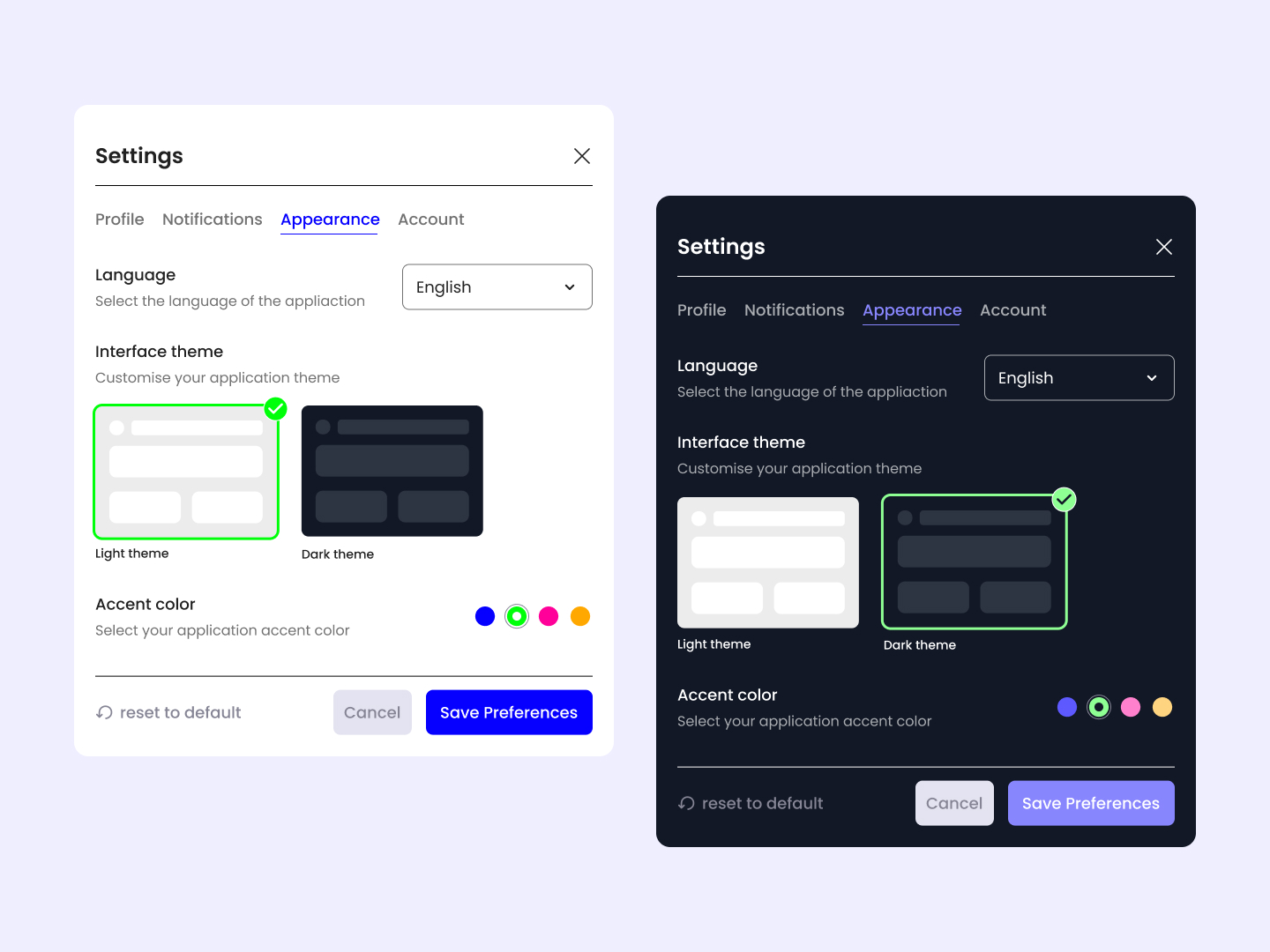 Day 42
 Settings Appearance
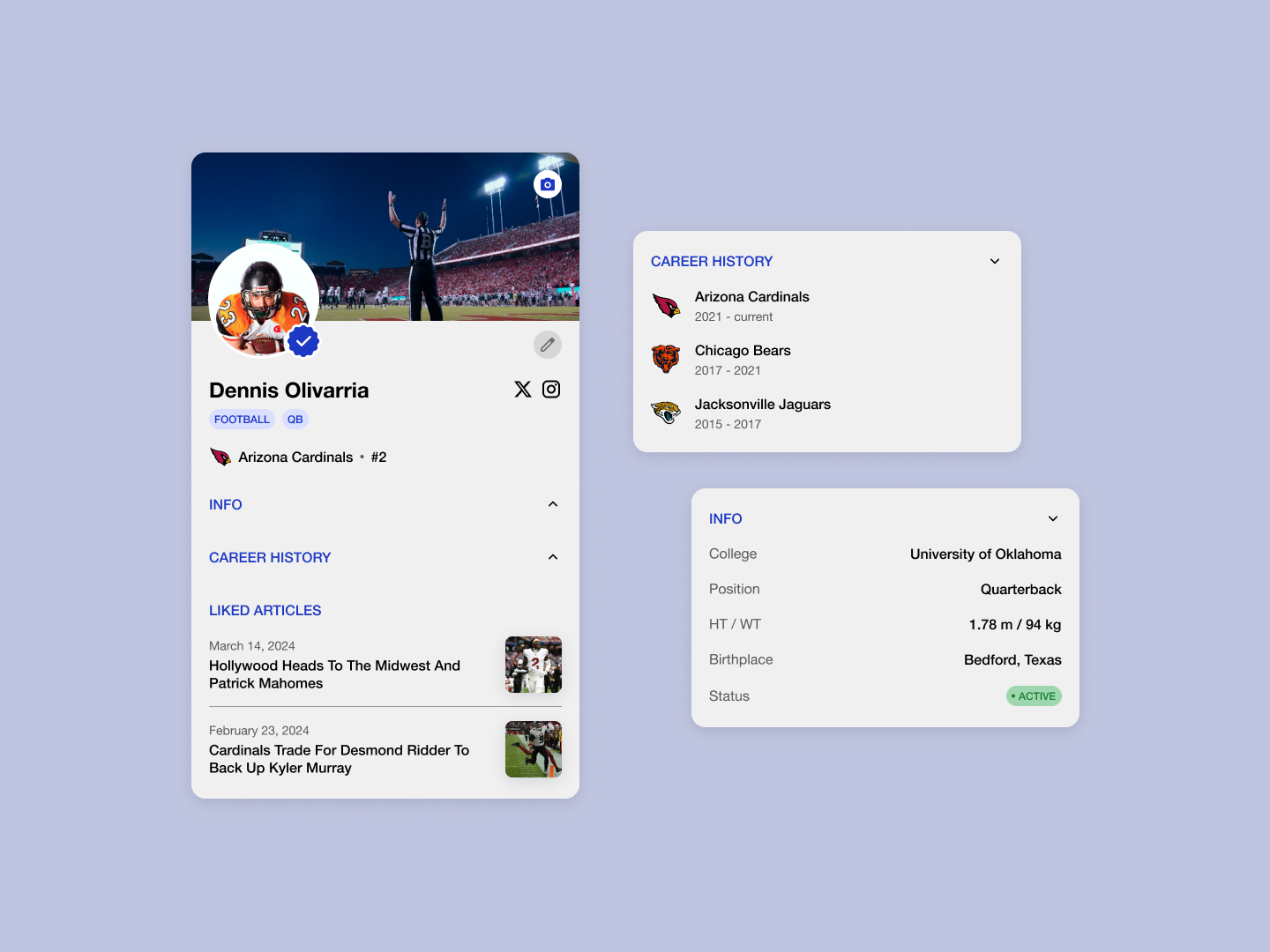 Day 43
 Player Profile
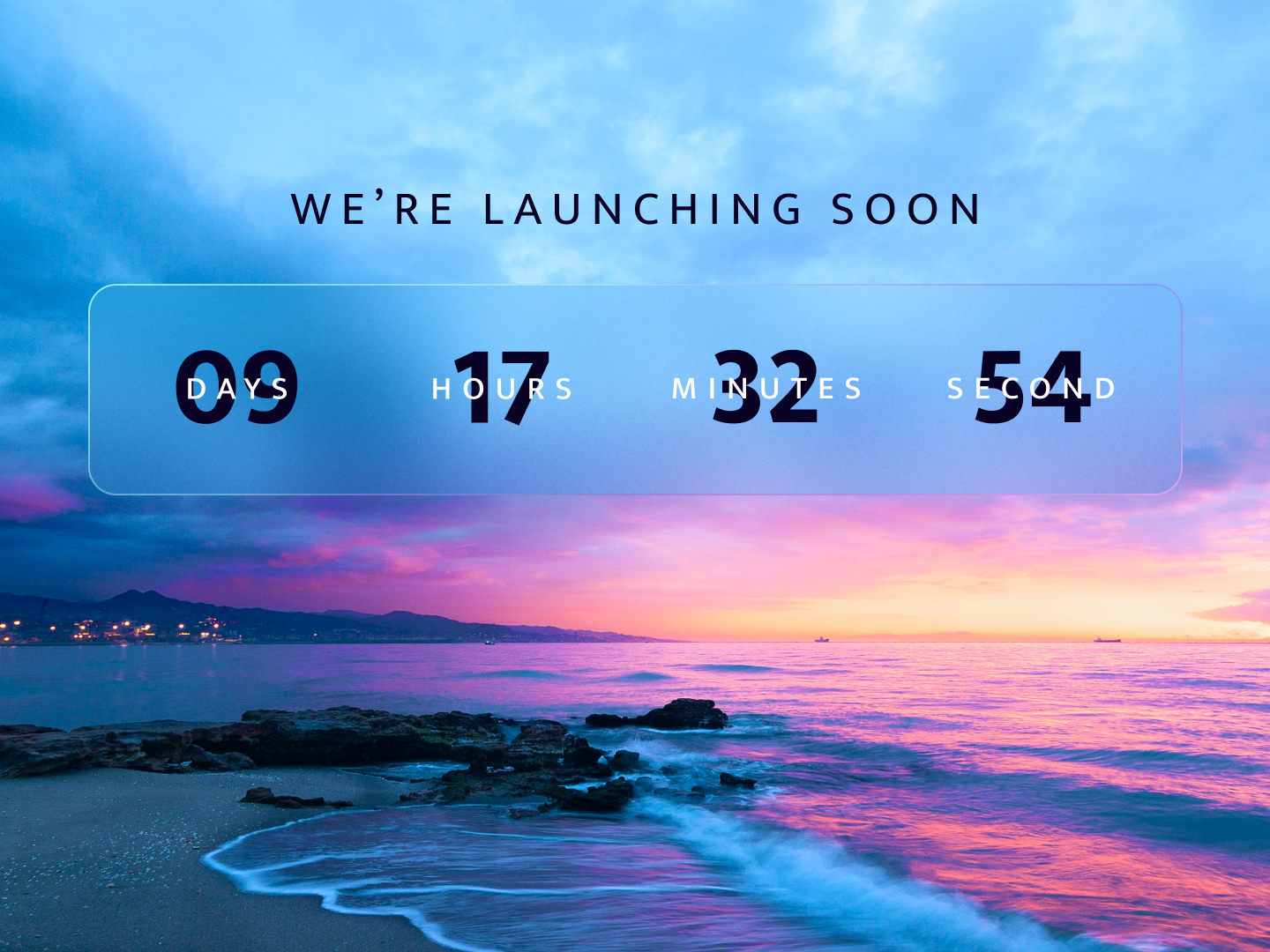 Day 44
 Website Launch
 Day 45
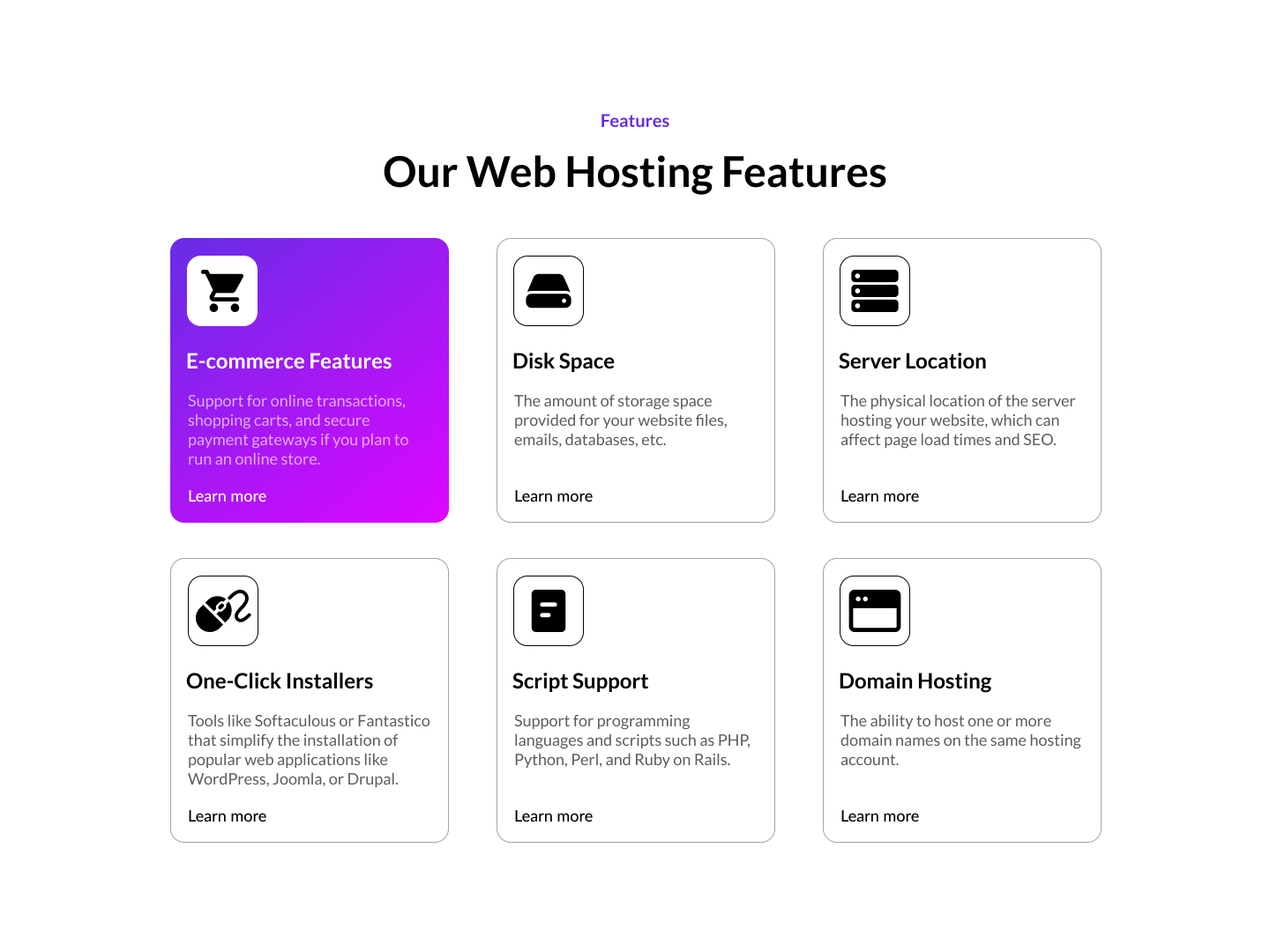
 Hosting Features
 Day 46
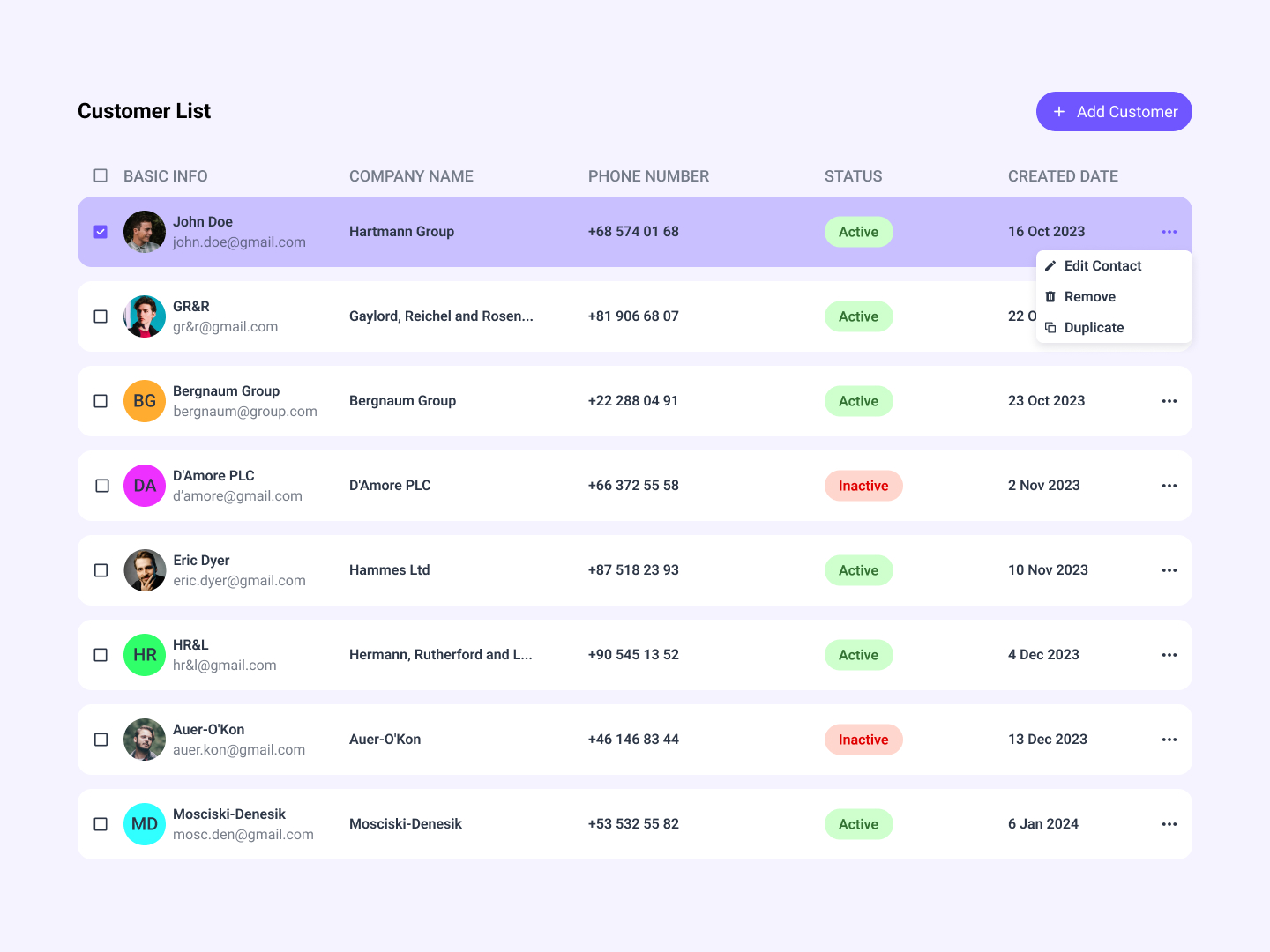
 Customer List
 Day 47
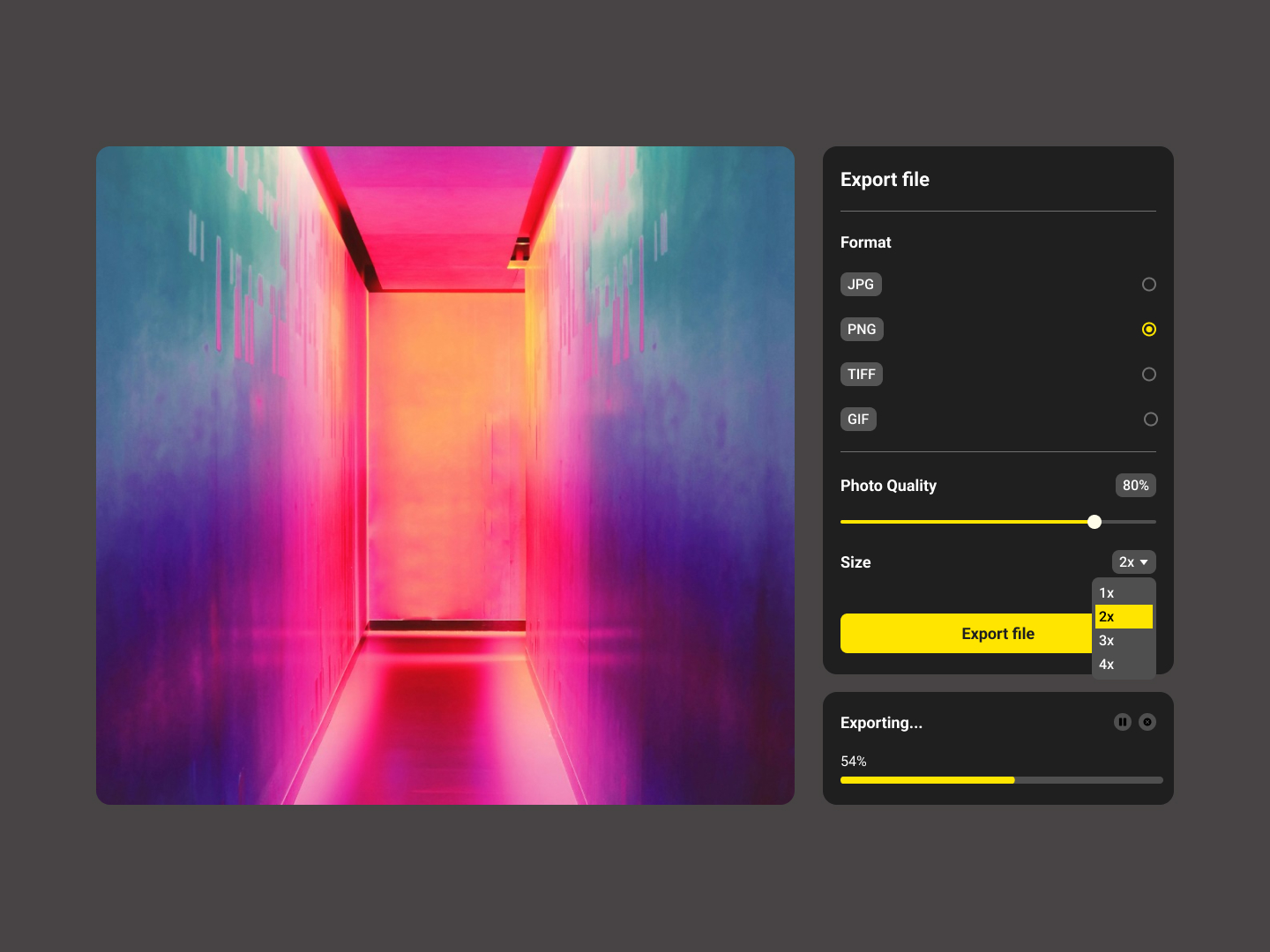
 Export File
 Day 48
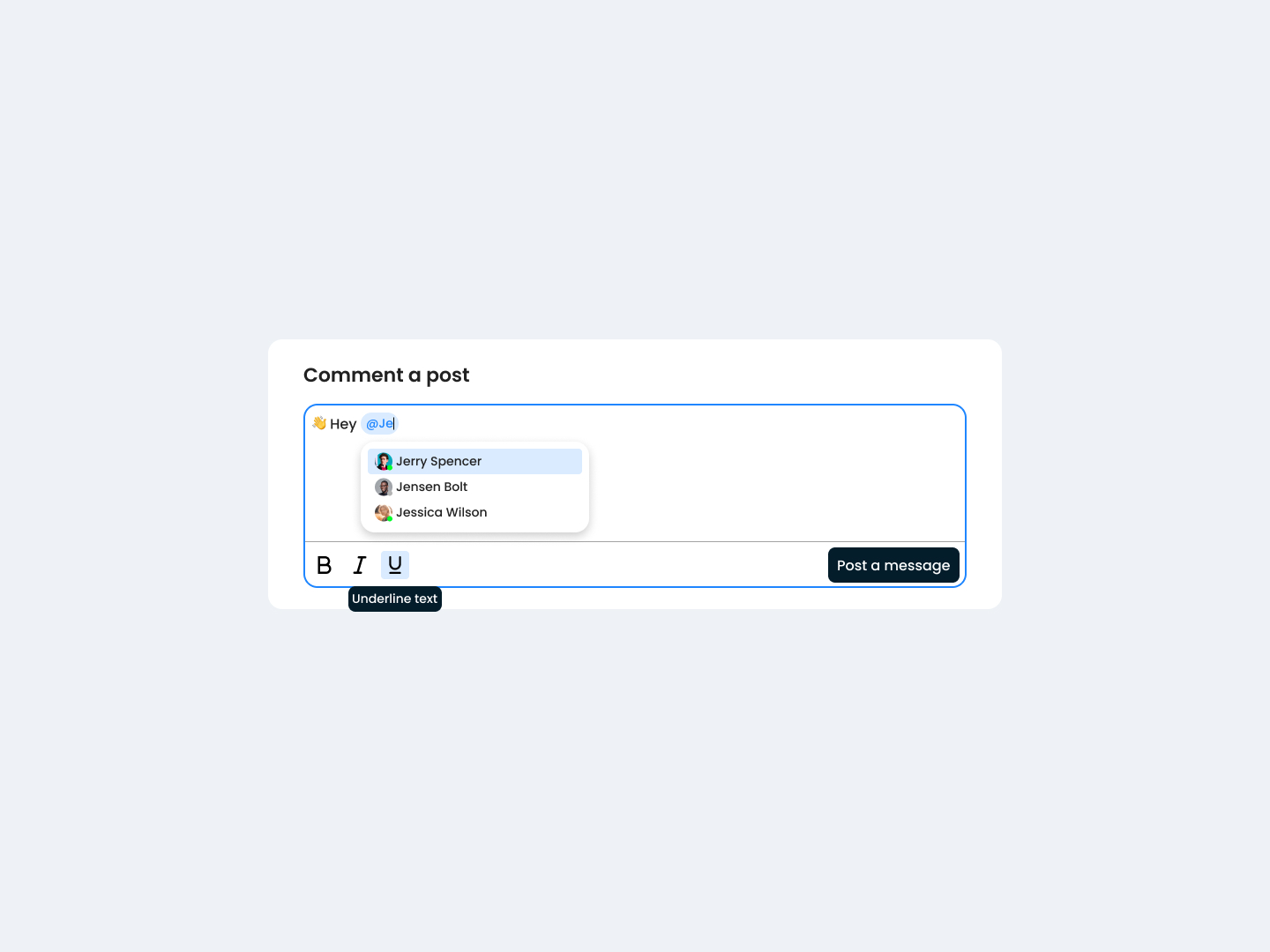
 Markdown Post
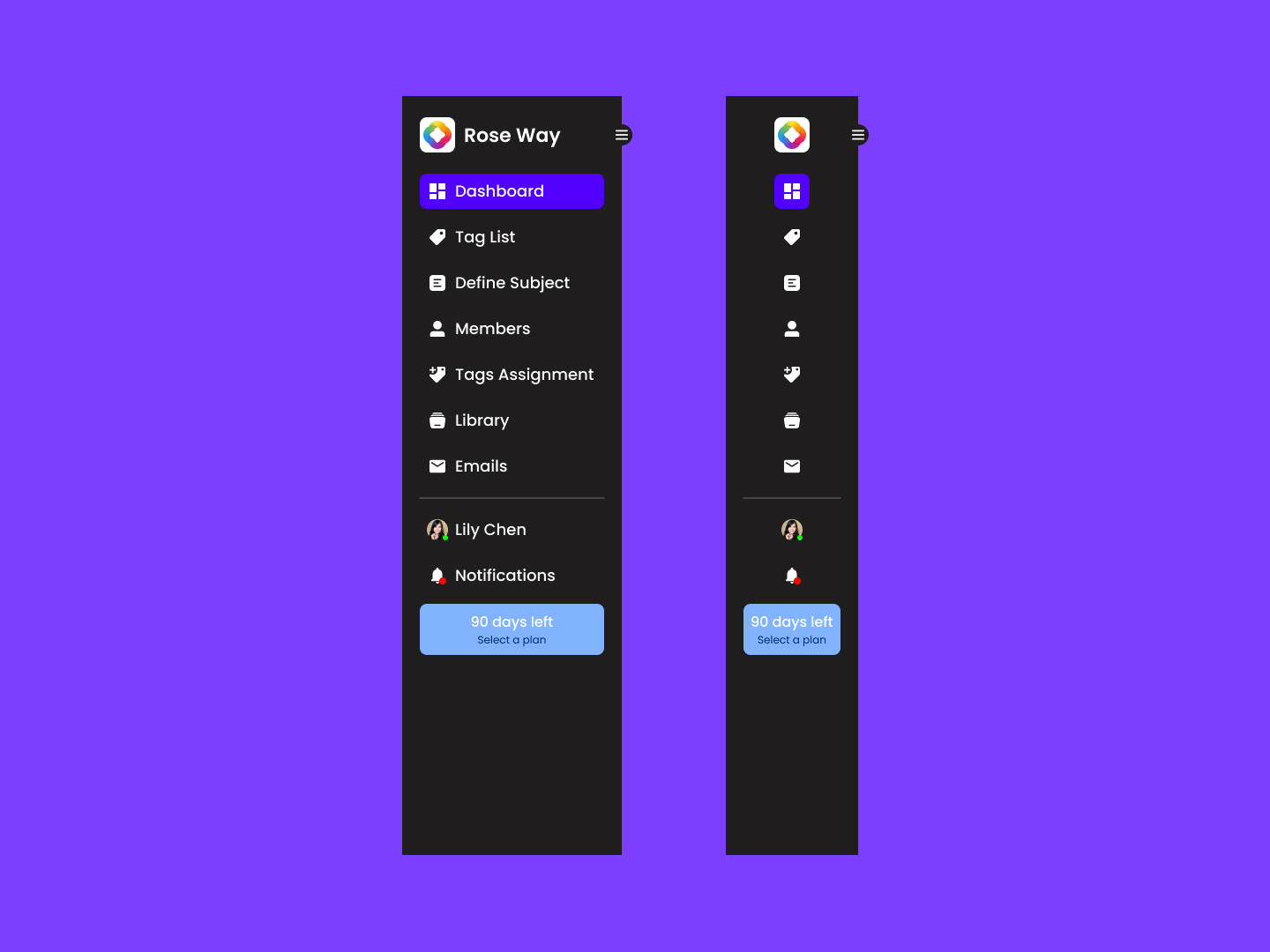 Day 49
 App Navigation
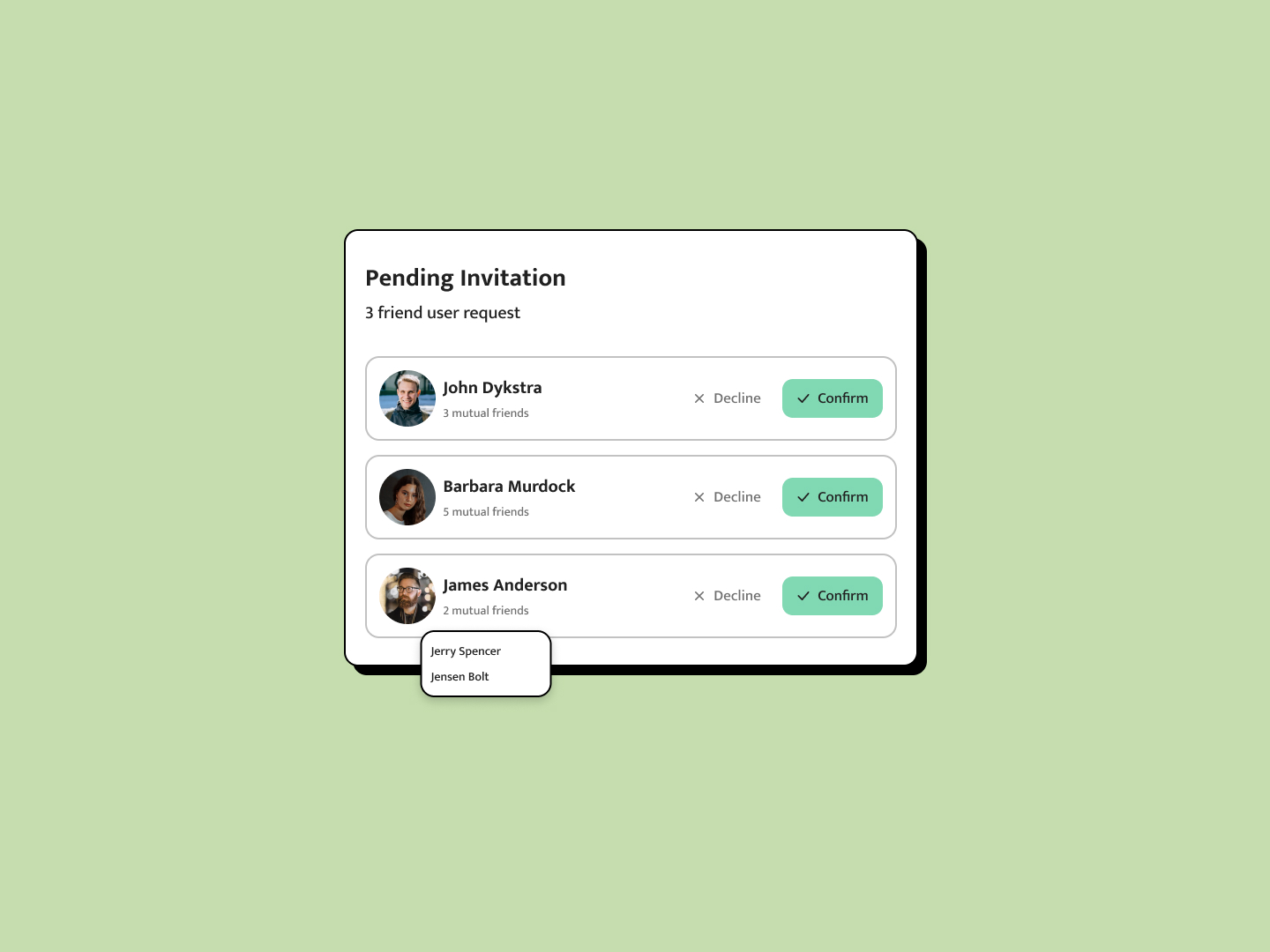 Day 50
 Friend Request
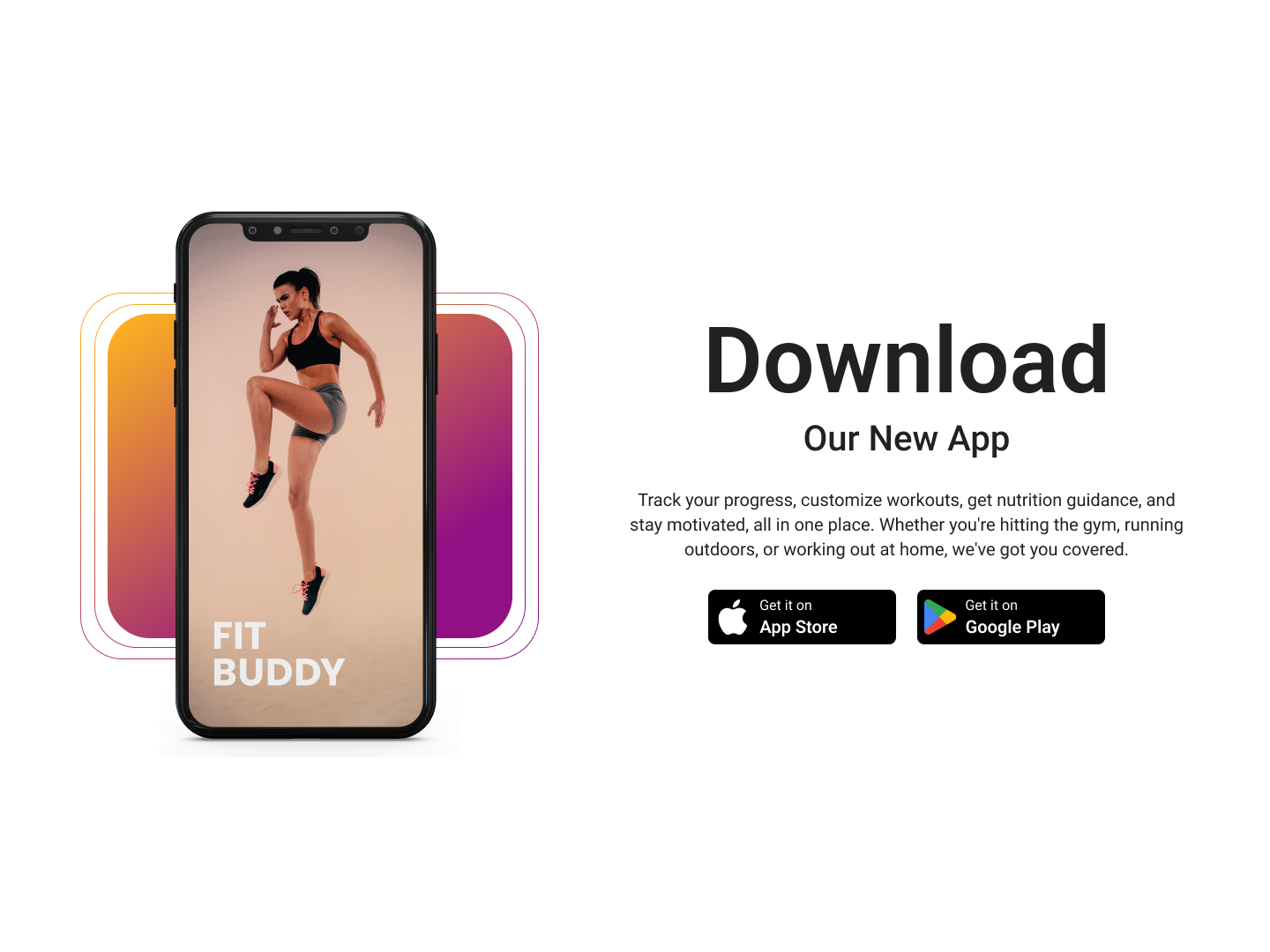 Day 51
 Download App
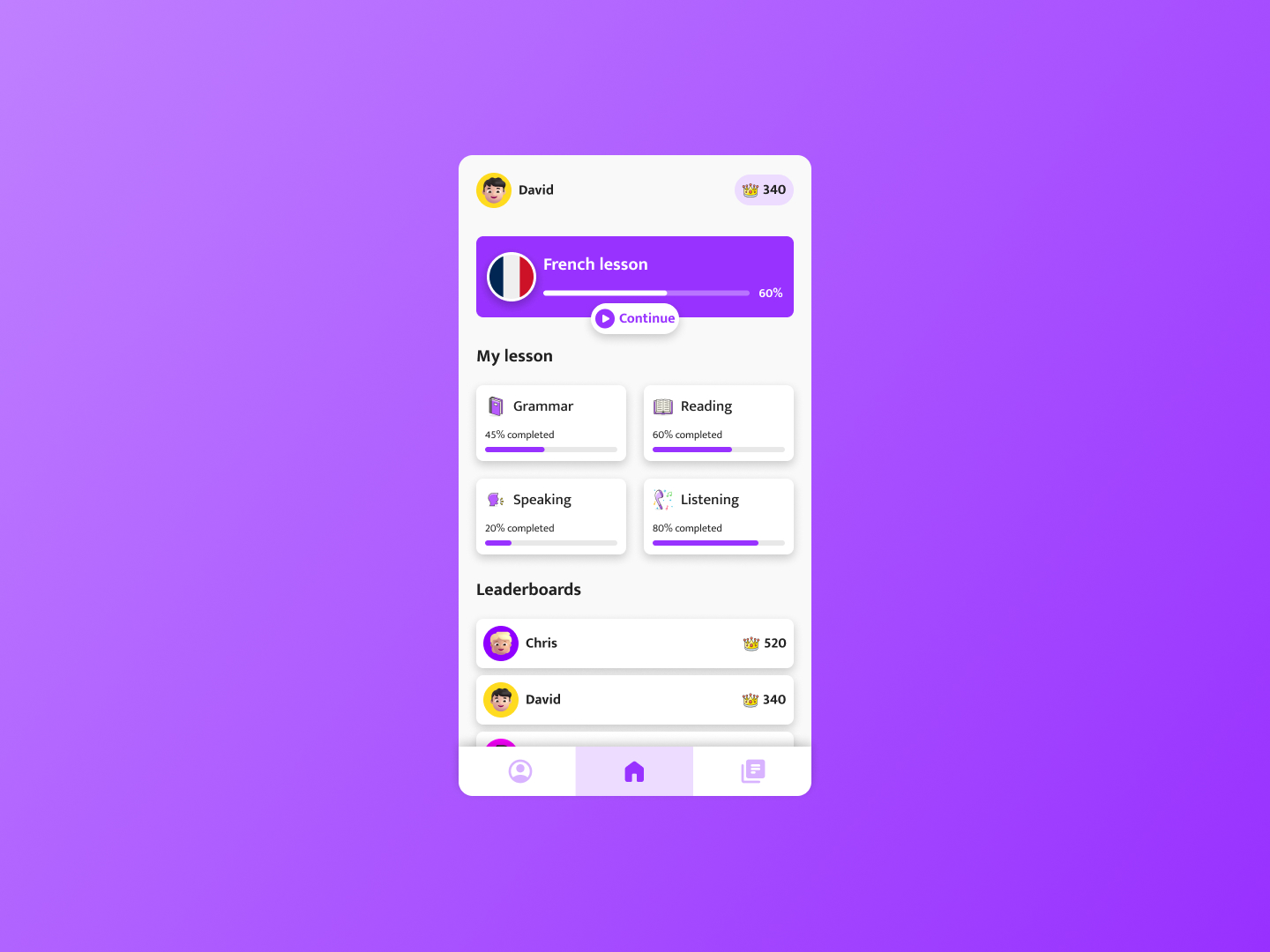 Day 52
 Language App
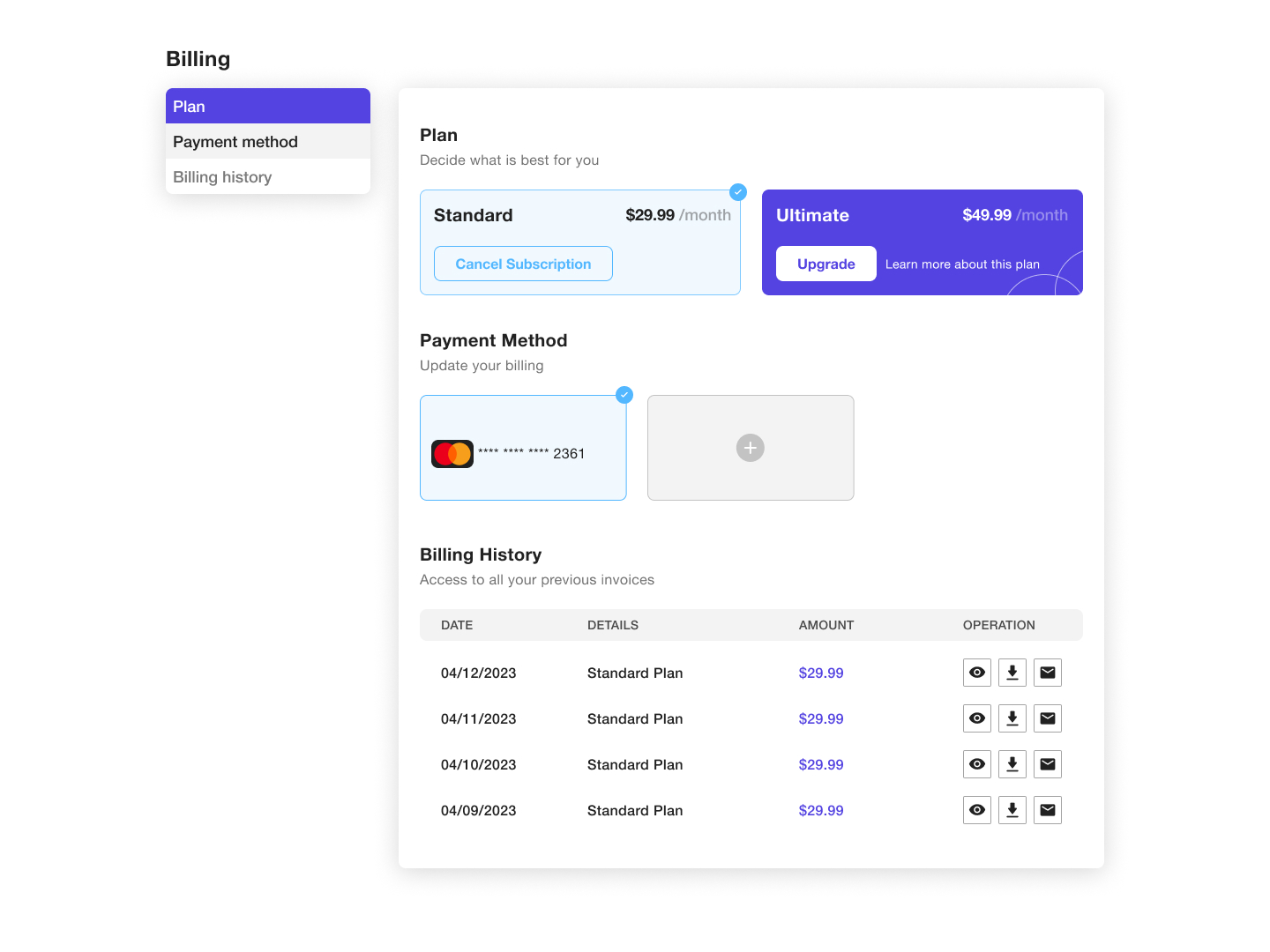 Day 53
 Billing Page
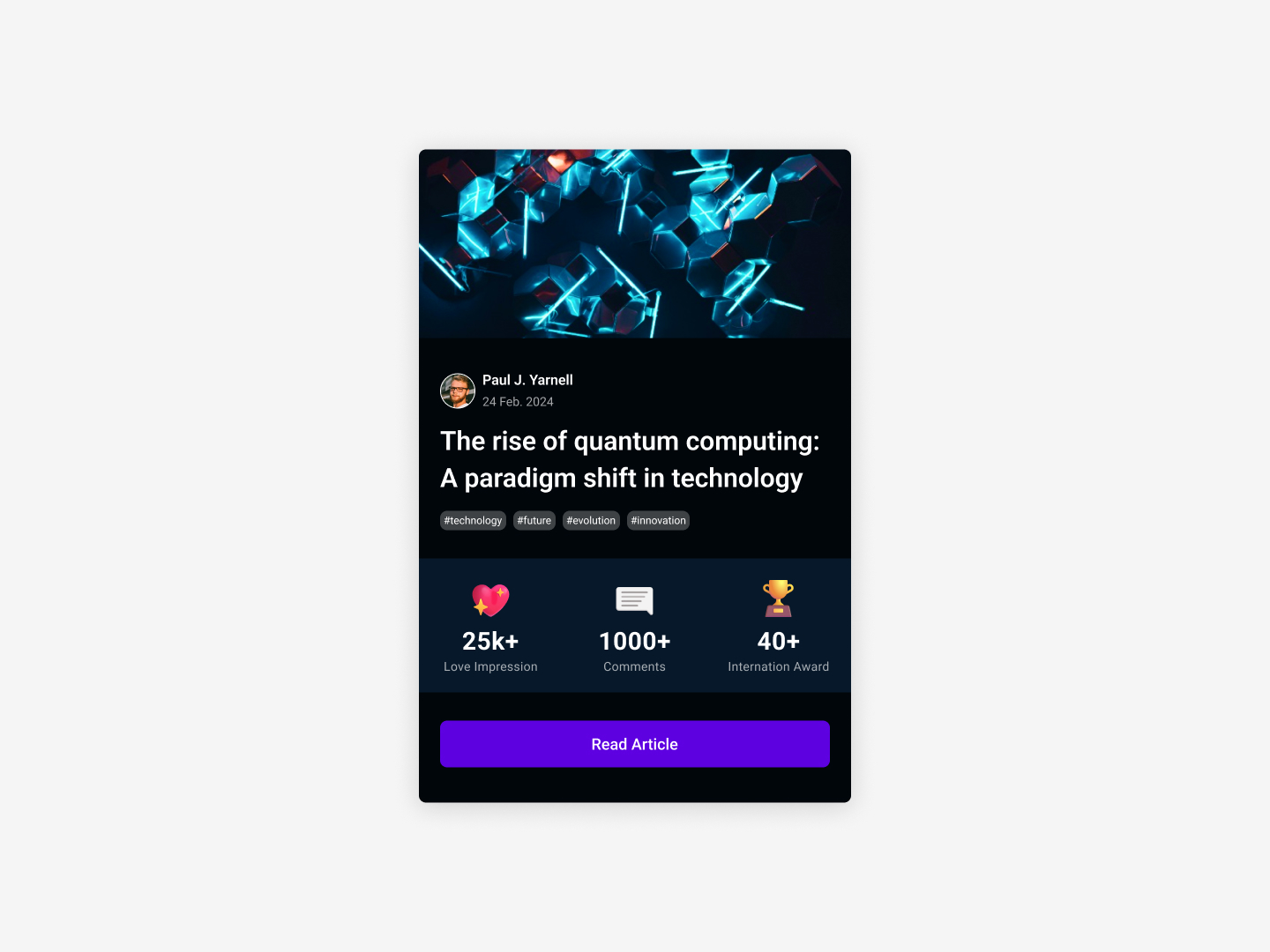 Day 54
 Article Summary
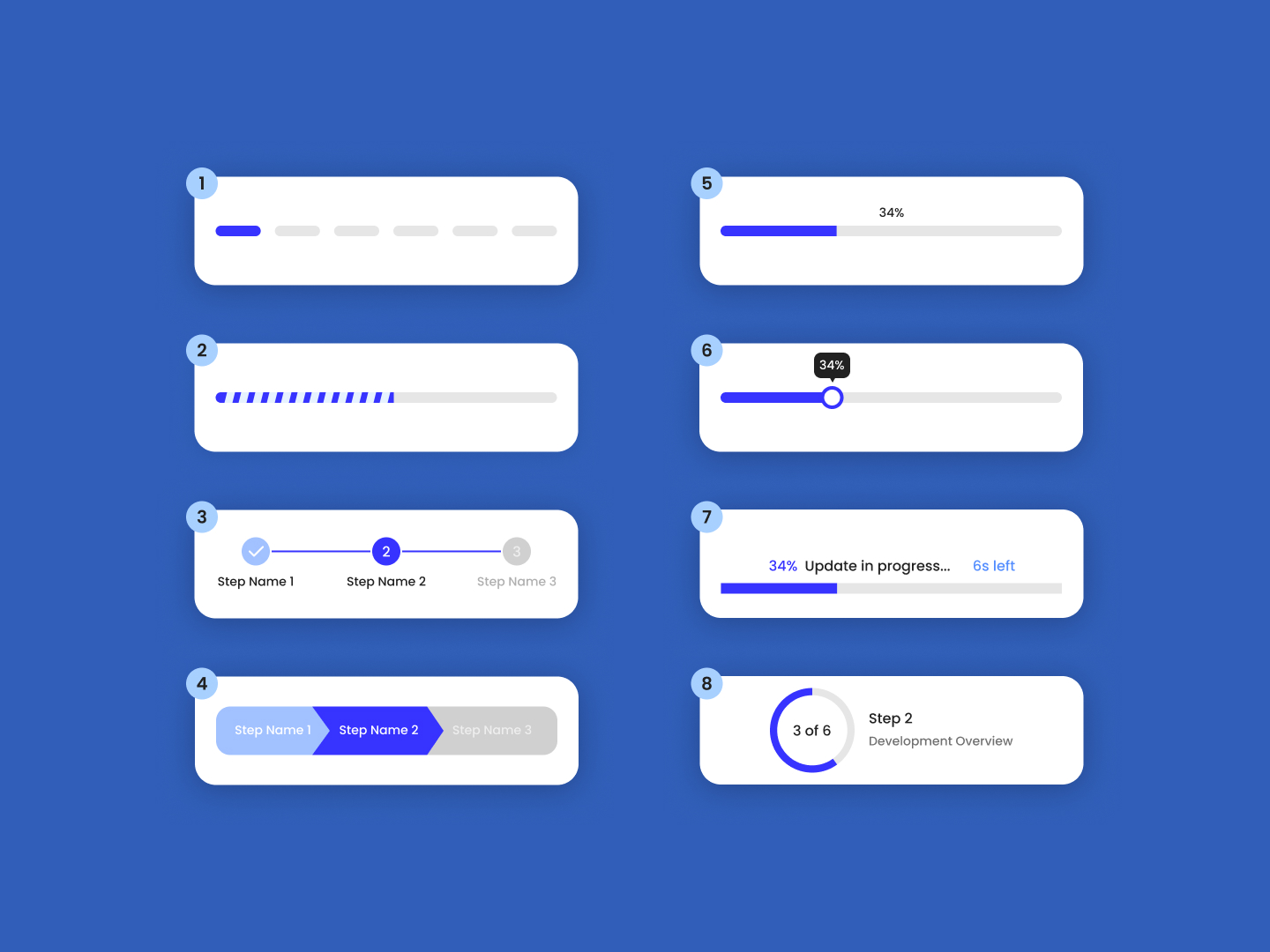 Day 55
 Progress Bars
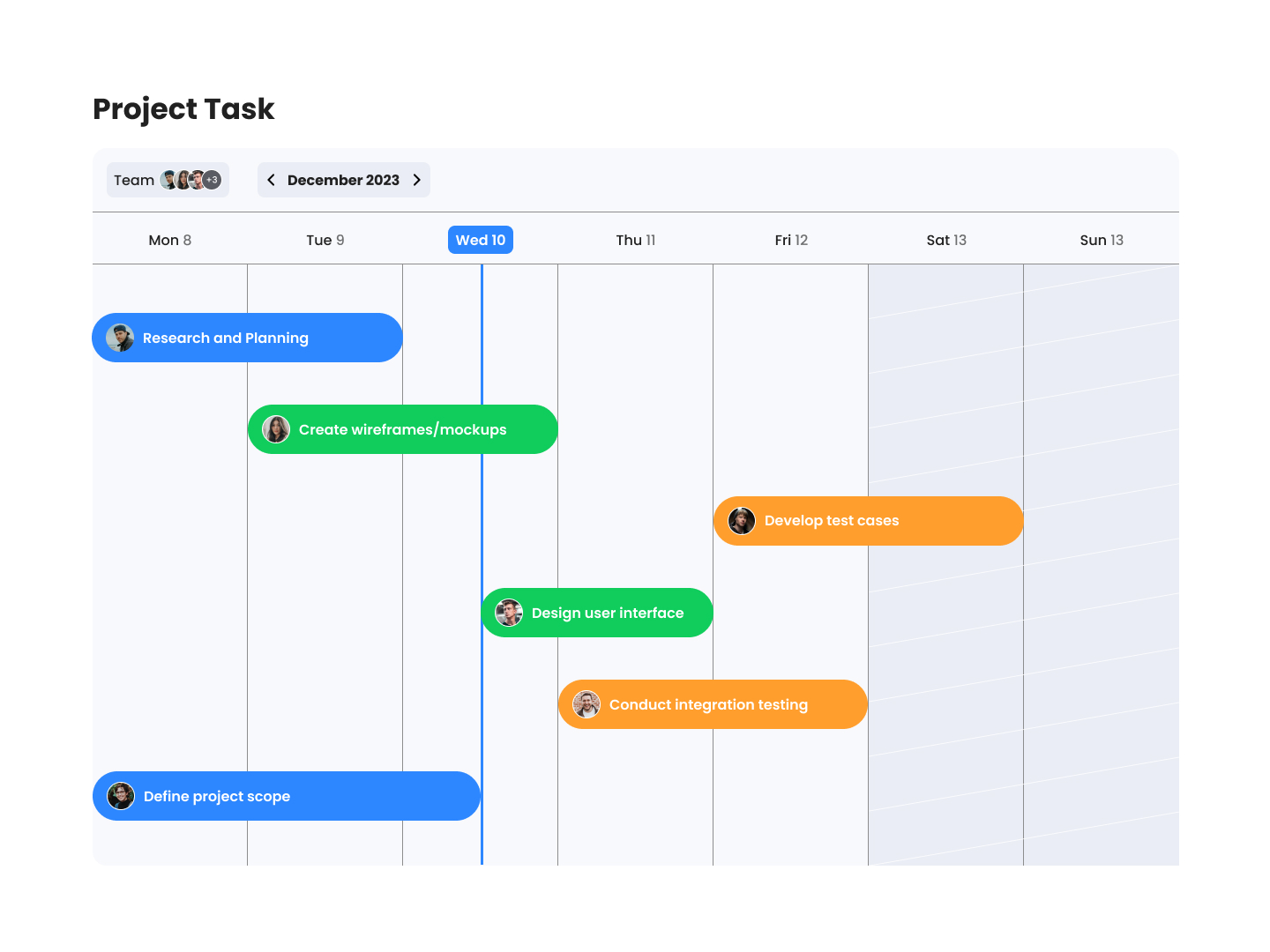 Day 56
 Project Roadmap
 Day 57
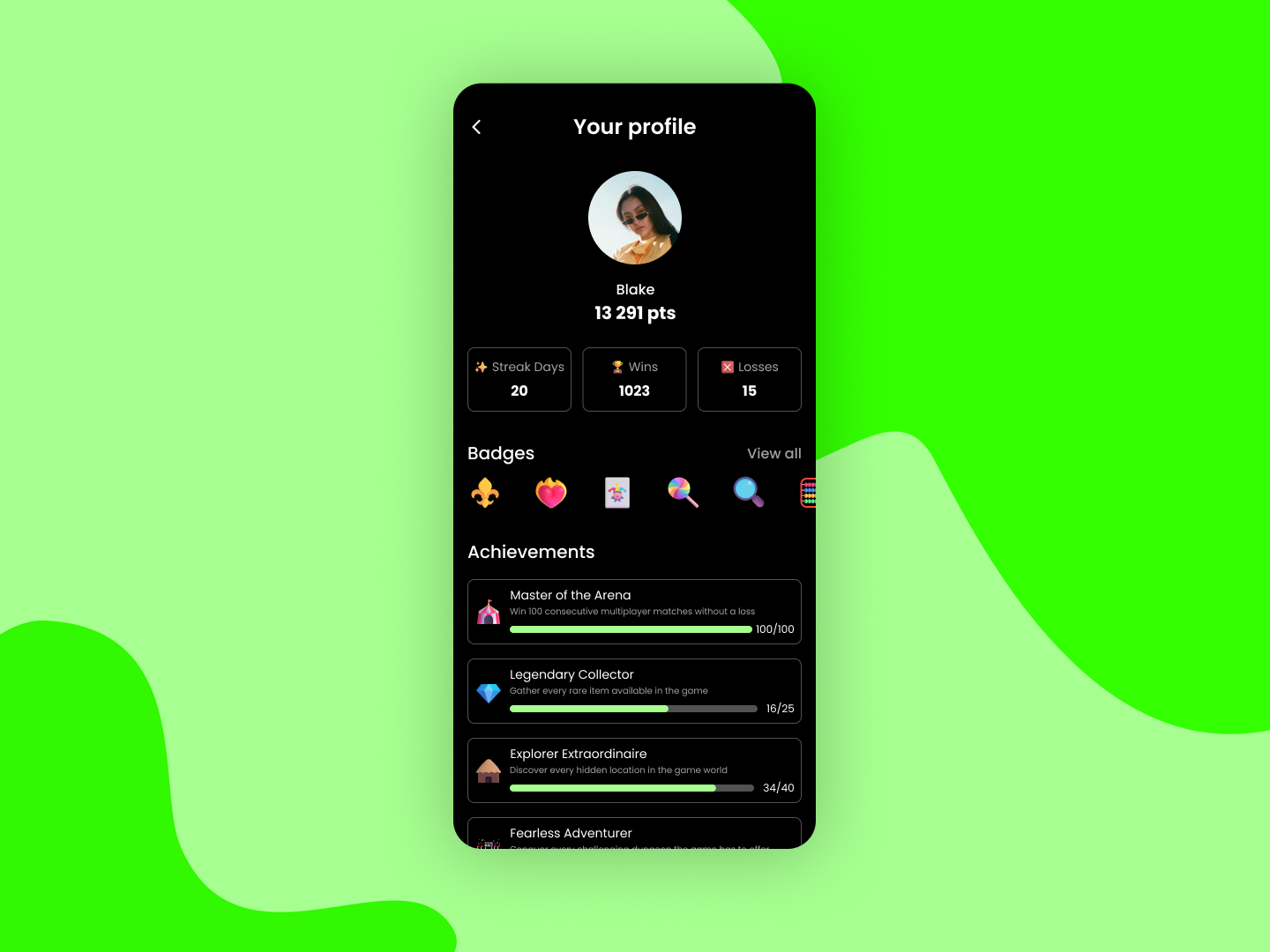
 Game Profile
 Day 58
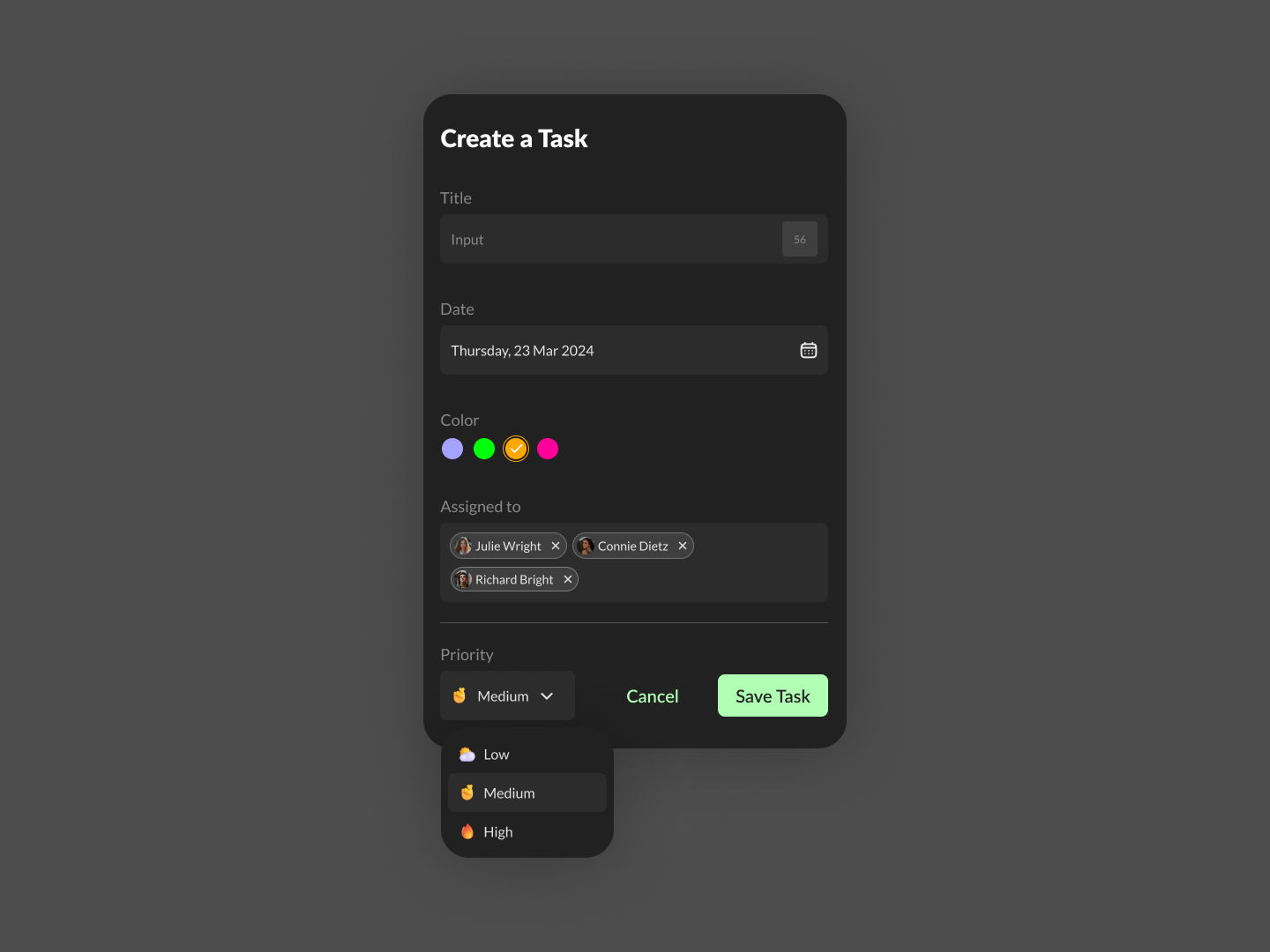
 Create Task
 Day 59
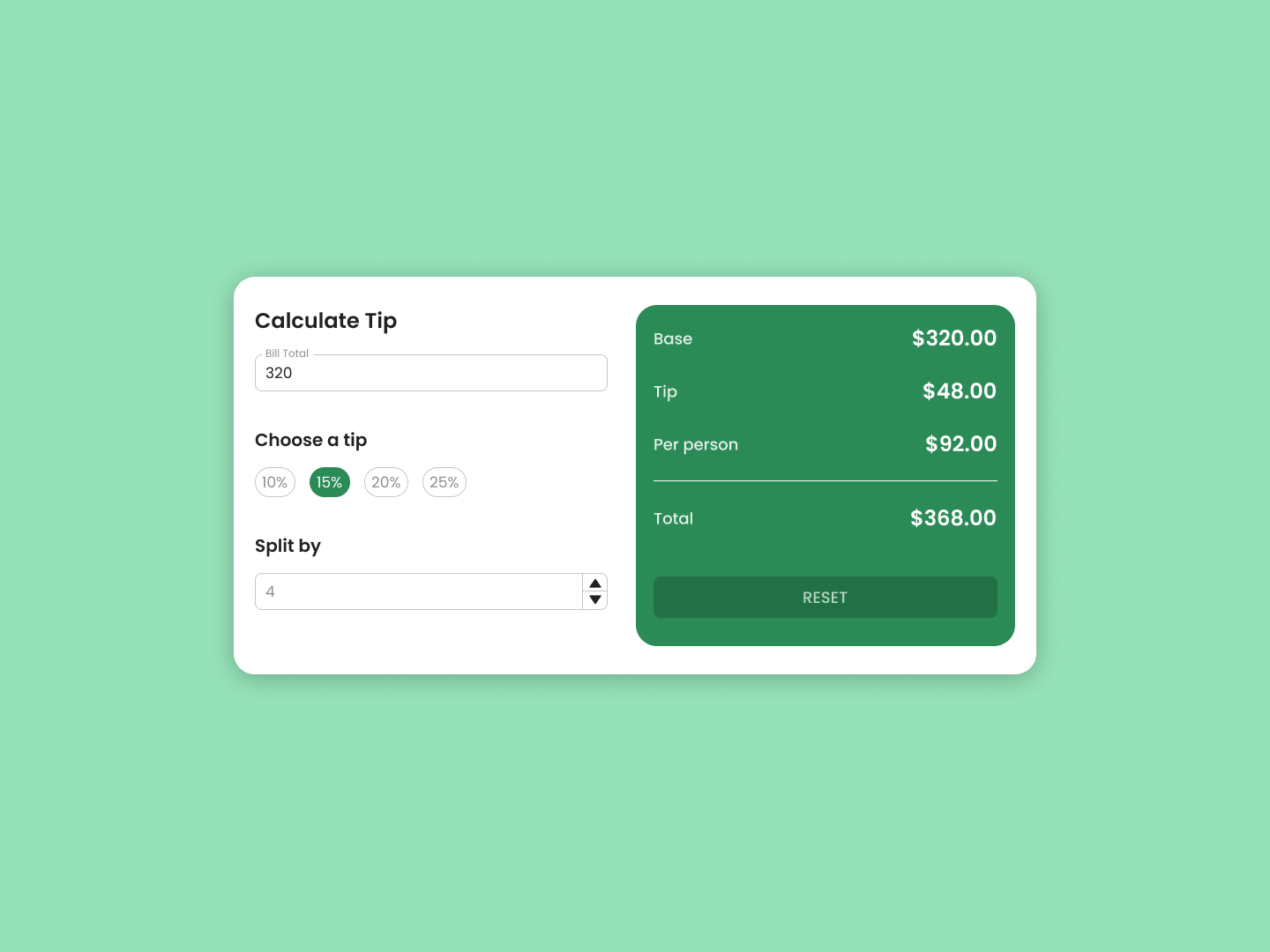
 Calculate Tip
 Day 60
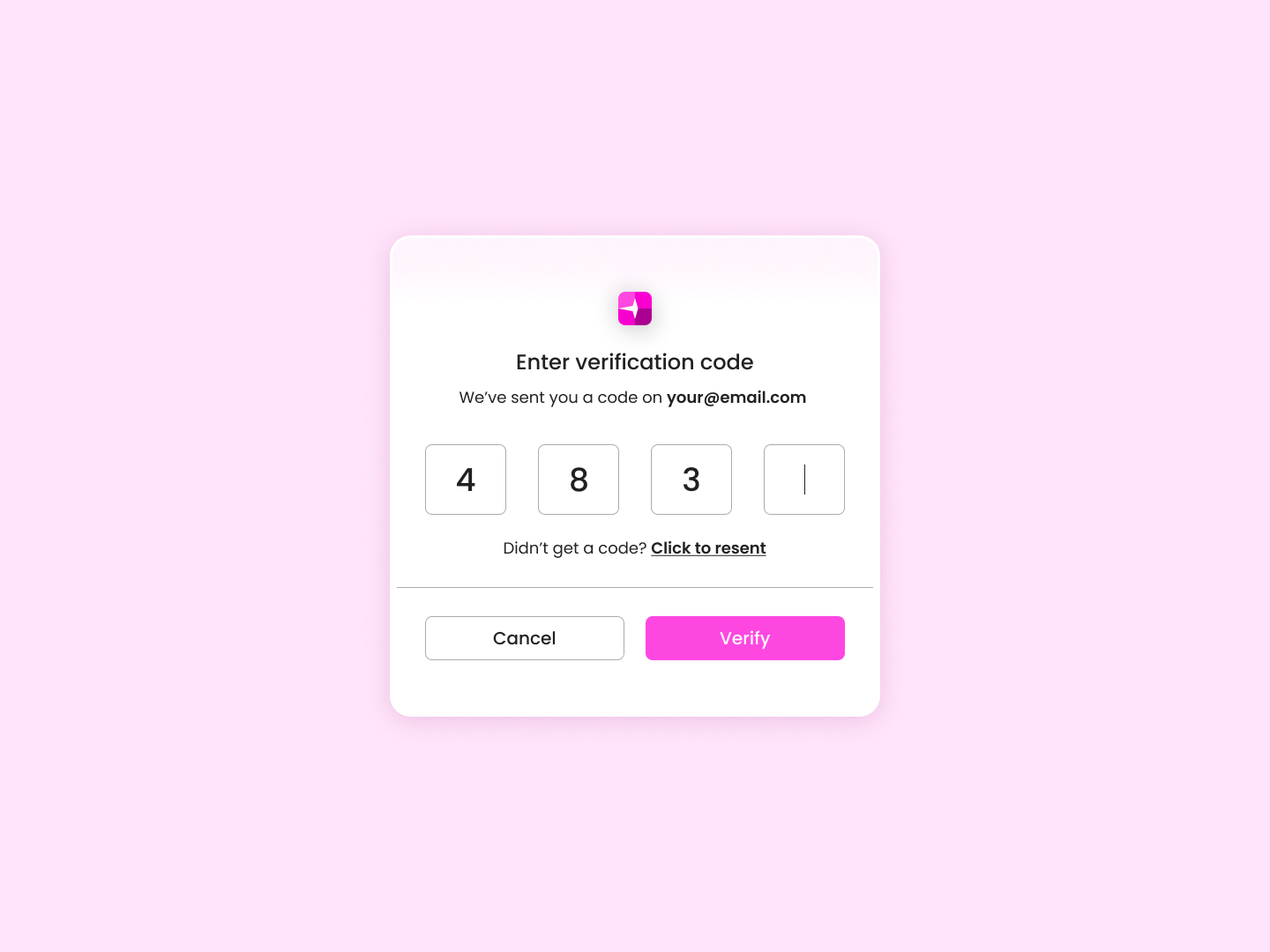
 Code Verification
 Day 61
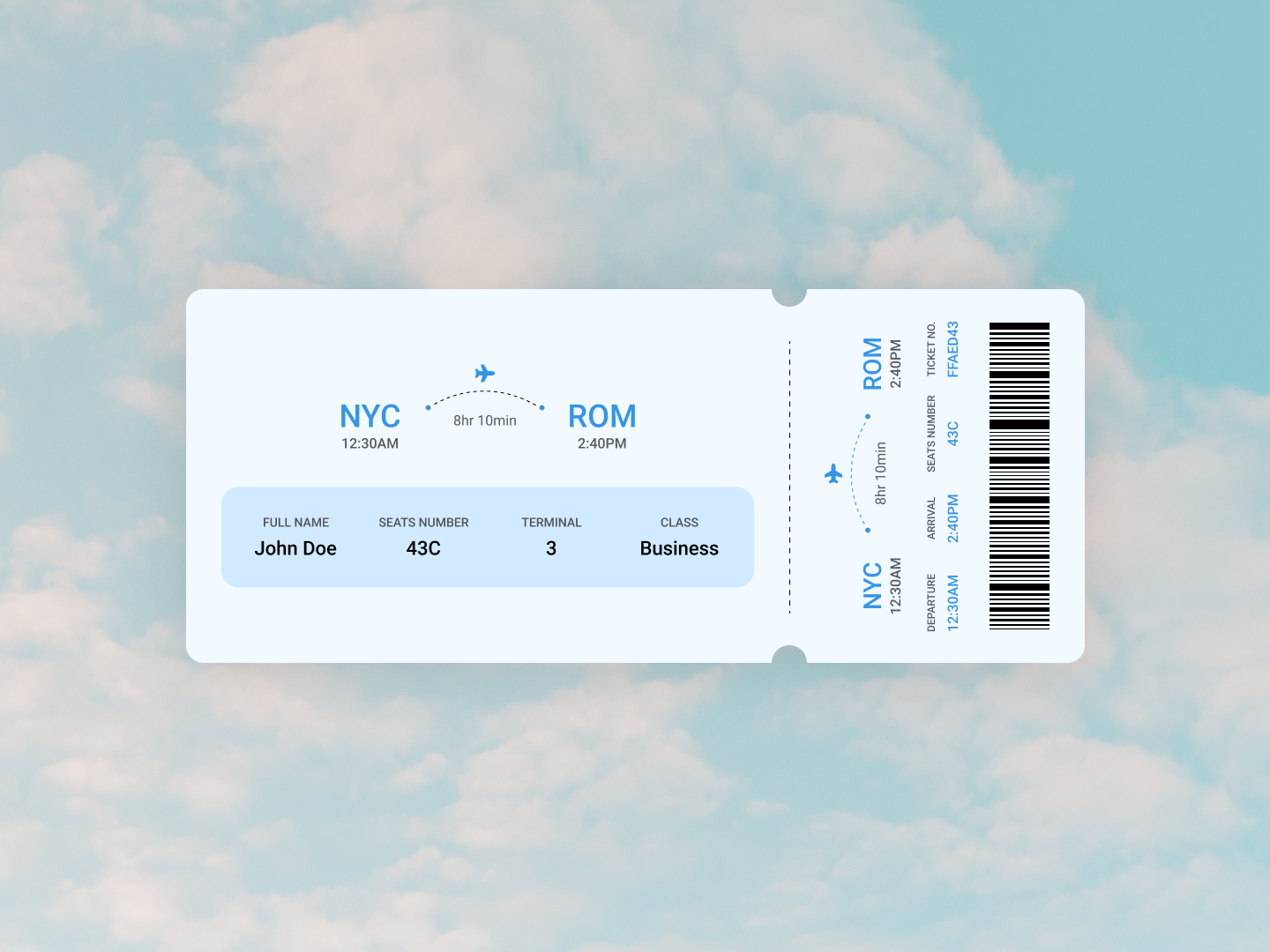
 Flight Ticket
 Day 62
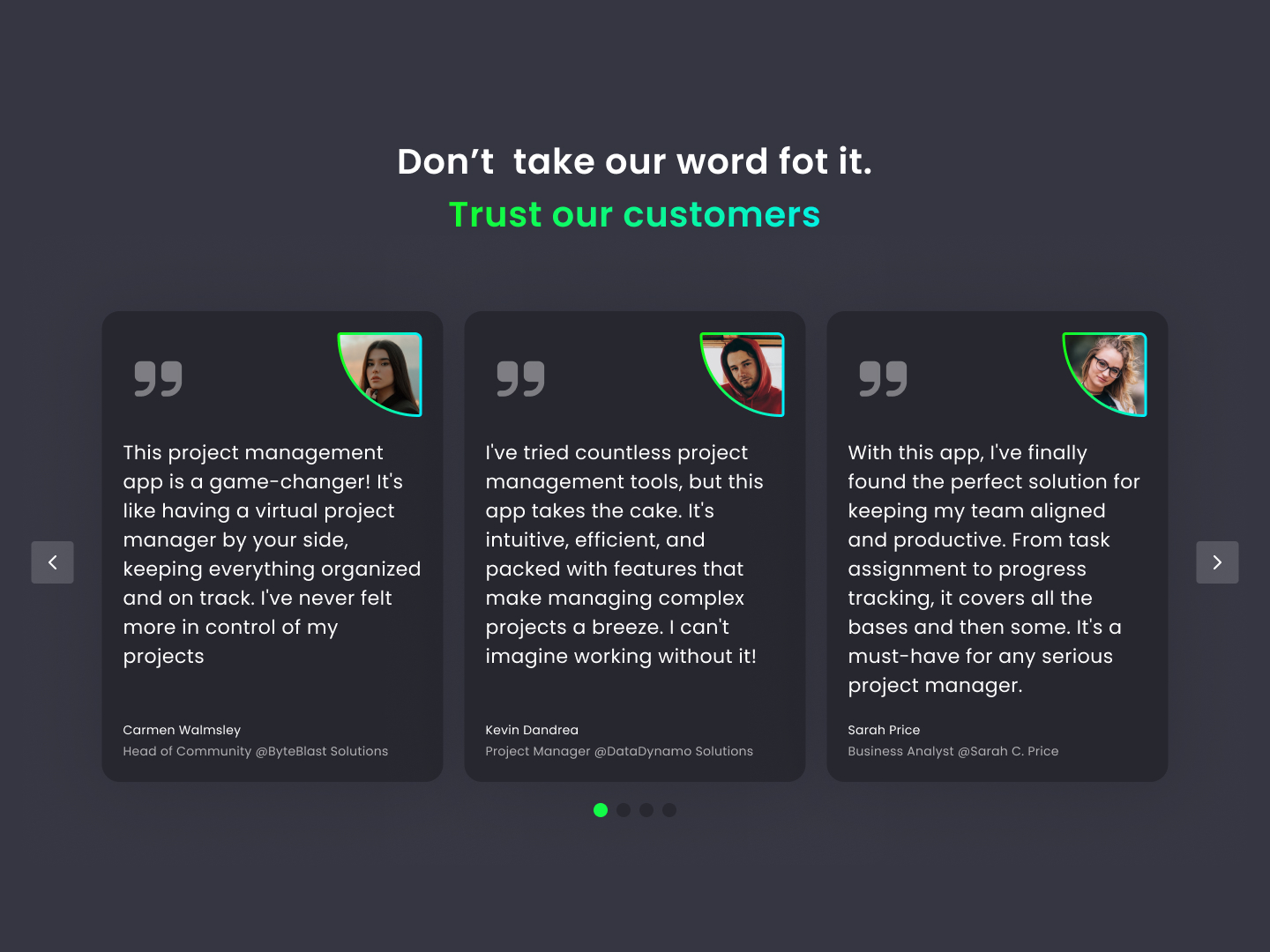
 Testimonials
 Day 63
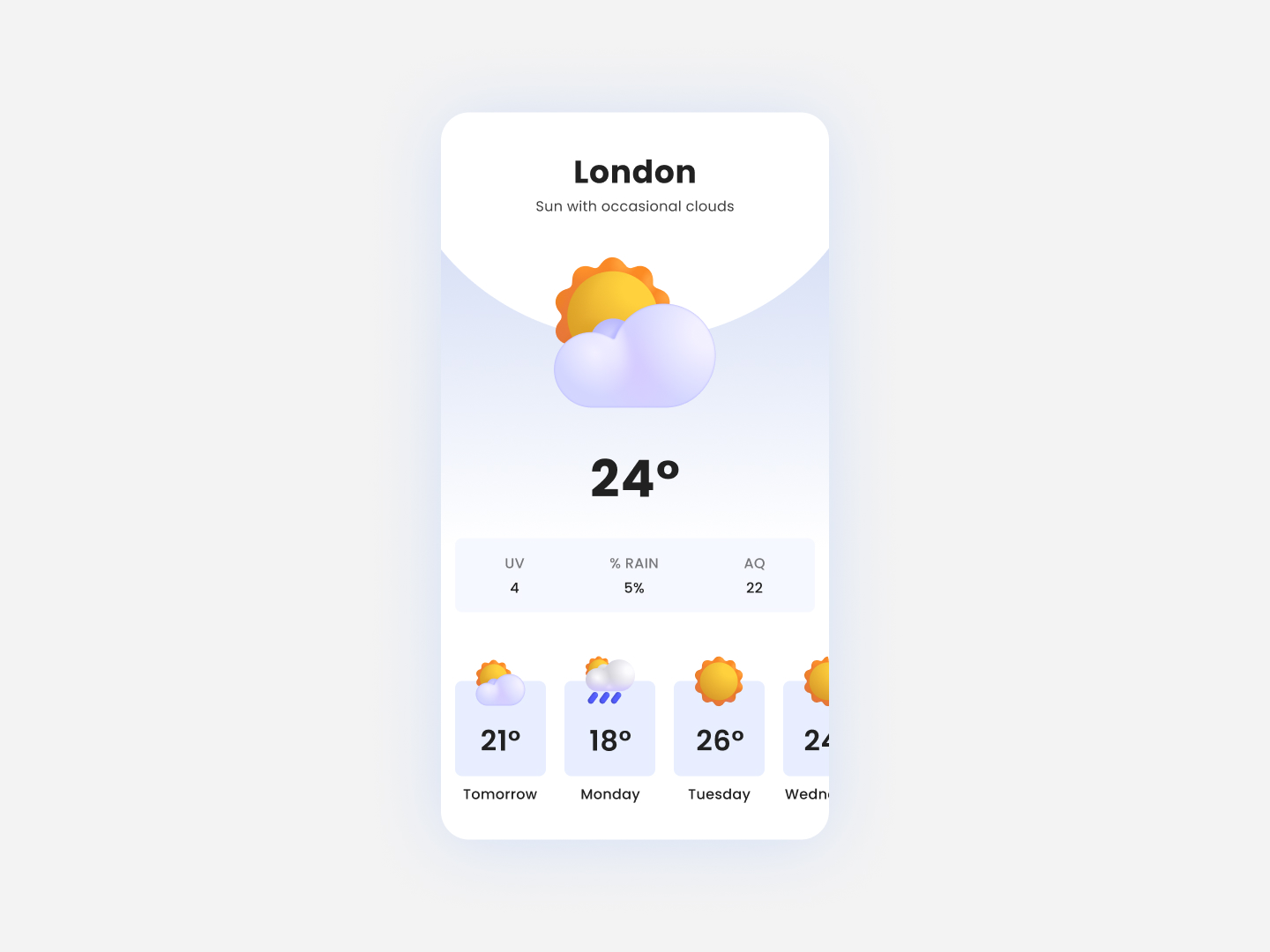
 Weather App
 Day 64
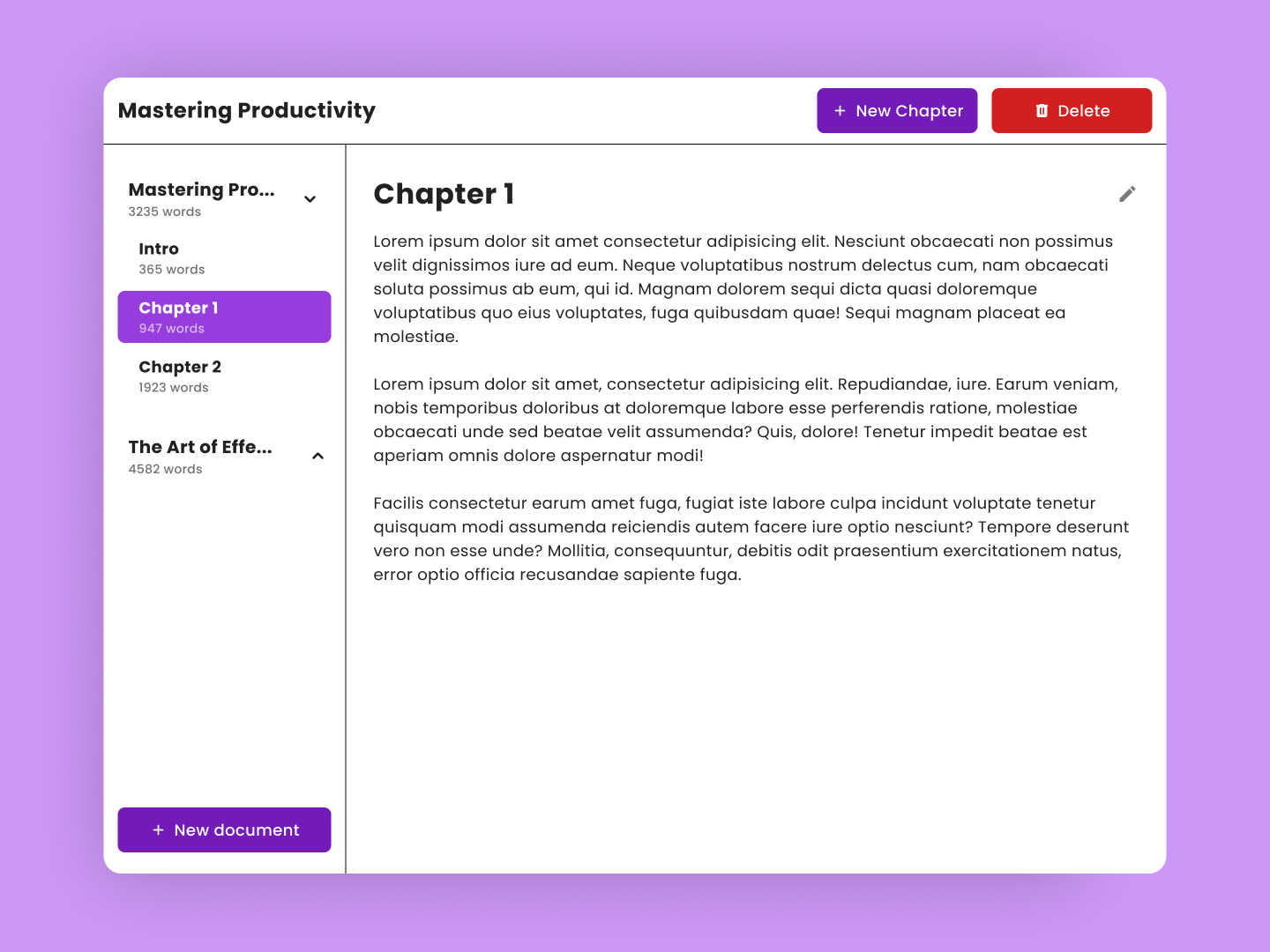
 Document Manager
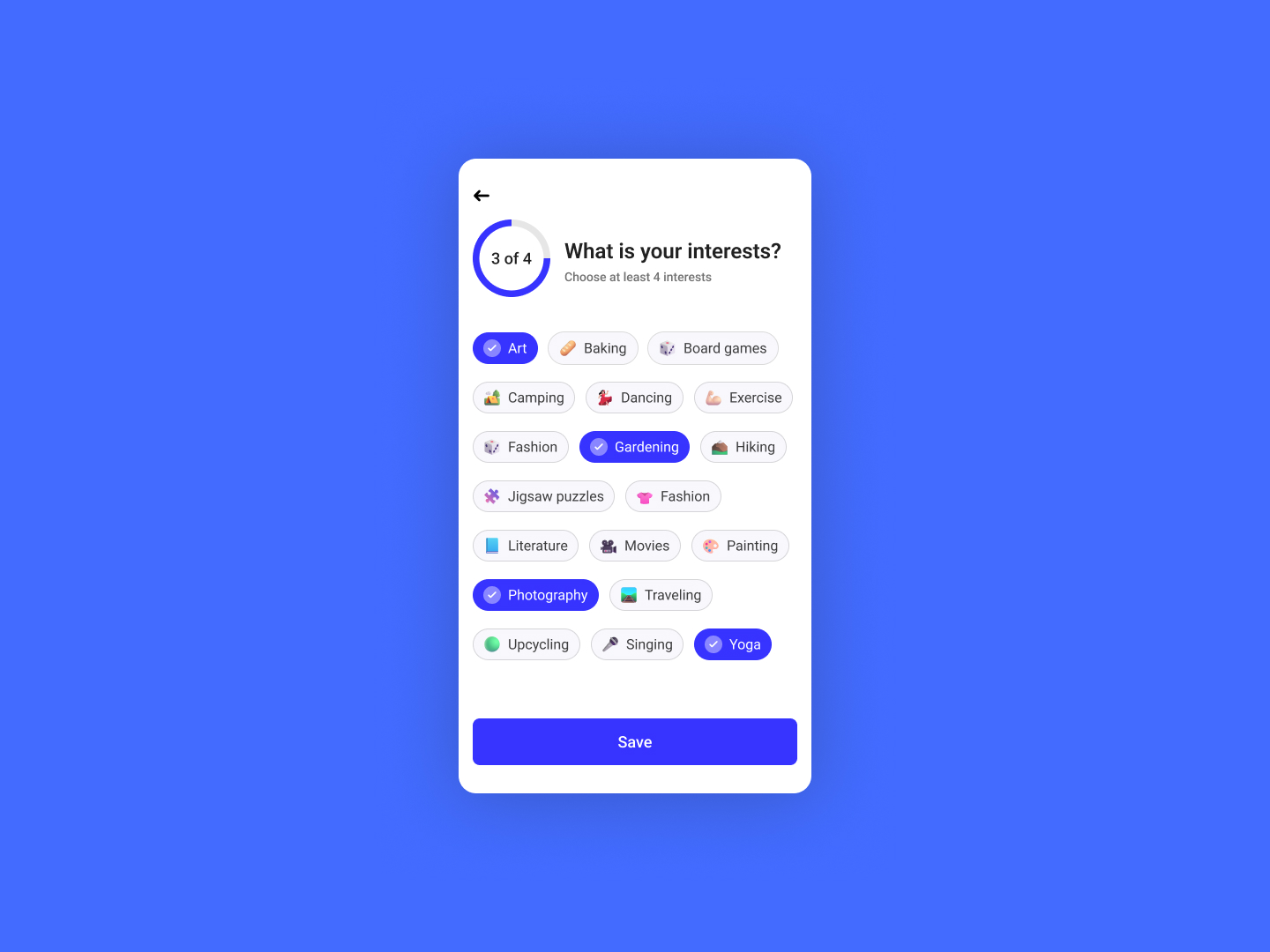 Day 65
 Interests
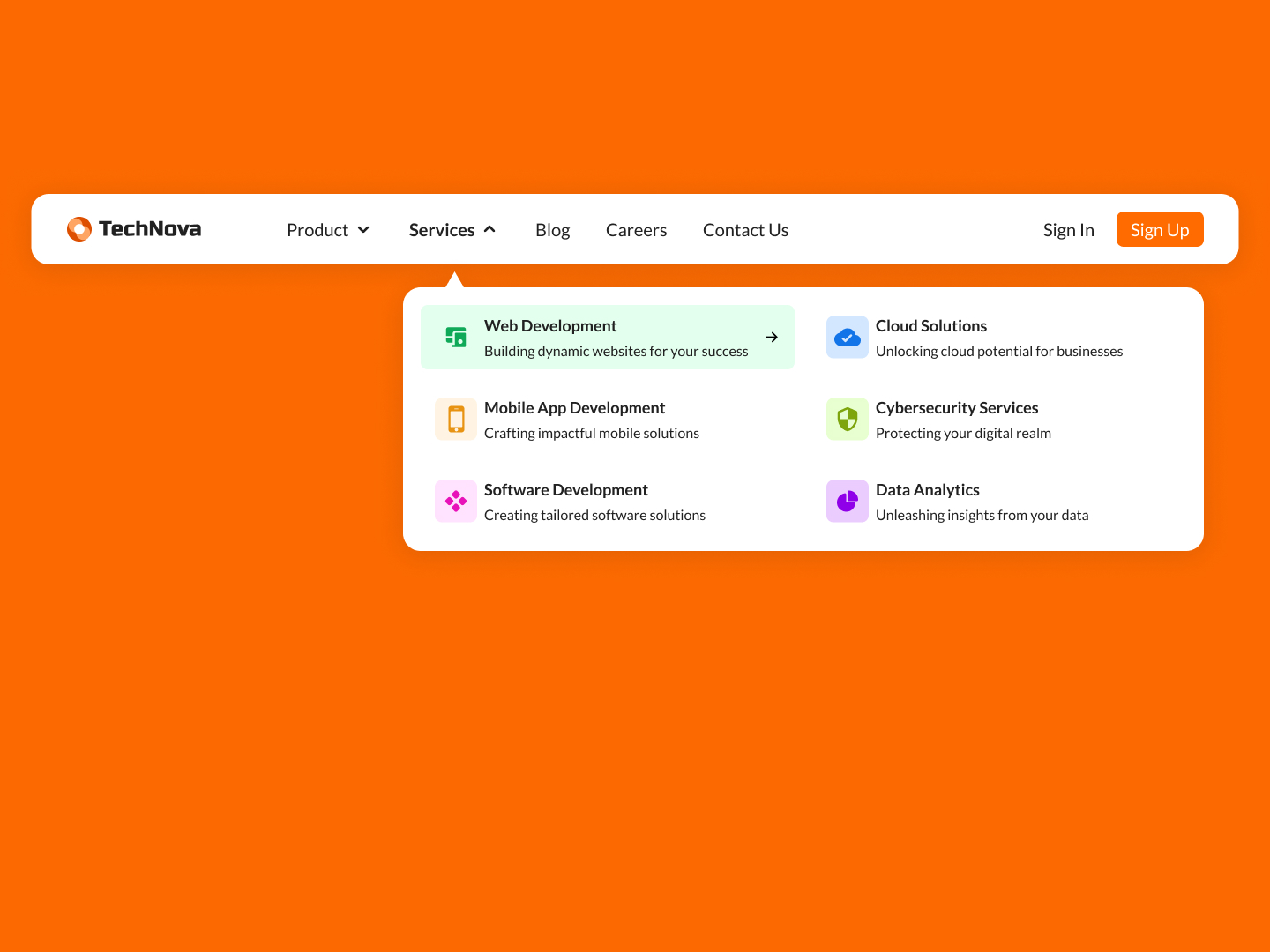 Day 66
 Navigation UI
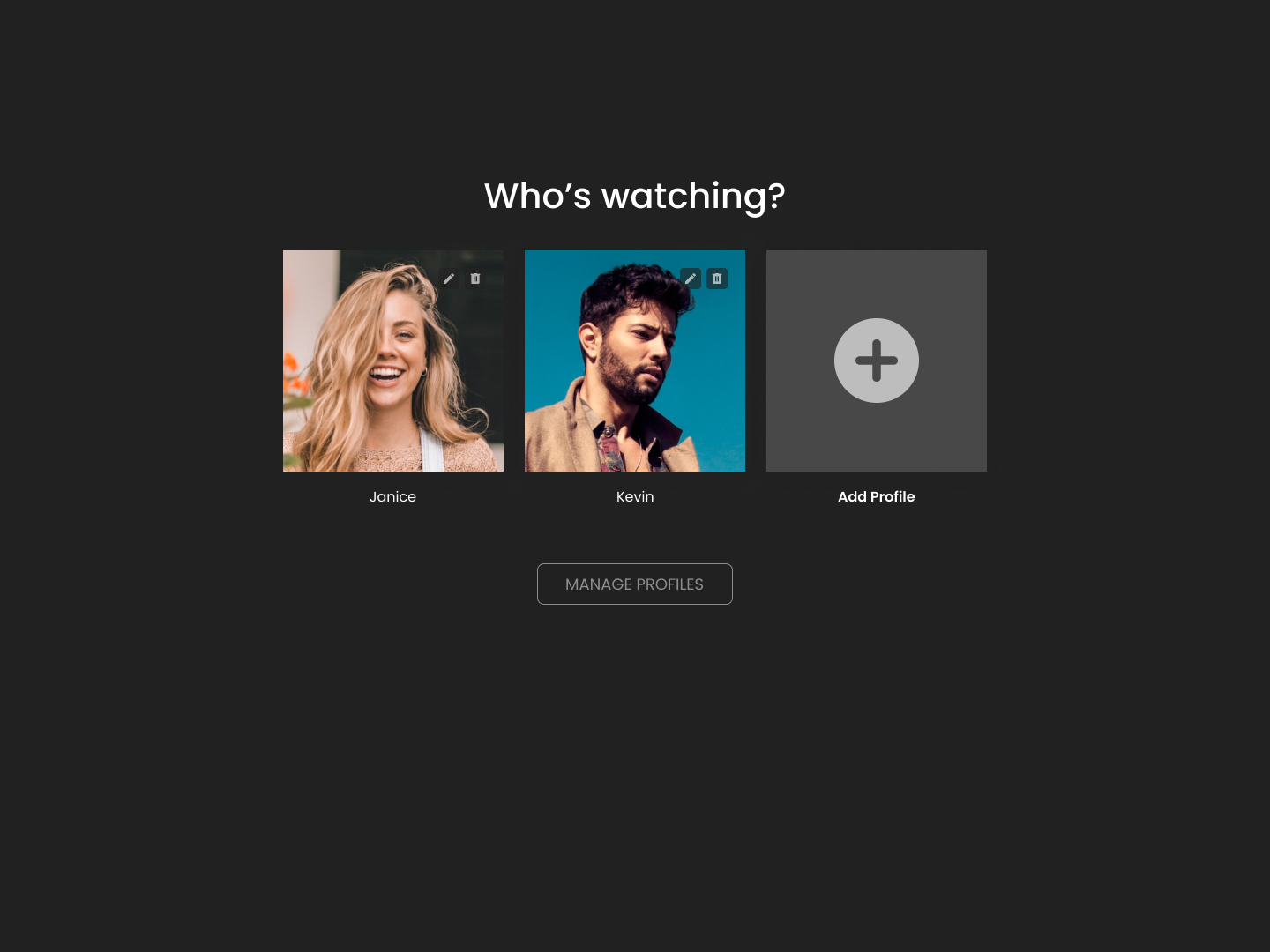 Day 67
 Select Account
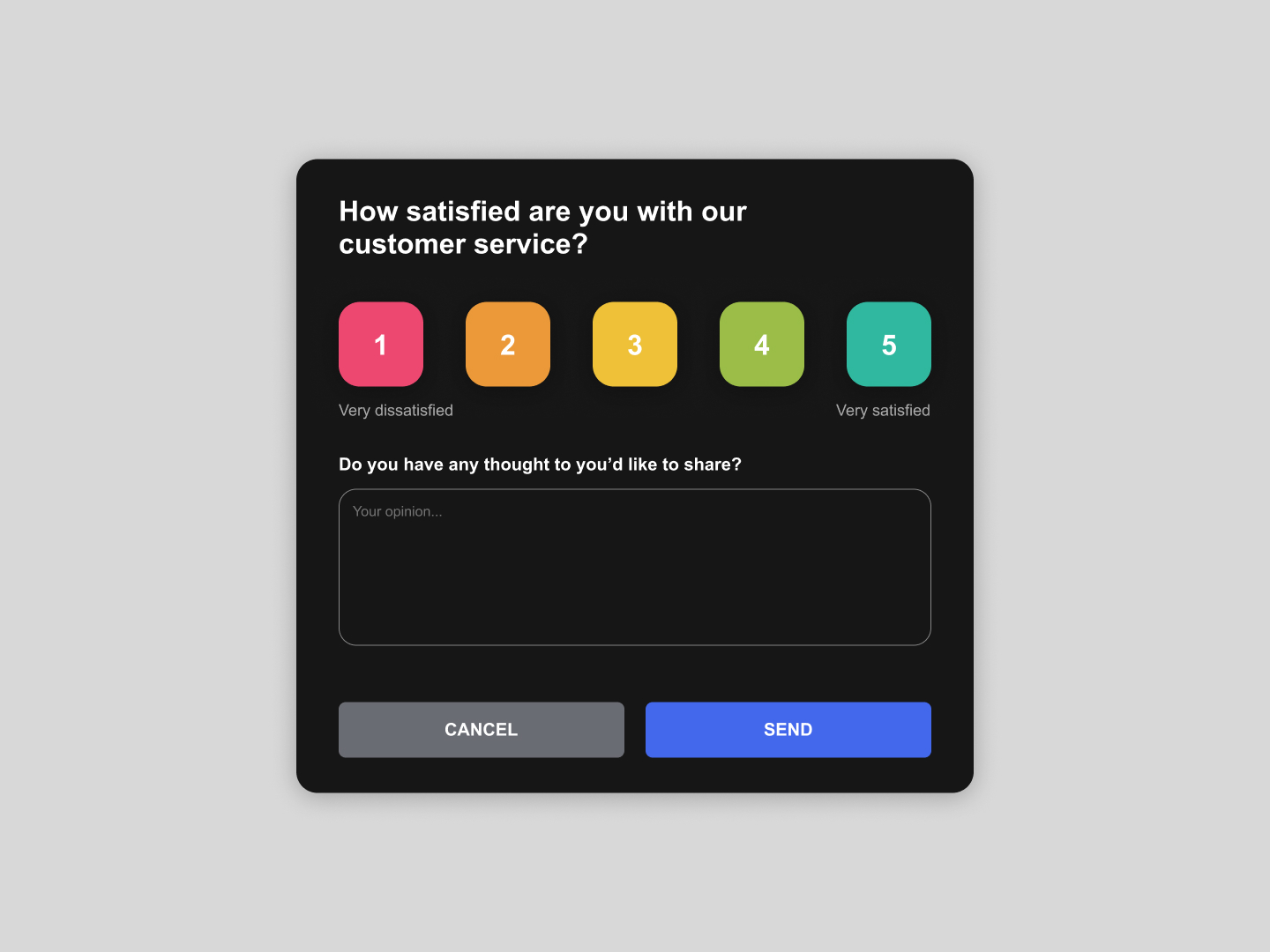 Day 68
 User Satisfaction
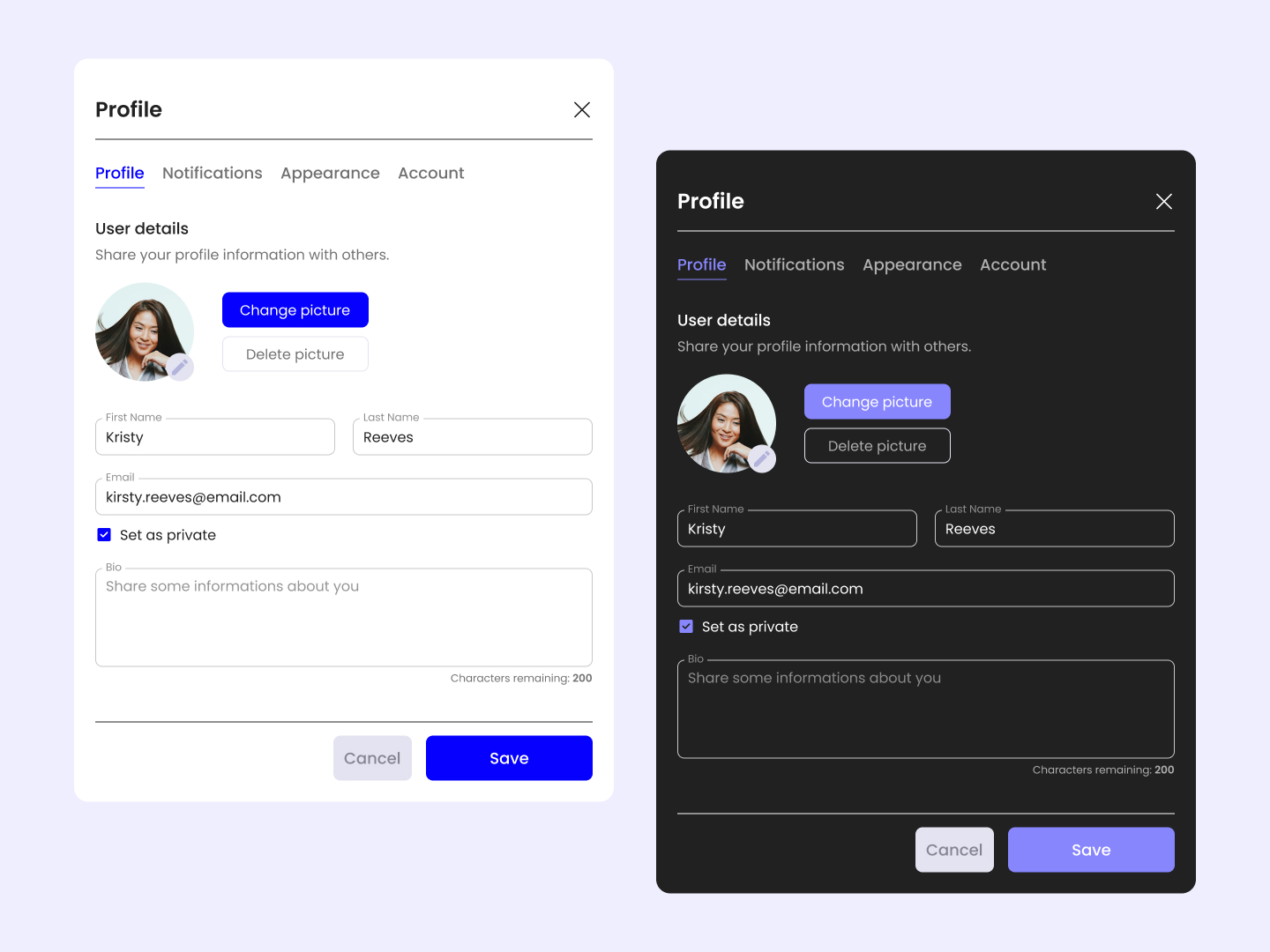 Day 69
 Profile Settings
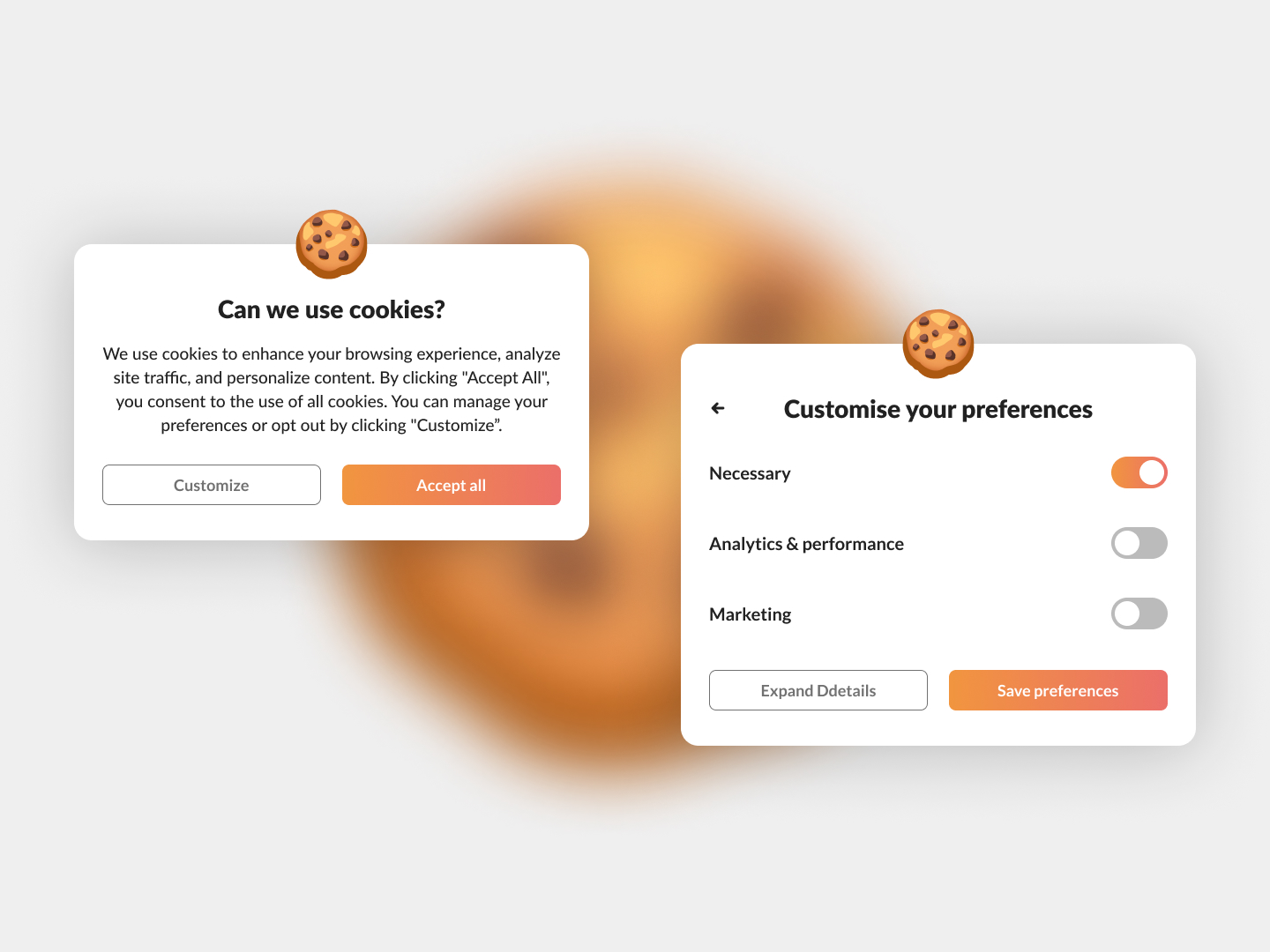 Day 70
 Cookies Banner
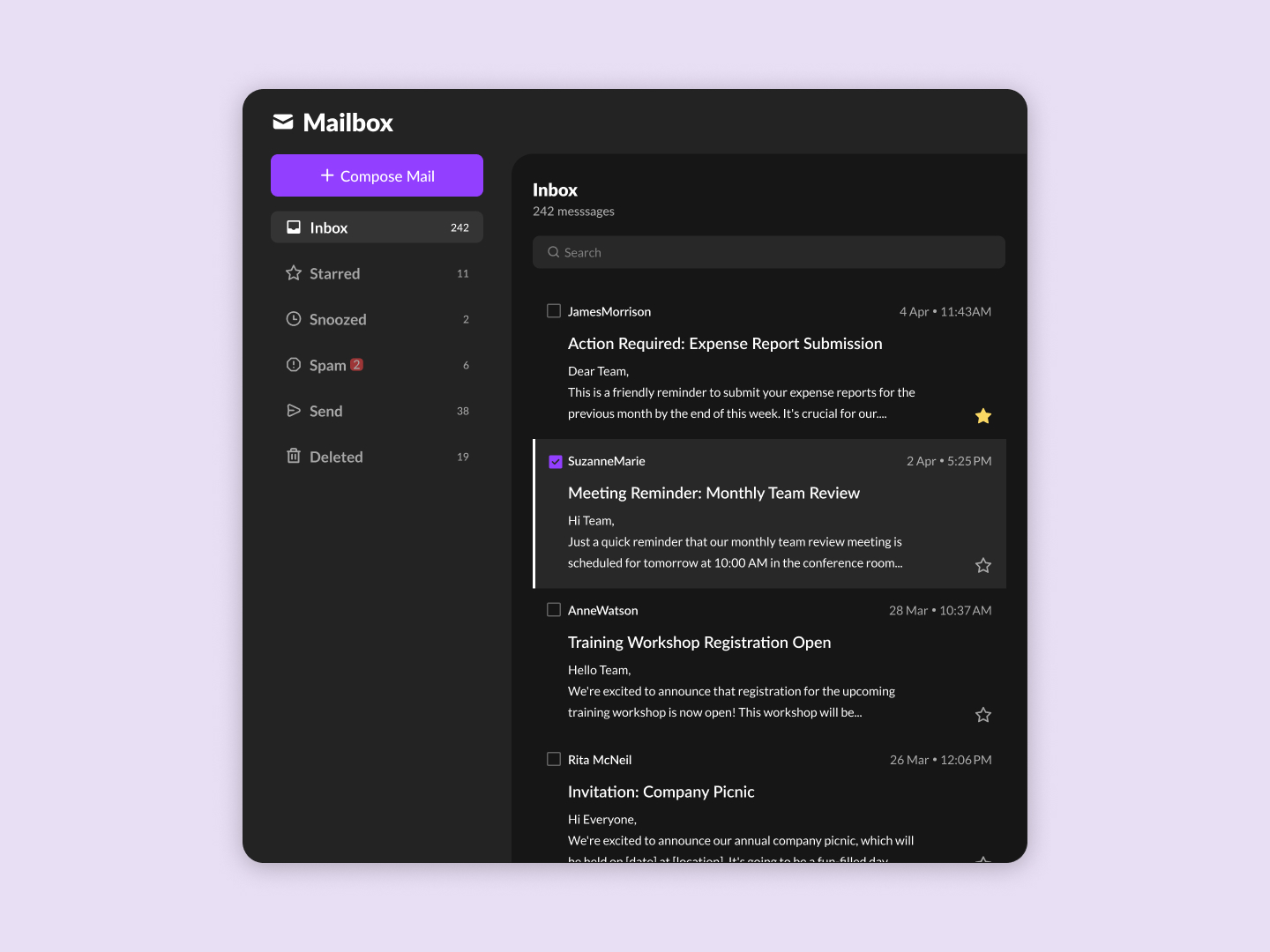 Day 71
 Email Client
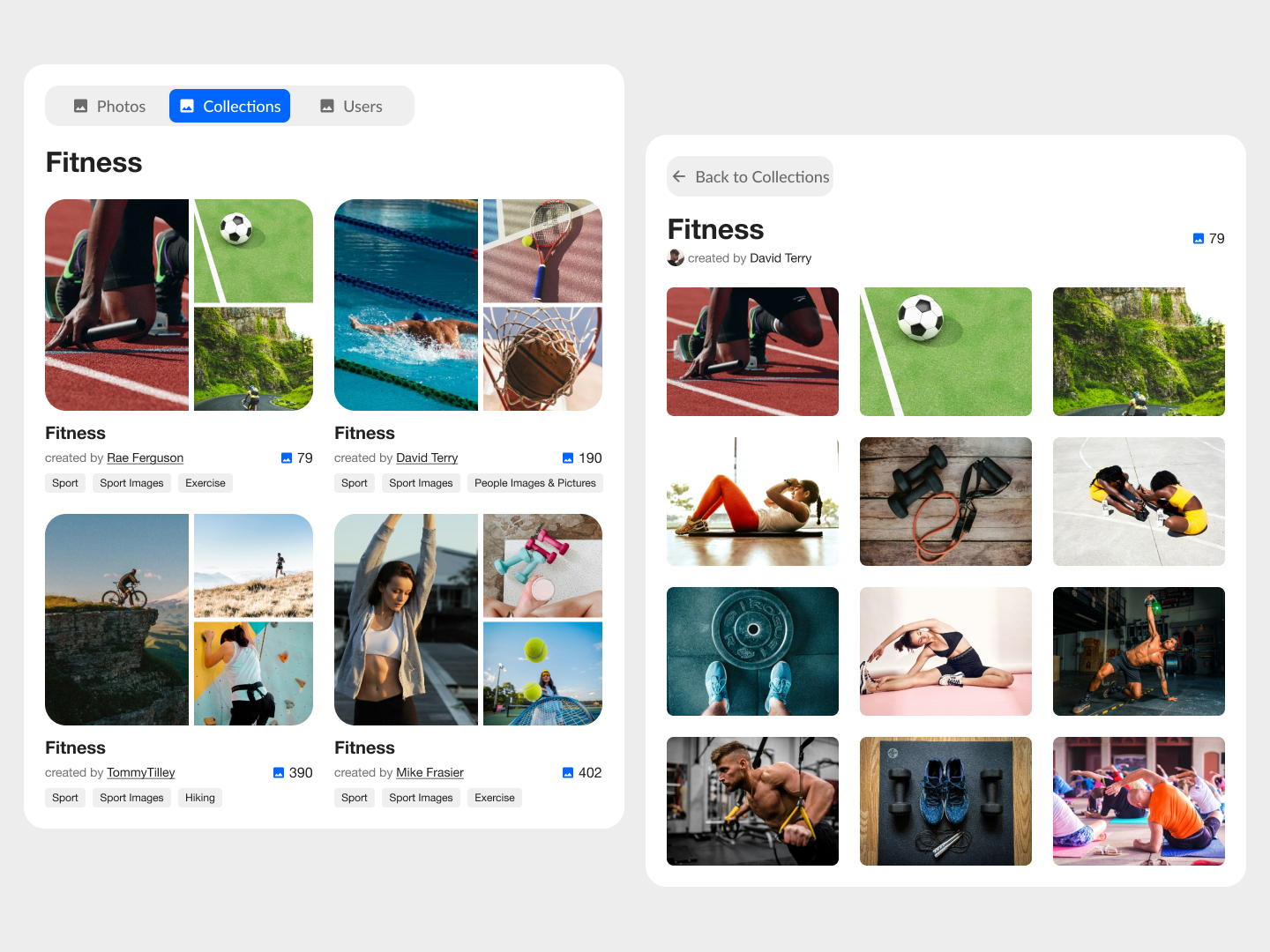 Day 72
 Image Collections
 Day 73
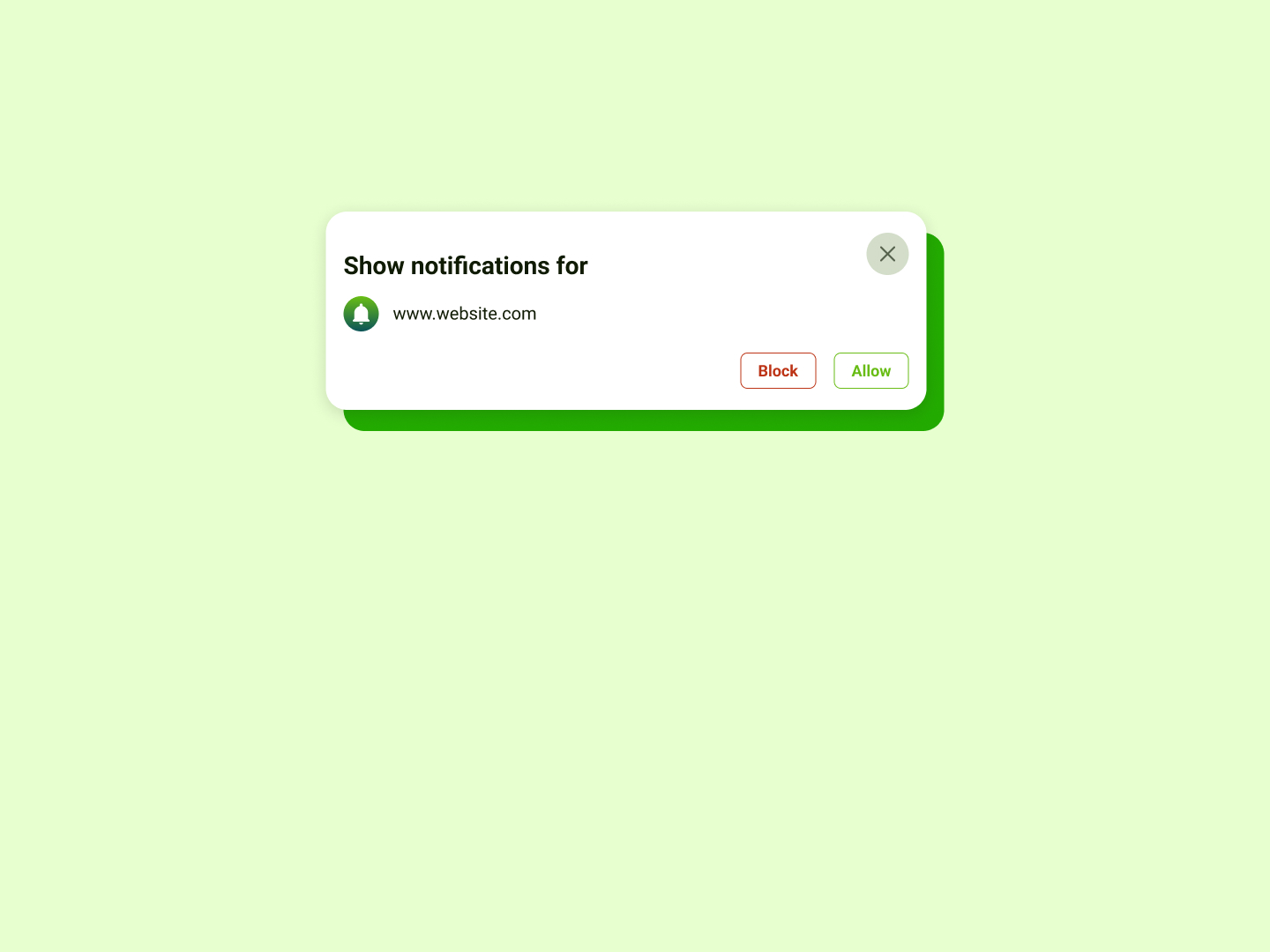
 Push Notification
 Day 74
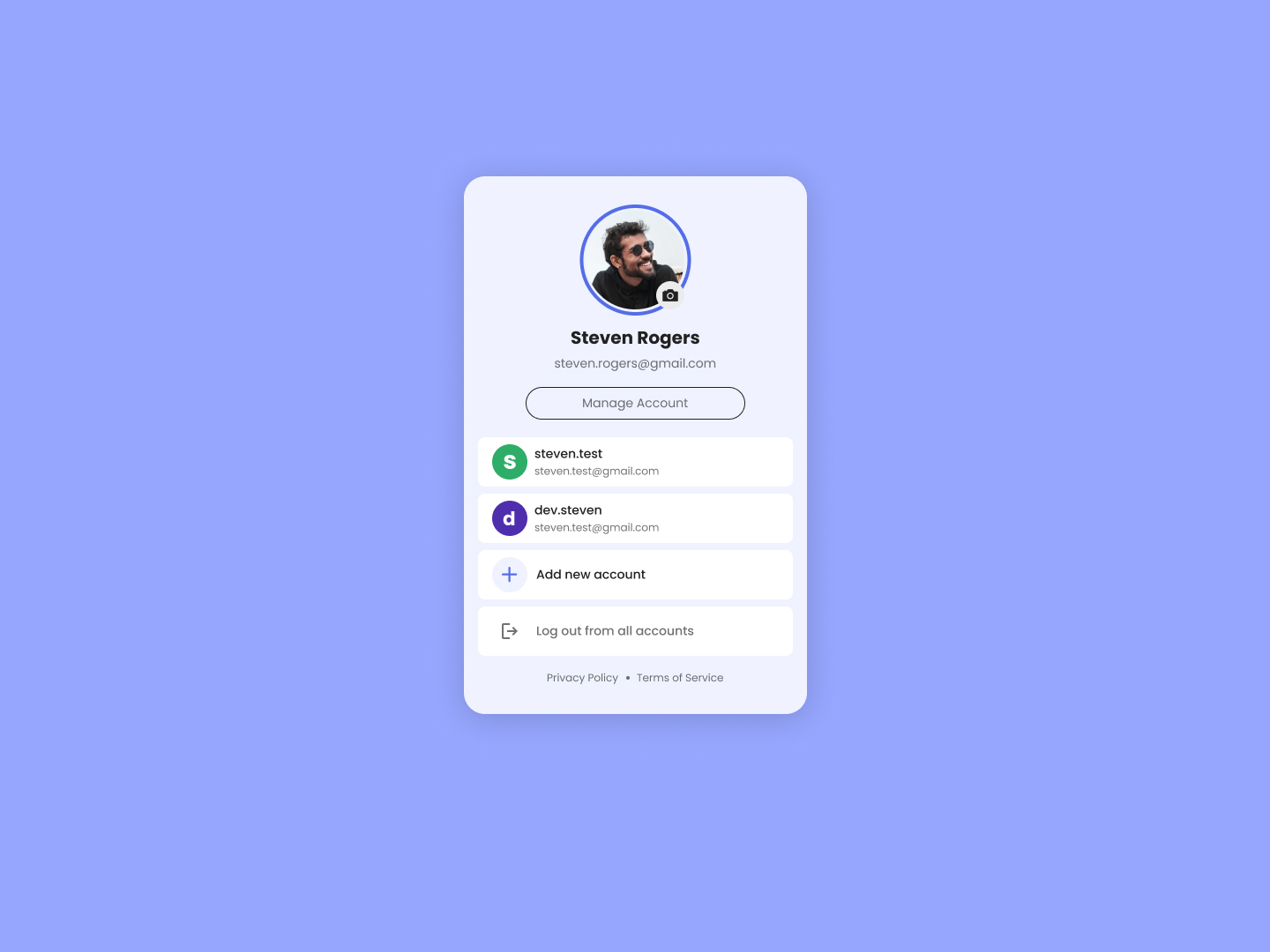
 Manage Accounts
 Day 75
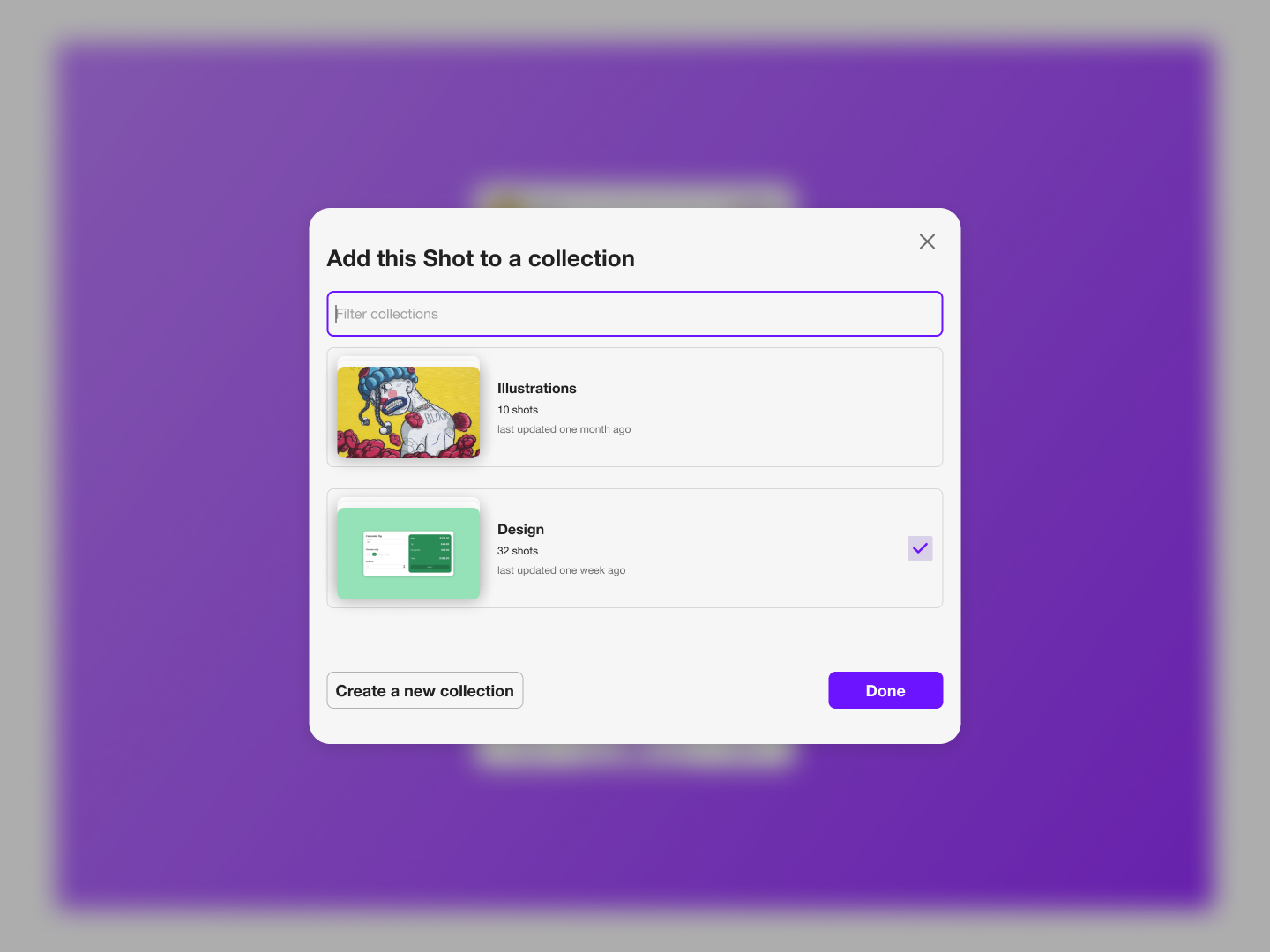
 Add Shot
 Day 76
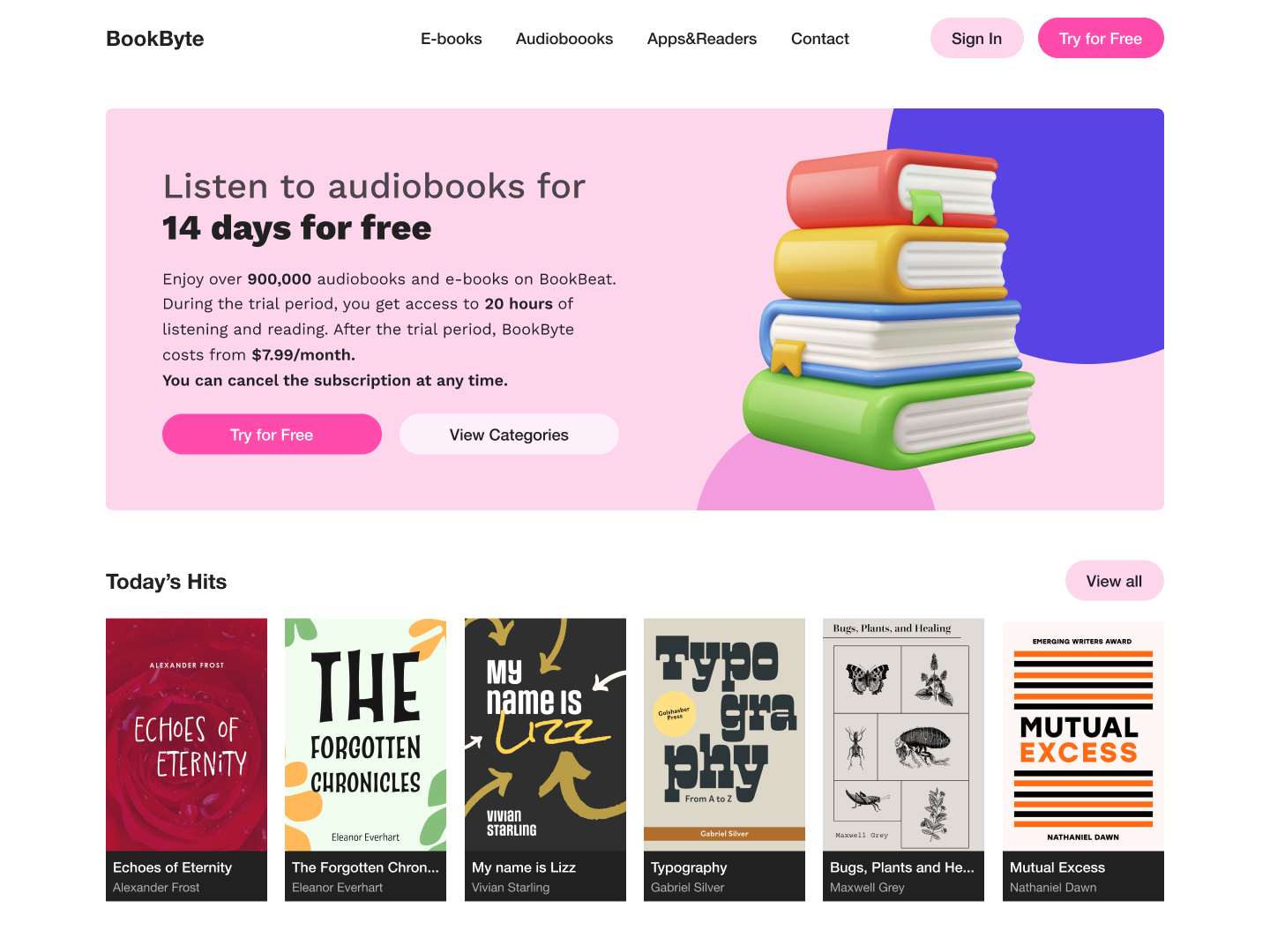
 E-book Store
 Day 77
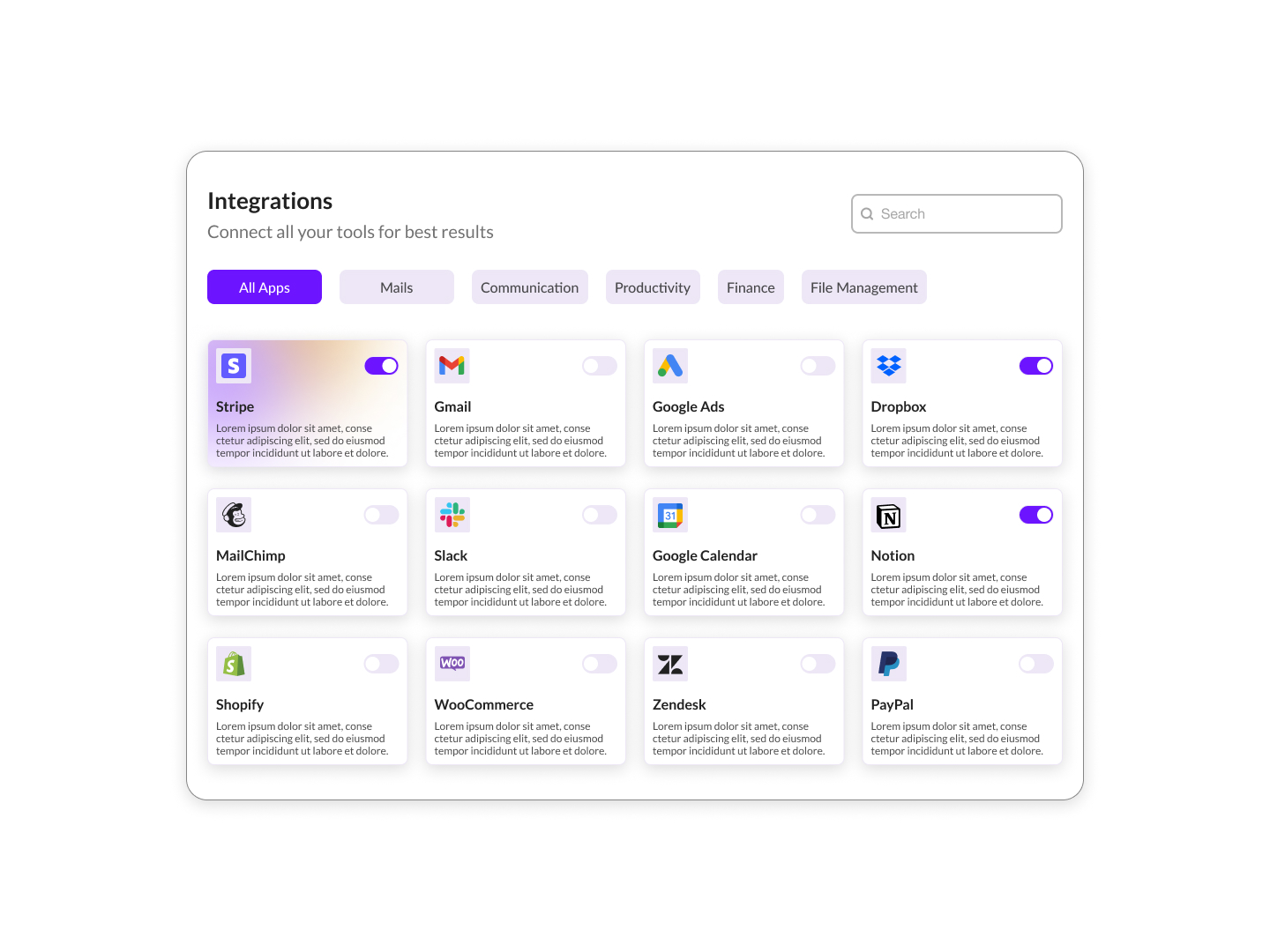
 App Integrations
 Day 78
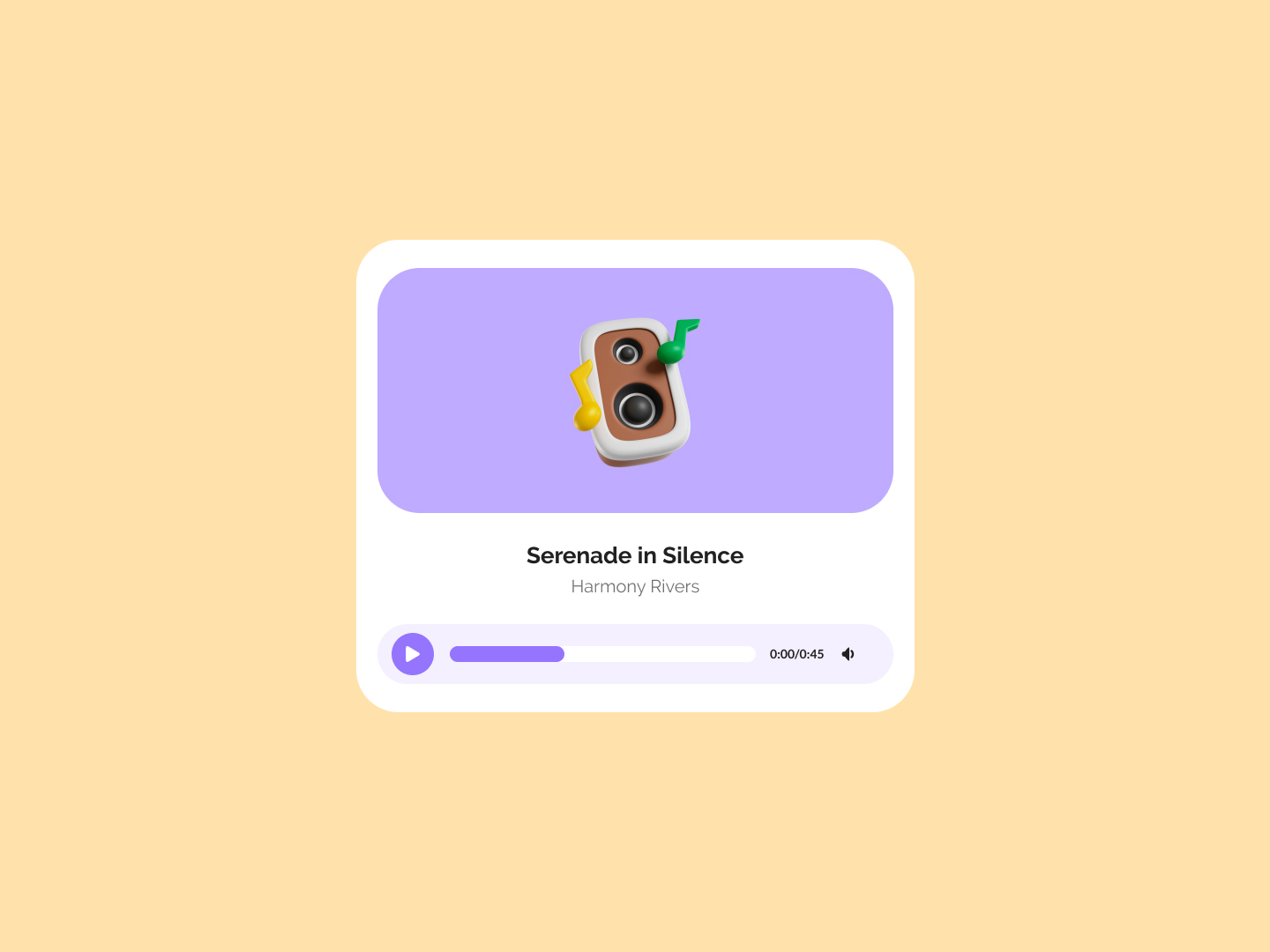
 Audio Player
 Day 79
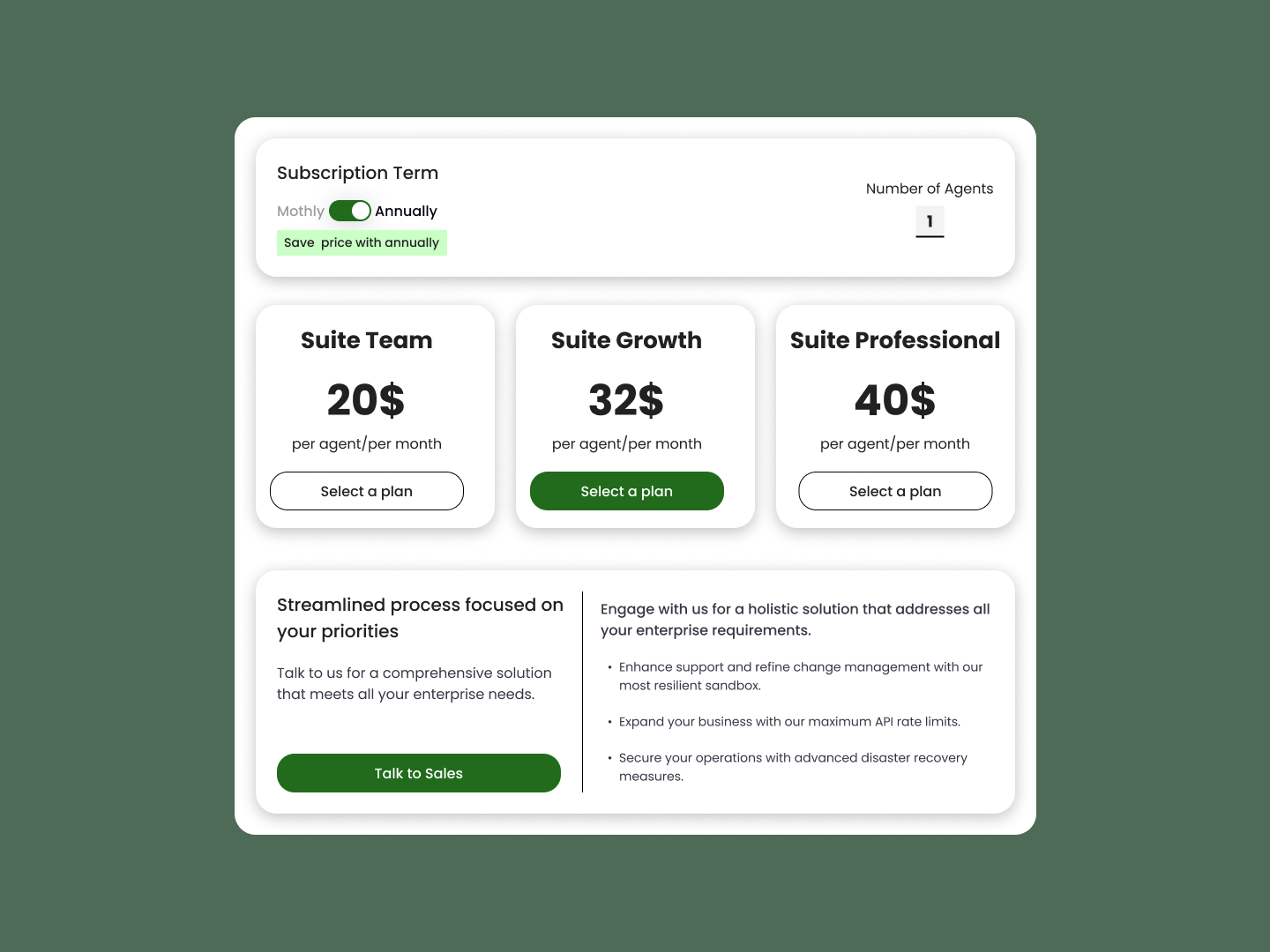
 Payment Plan
 Day 80
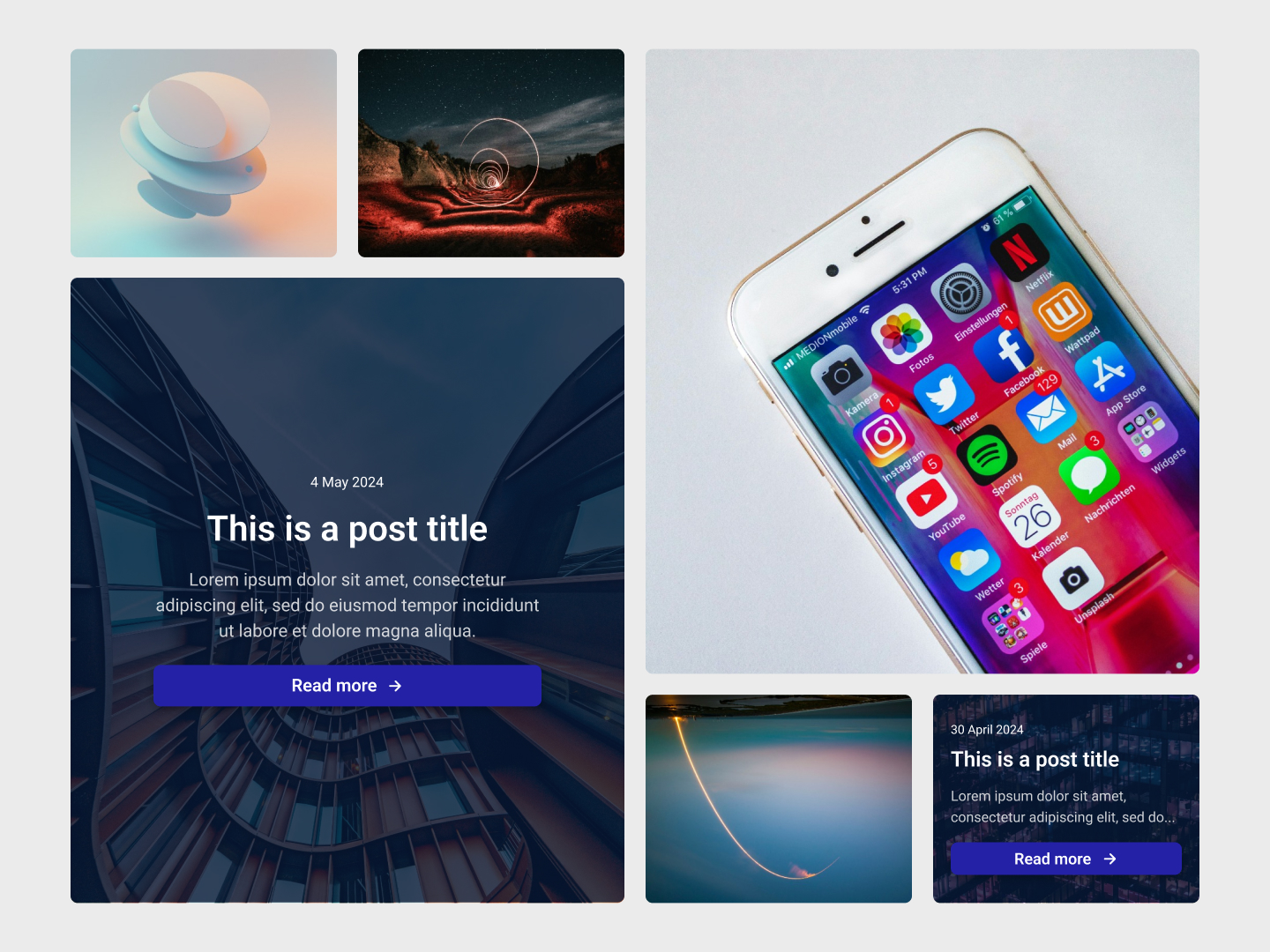
 Articles Grid
 Day 81
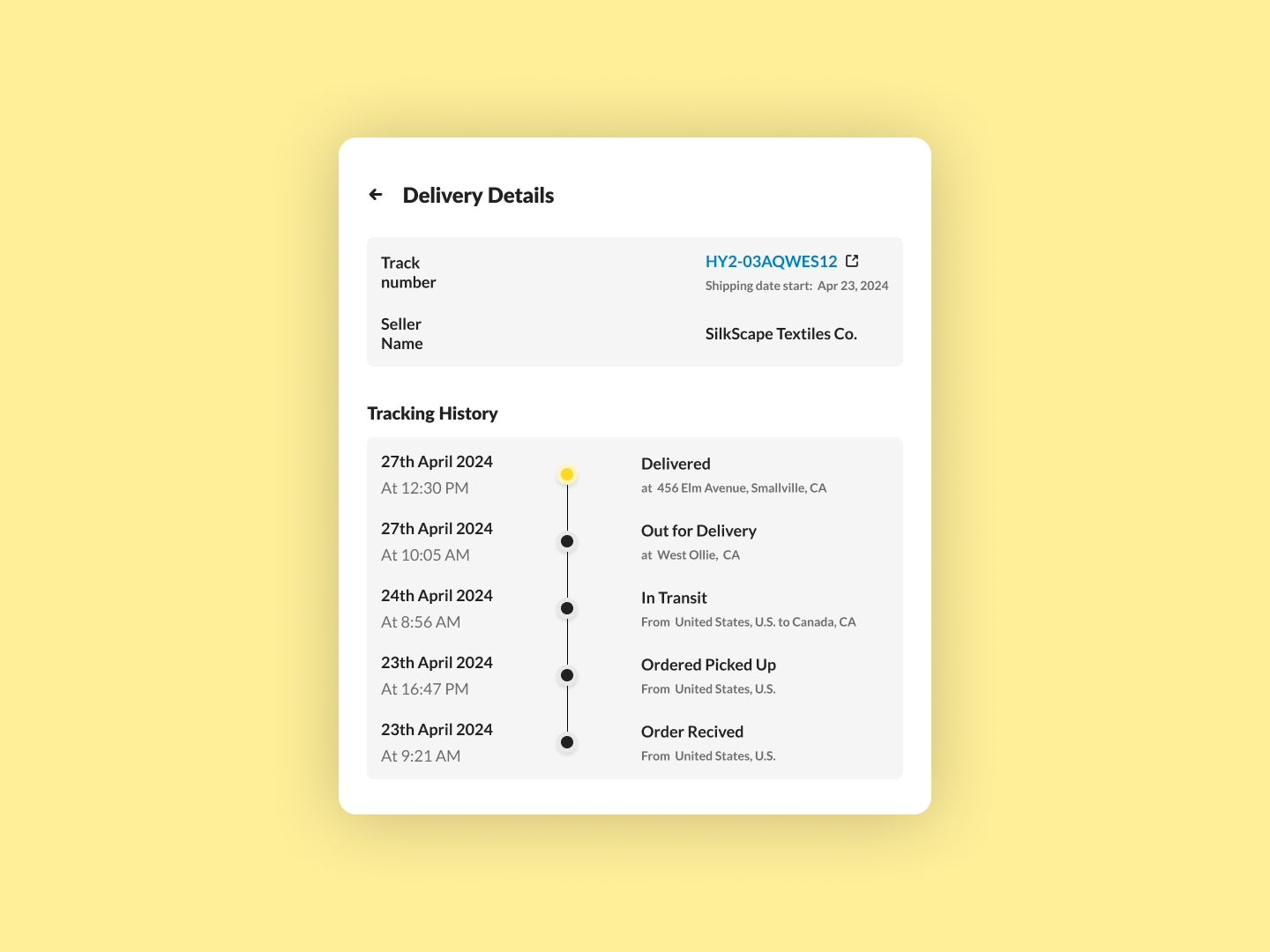
 Delivery Details
 Day 82
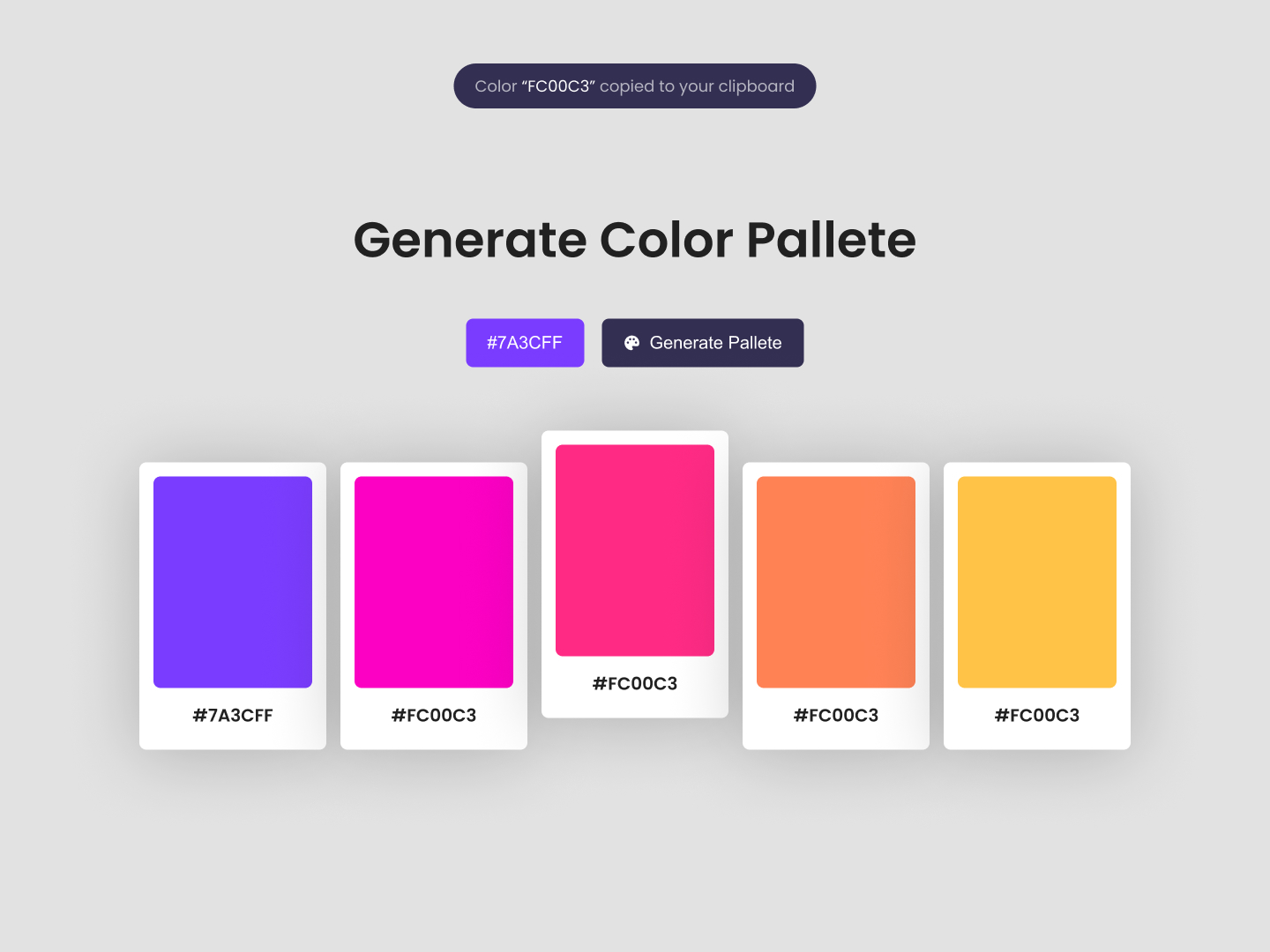
 Color Palette
 Day 83
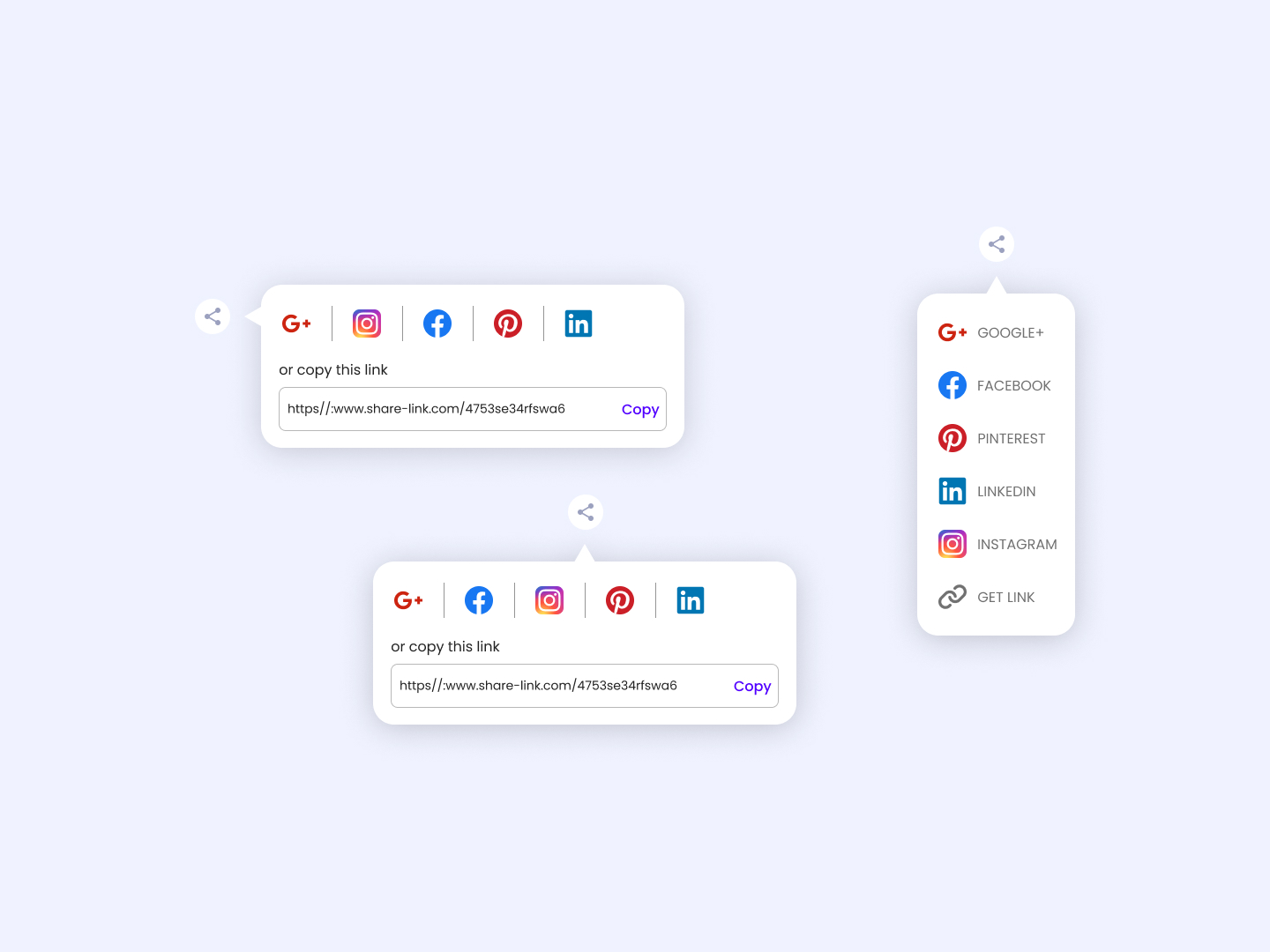
 Socials Share
 Day 84
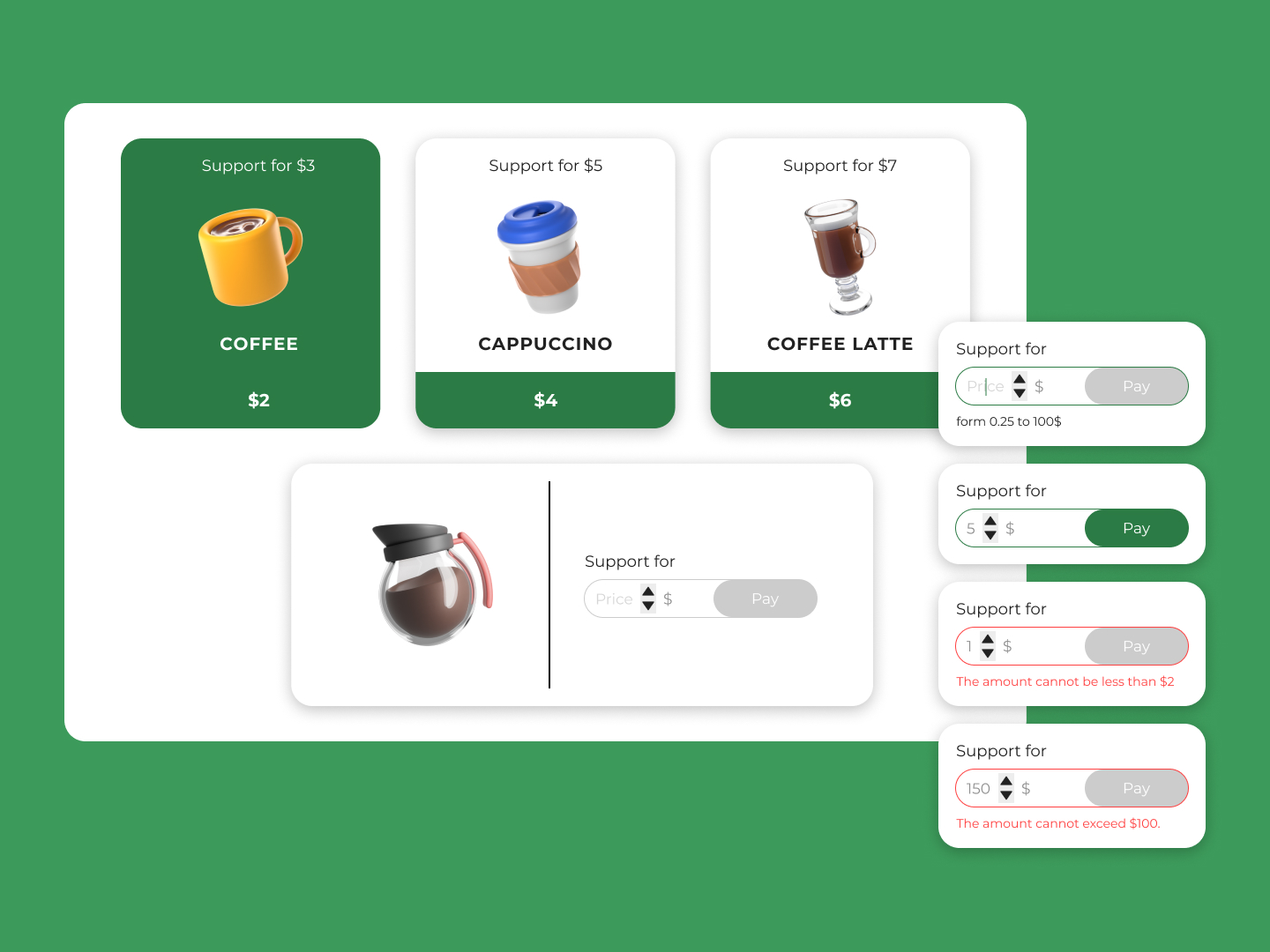
 Buy a Coffee
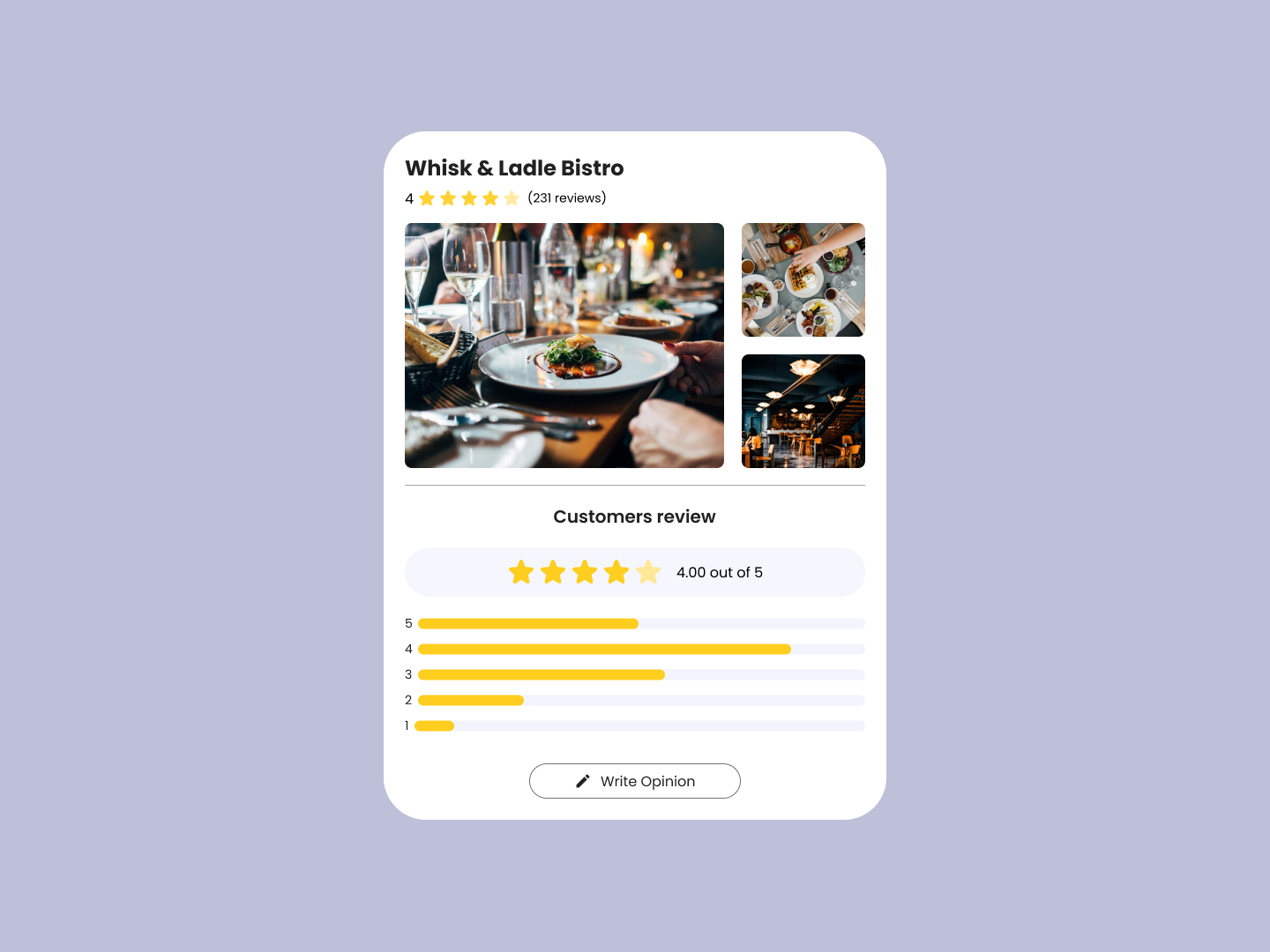 Day 85
 Customer Reviews
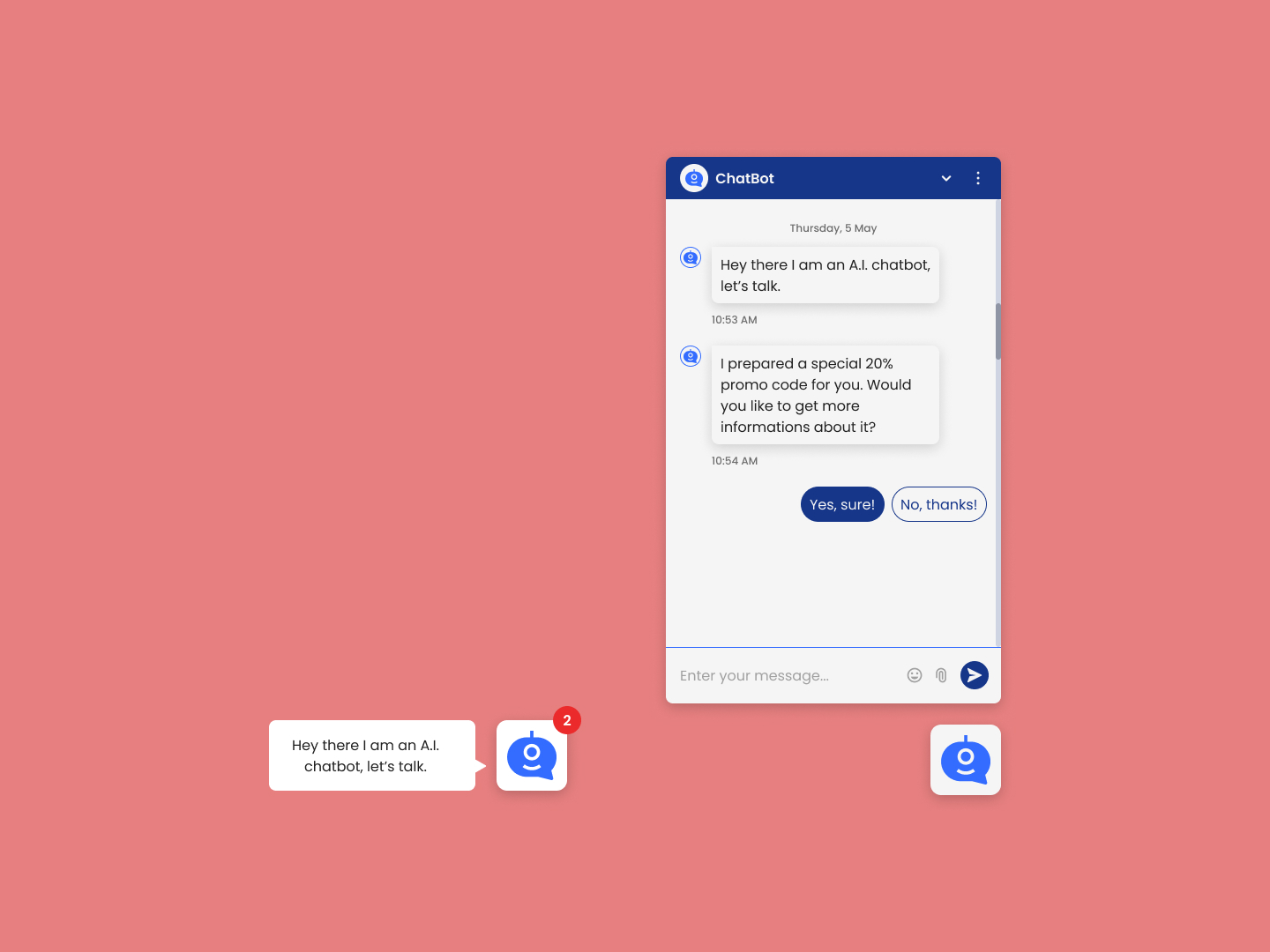 Day 86
 ChatBot
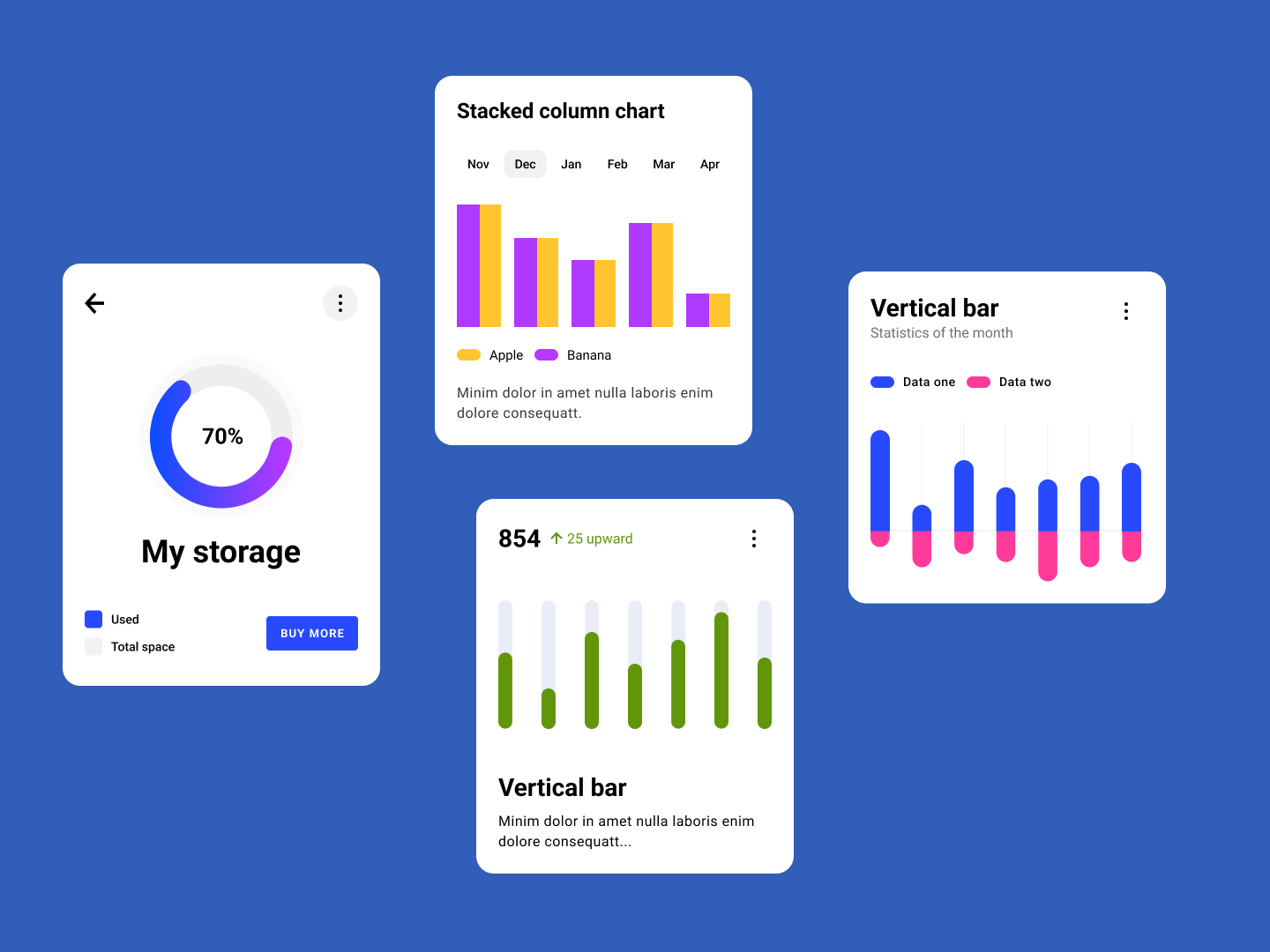 Day 87
 Charts
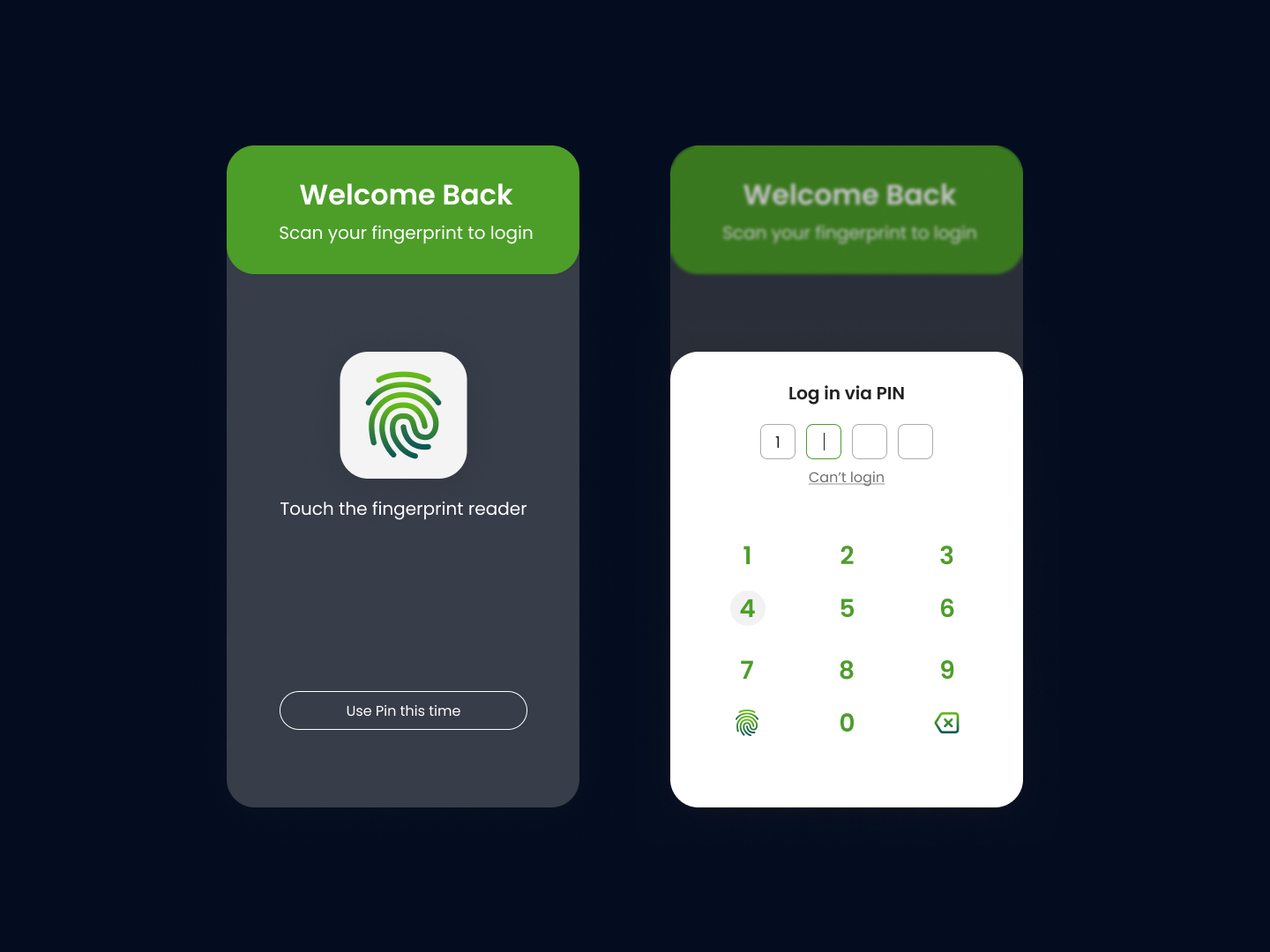 Day 88
 Fingerprint
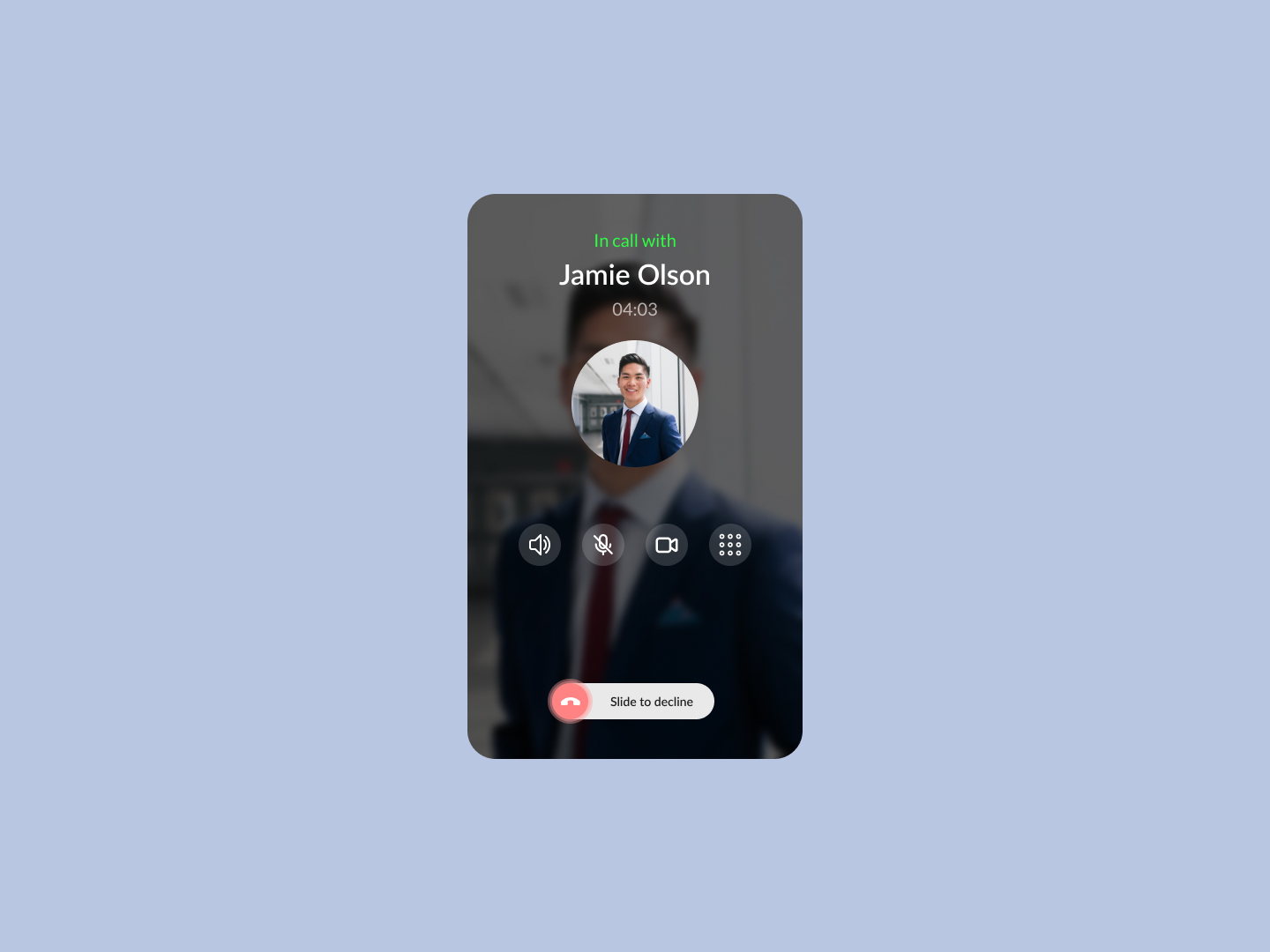 Day 89
 Voice Call
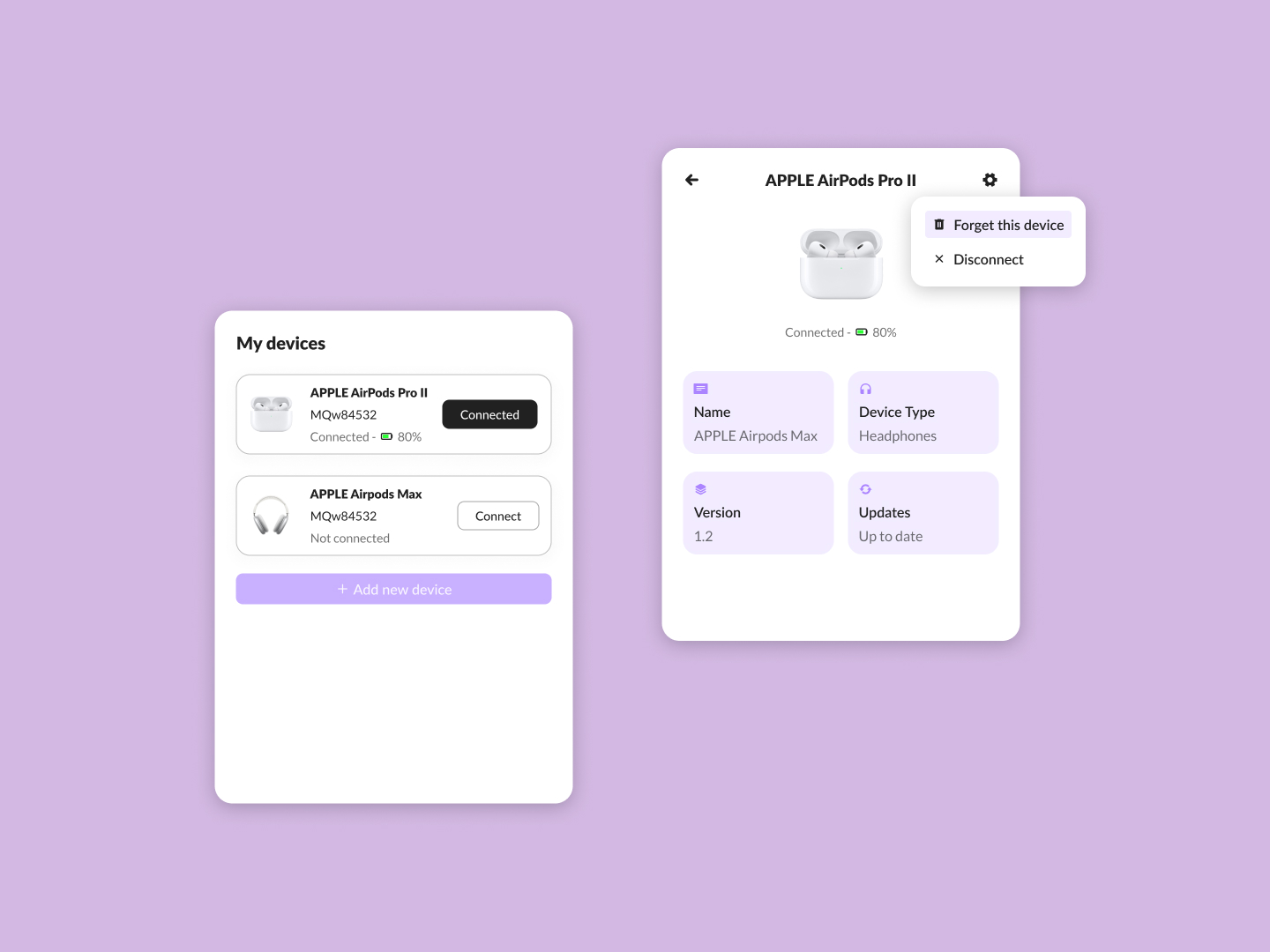 Day 90
 My Devices
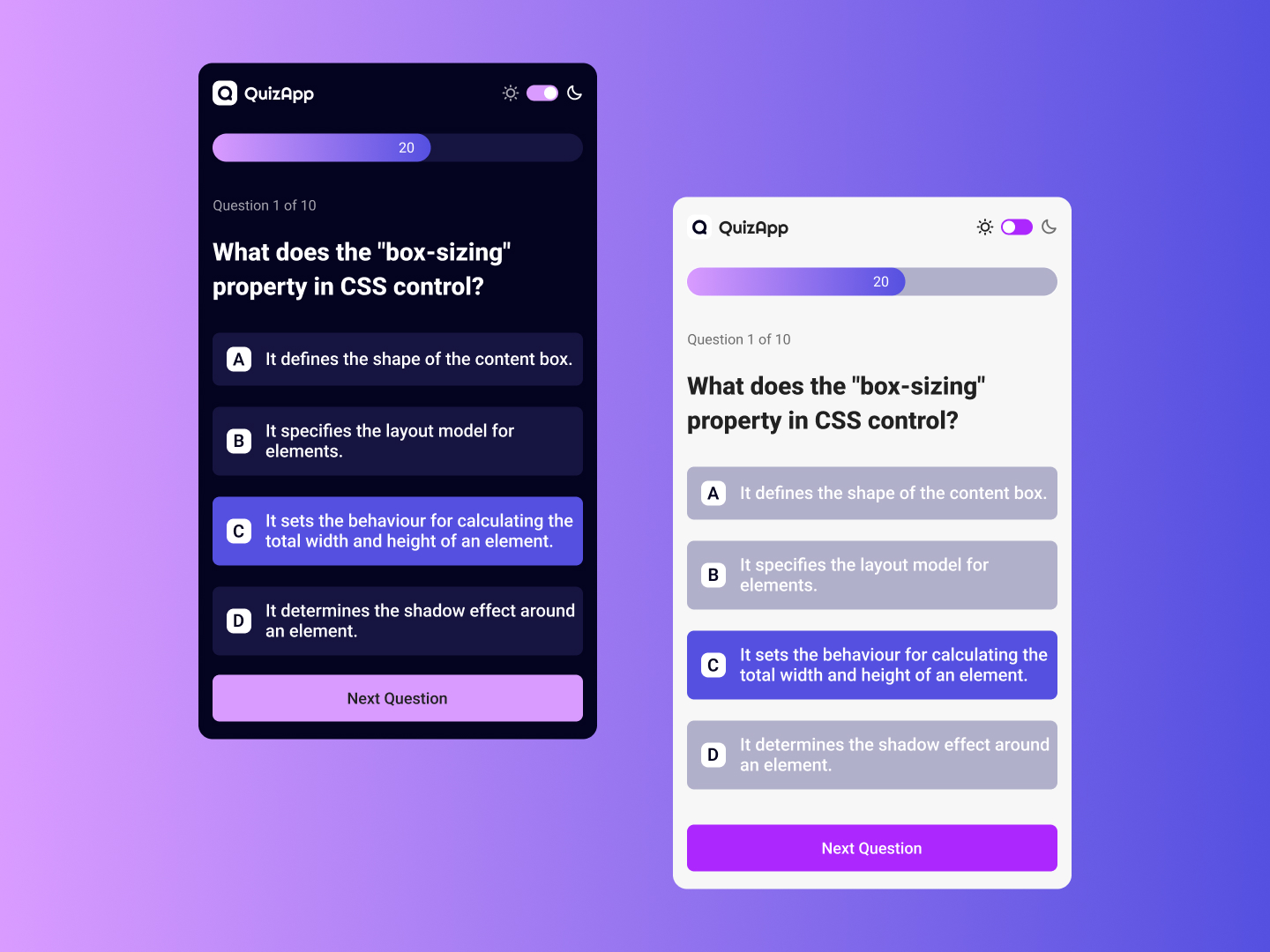 Day 91
 QuizApp
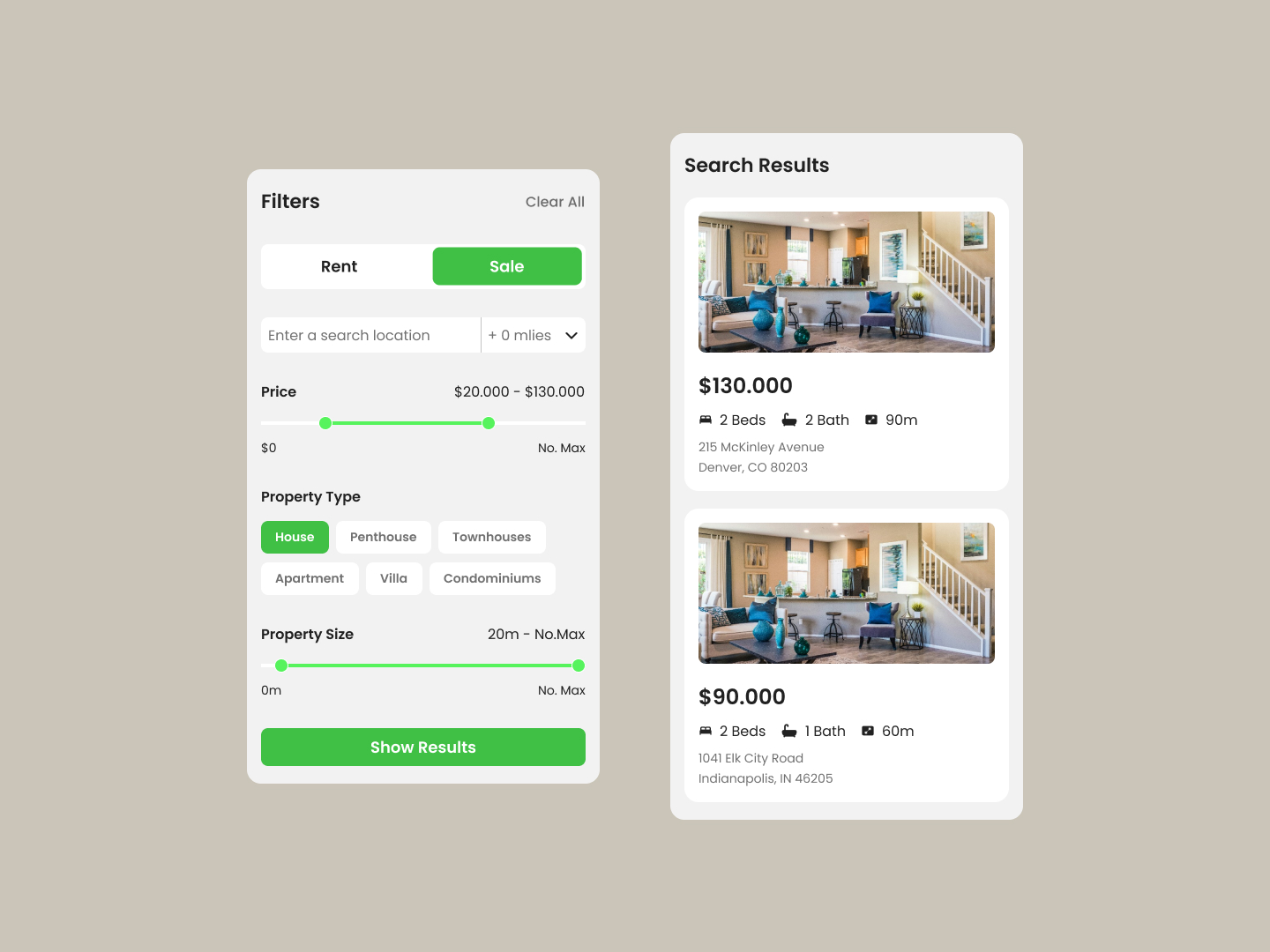 Day 92
 Search Filters
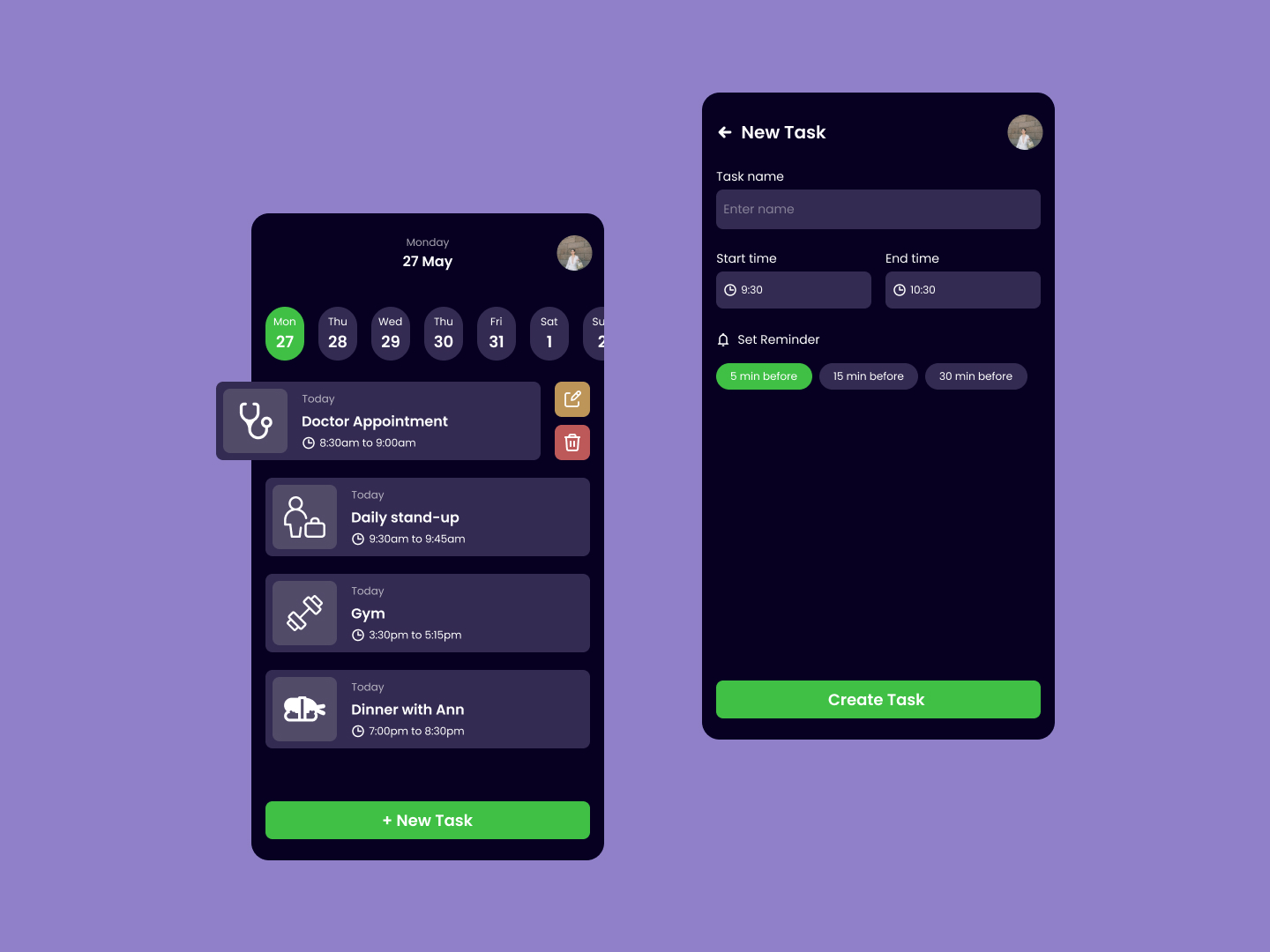 Day 93
 Task Manager
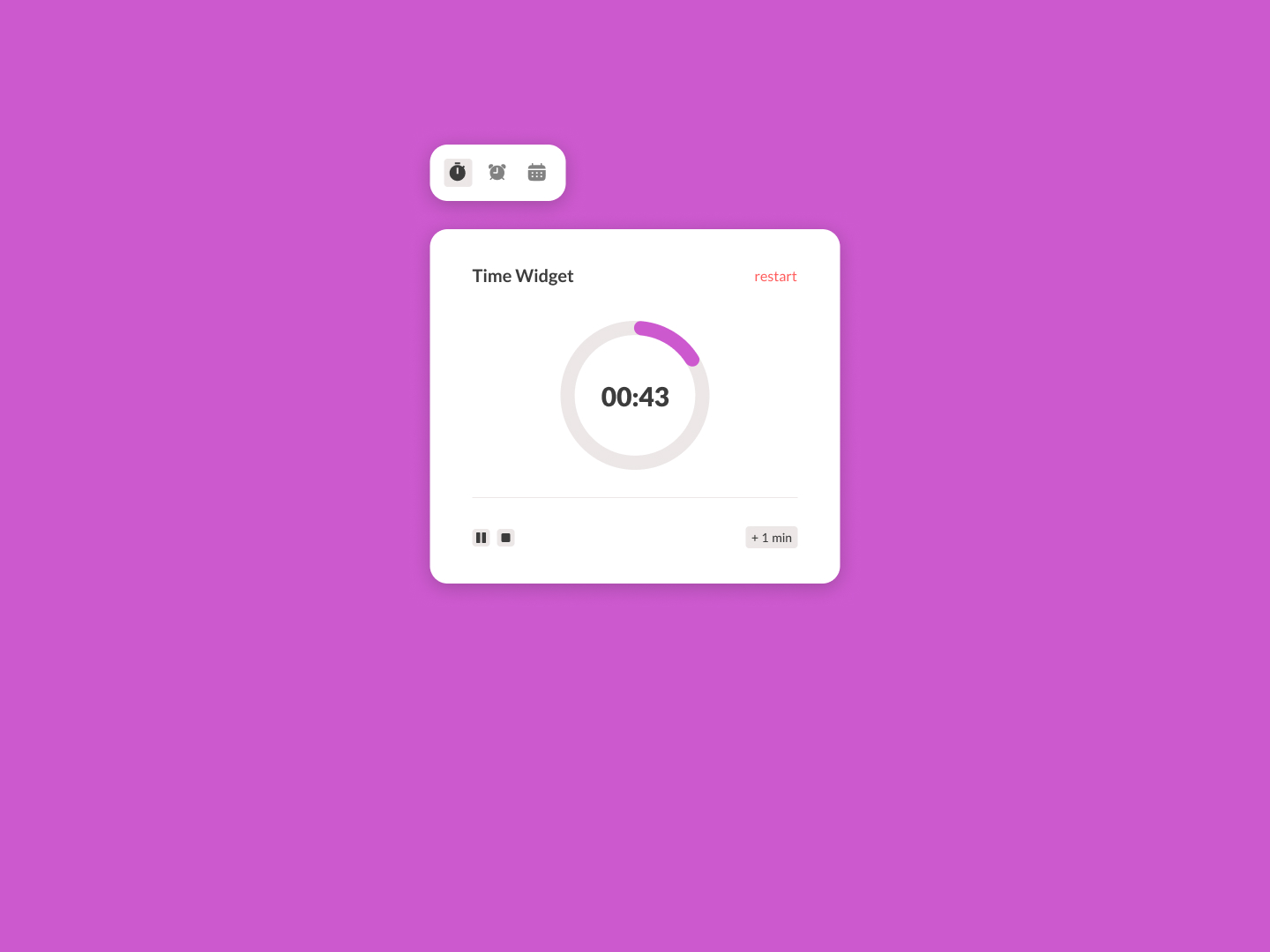 Day 94
 Time Widget
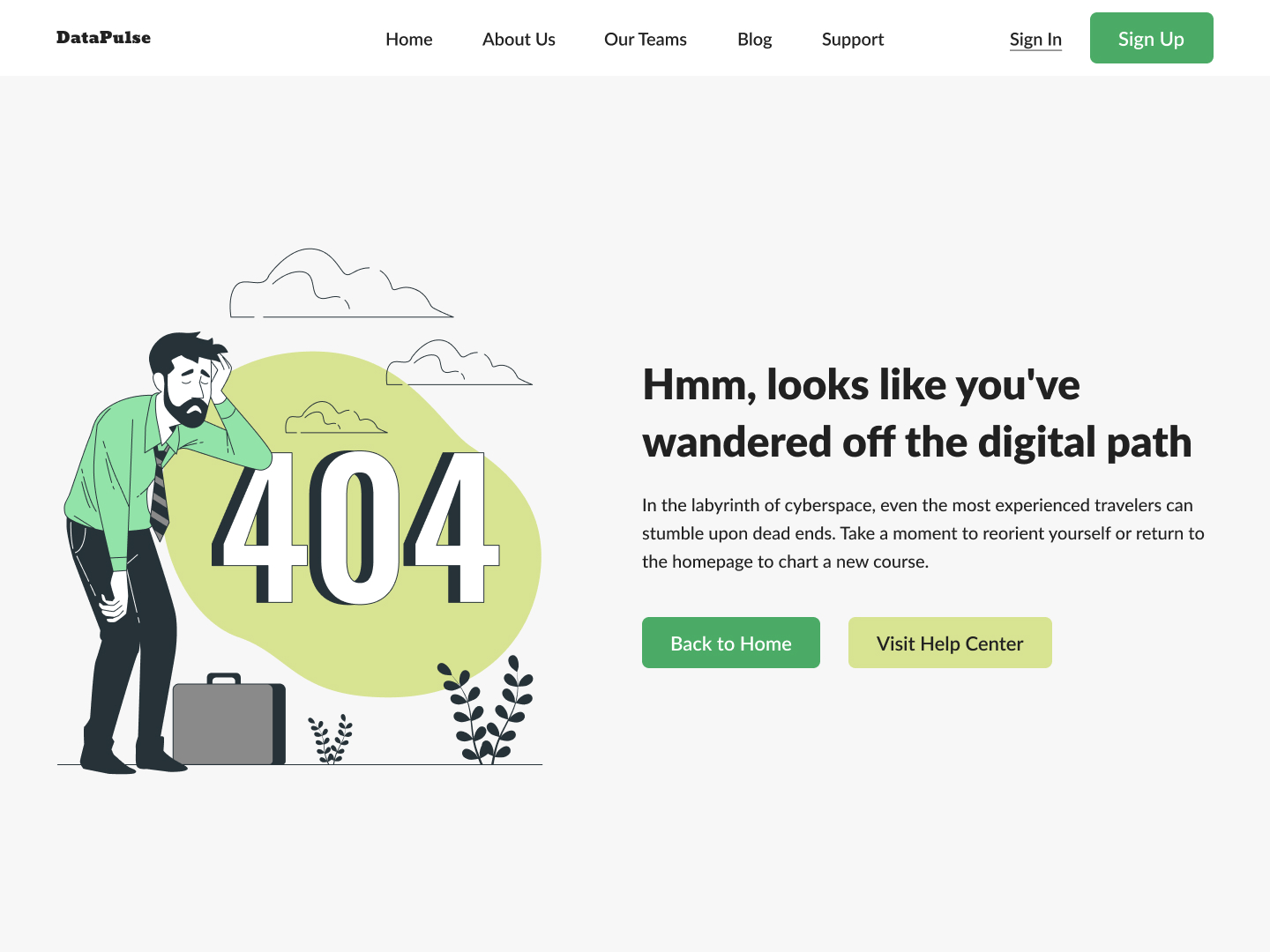 Day 95
 404
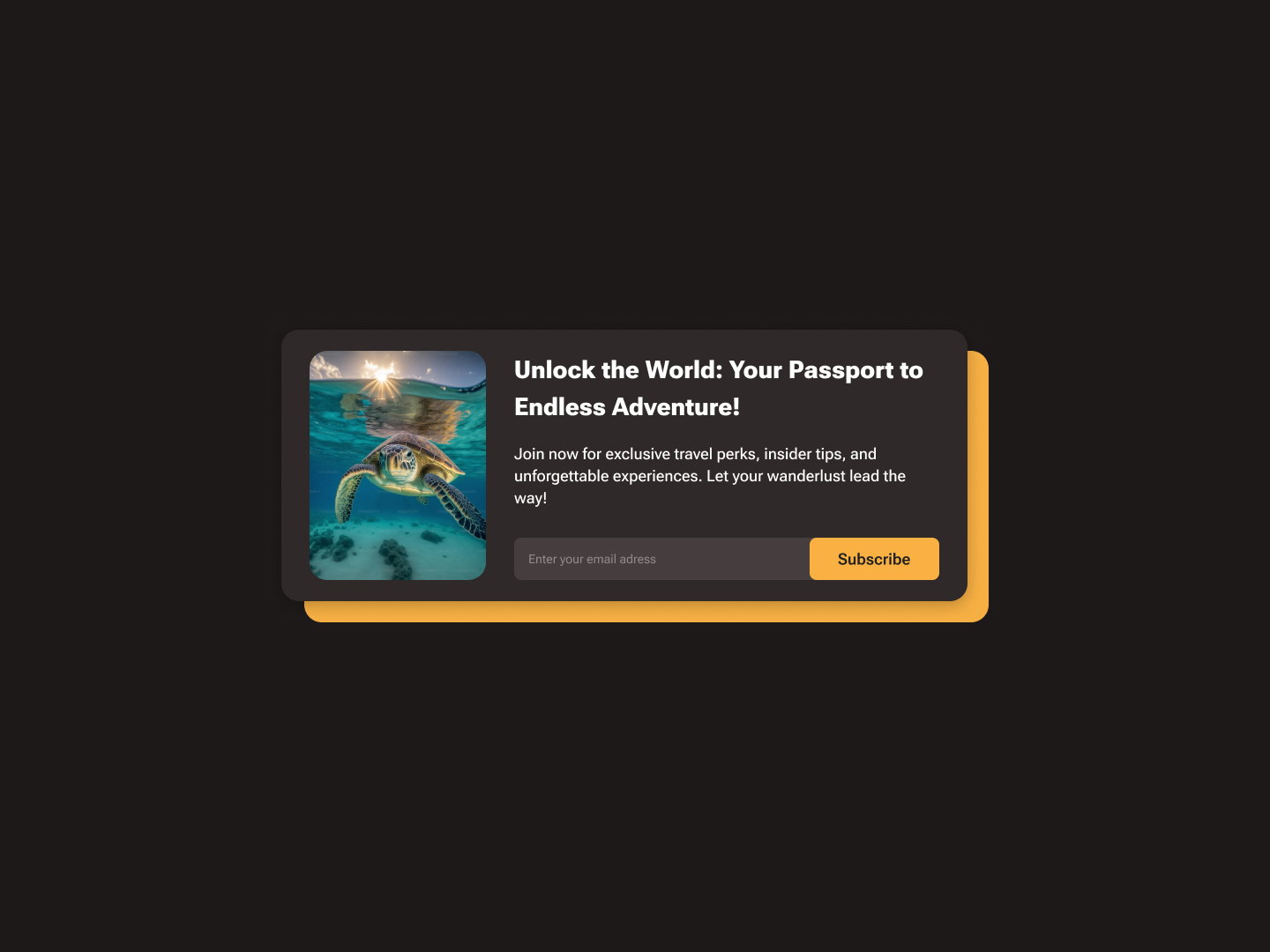 Day 96
 Subscribe Card
 Day 97
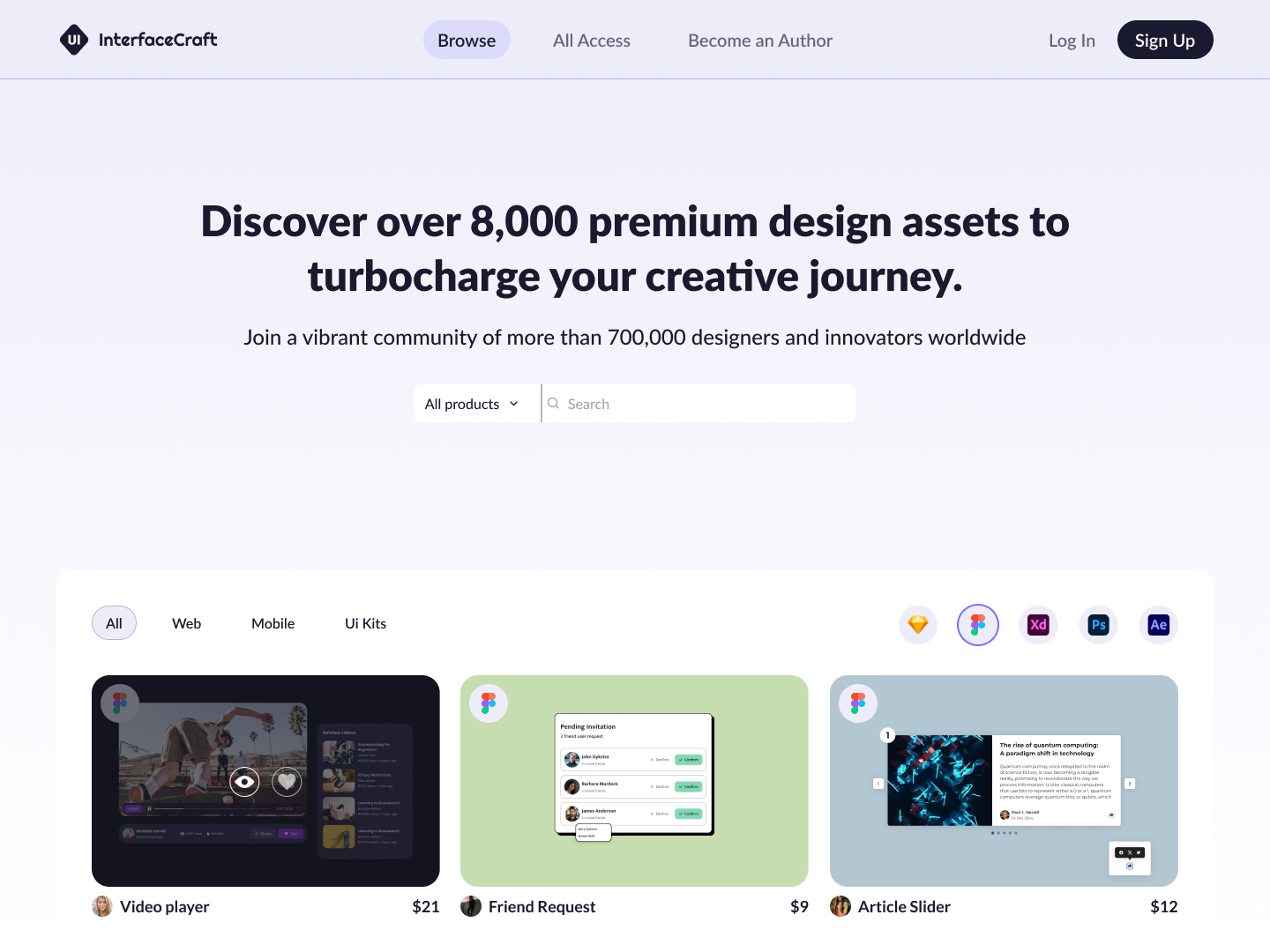
 Design Assets
 Day 98
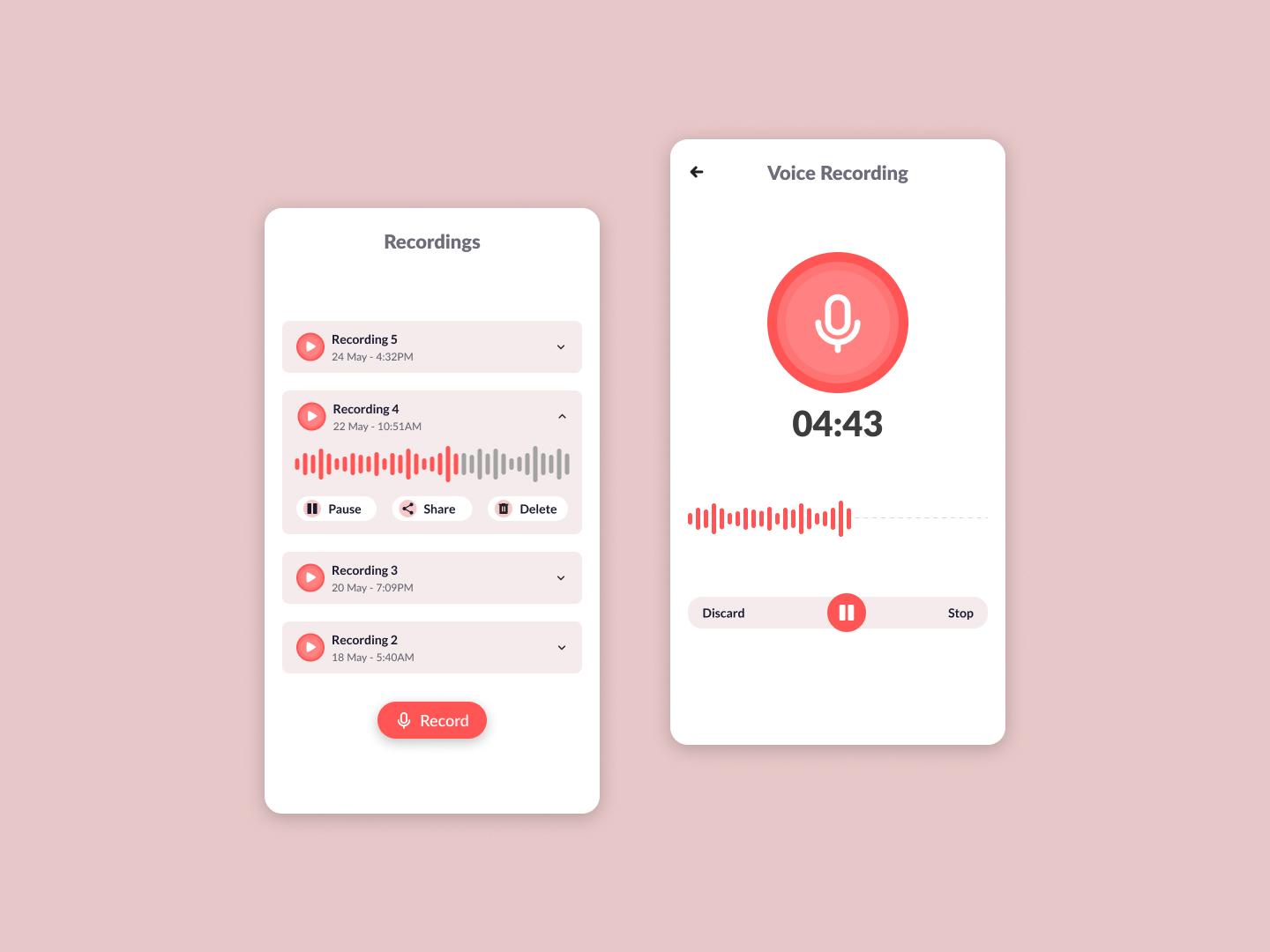
 Voice Recording
 Day 99
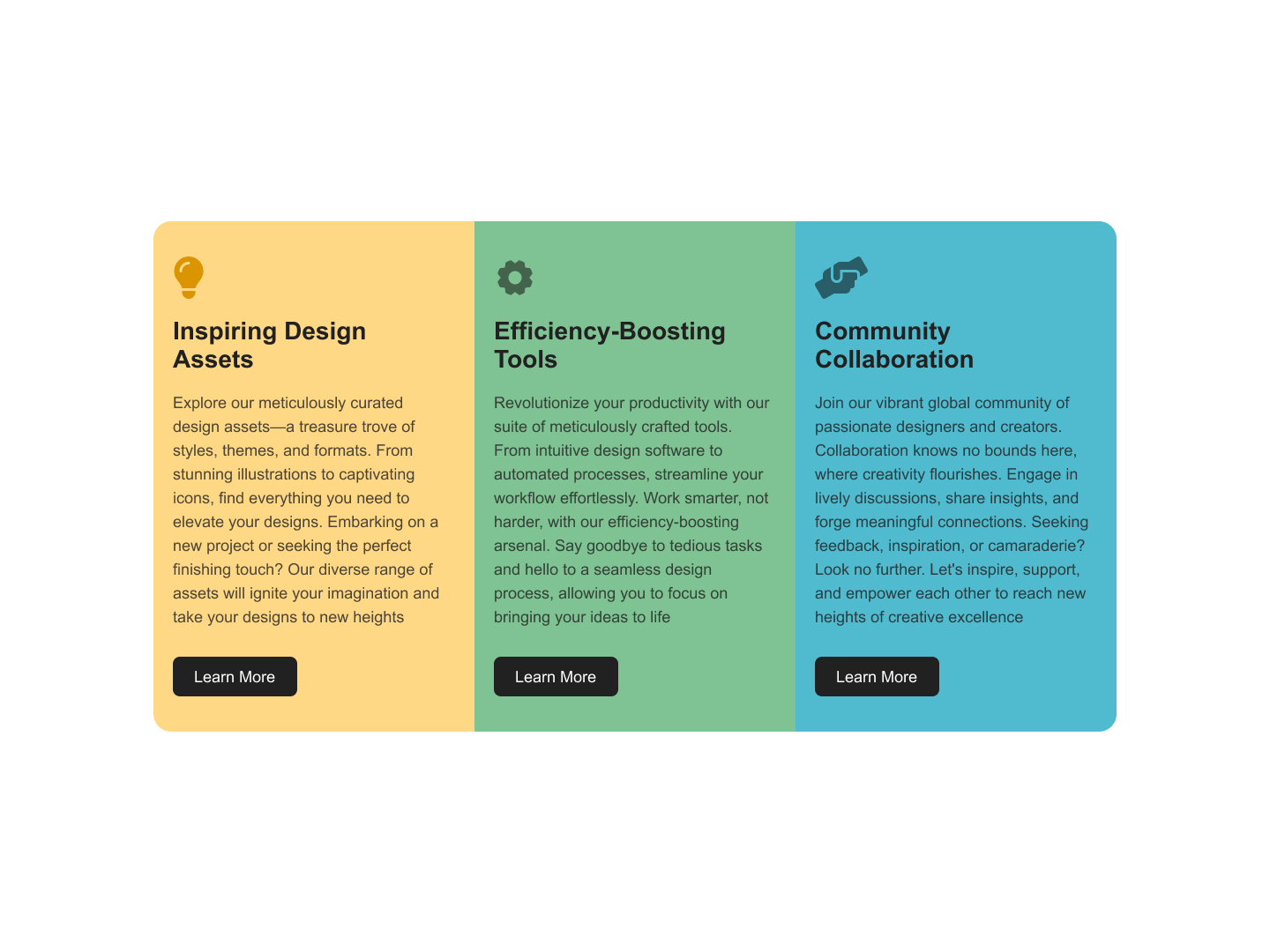
 Columns Card
 Day 100
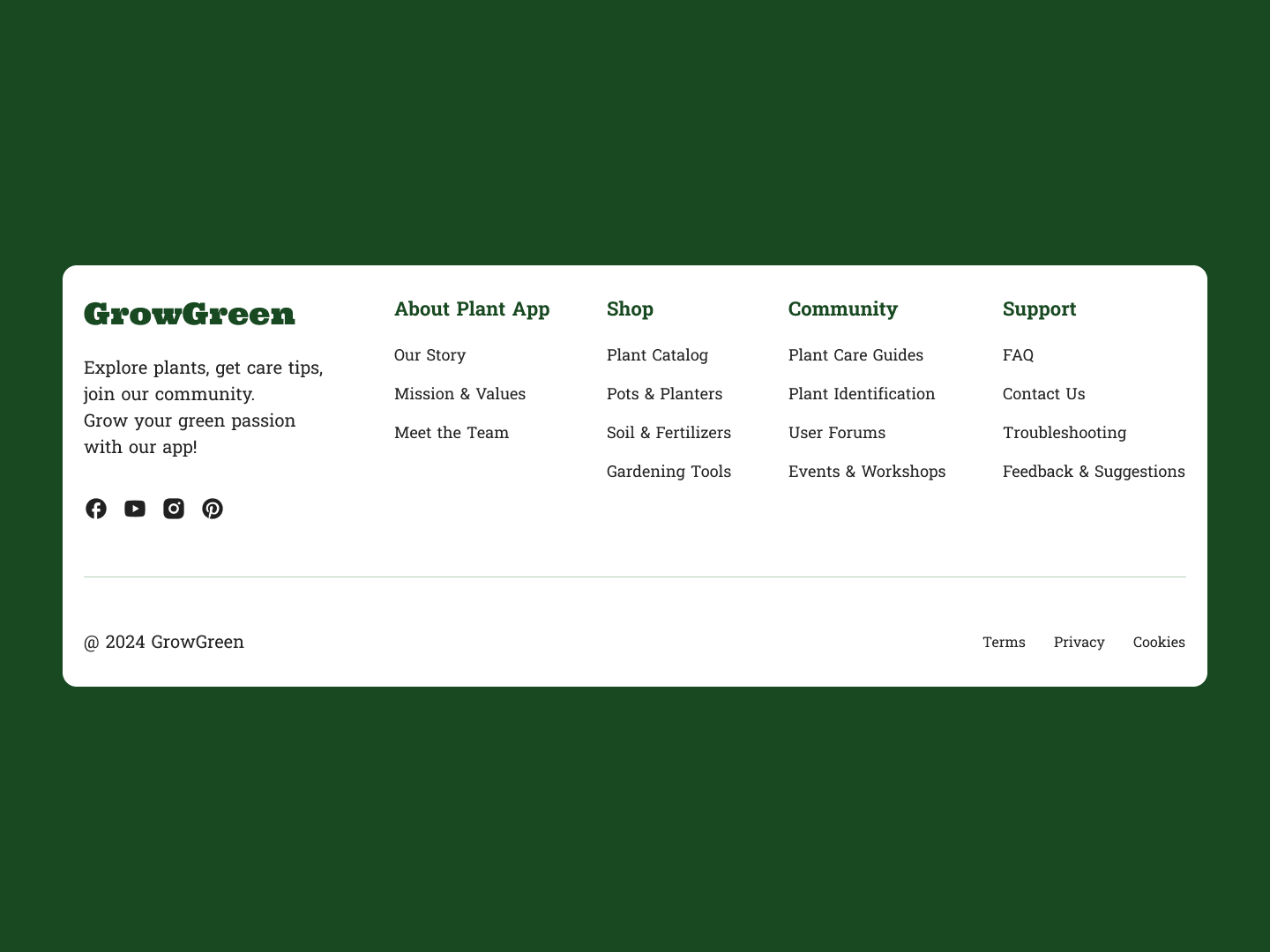
 Footer
Ready to take the challenge?
Get full access to all 100 challenges with design files and our built-in code editor.
Start 7-Day Free TrialFrequently asked questions
What is the 100 Days of Code challenge?
It's a structured set of 100 frontend coding challenges that progress from beginner to advanced. Each challenge gives you a Figma design to recreate using HTML, CSS, and JavaScript — one challenge per day to build consistent coding habits.
How long does each challenge take?
Most challenges take 30 minutes to 2 hours depending on your experience level. Beginner challenges (Days 1-33) are simpler components, while advanced challenges (Days 67-100) involve more complex layouts and interactions.
Do I have to do them in order?
No, you can start with any challenge that interests you. However, the challenges are ordered by difficulty, so starting from the beginning is recommended if you're new to frontend development.
What framework should I use?
You can use any framework you prefer. Our built-in code editor supports Vanilla JS, React, Vue, TypeScript, Angular, and Svelte. You can also submit solutions built locally with any tech stack via GitHub.
Can I see other developers' solutions?
Yes! After completing a challenge, you can browse community solutions on the Wall of Fame. It's a great way to learn different approaches and improve your own coding style.