Developers And Designers - Part 3
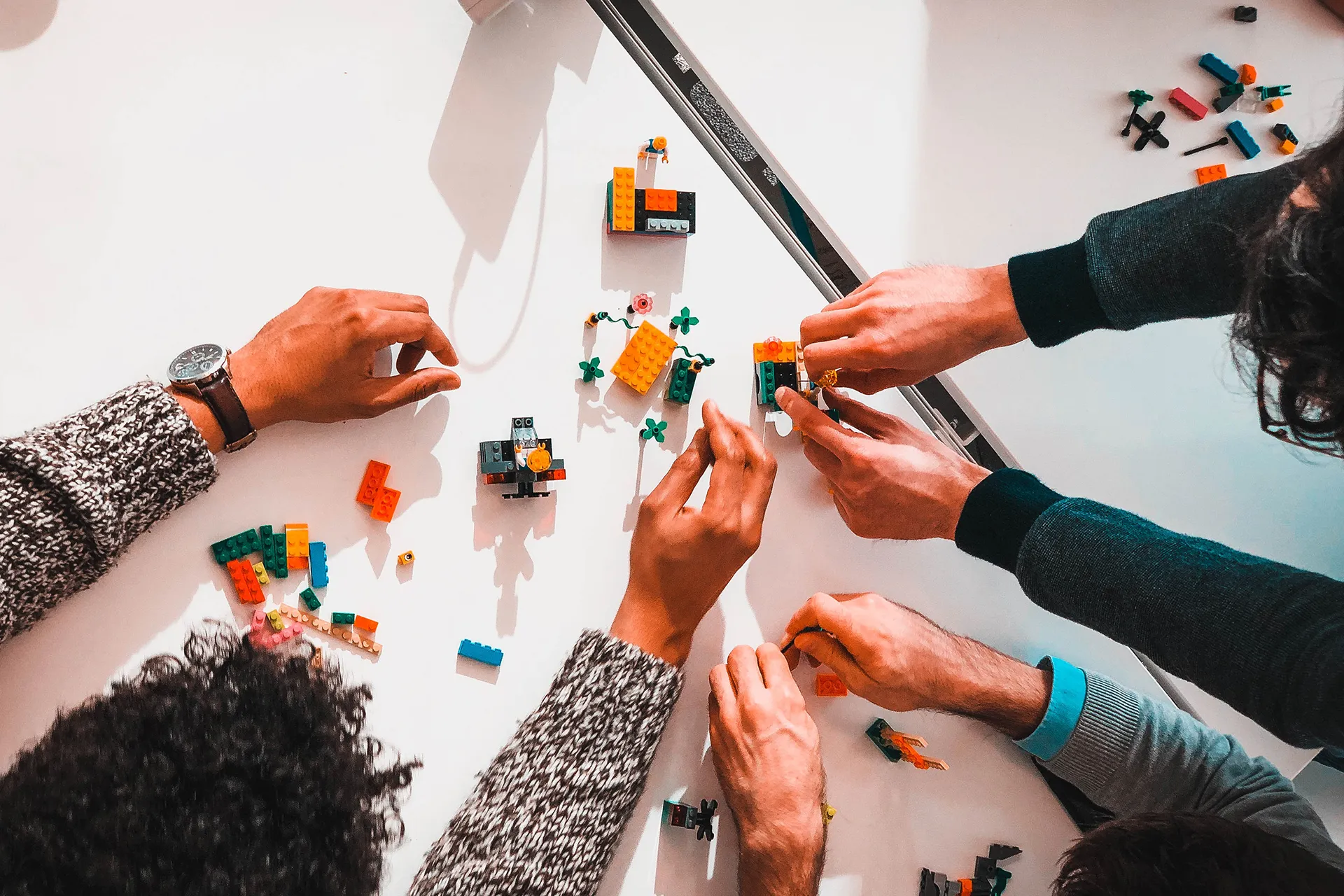
A Design System is a place where everything makes sense. It bridges the gap between design and development by providing a shared language, components, and guidelines.
This is the third and final part of the series about collaboration between developers and designers. Check out Part 1 and Part 2 if you haven’t already.
Problem: Lack of Design System
Without a Design System, teams face several recurring problems:
- Inconsistent UI across different parts of the application
- Designers recreating the same components differently each time
- Developers implementing the same patterns in different ways
- No single source of truth for colors, typography, spacing, and components
- Difficulty onboarding new team members
- Wasted time on decisions that should already be made
When every feature requires starting from scratch, both design and development slow down significantly.
Solution
A Design System solves these problems by creating a shared foundation that both designers and developers can rely on. Here’s how to approach building one:
Start small. You don’t need to build a comprehensive design system overnight. Begin with the basics:
- Color palette
- Typography scale
- Spacing system
- A few core components (buttons, inputs, cards)
Make it collaborative. The Design System should be owned by both designers and developers together. Key questions to answer as a team:
- What are our brand colors and how do we name them?
- What typography scale do we use and what are the heading levels?
- What is our spacing system and how do we apply it consistently?
Document everything. A Design System is only useful if people know how to use it. Document:
- When to use each component
- Component variants and their purposes
- Dos and don’ts with examples
- Accessibility requirements
Use the right tools. On the design side, tools like Figma allow you to create component libraries that mirror your code components. On the development side, tools like Storybook let you document and showcase components in isolation.
Keep it alive. A Design System is not a one-time project. It needs ongoing maintenance and evolution. Assign ownership, schedule regular reviews, and make it easy for team members to contribute.
Benefits
When done right, a Design System provides:
- Consistency - The product looks and feels unified
- Speed - Both designers and developers can work faster by reusing existing patterns
- Quality - Components are well-tested and accessible
- Shared language - When a designer says “primary button,” everyone knows exactly what that means
- Easier onboarding - New team members can get up to speed quickly
- Scalability - The system grows with the product
Real-World Examples
Some great examples of public Design Systems to learn from:
- Material Design by Google
- Ant Design by Alibaba
- Carbon by IBM
- Atlassian Design System
- Shopify Polaris
Closing Notes
A Design System is the ultimate solution for bridging the gap between developers and designers. It creates a shared language, reduces duplication, and speeds up both design and development.
Throughout this three-part series, we’ve covered:
- Part 1 - Understanding each other’s perspective through workshops and processes
- Part 2 - Structuring the planning and handoff process
- Part 3 - Building a Design System as a shared foundation
The key takeaway is that great products are built by teams that communicate well and respect each other’s expertise. Investing in collaboration pays dividends in product quality, team morale, and development speed.
Practice what you just learned in our browser editor with AI assistance.
Try Demo Editor
Creator of BigDevSoon
Full-stack developer and educator passionate about helping developers build real-world skills through hands-on projects. Creator of BigDevSoon, a vibe coding platform with 21 projects, 100 coding challenges, 40+ practice problems, and Merlin AI.


Related Posts
Developers And Designers - Part 1
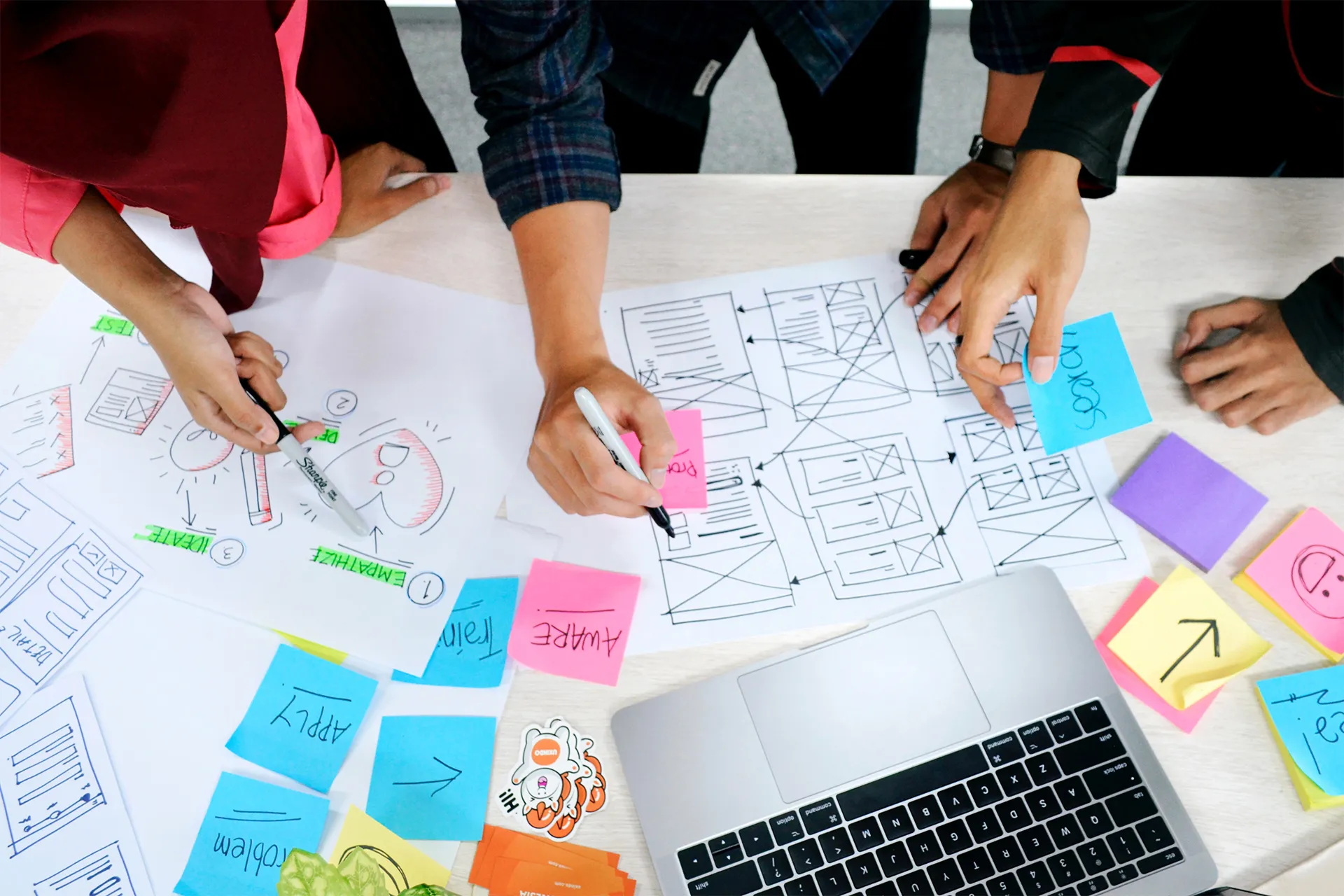
Finding a common language is not a simple task. Developers think in a more abstract way while designers focus on the visual side of the product. Understanding each other's perspective is the key to building great products.

Developers And Designers - Part 2
Communication is key when planning new features. Without a structured process, the handoff between design and development can become chaotic and lead to misunderstandings.