Building Games with AI: How We Shipped a 2D Roguelite in 10 Days
Introduction
What if you could build a full game — art, sound, music, 173 production scripts, 88 test files — in 10 days?
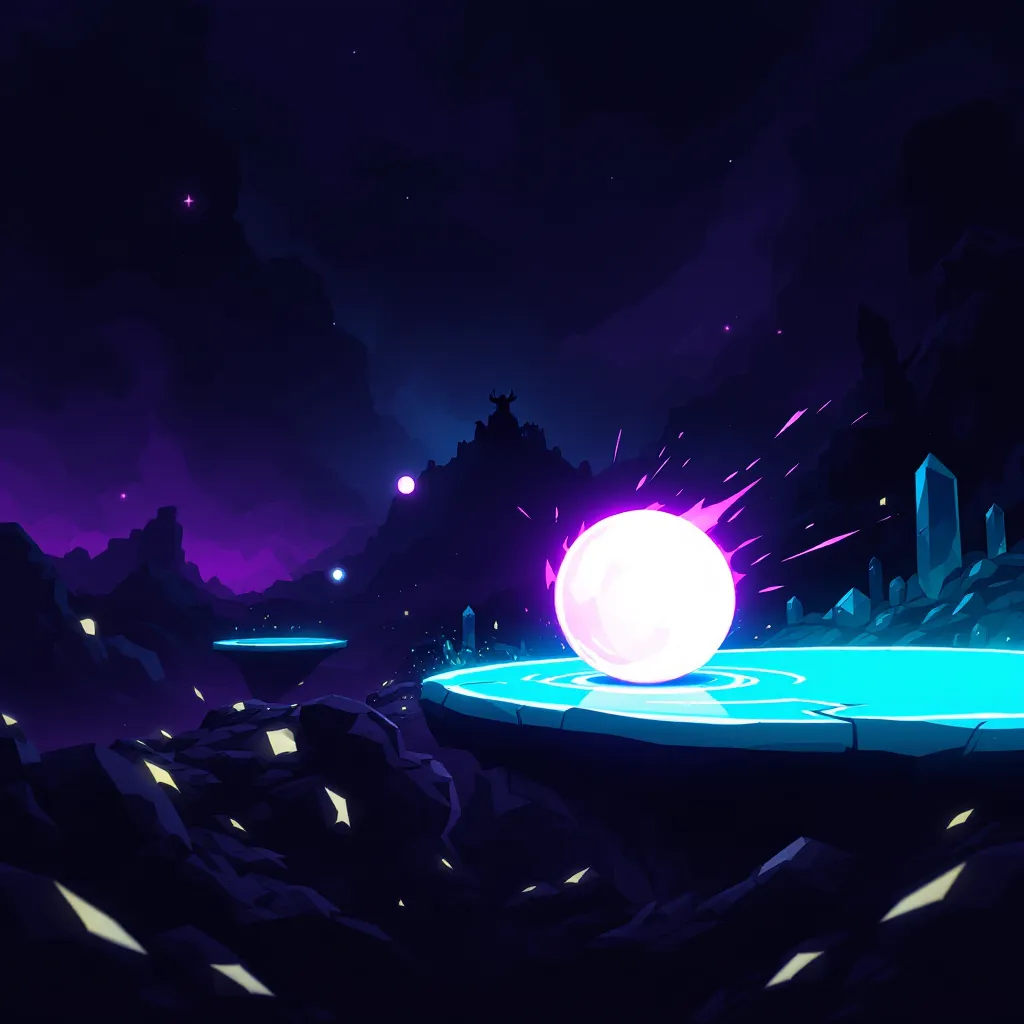
That’s exactly what we did with Void Balls, a 2D roguelite bullet-hell platformer. Think geometry dash meets vampire survivors, with a parry mechanic inspired by Sekiro and Expedition 33. It’s real, it’s playable, and it was built almost entirely with AI tools.
This isn’t a toy demo. It’s ~29,000 lines of C# across 173 scripts, with near-complete test coverage. Five enemy types, 15 power-up cards, boss fights, progression systems, and original art and music.
Here’s the exact AI game development workflow we used and what each tool brought to the table.
The AI Game Dev Toolkit
Building games with AI isn’t about one magic tool. It’s a stack — each tool handling what it’s best at, orchestrated by a human with a vision. Here’s what we used.
Claude Code Opus — The Brain
Claude Code was the core of the entire operation. We ran 8 parallel autonomous agents, each handling a different domain:
- Architecture agent — designed the game’s systems, ECS patterns, and module boundaries
- Implementation agents — wrote the C# scripts for gameplay, UI, progression, and combat
- Balance agent — tuned enemy stats, power-up scaling, and difficulty curves
- Test agent — wrote and maintained 88 test files with near-complete coverage
The key insight: Claude Code doesn’t just write code. It understands game design patterns, can reason about player experience, and maintains consistency across a large codebase. When you’re working across 173 files, that matters more than raw speed.
Unity 6 + Unity MCP — The Bridge
Unity is the industry standard for 2D game development, and Unity MCP (Model Context Protocol) was the bridge between Claude Code and the Unity editor.
What Unity MCP enabled:
- Direct scene inspection — AI could read the scene hierarchy, component states, and transforms
- Real-time debugging — when something looked wrong in the game, AI could inspect the actual runtime state
- Asset management — creating and configuring prefabs, materials, and animations
This connection turned Claude Code from a “code-only” tool into something that understood the actual game state. Instead of guessing what a scene looked like, it could see it.
Replicate — Art Generation
Every sprite, background, and visual asset was generated using Replicate models. The key models:
- Flux 2D Game Assets — purpose-built for game sprites. Characters, enemies, power-up icons, and UI elements. This was the workhorse for anything that needed to look like a game asset.
- Recraft V4 Pro — backgrounds, environments, and art direction. When we needed something more painterly or atmospheric, Recraft delivered.
- Flux 2 Pro — additional asset generation and variations when we needed quick iterations.
The constraint: a strict 7-color palette for a cohesive retro aesthetic.
What we generated:
- Player character sprites and animations
- 5 enemy types with distinct visual identities
- Boss character (Mjolnir) with multiple attack phases
- Backgrounds, particles, and UI elements
- Power-up card illustrations
The 7-color palette constraint was crucial. Without it, AI-generated art looks like a random collage. With it, everything feels intentional and unified.
ElevenLabs — Sound & Music
ElevenLabs handled all audio:
- 9 sound effects — jump, parry, hit, death, power-up pickup, menu clicks, boss entrance, level complete, and ambient
- 3 music tracks — menu theme, gameplay loop, and boss battle
AI-generated game audio has come a long way. The sound effects feel punchy and responsive, and the music tracks actually match the intensity of gameplay. We spent more time curating and selecting than generating.
CapCut — Trailer & Marketing
CapCut was used for the game trailer with auto-captions and transitions. Video editing is still one of those areas where AI assistance (auto-captions, beat sync, transitions) saves hours of manual work.
Meshy — 3D Pipeline (Exploration)
Meshy was used to explore the 3D asset pipeline for future projects. While Void Balls is a 2D game, we tested Meshy’s text-to-3D and image-to-3D capabilities. The results are promising for our upcoming 3D projects at loopedin.games.
The Results
After 10 days of building games with AI, here’s what we shipped:
| Metric | Value |
|---|---|
| Production scripts | 173 |
| Lines of C# | ~29,000 |
| Test files | 88 |
| Power-up cards | 15 |
| Enemy types | 5 |
| Boss encounters | 1 |
| Sound effects | 9 |
| Music tracks | 3 |
| Monthly AI cost | ~$50 |
The cost is worth highlighting. The entire AI stack — Claude Code, Replicate, ElevenLabs — costs roughly $50/month. Compare that to hiring a team of artists, sound designers, and additional developers.
Lessons from AI Game Development
AI Amplifies Vision, It Doesn’t Replace It
The biggest misconception about building games with AI is that you press a button and a game comes out. That’s not how it works. AI is an amplifier — it takes your game design knowledge, your taste, your decisions about what feels good to play, and executes on them 10x faster.
Without game design intuition, AI will generate technically functional but emotionally flat experiences. The human in the loop decides what “fun” means.
Constraints Create Cohesion
The 7-color palette wasn’t a limitation — it was a design decision that made AI-generated art feel intentional. Same with the two-button control scheme (roll and jump). Constraints force both you and the AI into creative territory.
Test Everything
With AI writing most of the code, tests become even more important. Our 88 test files weren’t an afterthought — they were a safety net that let us move fast without breaking things. When an AI agent refactors a system, you need to know immediately if something broke.
The Stack Matters
Each tool in our AI game development workflow handles one thing well. Claude Code reasons about code and architecture. Replicate generates visual assets. ElevenLabs handles audio. The orchestration between them — that’s the human skill.
What’s Next
Void Balls is available now. It’s a real game, built with a real AI-first workflow, and it’s genuinely fun to play.
We’re building more games at loopedin.games — our AI indie game studio. If you have a game idea (2D or 3D) and want it built with this workflow, reach out. We take paid game development inquiries and bring the same speed and quality to every project.
For a deeper technical dive into the build process, check out the full breakdown on the LoopedIn blog.
Practice what you just learned in our browser editor with AI assistance.
Try Demo Editor
Creator of BigDevSoon
Full-stack developer and educator passionate about helping developers build real-world skills through hands-on projects. Creator of BigDevSoon, a vibe coding platform with 21 projects, 100 coding challenges, 40+ practice problems, and Merlin AI.


Related Posts

How I Vibe Coded My Vibe Coding Platform
40+ commits, a full platform rewrite, and an AI assistant — all built with Claude Code. Here's the exact workflow.

Vibe Coding for Beginners: What It Is, How It Works, and How to Start
A practical introduction to vibe coding — the AI-powered development workflow that's changing how developers build software in 2026. Learn what it is and how to get started.

Autoformat Code With Prettier
Prettier saves a lot of time and automates code formatting. Learn how to integrate with it, ESLint, Husky integration, and recommended setup is also included.